

From my experience with Toca Boca, I found it excels at providing a safe and engaging digital playground that fosters creativity in young children. The apps’ open-ended design encourages kids to explore and create without pressure or rules, which is ideal for early childhood development. However, the trade-off is that each app is sold separately, which can become costly if you want multiple experiences. Overall, if you seek child-friendly, imaginative play apps without ads or in-app purchases, Toca Boca delivers a reliable and enjoyable solution.
Toca Boca Kids Apps for Creative Play and Learning on Mobile Devices
Toca Boca offers a suite of safe, creative mobile apps for children that encourage open-ended play and learning without ads or in-app purchases.
- Best for
- Creative Play for Children
- Key capability
- Open-Ended Play
Your actions
Save Toca Boca, follow its updates and vote on it — everything stays in your account.
Sign in or create a free accountWhat is Toca Boca?
Toca Boca is a Swedish company specializing in digital toys and apps for children. Their products focus on open-ended play, creativity, and learning through exploration. The apps are designed to be safe, inclusive, and free from ads, providing children with a digital playground that encourages imagination and discovery.
Key features of Toca Boca
Toca Boca apps feature colorful, interactive environments where children can manipulate characters and objects, create stories, and experiment with various scenarios. The apps emphasize creativity, exploration, and child-led play without rules or scores.
Open-Ended Play
No rules or scores, allowing children to explore and create freely.
Safe for Kids
No third-party ads or in-app purchases to protect children.
Inclusive Design
Characters and scenarios that promote diversity and inclusion.
Multiple Languages
Supports several languages to reach a global audience.
Regular Updates
New content and features added to keep the experience fresh.
Pros and cons of Toca Boca
Pros
- Encourages creativity and imagination
- Safe and ad-free environment
- Inclusive and diverse characters
- Easy to use for young children
Cons
- Limited educational depth beyond creativity
- Each app is sold separately, which can add up
- No multi-user profiles within apps
Key use cases for Toca Boca
Creative Play for Children
Toca Boca apps provide open-ended digital play environments where children can explore, create, and experiment freely.
Educational Development
The apps encourage learning through play, helping children develop creativity, problem-solving skills, and social-emotional understanding.
Safe Digital Entertainment
Designed without third-party advertising or in-app purchases, Toca Boca offers a safe space for kids to engage with digital content.
Parent-Child Interaction
Parents can use the apps to engage with their children in creative activities, fostering bonding and guided learning.
How Toca Boca works
- 1
Download and Install
Parents download Toca Boca apps from the App Store or Google Play onto their mobile devices.
- 2
Open the App
Children open the app and enter a playful, interactive world designed for exploration.
- 3
Explore and Create
Kids interact with characters and objects, creating stories, experimenting with scenarios, and engaging in creative play.
- 4
Safe Environment
Apps operate without ads or in-app purchases, ensuring a safe experience for children.
Who is using Toca Boca
Parents of young children
Early childhood educators
Child development specialists
Preschool and elementary school kids
Digital toy enthusiasts
Toca Boca pricing
Free
$0
Limited access to select apps or features.
Paid
Varies per app, typically $2.99 - $4.99
Full access to individual apps with all features unlocked.
Plans and prices are as published by the vendor and can change. Check the official site before you buy. Open the pricing page (opens in a new tab)
Frequently asked questions about Toca Boca
Yes, Toca Boca apps are designed without third-party advertising or in-app purchases to ensure a safe environment for kids.
They are primarily designed for children aged 3 to 9 years old.
Yes, once downloaded, most apps can be used without an internet connection.
While the apps are safe by design, parents can monitor usage through device settings.
It depends on your specific needs and how you plan to use the tool. The official website and documentation are the best sources for the latest details.
Some tools offer a free plan or trial with limited features. Availability can vary, so confirm on the official website.
It depends on your specific needs and how you plan to use the tool. The official website and documentation are the best sources for the latest details.
Sign in to review this tool.
Sign In to ReviewNo reviews yet
Be the first to share how this tool worked for you.
Ask about pricing, limits, or how it compares — or answer someone else.
Sign In to AskNo questions yet
Have a question about using or paying for this tool? Be the first to ask.
Featured on TiorAI



Alternative Tools
Explore similar AI tools that might fit your needs

Paid
Endless Alphabet
Endless Alphabet is an interactive educational app designed for children aged 3-6 to learn the alphabet, phonics, and vocabulary through engaging puzzles and animations.
More AI Parenting tools
Other tools in the same category, for when this one is not quite the fit.
Free
Love Language Quiz
The Love Language Quiz is a free online tool that identifies your primary way of expressing and receiving love among five categories, helping improve your relationships.
Free
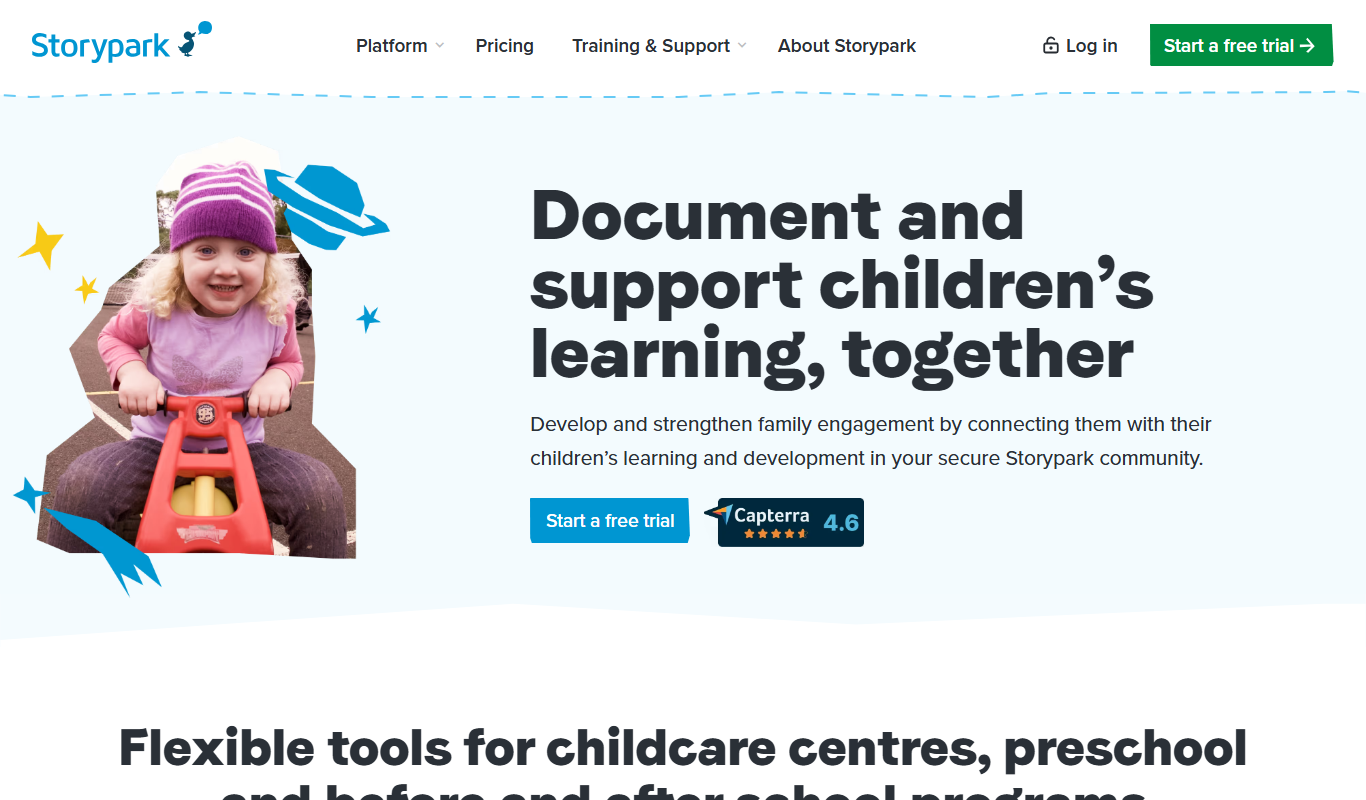
Storypark
Storypark is a cloud-based platform that helps early childhood educators document children's learning and engage parents through digital portfolios and communication tools accessible via web and mobile apps.

Free
Fatherly
Fatherly is a free digital platform offering expert parenting advice, lifestyle content, and product recommendations specifically for fathers.

Free
KidloLand
KidloLand is an educational app providing interactive games, songs, stories, and videos for young children, aged 1-7 according to the official site, to support early learning and development.

Freemium
Otsimo
Otsimo is a special education app designed to support children with autism and learning disabilities through interactive games and speech therapy exercises, available on multiple platforms.
Subscription
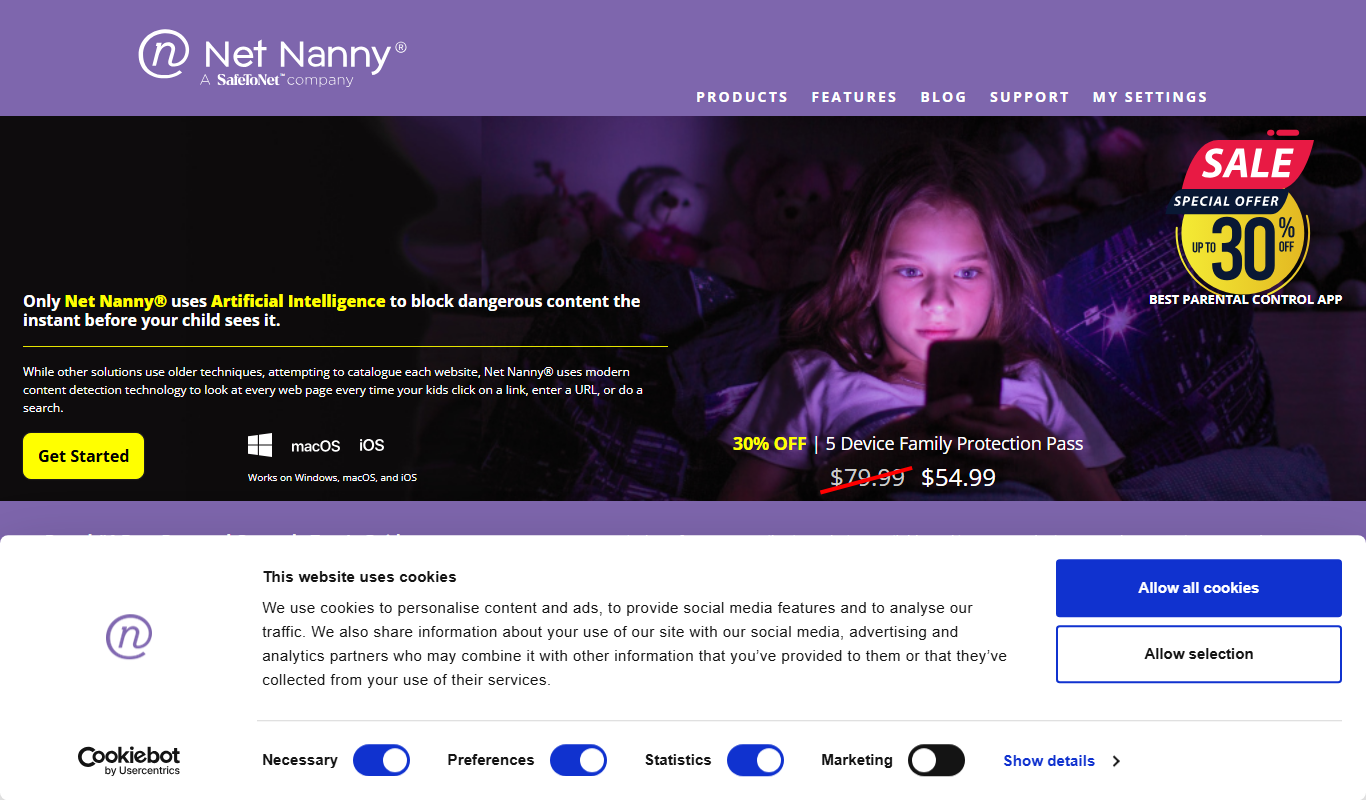
Net Nanny
Net Nanny is a parental control software that provides real-time internet filtering, screen time management, social media monitoring, and location tracking to help parents protect their children online.

Free
Cozi Family Organizer
Cozi Family Organizer is a multi-platform app that centralizes family scheduling, meal planning, and task management with shared calendars and real-time syncing.
Subscription
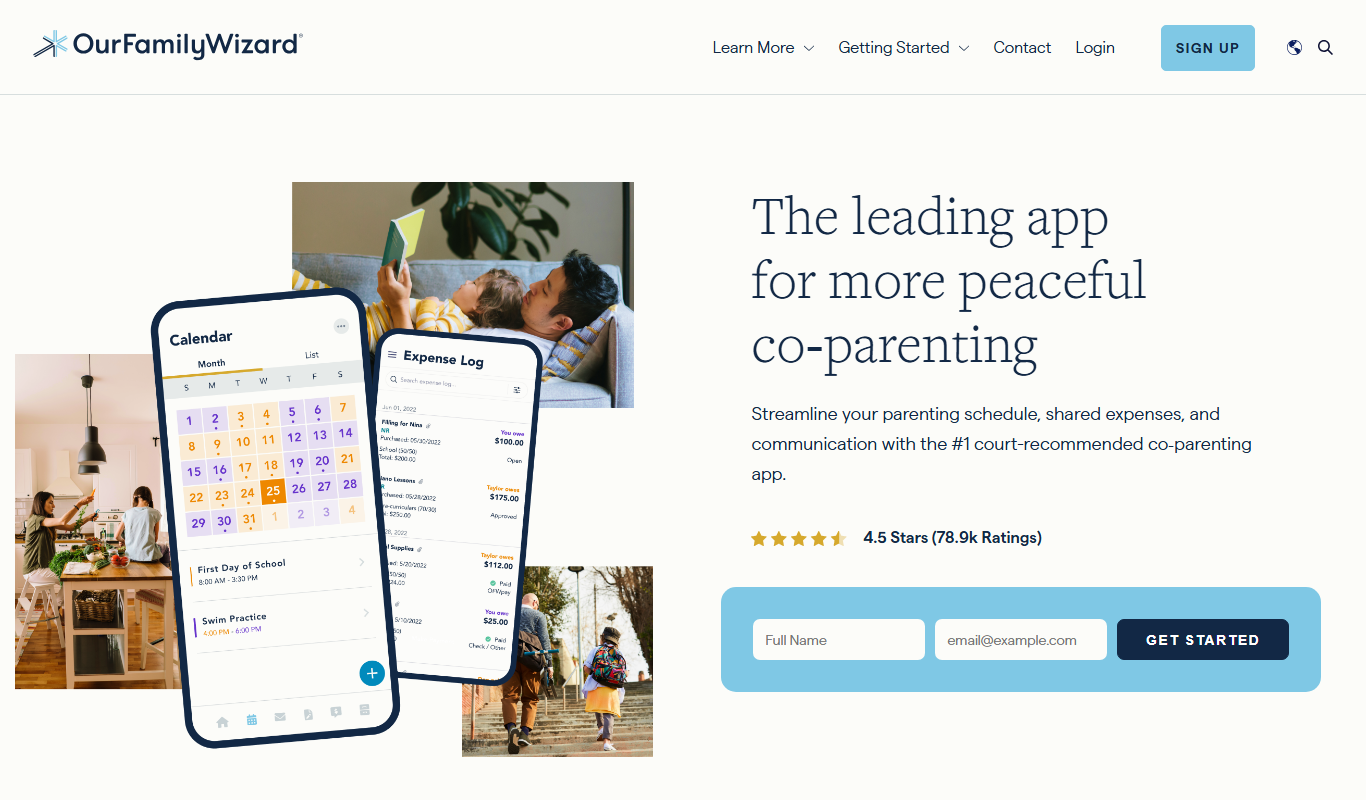
OurFamilyWizard
OurFamilyWizard is a co-parenting communication platform designed to help separated parents coordinate schedules, share information, track expenses, and communicate securely to reduce conflict.