

Cozi Family Organizer App for Scheduling, Meal Planning & Shared Calendars
Cozi Family Organizer is a multi-platform app that centralizes family scheduling, meal planning, and task management with shared calendars and real-time syncing.
- Best for
- Family Scheduling
- Key capability
- Shared Family Calendar
Save Cozi Family Organizer, follow its updates and vote on it — everything stays in your account.
Sign in or create a free account
What is Cozi Family Organizer?
Cozi Family Organizer is a comprehensive family management app designed to help busy families coordinate schedules, plan meals, manage to-do lists, and communicate effectively. It centralizes family activities into one shared platform accessible via web and mobile devices, making it easier to stay organized and connected.
Key features of Cozi Family Organizer
Cozi offers a shared family calendar, meal planning tools, grocery lists, to-do lists, and appointment reminders. Its multi-platform support and real-time syncing ensure all family members stay updated on daily plans and responsibilities.
Shared Family Calendar
Centralized calendar that all family members can view and update.
Meal Planner and Grocery Lists
Plan meals and generate grocery lists collaboratively.
To-Do and Chore Lists
Assign and track tasks and chores for each family member.
Appointment Reminders
Automatic notifications to keep the family informed of upcoming events.
Multi-Platform Access
Available on web, iOS, and Android with real-time syncing.
Pros and cons of Cozi Family Organizer
Pros
- Easy to use shared calendar for families
- Integrated meal planning and grocery lists
- Cross-platform real-time syncing
- Free version available with core features
Cons
- Premium features require yearly subscription
- Limited customization of calendar views
Key use cases for Cozi Family Organizer
Family Scheduling
Coordinate appointments, activities, and events for all family members in one shared calendar accessible on multiple devices.
Meal Planning
Plan weekly meals with an integrated meal planner and grocery list to simplify shopping and cooking.
Task and To-Do Management
Create and assign to-do lists and chores to family members to keep everyone organized and accountable.
Appointment Reminders
Receive automatic reminders for upcoming events, appointments, and activities to reduce missed commitments.
Shopping List Collaboration
Maintain shared grocery and shopping lists that update in real-time for all family members.
How Cozi Family Organizer works
- 1
Create a Family Account
Sign up and set up a shared family account accessible by all members.
- 2
Add Family Members
Invite family members to join and access the shared calendar and lists.
- 3
Input Events and Tasks
Add appointments, activities, meal plans, and chores to the shared calendar and lists.
- 4
Sync Across Devices
Access and update schedules and lists from any device with real-time syncing.
- 5
Receive Notifications
Get reminders and alerts for upcoming events and tasks to stay on track.
Who is using Cozi Family Organizer
Cozi Family Organizer pricing
Free
$0/month
Basic access to shared calendar, to-do lists, and shopping lists with ads.
Cozi Gold
$39/year
Everything in Free plus an ad-free experience and premium features; one upgrade covers everyone in the family.
Max
Everything in Gold plus AI Event Import, AI Recipe Creator and AI Meal Planner.
Plans and prices are as published by the vendor and can change. Check the official site before you buy. Open the pricing page (opens in a new tab)
Frequently asked questions about Cozi Family Organizer
Yes, Cozi offers a free version with essential features and an optional paid subscription for premium features.
Yes, Cozi supports multiple users with shared access to calendars and lists.
Cozi syncs data in real-time across web, iOS, and Android devices.
Yes, Cozi includes meal planning tools and grocery list management.
It depends on your specific needs and how you plan to use the tool. The official website and documentation are the best sources for the latest details.
Some tools offer a free plan or trial with limited features. Availability can vary, so confirm on the official website.
Yes, it can help with that use case depending on how you configure it and what features are available. You’ll get the best results with clear inputs and a defined goal.
Conclusion
Family members join one shared account, then add appointments, activities, meal plans and chores to the shared calendar and lists. Changes sync in real time across web, iOS and Android devices, and automatic notifications flag upcoming events. Meals are planned together with the grocery lists they generate, while tasks and chores are assigned and tracked for each family member.
It is designed for busy families managing multiple schedules, parents coordinating children’s activities and caregivers who need shared task management. A free version covers the essential features, and Cozi Gold costs $39 per year, with a Max plan also offered.
Sources
Sign in to review this tool.
Sign In to ReviewNo reviews yet
Be the first to share how this tool worked for you.
Ask about pricing, limits, or how it compares — or answer someone else.
Sign In to AskNo questions yet
Have a question about using or paying for this tool? Be the first to ask.
Featured on TiorAI



More AI Parenting tools
Other tools in the same category, for when this one is not quite the fit.
AsthmaMD
AsthmaMD is a free mobile app for iOS and Android that helps individuals with asthma track symptoms, manage medications and create personalized asthma action plans.

TeacherKit
TeacherKit is a classroom management software that helps teachers organize student data, track attendance, manage grades, and monitor behavior through web and mobile apps.

FamilyTime
FamilyTime is a parental control app that helps parents manage screen time, block apps, track location, and receive SOS alerts to ensure child safety.

Endless Alphabet
Endless Alphabet is an interactive educational app designed for children aged 3-6 to learn the alphabet, phonics, and vocabulary through engaging puzzles and animations.
Love Language Quiz
The Love Language Quiz is a free online tool that identifies your primary way of expressing and receiving love among five categories, helping improve your relationships.
Storypark
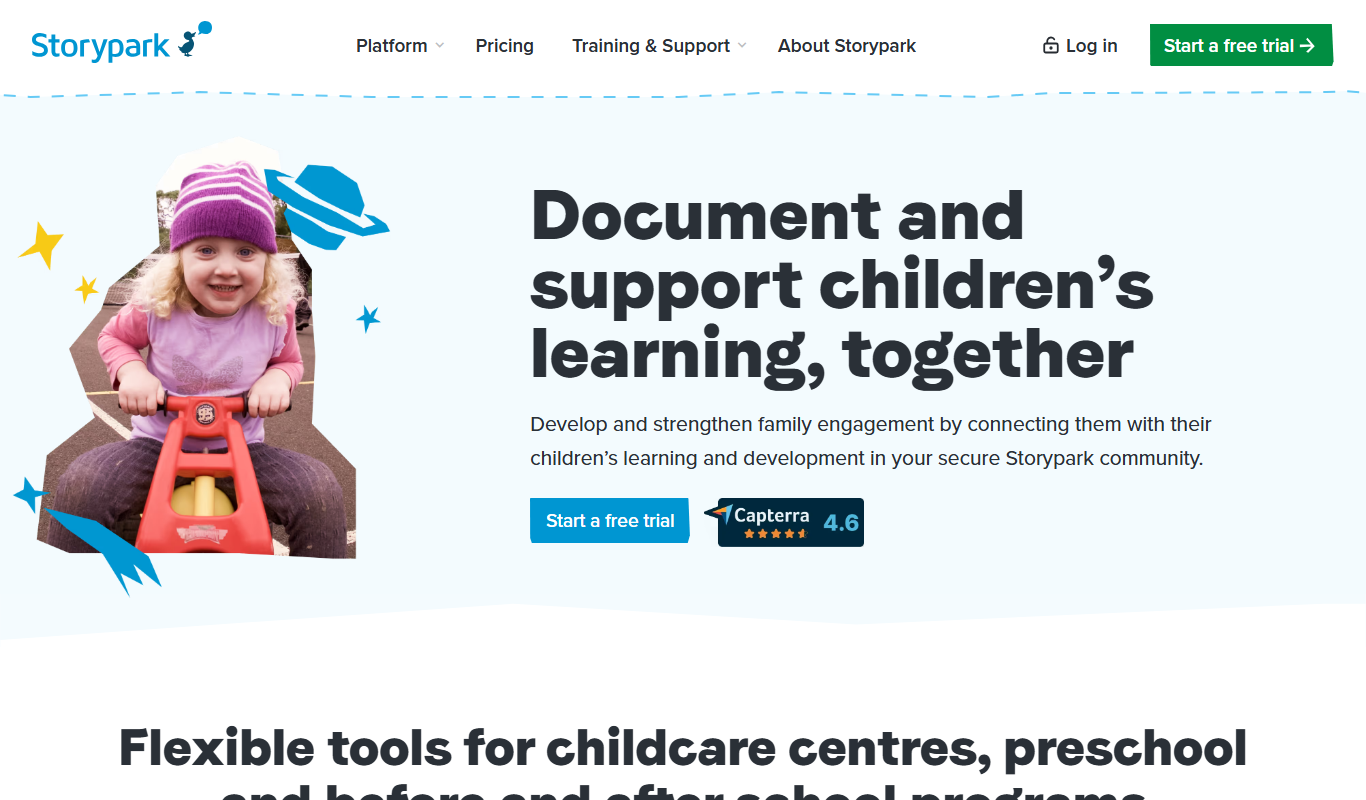
Storypark is a cloud-based platform that helps early childhood educators document children's learning and engage parents through digital portfolios and communication tools accessible via web and mobile apps.

Fatherly
Fatherly is a free digital platform offering expert parenting advice, lifestyle content, and product recommendations specifically for fathers.

KidloLand
KidloLand is an educational app providing interactive games, songs, stories, and videos for young children, aged 1-7 according to the official site, to support early learning and development.