

From my experience with TeacherKit, it stands out as a practical and user-friendly classroom management tool that effectively streamlines administrative tasks for educators. Its mobile accessibility and multilingual support make it versatile for diverse teaching environments. While the free plan offers essential features, unlocking the full potential requires a subscription, which may be a consideration for budget-conscious users. Overall, TeacherKit is well-suited for K-12 teachers and school administrators seeking an organized way to track attendance, grades, and student behavior without complexity.
TeacherKit Classroom Management Software for Educators and Schools
TeacherKit is a classroom management software that helps teachers organize student data, track attendance, manage grades, and monitor behavior through web and mobile apps.
- Best for
- Classroom Management
- Key capability
- Digital Gradebook
Your actions
Save TeacherKit, follow its updates and vote on it — everything stays in your account.
Sign in or create a free account
What is TeacherKit?
TeacherKit is a comprehensive classroom management software designed to help educators organize student data, track attendance, manage grades, and monitor behavior. It simplifies administrative tasks for teachers, enabling them to focus more on teaching and less on paperwork. The platform is accessible via web and mobile apps, making it convenient for teachers to manage their classrooms anytime, anywhere.
Key features of TeacherKit
TeacherKit offers features such as digital gradebooks, attendance tracking, behavior logs, seating charts, and reporting tools. These features streamline classroom management and improve communication between teachers, students, and parents.
Digital Gradebook
Customizable gradebook to record and calculate student grades easily.
Attendance Management
Quickly mark and review student attendance records.
Behavior Tracking
Log positive and negative behavior events to monitor student conduct.
Seating Charts
Create and manage seating arrangements for your classroom.
Parent Reports
Generate detailed reports to communicate student progress with parents.
Pros and cons of TeacherKit
Pros
- User-friendly interface tailored for teachers
- Comprehensive classroom management features
- Accessible on web and mobile devices
- Supports multiple languages
- Facilitates parent communication
Cons
- Limited features on free plan
- Pricing details not fully transparent without contacting sales
- No dedicated desktop application
Key use cases for TeacherKit
Classroom Management
Organize and manage student information, attendance, and behavior efficiently.
Gradebook Management
Track and calculate student grades with customizable grading systems.
Attendance Tracking
Easily record and monitor student attendance and absences.
Behavior Monitoring
Log and analyze student behavior incidents to support classroom discipline.
Parent Communication
Facilitate communication with parents through reports and updates.
How TeacherKit works
- 1
Create an Account
Sign up on TeacherKit’s website or mobile app to start managing your classroom.
- 2
Set Up Classes
Add your classes and input student information including names and photos.
- 3
Track Attendance and Behavior
Use the app daily to mark attendance and log behavior incidents.
- 4
Manage Grades
Enter grades and assessments to maintain an up-to-date gradebook.
- 5
Generate Reports
Create reports for parents and school administrators to share student progress.
Who is using TeacherKit
K-12 teachers
School administrators
Homeschool educators
Educational institutions
Tutors
TeacherKit pricing
Free
$0/month
Basic classroom management features with limited classes and students.
Premium
Varies by subscription
Access to all features including unlimited classes, advanced reports, and priority support.
Plans and prices are as published by the vendor and can change. Check the official site before you buy. Open the pricing page (opens in a new tab)
Frequently asked questions about TeacherKit
TeacherKit offers a free plan with basic features, and premium plans with additional capabilities.
Yes, TeacherKit is available on both iOS and Android platforms.
Yes, it supports several languages including English, Spanish, Portuguese, French, German, and Italian.
Yes, TeacherKit allows you to generate and share student progress reports with parents.
It depends on your specific needs and how you plan to use the tool. The official website and documentation are the best sources for the latest details.
Yes, it can help with that use case depending on how you configure it and what features are available. You’ll get the best results with clear inputs and a defined goal.
Sign in to review this tool.
Sign In to ReviewNo reviews yet
Be the first to share how this tool worked for you.
Ask about pricing, limits, or how it compares — or answer someone else.
Sign In to AskNo questions yet
Have a question about using or paying for this tool? Be the first to ask.
Featured on TiorAI



Alternative Tools
Explore similar AI tools that might fit your needs

Free
ClassDojo
ClassDojo is a free communication platform that helps teachers connect with parents and students to track behavior, share classroom moments, and foster engagement.
More AI Parenting tools
Other tools in the same category, for when this one is not quite the fit.

Free
Fatherly
Fatherly is a free digital platform offering expert parenting advice, lifestyle content, and product recommendations specifically for fathers.

Free
KidloLand
KidloLand is an educational app providing interactive games, songs, stories, and videos for young children, aged 1-7 according to the official site, to support early learning and development.

Freemium
Otsimo
Otsimo is a special education app designed to support children with autism and learning disabilities through interactive games and speech therapy exercises, available on multiple platforms.
Subscription
Net Nanny
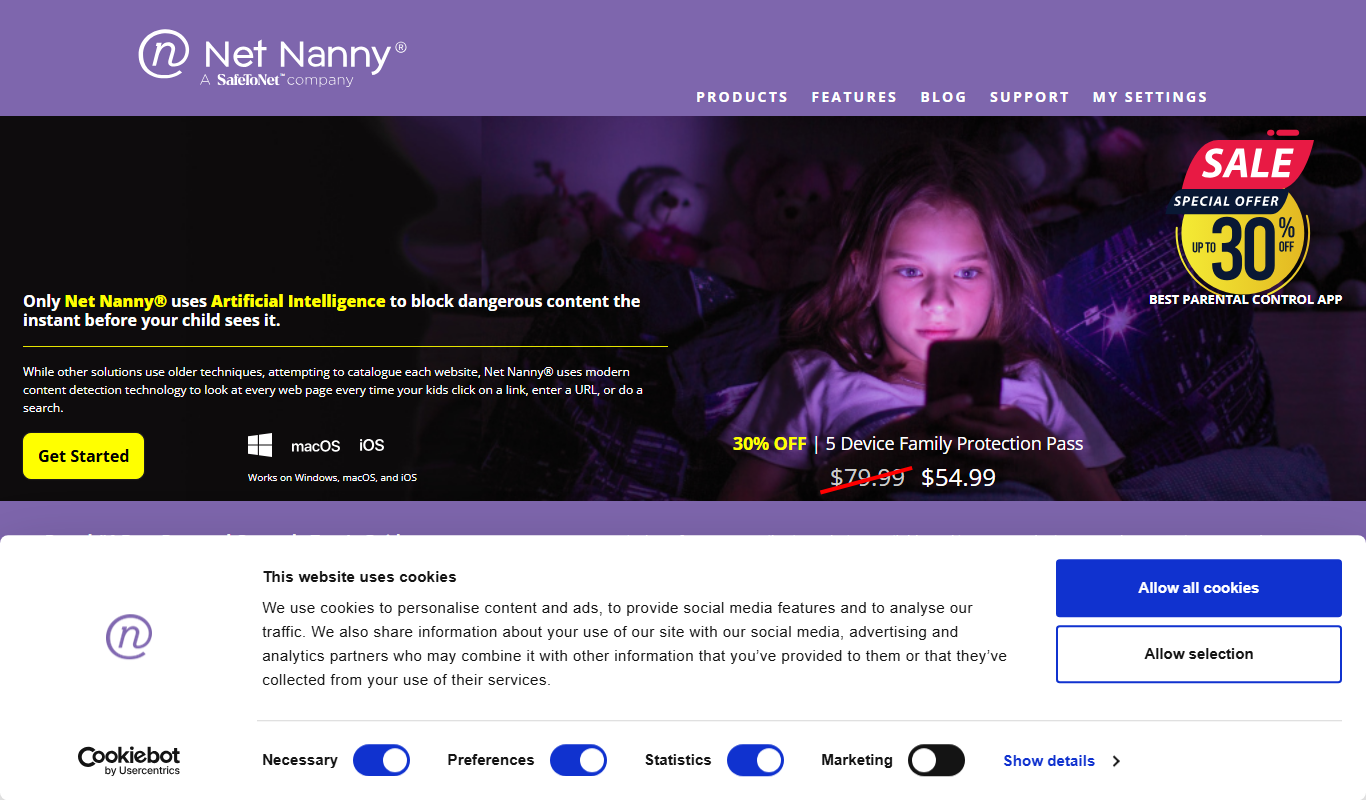
Net Nanny is a parental control software that provides real-time internet filtering, screen time management, social media monitoring, and location tracking to help parents protect their children online.

Free
Cozi Family Organizer
Cozi Family Organizer is a multi-platform app that centralizes family scheduling, meal planning, and task management with shared calendars and real-time syncing.
Subscription
OurFamilyWizard
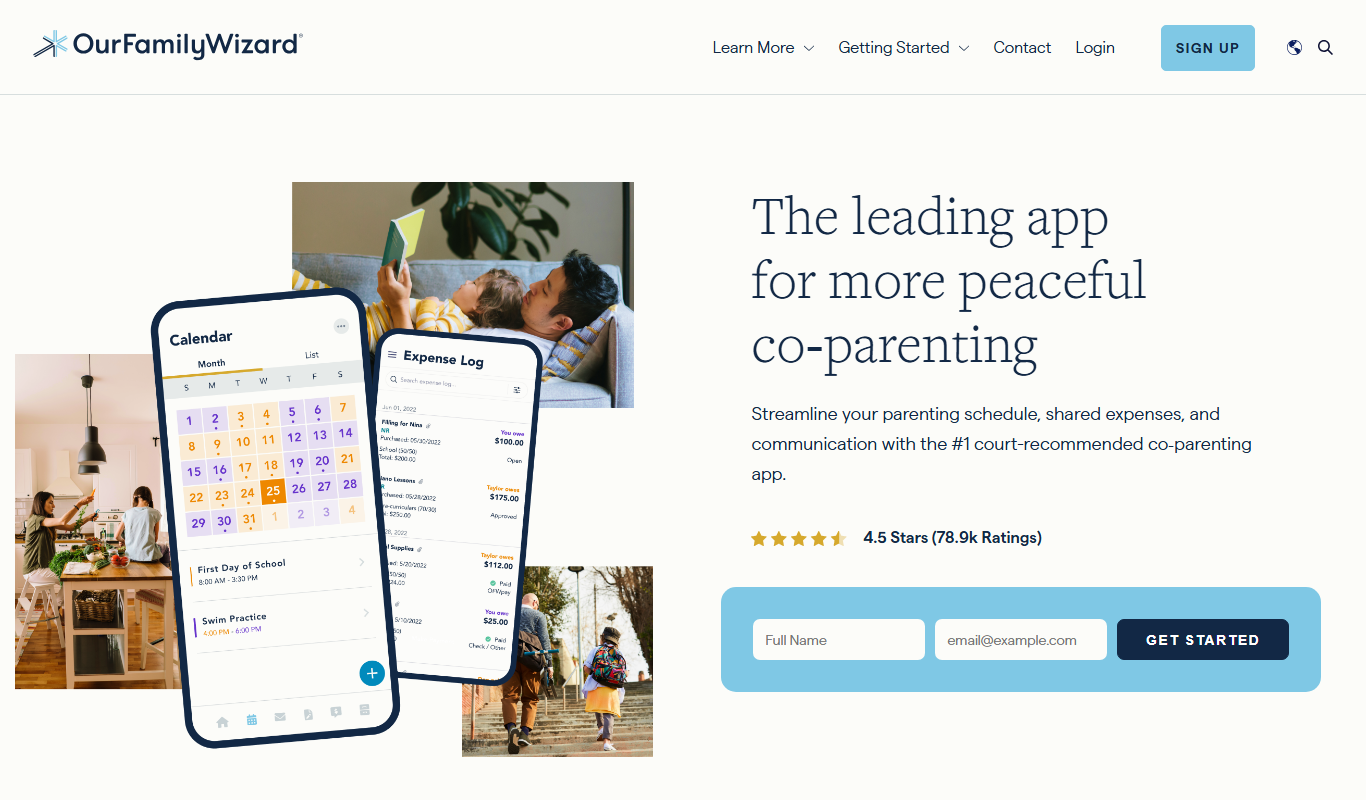
OurFamilyWizard is a co-parenting communication platform designed to help separated parents coordinate schedules, share information, track expenses, and communicate securely to reduce conflict.
Free Trial
Baby Connect
Baby Connect is a baby tracking app that helps parents and caregivers log daily baby activities, share updates in real time, and manage health records across iOS, Android, and web platforms.

Free
Huckleberry Baby Sleep
Huckleberry Baby Sleep is an AI-powered app that tracks infant sleep patterns and provides personalized coaching to help parents improve their baby's sleep quality.