

From my experience with Otsimo, I found it excels at providing accessible and engaging educational content tailored for children with autism and learning disabilities. The platform’s combination of interactive games and speech therapy exercises makes it a practical tool for parents and educators aiming to support early intervention. While the free version offers limited content, the premium subscription unlocks a comprehensive suite of features that justify the cost. However, some users might find advanced customization options require additional guidance. Overall, if you are seeking a specialized app to aid in special education and speech development, Otsimo delivers effective and user-friendly solutions.
Otsimo Special Education App for Autism and Learning Disabilities Support
Otsimo is a special education app designed to support children with autism and learning disabilities through interactive games and speech therapy exercises, available on multiple platforms.
- Best for
- Special Education for Children with Autism
- Key capability
- Educational Games

Do you recommend this tool?
What is Otsimo?
Otsimo is a special education platform designed to support children with autism and other learning disabilities through engaging educational games and therapy tools. It aims to facilitate early intervention and improve cognitive, social, and communication skills in a fun and accessible way.
Key features of Otsimo
Otsimo offers a variety of interactive games, speech therapy exercises, progress tracking for parents and educators, and customizable learning paths tailored to individual needs. The platform is available on multiple devices, making it accessible for home and school use.
Educational Games
A library of games designed to develop cognitive and social skills in children with special needs.
Speech Therapy Exercises
Interactive tools to support speech development and communication skills.
Progress Tracking Dashboard
Allows parents and educators to monitor learning milestones and adapt plans accordingly.
Customizable Learning Paths
Personalizes content based on the child's unique abilities and progress.
Multi-Platform Access
Available on iOS, Android, and web browsers for flexible use.
Pros and cons of Otsimo
Pros
- User-friendly interface tailored for children with special needs
- Wide range of educational games and therapy tools
- Progress tracking helps parents and educators monitor development
- Available on multiple platforms for convenience
- Supports multiple languages
Cons
- Premium features require subscription
- Limited content in the free version
- Some advanced customization options may require guidance
Key use cases for Otsimo
Special Education for Children with Autism
Provides tailored educational games and activities designed to support children with autism spectrum disorder in developing cognitive and social skills.
Speech Therapy Support
Offers interactive exercises and tools to assist children with speech delays or disorders in improving communication abilities.
Early Intervention for Learning Disabilities
Helps parents and educators deliver early intervention programs through engaging and adaptive learning content.
Parental Guidance and Monitoring
Enables parents to track progress and customize learning paths to suit their child's unique needs.
Inclusive Education Tools
Supports inclusive classrooms by providing accessible learning materials for children with diverse learning abilities.
How Otsimo works
- 1
Create an Account
Sign up on the Otsimo website or app to start using the platform.
- 2
Set Up Child Profile
Input your child’s age, abilities, and specific needs to personalize the learning experience.
- 3
Choose Learning Activities
Select from a range of educational games and therapy exercises tailored to your child’s developmental goals.
- 4
Track Progress
Monitor your child’s improvements and adjust activities as needed through detailed reports.
Who is using Otsimo
Parents of children with autism
Special education teachers
Speech therapists
Early intervention specialists
Caregivers of children with learning disabilities
Otsimo pricing
Free
$0/month
Access to a limited selection of games and basic features.
Premium
$9.99/month
Full access to all games, therapy exercises, progress reports, and customization options.
Plans and prices are as published by the vendor and can change. Check the official site before you buy. Open the pricing page (opens in a new tab)
Frequently asked questions about Otsimo
Otsimo is primarily designed for children aged 2 to 12 with autism or learning disabilities.
Yes, parents can tailor the learning paths based on their child’s specific needs and progress.
Some features require internet access, but many games and exercises can be used offline.
Otsimo offers a free tier with limited features; details about premium trials can be found on their website.
This tool is designed to help users accomplish its core tasks more efficiently. It is typically used by individuals or teams looking to improve productivity and workflow.
Some tools offer a free plan or trial with limited features. Availability can vary, so confirm on the official website.
Yes, it can help with that use case depending on how you configure it and what features are available. You’ll get the best results with clear inputs and a defined goal.
Yes, it can help with that use case depending on how you configure it and what features are available. You’ll get the best results with clear inputs and a defined goal.
Sign in to review this tool.
Sign In to ReviewNo reviews yet
Be the first to share how this tool worked for you.
Ask about pricing, limits, or how it compares — or answer someone else.
Sign In to AskNo questions yet
Have a question about using or paying for this tool? Be the first to ask.
Featured on TiorAI



More AI Baby Generator tools
Other tools in the same category, for when this one is not quite the fit.

Free
Huckleberry Baby Sleep
Huckleberry Baby Sleep is an AI-powered app that tracks infant sleep patterns and provides personalized coaching to help parents improve their baby's sleep quality.
Custom Pricing
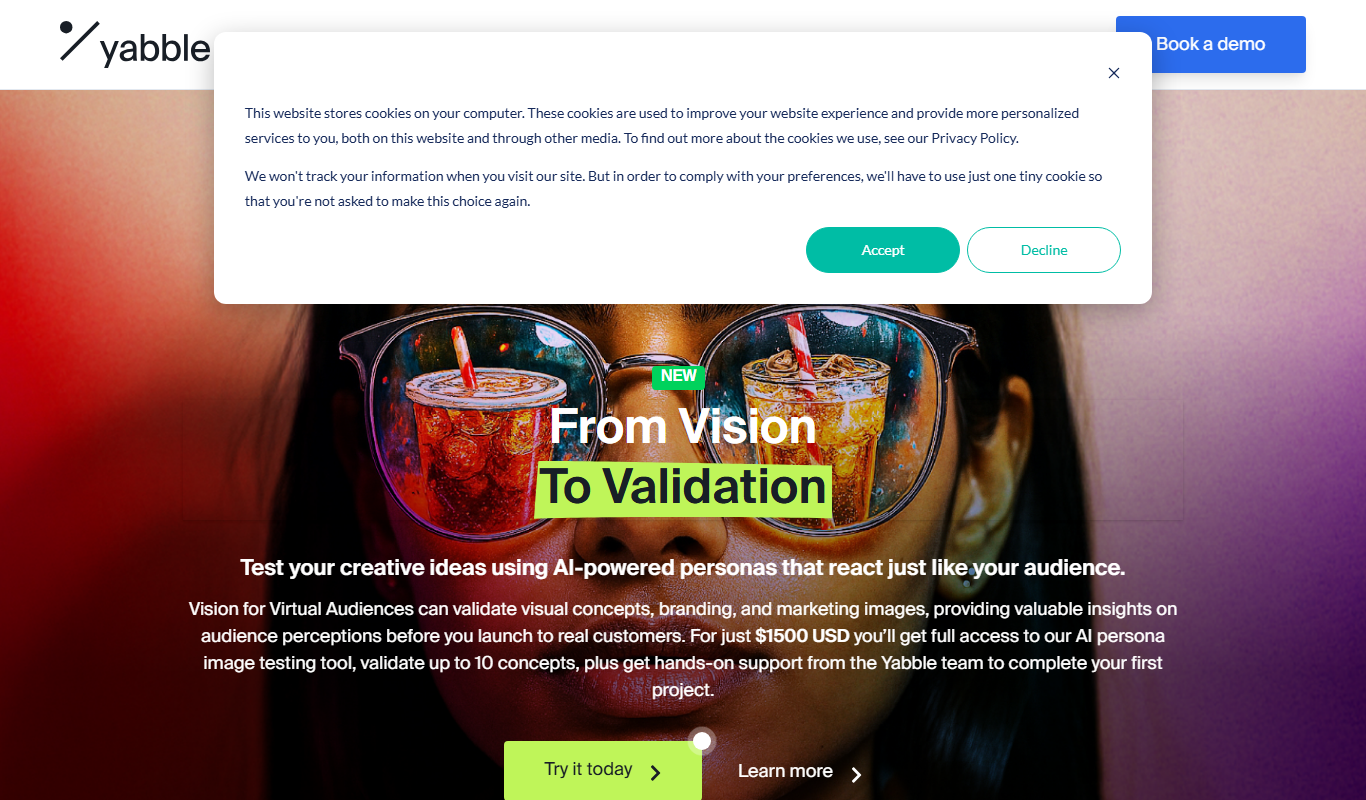
Yabble
Yabble is an AI-driven market research platform that automates the analysis of consumer feedback to generate actionable insights and reports.

Contact for pricing
Dairytech.ai
Dairytech.ai is an AI-driven platform that helps dairy farmers monitor livestock health, optimize milk production, and detect diseases early to improve farm productivity.

Custom Pricing
connecterra.io
Connecterra is an AI-driven platform that uses IoT sensors to monitor dairy cows' health and behavior, providing farmers with real-time insights and alerts to improve productivity and sustainability.

Freemium
Weesify
Weesify is an AI writing assistant that generates SEO-friendly content and marketing copy to streamline content creation for businesses and marketers.
Free
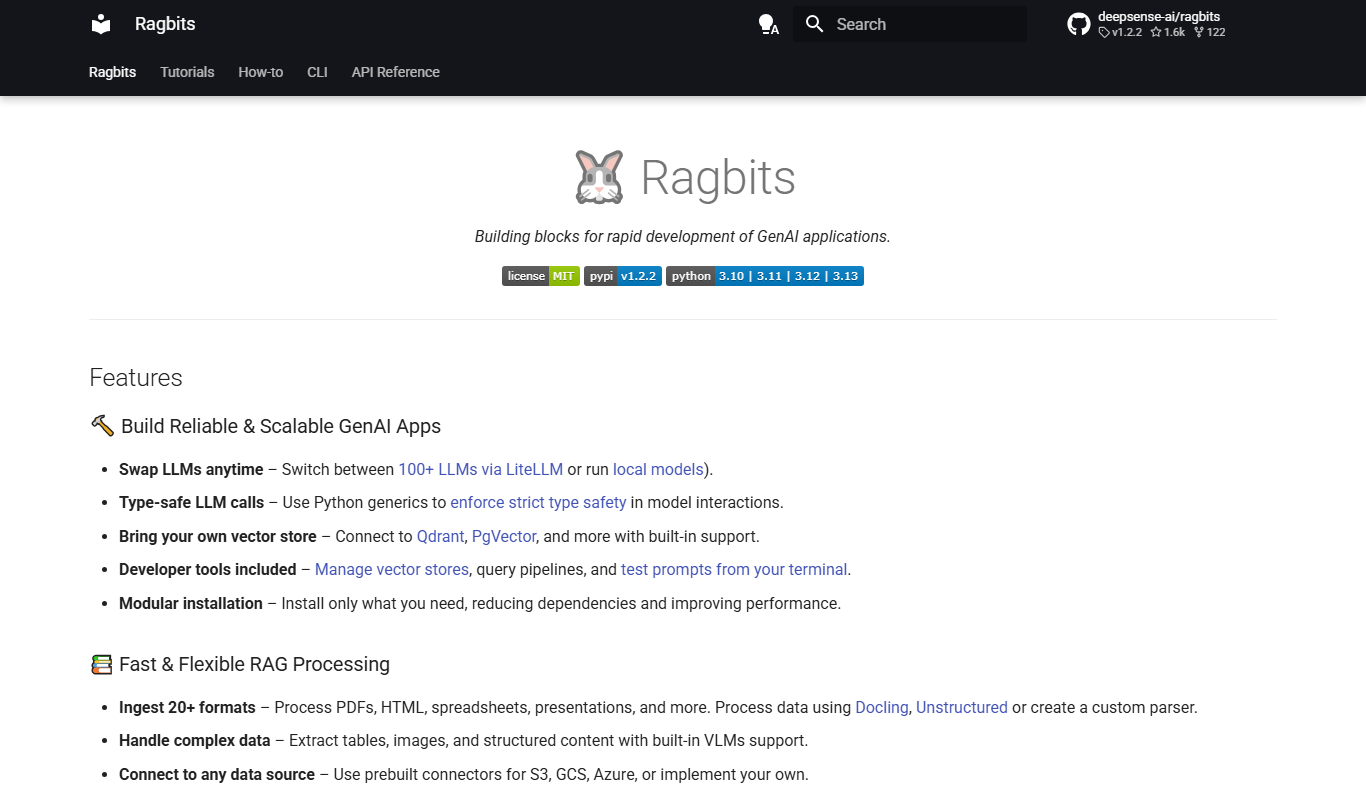
RagBits
RagBits is an AI tool that uses Retrieval-Augmented Generation to enable natural language question answering over your own documents by combining semantic search with generative AI.