

KidloLand Kids Learning App with Educational Games and Videos
KidloLand is an educational app providing interactive games, songs, stories, and videos for young children, aged 1-7 according to the official site, to support early learning and development.
- Best for
- Early Childhood Education
- Key capability
- Extensive Content Library
Save KidloLand, follow its updates and vote on it — everything stays in your account.
Sign in or create a free account
What is KidloLand?
KidloLand is an educational app for young children, aged 1-7 according to the official site, offering thousands of interactive games, songs, stories, and videos. It aims to make learning fun and engaging by combining educational content with playful activities that promote early childhood development.
Key features of KidloLand
KidloLand features a vast library of educational games, interactive stories, nursery rhymes, and videos that cover subjects like math, reading, science, and social skills. The app is designed to be child-friendly with easy navigation and parental controls.
Extensive Content Library
Over 10,000 educational activities including games, songs, stories, and videos.
Age-Appropriate Learning
Content tailored for young children, aged 1-7 according to the official site.
Offline Access
Download content to use without an internet connection.
Parental Controls
Settings to manage screen time and restrict access to certain features.
Multi-Language Support
Available in multiple languages to support diverse learners.
Pros and cons of KidloLand
Pros
- Large variety of educational content for young children
- User-friendly interface designed for kids
- Offline access for premium users
- Strong parental controls and safety features
Cons
- Free version has limited content and includes ads
- Subscription required for full content access
- Some users report occasional app crashes on older devices
Key use cases for KidloLand
Early Childhood Education
Provides interactive games and activities to support preschool and kindergarten learning.
Language Development
Offers songs, stories, and videos that help children develop vocabulary and language skills.
Cognitive Skill Building
Engages kids with puzzles and problem-solving games to enhance critical thinking.
Parent-Child Interaction
Facilitates shared learning experiences between parents and children.
Entertainment with Educational Value
Combines fun animations and music with educational content to keep children engaged.
How KidloLand works
- 1
Download and Install
Get the KidloLand app from the App Store, Google Play, or use the web version.
- 2
Create a Child Profile
Set up profiles tailored to your child’s age and learning needs.
- 3
Explore Content
Access thousands of games, stories, and videos organized by category and age.
- 4
Engage and Learn
Children interact with educational activities designed to develop various skills.
- 5
Track Progress
Parents can monitor usage and learning milestones through the app.
Who is using KidloLand
KidloLand pricing
Free
$0/month
Limited access to select games and activities with ads.
KidloLand
$59.99 per year
Annual plan at $59.99 per year, with a 7-day trial.
KidloLand+
$99.99 per year
Access to KidloLand and 26+ other learning apps, 6000+ games, songs and activities, reading, math and coding apps, and printable worksheets.
Lifetime
$149 or $199
One-time lifetime access to all KidloLand learning games, with 3000+ educational games, songs and activities for kids ages 2-6.
Plans and prices are as published by the vendor and can change. Check the official site before you buy. Open the pricing page (opens in a new tab)
Frequently asked questions about KidloLand
Yes, KidloLand is designed with child safety in mind, featuring no third-party ads and parental controls.
Yes, premium users can download content for offline use.
The official site says KidloLand is designed for children aged 1 to 7.
Yes, the app supports several languages including English, Spanish, French, German, Portuguese, and Hindi.
It depends on your specific needs and how you plan to use the tool. The official website and documentation are the best sources for the latest details.
Some tools offer a free plan or trial with limited features. Availability can vary, so confirm on the official website.
Yes, it can help with that use case depending on how you configure it and what features are available. You’ll get the best results with clear inputs and a defined goal.
It depends on your specific needs and how you plan to use the tool. The official website and documentation are the best sources for the latest details.
Conclusion
Parents begin by setting up a profile tailored to the child’s age and learning needs, then children explore thousands of games, stories and videos organized by category and age. Songs, stories and videos help children develop vocabulary and language skills, while puzzles and problem-solving games target critical thinking.
Parents can monitor usage and learning milestones, and parental controls manage screen time and restrict access to certain features. It is designed for young children, aged 1-7 according to the official site, and preschool and kindergarten educators and homeschooling families also use it. Paid access is sold per year or for life: KidloLand costs $59.99 per year, KidloLand+ costs $99.99 per year, and Lifetime options cost $149 and $199, with a 7-day trial.
Sources
Sign in to review this tool.
Sign In to ReviewNo reviews yet
Be the first to share how this tool worked for you.
Ask about pricing, limits, or how it compares — or answer someone else.
Sign In to AskNo questions yet
Have a question about using or paying for this tool? Be the first to ask.
Featured on TiorAI



More AI Parenting tools
Other tools in the same category, for when this one is not quite the fit.
Storypark
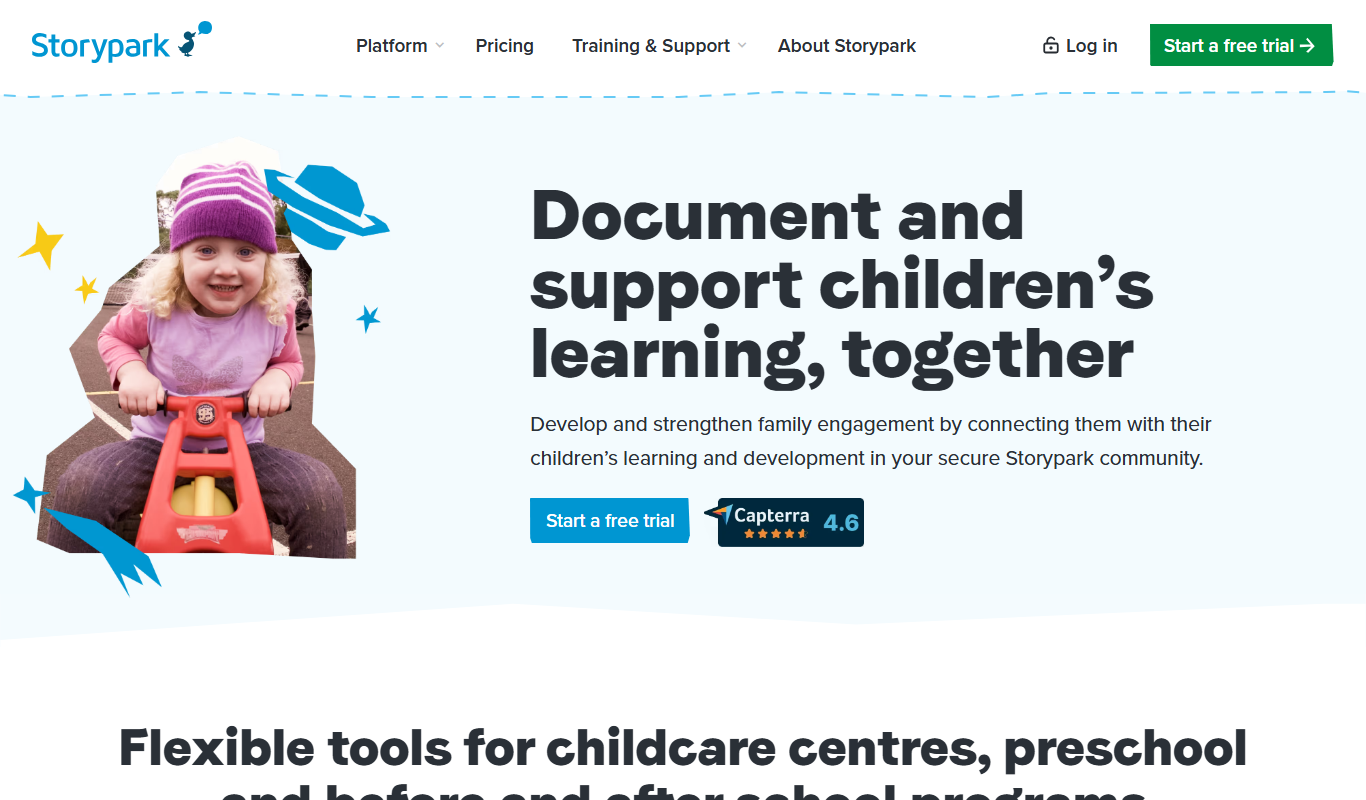
Storypark is a cloud-based platform that helps early childhood educators document children's learning and engage parents through digital portfolios and communication tools accessible via web and mobile apps.

Fatherly
Fatherly is a free digital platform offering expert parenting advice, lifestyle content, and product recommendations specifically for fathers.

Otsimo
Otsimo is a special education app designed to support children with autism and learning disabilities through interactive games and speech therapy exercises, available on multiple platforms.
Net Nanny
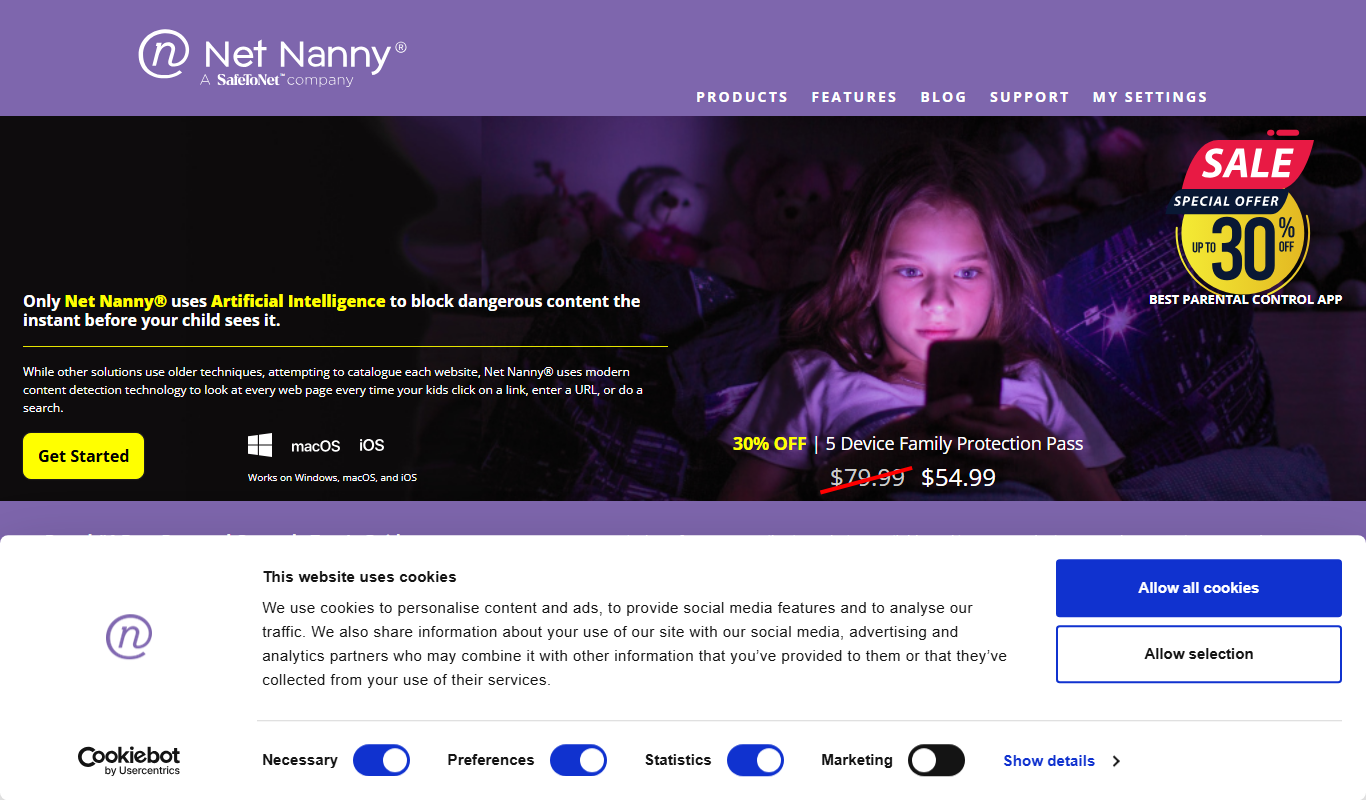
Net Nanny is a parental control software that provides real-time internet filtering, screen time management, social media monitoring, and location tracking to help parents protect their children online.

Cozi Family Organizer
Cozi Family Organizer is a multi-platform app that centralizes family scheduling, meal planning, and task management with shared calendars and real-time syncing.
OurFamilyWizard
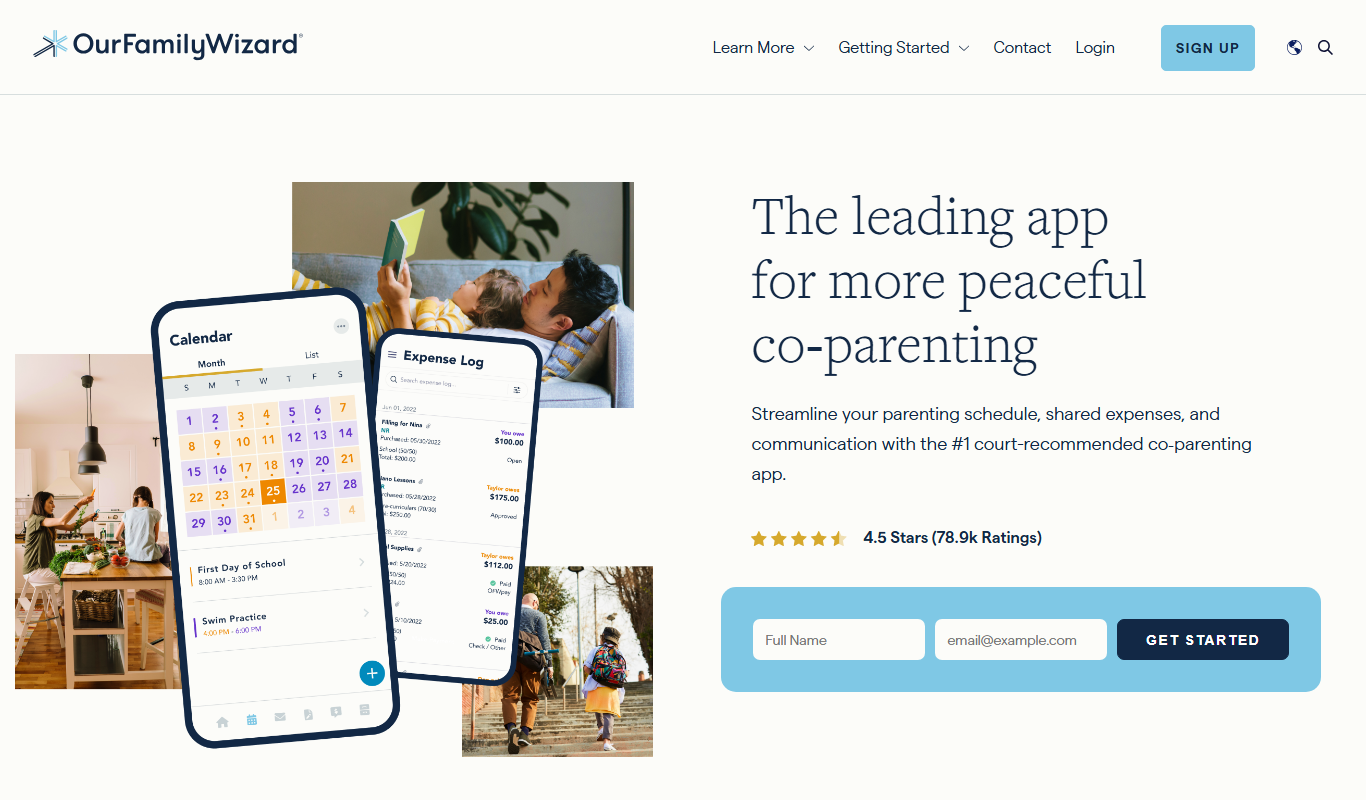
OurFamilyWizard is a co-parenting communication platform designed to help separated parents coordinate schedules, share information, track expenses, and communicate securely to reduce conflict.
Baby Connect
Baby Connect is a baby tracking app that helps parents and caregivers log daily baby activities, share updates in real time, and manage health records across iOS, Android, and web platforms.

Huckleberry Baby Sleep
Huckleberry Baby Sleep is an AI-powered app that tracks infant sleep patterns and provides personalized coaching to help parents improve their baby's sleep quality.