

Storypark Early Childhood Learning Platform for Educators and Parents
Storypark is a cloud-based platform that helps early childhood educators document children's learning and engage parents through digital portfolios and communication tools accessible via web and mobile apps.
- Best for
- Early Childhood Education Management
- Key capability
- Digital Learning Portfolios
Save Storypark, follow its updates and vote on it — everything stays in your account.
Sign in or create a free account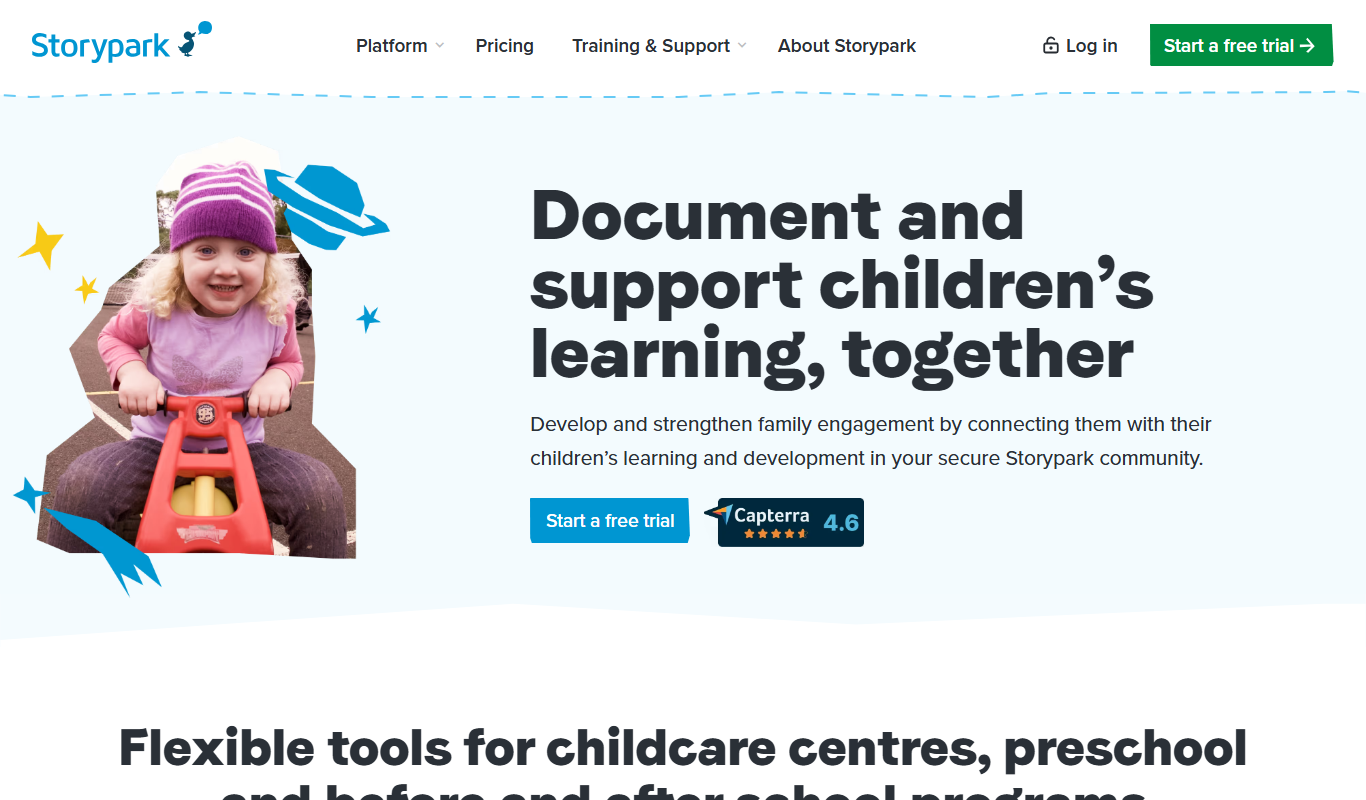
What is Storypark?
Storypark is a cloud-based early childhood education platform designed to help educators document, share, and manage children’s learning and development. It connects educators and families through a secure digital environment where learning stories, observations, and portfolios can be created and shared. The platform supports compliance with early learning standards and fosters collaboration to enhance children’s educational experiences.
Key features of Storypark
Storypark offers features such as digital learning portfolios, real-time parent communication, observation and assessment tools, compliance support, and collaborative spaces for educators and families. It is accessible via web and mobile apps, making it convenient for educators and parents to stay connected and engaged.
Digital Learning Portfolios
Create and maintain multimedia portfolios documenting each child's learning journey.
Parent Communication Tools
Secure messaging and sharing features to keep parents involved and informed.
Observation and Assessment
Tools to record observations aligned with early learning frameworks and standards.
Compliance Support
Features to help educators meet regulatory and reporting requirements.
Mobile Accessibility
Apps for iOS and Android allow access anytime, anywhere.
Pros and cons of Storypark
Pros
- Facilitates strong parent-educator communication
- Supports comprehensive digital learning portfolios
- Accessible via web and mobile apps
- Helps meet regulatory compliance
- User-friendly interface tailored for early childhood education
Cons
- Pricing for full features is custom and may be costly for small providers
- Limited language support beyond English
Key use cases for Storypark
Early Childhood Education Management
Manage and document children's learning and development in early childhood education settings.
Parent Engagement and Communication
Facilitate real-time communication and sharing of children's progress between educators and parents.
Learning Portfolio Creation
Create digital portfolios showcasing children's learning journeys with photos, videos, and observations.
Compliance and Reporting
Support educators with tools to meet regulatory requirements and generate reports.
Collaboration Across Educators and Families
Enable collaboration among educators, families, and caregivers to support child development.
How Storypark works
- 1
Create an Account
Educators or parents sign up for a Storypark account via the website or mobile app.
- 2
Set Up Learning Groups
Educators create groups or classrooms to organize children and families.
- 3
Document Learning
Educators add observations, photos, videos, and notes to children’s digital portfolios.
- 4
Share with Families
Parents receive notifications and can view their child’s learning stories and progress.
- 5
Collaborate and Communicate
Families and educators communicate through messaging and share feedback.
Who is using Storypark
Storypark pricing
Free trial
$0
Centers get a free trial; free use is for parents only.
Subscription
From $1.59 USD per child/month
Pricing starts at $1.59 USD per child per month.
Plans and prices are as published by the vendor and can change. Check the official site before you buy. Open the pricing page (opens in a new tab)
Frequently asked questions about Storypark
Yes, Storypark is designed to connect educators and parents, allowing both to engage in the child’s learning journey.
Yes, Storypark offers apps for both iOS and Android devices.
Yes, the platform includes tools to help educators meet regulatory requirements and generate reports.
Storypark has no free plan for centers; it offers a free trial, and pricing starts at $1.59 USD per child per month. Free use is for parents only.
This tool is designed to help users accomplish its core tasks more efficiently. It is typically used by individuals or teams looking to improve productivity and workflow.
Some tools offer a free plan or trial with limited features. Availability can vary, so confirm on the official website.
Yes, it can help with that use case depending on how you configure it and what features are available. You’ll get the best results with clear inputs and a defined goal.
Yes, it can help with that use case depending on how you configure it and what features are available. You’ll get the best results with clear inputs and a defined goal.
Conclusion
Educators and families are connected through a secure digital environment where children’s learning is documented and shared. Educators create groups for children and families, then add observations, photos, videos and notes to each child’s digital portfolio. Parents receive notifications, view learning stories and progress, and communicate through messaging. Observation tools align with early learning frameworks, and other features help educators meet regulatory and reporting requirements.
It is aimed at early childhood educators, childcare centers and preschools, with apps for iOS and Android. Centers get a free trial rather than a free plan, and pricing starts at $1.59 USD per child per month, while free use is for parents only.
Sources
Sign in to review this tool.
Sign In to ReviewNo reviews yet
Be the first to share how this tool worked for you.
Ask about pricing, limits, or how it compares — or answer someone else.
Sign In to AskNo questions yet
Have a question about using or paying for this tool? Be the first to ask.
Featured on TiorAI



More AI Parenting tools
Other tools in the same category, for when this one is not quite the fit.

Fatherly
Fatherly is a free digital platform offering expert parenting advice, lifestyle content, and product recommendations specifically for fathers.

KidloLand
KidloLand is an educational app providing interactive games, songs, stories, and videos for young children, aged 1-7 according to the official site, to support early learning and development.

Otsimo
Otsimo is a special education app designed to support children with autism and learning disabilities through interactive games and speech therapy exercises, available on multiple platforms.
Net Nanny
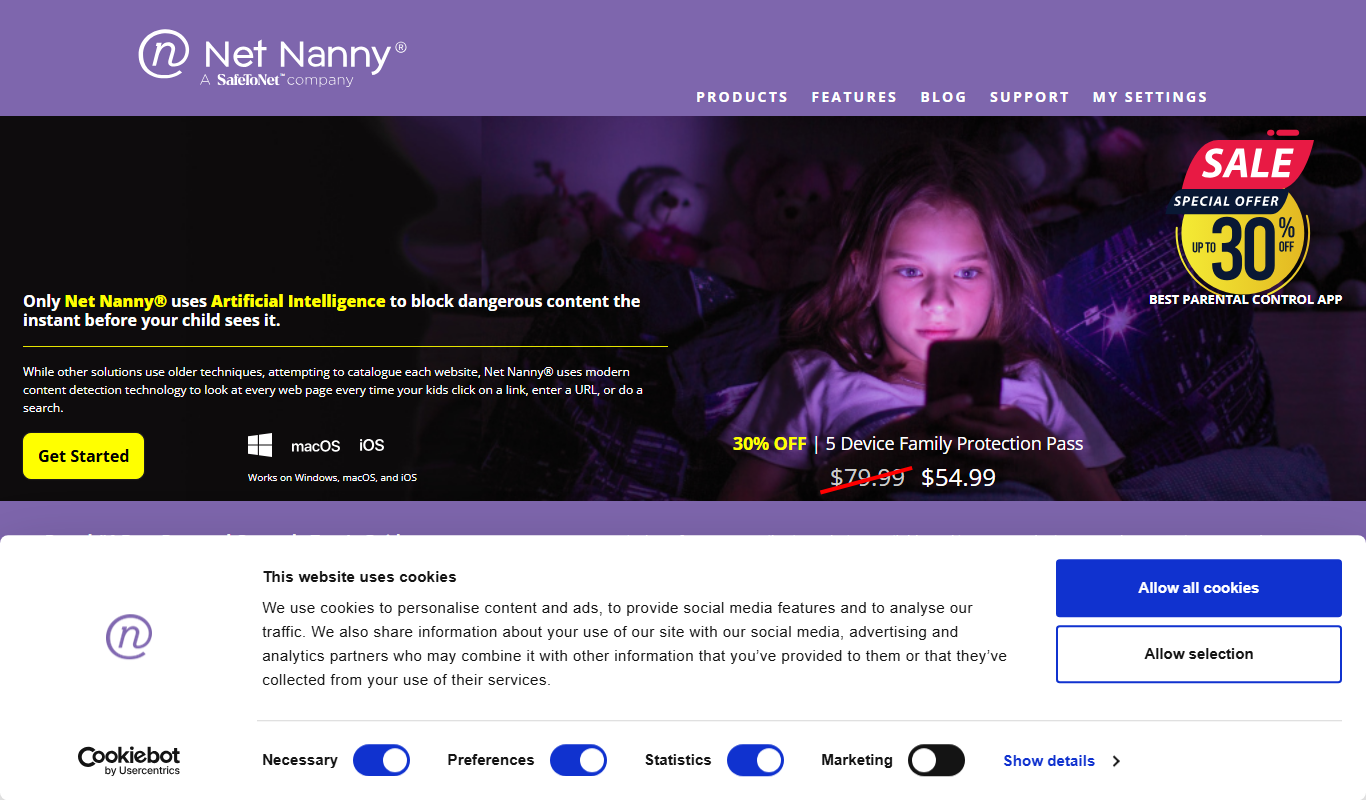
Net Nanny is a parental control software that provides real-time internet filtering, screen time management, social media monitoring, and location tracking to help parents protect their children online.

Cozi Family Organizer
Cozi Family Organizer is a multi-platform app that centralizes family scheduling, meal planning, and task management with shared calendars and real-time syncing.
OurFamilyWizard
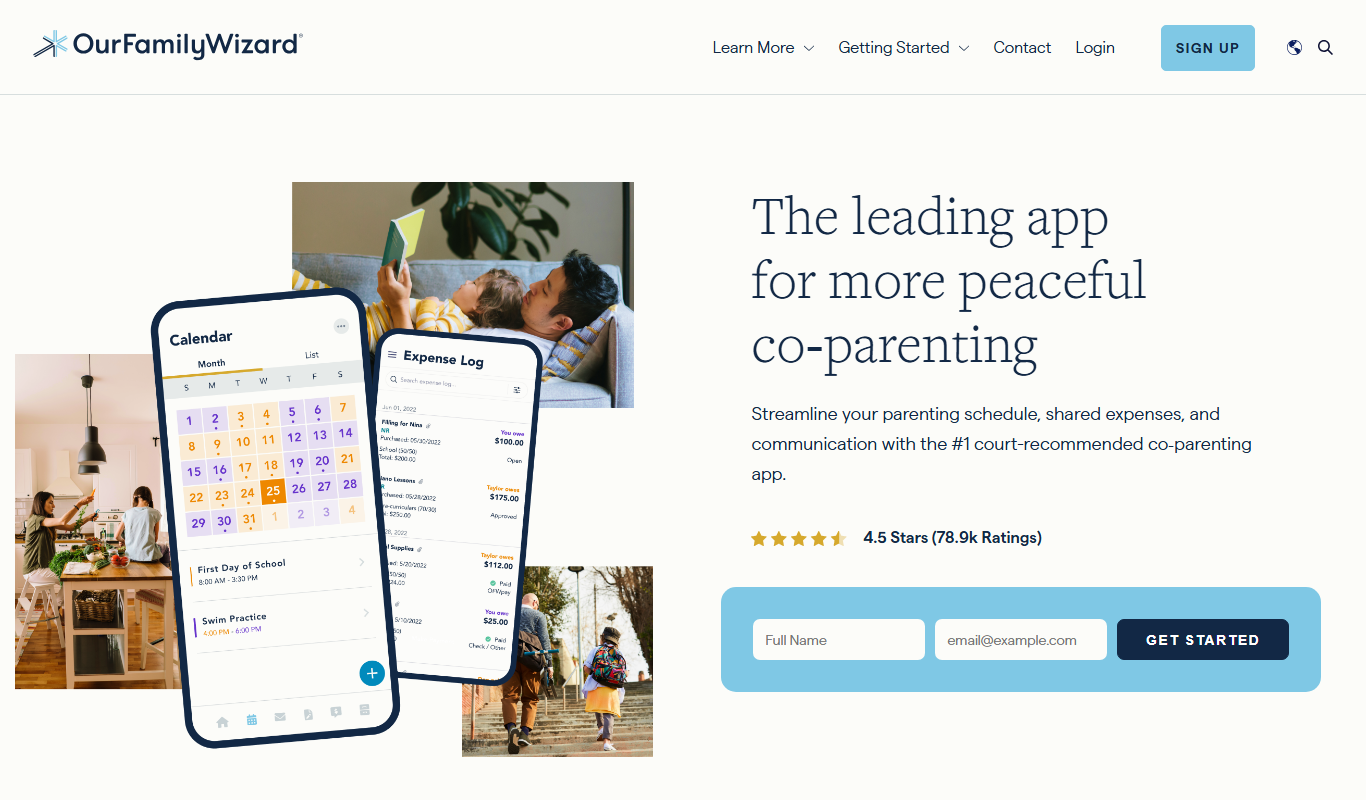
OurFamilyWizard is a co-parenting communication platform designed to help separated parents coordinate schedules, share information, track expenses, and communicate securely to reduce conflict.
Baby Connect
Baby Connect is a baby tracking app that helps parents and caregivers log daily baby activities, share updates in real time, and manage health records across iOS, Android, and web platforms.

Huckleberry Baby Sleep
Huckleberry Baby Sleep is an AI-powered app that tracks infant sleep patterns and provides personalized coaching to help parents improve their baby's sleep quality.