

From my experience with Endless Alphabet, I found it excels at making early literacy fun and accessible for young children. The interactive puzzles combined with animated monsters help reinforce letter recognition and vocabulary in a way that keeps kids engaged. After spending time with the app, I can say it’s particularly well-suited for parents and educators looking to support early childhood learning and speech development. However, the app is limited to English and lacks formal progress tracking, which might be a drawback for some users. Overall, if you want a playful, educational tool to introduce your child to letters and words, Endless Alphabet delivers solid, age-appropriate content.
Endless Alphabet Educational App for Kids Learning ABCs and Vocabulary
Endless Alphabet is an interactive educational app designed for children aged 3-6 to learn the alphabet, phonics, and vocabulary through engaging puzzles and animations.
- Best for
- Early Childhood Education
- Key capability
- Interactive Word Puzzles
Your actions

Do you recommend this tool?
What is Endless Alphabet?
Endless Alphabet is an educational app designed for young children to learn the alphabet and build vocabulary through interactive puzzles and animations. It combines playful characters with engaging word games that teach letter recognition, phonics, and word meanings in a fun and memorable way.
Key features of Endless Alphabet
The app features interactive word puzzles, animated monsters that demonstrate word meanings, phonics-based pronunciation guides, and a kid-friendly interface that encourages independent learning and exploration.
Interactive Word Puzzles
Engaging drag-and-drop letter puzzles that teach spelling and letter recognition.
Animated Vocabulary Monsters
Fun animations that visually explain the meaning of each word.
Phonics and Pronunciation
Audio guides that help children learn correct letter sounds and word pronunciation.
Kid-Friendly Interface
Simple navigation designed for young children to use independently.
Pros and cons of Endless Alphabet
Pros
- Highly engaging and interactive for young children
- Clear phonics and pronunciation support
- No ads or distracting content
- Offline usability after download
Cons
- Limited to English language only
- One-time purchase may be costly for some users
- No formal progress tracking or reports
Key use cases for Endless Alphabet
Early Childhood Education
Helps young children learn letters, sounds, and vocabulary through interactive puzzles and animations.
Vocabulary Building
Expands children’s vocabulary with fun word games and engaging visual and audio cues.
Speech and Language Development
Supports speech development by teaching phonics and pronunciation in an entertaining format.
Parent-Child Learning Activities
Encourages parents and children to learn together using interactive and educational content.
How Endless Alphabet works
- 1
Select a Word Puzzle
Children choose a word from a colorful selection to start the puzzle.
- 2
Complete the Puzzle
Drag and drop letters to form the word while hearing the sounds each letter makes.
- 3
Watch the Animation
After completing the word, an animated monster illustrates the word’s meaning.
- 4
Learn Pronunciation
The app pronounces the word clearly to reinforce learning and speech development.
Who is using Endless Alphabet
Parents of preschool children
Early childhood educators
Speech therapists
Daycare centers
Homeschooling families
Endless Alphabet pricing
One-time Purchase
$8.99
Full access to all app features without ads or in-app purchases.
Plans and prices are as published by the vendor and can change. Check the official site before you buy. Open the pricing page (opens in a new tab)
Frequently asked questions about Endless Alphabet
The app is designed for children aged 3 to 6 years old.
There is a free demo version with limited words, but full access requires a one-time purchase.
No, once downloaded, the app can be used offline without internet.
The app does not include formal progress tracking but encourages interactive learning.
It depends on your specific needs and how you plan to use the tool. The official website and documentation are the best sources for the latest details.
Some tools offer a free plan or trial with limited features. Availability can vary, so confirm on the official website.
It depends on your specific needs and how you plan to use the tool. The official website and documentation are the best sources for the latest details.
Yes, it can help with that use case depending on how you configure it and what features are available. You’ll get the best results with clear inputs and a defined goal.
Sign in to review this tool.
Sign In to ReviewNo reviews yet
Be the first to share how this tool worked for you.
Ask about pricing, limits, or how it compares — or answer someone else.
Sign In to AskNo questions yet
Have a question about using or paying for this tool? Be the first to ask.
Featured on TiorAI



More AI Education tools
Other tools in the same category, for when this one is not quite the fit.

Freemium
Khanmigo
Khanmigo is Khan Academy’s AI chat-based tutor that provides personalized educational support in subjects like math, coding, and writing through interactive conversations.

Freemium
Simpleclub
Simpleclub is an educational platform providing interactive video lessons and personalized learning tools primarily for secondary school students, helping them understand school subjects and prepare for exams.
Free Trial
Makeblock
Makeblock is an educational robotics platform offering modular kits and programming software to teach coding and STEAM concepts to learners of all ages.

Subscription
Achieve3000
Achieve3000 is an adaptive online literacy platform that personalizes nonfiction reading content for K-12 students to improve reading comprehension and supports educators with progress monitoring tools.
Free
AnkiWeb
AnkiWeb is a free web-based platform that enables users to create, study, and sync flashcards using spaced repetition to improve memory retention.
Free Trial
E2Language
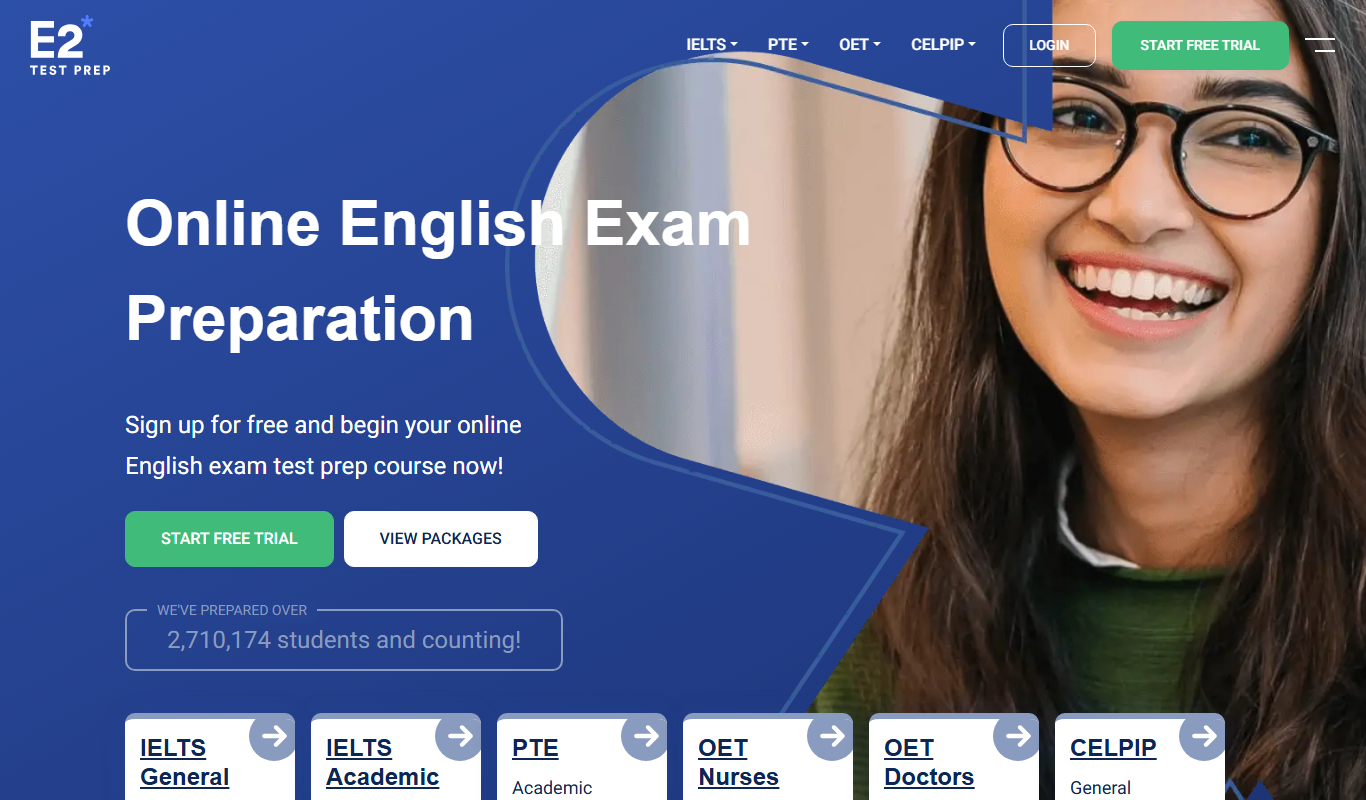
E2Language is an online platform offering comprehensive preparation courses for IELTS, PTE, and TOEFL exams, featuring AI-powered speaking practice and personalized writing correction.

Free
Seneca Learning
Seneca Learning is an AI-powered online platform that helps students revise school subjects through interactive quizzes, summaries, and personalized learning paths aligned with UK curricula.

Free
Cymath
Cymath is an AI-powered math solver that provides step-by-step solutions for algebra, calculus, and other math problems via web and mobile apps.