

From my experience with Makeblock, I found it excels at providing an accessible and engaging way to learn robotics and coding through hands-on projects. The modular kits and intuitive programming environments make it especially suitable for educators and beginners looking to introduce STEAM concepts effectively. However, some advanced kits can be pricey, and younger users may need adult guidance during assembly. Overall, if you want a comprehensive platform to foster creativity and technical skills in robotics and coding, Makeblock delivers a well-rounded solution.
Makeblock Robotics and STEAM Education Kits for Coding and Learning
Makeblock is an educational robotics platform offering modular kits and programming software to teach coding and STEAM concepts to learners of all ages.
- Best for
- STEAM Education
- Key capability
- Modular Robotics Kits
What is Makeblock?
Makeblock is a leading provider of educational robotics kits and programming platforms designed to promote STEAM learning. It offers modular hardware and intuitive software that enable users, especially students and educators, to build and program robots. The platform supports both block-based coding for beginners and advanced programming languages, making it accessible for a wide range of skill levels.
Key features of Makeblock
Makeblock features modular robotic kits, a user-friendly programming environment, compatibility with multiple coding languages, and support for classroom integration. Its products encourage hands-on learning, creativity, and computational thinking.
Modular Robotics Kits
Interchangeable parts allow users to build various robot configurations.
Block-Based and Text Coding
Supports graphical programming for beginners and advanced coding for experienced users.
Cross-Platform Software
Available on Windows, macOS, iOS, and Android for flexible learning environments.
Curriculum and Lesson Plans
Provides educational resources to support teachers and learners.
Community and Support
Active user community and customer support for troubleshooting and project ideas.
Pros and cons of Makeblock
Pros
- User-friendly for all ages and skill levels
- Comprehensive educational resources
- Modular hardware encourages creativity
- Supports multiple programming languages
- Strong community and customer support
Cons
- Pricing can be high for advanced kits
- Some kits require adult supervision for younger children
- Limited tech stack details publicly available
Key use cases for Makeblock
STEAM Education
Makeblock provides hands-on robotics kits and software to teach science, technology, engineering, arts, and mathematics concepts interactively.
Coding for Beginners
The platform offers block-based and text-based programming environments suitable for beginners and intermediate learners to develop coding skills.
Robotics Competitions
Makeblock kits are widely used in robotics competitions and clubs to build programmable robots and develop problem-solving skills.
Classroom Learning
Teachers use Makeblock solutions to integrate robotics and coding into classroom curricula, enhancing student engagement and practical learning.
Creative Project Development
Users can design and build custom robotic projects combining hardware and software, fostering creativity and engineering skills.
How Makeblock works
-
1
Choose a Robotics Kit
Select a Makeblock kit that fits your learning goals, such as mBot, Codey Rocky, or Neuron.
-
2
Assemble the Hardware
Follow step-by-step instructions to build your robot using modular parts.
-
3
Program the Robot
Use Makeblock’s software to write code via drag-and-drop blocks or text-based languages like Python.
-
4
Test and Iterate
Run your program on the robot, observe its behavior, and refine your code and design.
Who is using Makeblock
Educators and schools
Parents and students
Robotics hobbyists
STEAM program coordinators
Coding bootcamps and clubs
Makeblock pricing
Basic Kit
Starting at $99
Entry-level robotics kit with essential components for beginners.
Advanced Kit
Starting at $299
Comprehensive kit with expanded sensors and modules for complex projects.
Educational Packages
Custom pricing
Bulk and classroom packages with curriculum support for schools.
Plans and prices are as published by the vendor and can change. Check the official site before you buy. Open the pricing page (opens in a new tab)
Frequently asked questions about Makeblock
Yes, Makeblock offers block-based programming and easy-to-assemble kits ideal for beginners and young learners.
Makeblock supports block coding, Python, and Arduino C for different skill levels.
Absolutely, Makeblock provides educational resources and packages designed specifically for classroom use.
Yes, Makeblock offers mobile apps compatible with iOS and Android devices.
This tool is designed to help users accomplish its core tasks more efficiently. It is typically used by individuals or teams looking to improve productivity and workflow.
It depends on your specific needs and how you plan to use the tool. The official website and documentation are the best sources for the latest details.
Sign in to review this tool.
Sign In to ReviewNo reviews yet
Be the first to share how this tool worked for you.
Ask about pricing, limits, or how it compares — or answer someone else.
Sign In to AskNo questions yet
Have a question about using or paying for this tool? Be the first to ask.
Featured on TiorAI



More AI Education tools
Other tools in the same category, for when this one is not quite the fit.

Freemium
Khanmigo
Khanmigo is Khan Academy’s AI chat-based tutor that provides personalized educational support in subjects like math, coding, and writing through interactive conversations.

Freemium
Simpleclub
Simpleclub is an educational platform providing interactive video lessons and personalized learning tools primarily for secondary school students, helping them understand school subjects and prepare for exams.

Subscription
Achieve3000
Achieve3000 is an adaptive online literacy platform that personalizes nonfiction reading content for K-12 students to improve reading comprehension and supports educators with progress monitoring tools.

Paid
Endless Alphabet
Endless Alphabet is an interactive educational app designed for children aged 3-6 to learn the alphabet, phonics, and vocabulary through engaging puzzles and animations.
Free
AnkiWeb
AnkiWeb is a free web-based platform that enables users to create, study, and sync flashcards using spaced repetition to improve memory retention.
Free Trial
E2Language
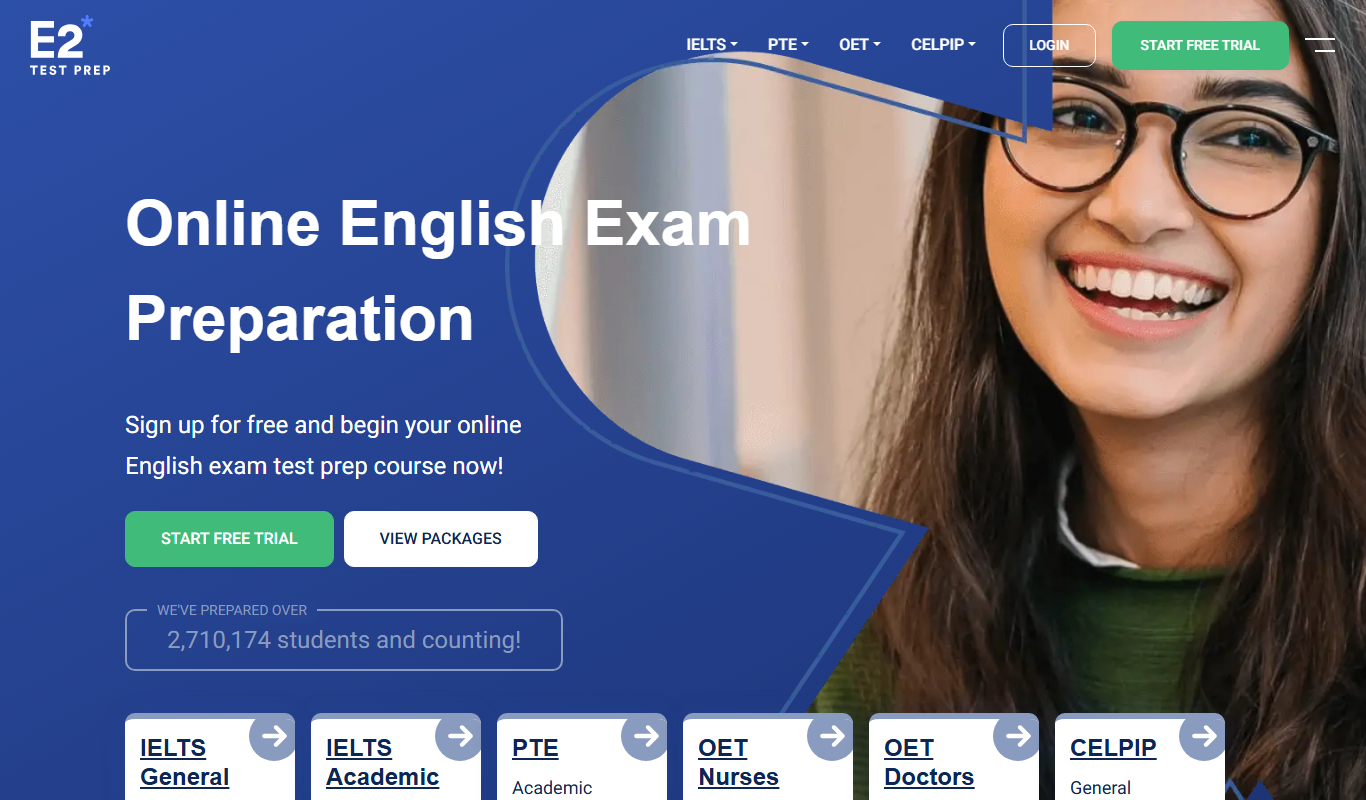
E2Language is an online platform offering comprehensive preparation courses for IELTS, PTE, and TOEFL exams, featuring AI-powered speaking practice and personalized writing correction.

Free
Seneca Learning
Seneca Learning is an AI-powered online platform that helps students revise school subjects through interactive quizzes, summaries, and personalized learning paths aligned with UK curricula.

Free
Cymath
Cymath is an AI-powered math solver that provides step-by-step solutions for algebra, calculus, and other math problems via web and mobile apps.