

SpreadSimple AI Creator - Build Websites from Google Sheets Easily
SpreadSimple AI Creator is a no-code platform that transforms Google Sheets into dynamic websites with AI-assisted templates and real-time syncing.
- Best for
- Create Websites from Spreadsheets
- Key capability
- Google Sheets Integration
Save SpreadSimple AI Creator, follow its updates and vote on it — everything stays in your account.
Sign in or create a free account
What is SpreadSimple AI Creator?
SpreadSimple AI Creator is a no-code website builder that transforms Google Sheets into fully functional websites. It leverages AI to simplify the creation process, allowing users to build and customize websites by managing data in spreadsheets. This approach enables quick website deployment and easy content updates without programming skills.
Key features of SpreadSimple AI Creator
The tool offers seamless Google Sheets integration, AI-powered website generation, customizable templates, real-time data syncing, and user-friendly design controls. It supports creating landing pages, catalogs, and directories with automatic updates based on spreadsheet changes.
Google Sheets Integration
Directly connect spreadsheets to power website content dynamically.
AI-Powered Website Creation
Use AI to generate website structure and design based on your data.
Real-Time Syncing
Automatic updates on the website when spreadsheet data changes.
Customizable Templates
Wide selection of templates optimized for various website types.
No Coding Required
Build and manage websites without any programming knowledge.
Pros and cons of SpreadSimple AI Creator
Pros
- Simple and fast website creation from spreadsheets
- No coding required, accessible for beginners
- Real-time content updates via Google Sheets
- Affordable pricing with a free tier
- Good for catalogs, landing pages, and directories
Cons
- Limited design flexibility compared to traditional website builders
- Primarily supports English language
- No mobile app, web-only platform
Key use cases for SpreadSimple AI Creator
Create Websites from Spreadsheets
Automatically generate and update websites by connecting Google Sheets data without coding.
Build Landing Pages Quickly
Design and launch landing pages for products, events, or services using AI-assisted templates.
Manage Online Catalogs
Easily create and maintain product catalogs or directories that sync with spreadsheet data.
Collaborative Website Editing
Teams can update website content by editing the underlying Google Sheets, enabling real-time collaboration.
Automate Website Updates
Changes in Google Sheets automatically reflect on the website, reducing manual maintenance.
How SpreadSimple AI Creator works
- 1
Connect Your Google Sheet
Link a Google Sheets document containing your website data to SpreadSimple.
- 2
Choose a Template
Select from AI-assisted templates tailored for catalogs, landing pages, or directories.
- 3
Customize Your Website
Adjust design elements, layout, and content settings using the intuitive editor.
- 4
Publish and Share
Launch your website with a custom domain or SpreadSimple subdomain and share it publicly.
- 5
Update via Spreadsheet
Edit your Google Sheets to automatically update website content in real-time.
Who is using SpreadSimple AI Creator
SpreadSimple AI Creator pricing
Free
$0/month
SpreadSimple branding and domain, 50 rows spreadsheet limit and no search engines visibility.
Starter
$12.90/mo
Good enough to go live: custom domain, remove SpreadSimple branding and SEO settings.
Business
$13.90/mo
Best for driving your sales: custom domain, remove SpreadSimple branding, SEO settings, accept payments and 30+ extensions and add-ons.
Connect
$20.90/mo
Advanced role-based websites: everything in Business plus customer accounts and user groups and permissions (Beta).
Plans and prices are as published by the vendor and can change. Check the official site before you buy. Open the pricing page (opens in a new tab)
Frequently asked questions about SpreadSimple AI Creator
No, the tool is designed for users without coding experience, leveraging AI and spreadsheet data.
Yes, custom domain support is available on paid plans.
Changes in your connected Google Sheets automatically sync and update your website in real-time.
Visitors are unlimited on every plan. The Google Sheet rows limit is 50 on Free, 500 on Starter, 5000 on Business and 10000 on Connect.
It depends on your specific needs and how you plan to use the tool. The official website and documentation are the best sources for the latest details.
Yes, it can help with that use case depending on how you configure it and what features are available. You’ll get the best results with clear inputs and a defined goal.
It depends on your specific needs and how you plan to use the tool. The official website and documentation are the best sources for the latest details.
Conclusion
A Google Sheet is the content source, so inventory, prices and orders are managed in the spreadsheet and changes there are instantly displayed on the website. The AI Creator handles the start: from a short description of the website, it creates a logo, suggests a color scheme and prepares the Google Sheet and website structure. Filtering, search and sorting, lead collection via forms and SEO come out of the box.
Any kind of listing, directory or online store can be built this way. The free plan keeps SpreadSimple branding and domain, has a 50 rows spreadsheet limit and no search engine visibility. Paid tiers add a custom domain and SEO settings, with payments and add-ons from Business upward and customer accounts on Connect. Visitors are unlimited on every plan, while the Google Sheet rows limit grows with each tier.
Sources
Sign in to review this tool.
Sign In to ReviewNo reviews yet
Be the first to share how this tool worked for you.
Ask about pricing, limits, or how it compares — or answer someone else.
Sign In to AskNo questions yet
Have a question about using or paying for this tool? Be the first to ask.
Featured on TiorAI



Alternative Tools
Explore similar AI tools that might fit your needs
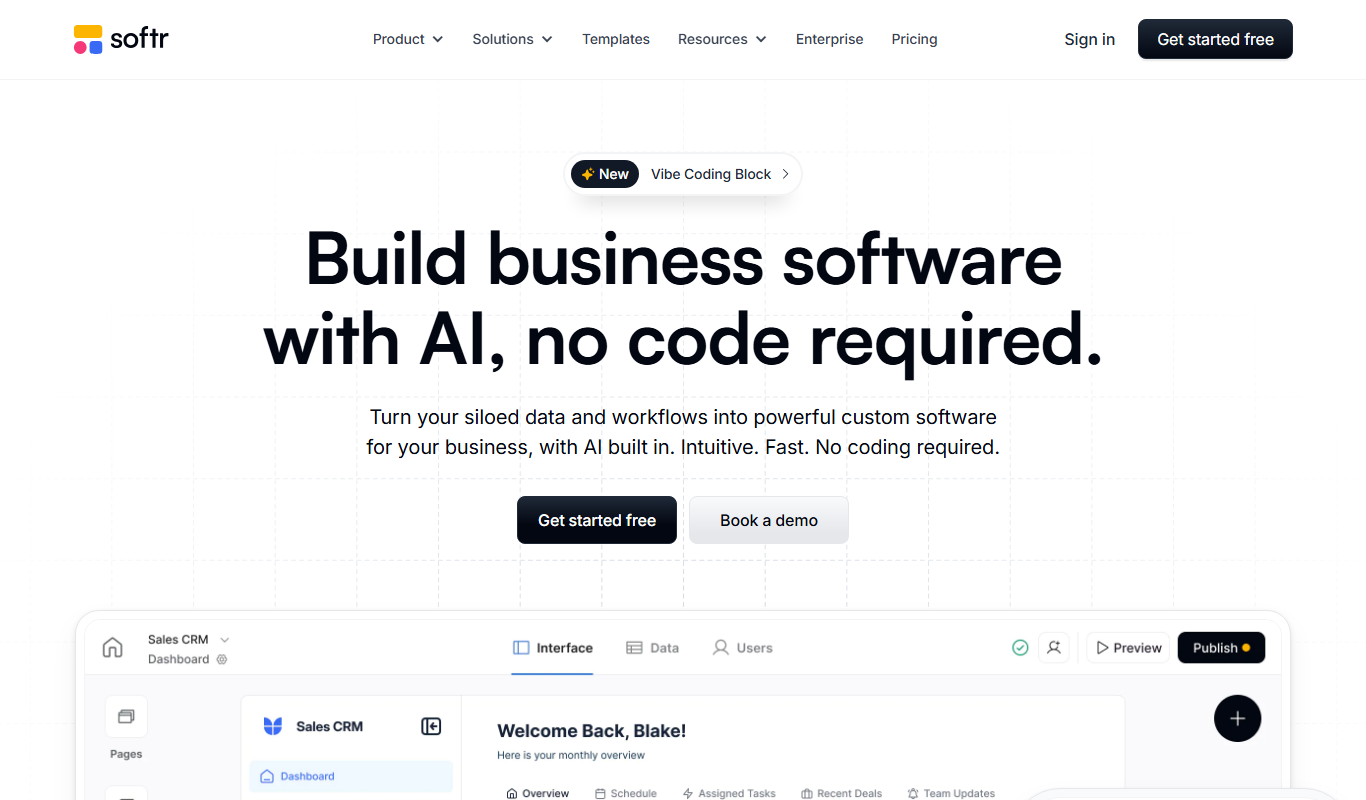
Softr
Softr is a no-code platform that allows users to build web applications, client portals, and membership sites easily by connecting to Airtable and using a drag-and-drop interface without coding.
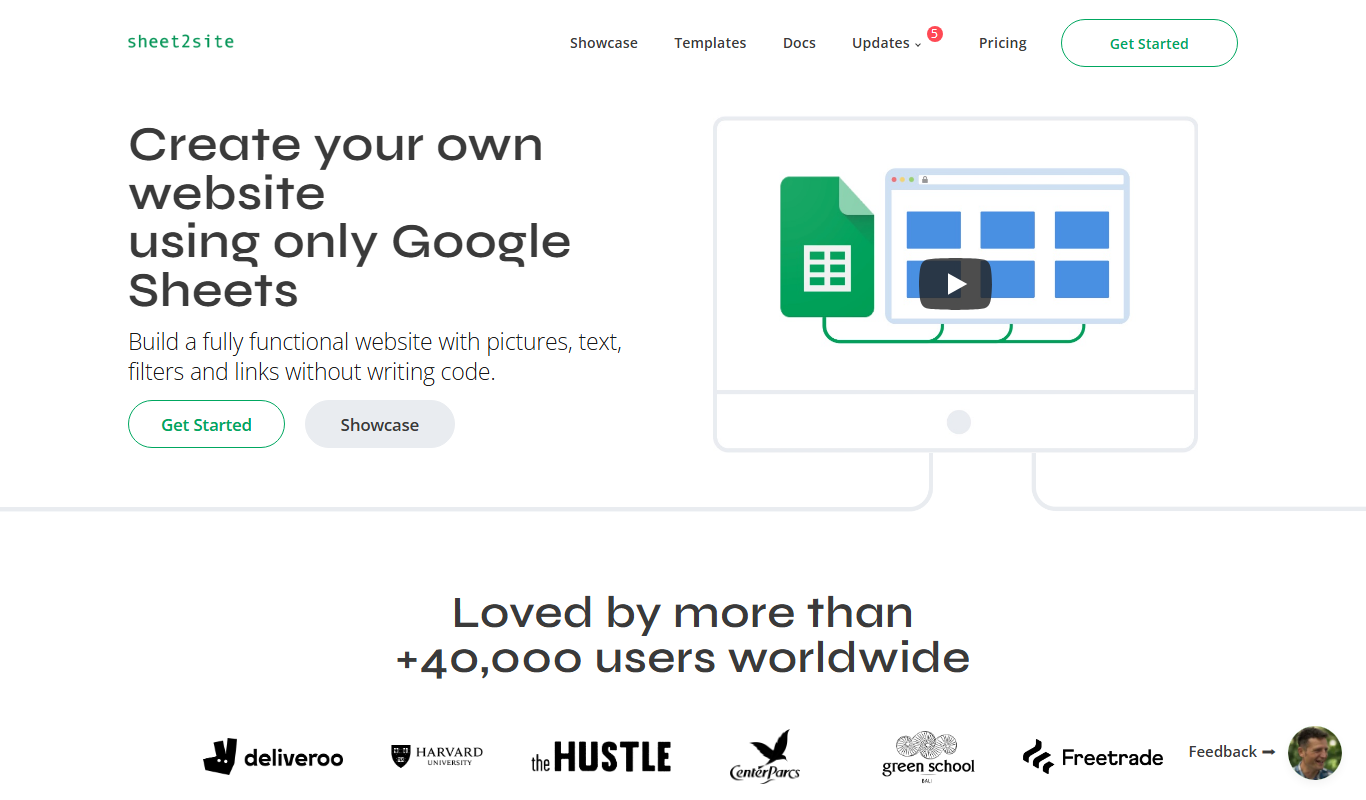
Sheet2Site
Sheet2Site is a no-code platform that lets you build websites directly from Google Sheets data, enabling easy updates and dynamic content without programming.
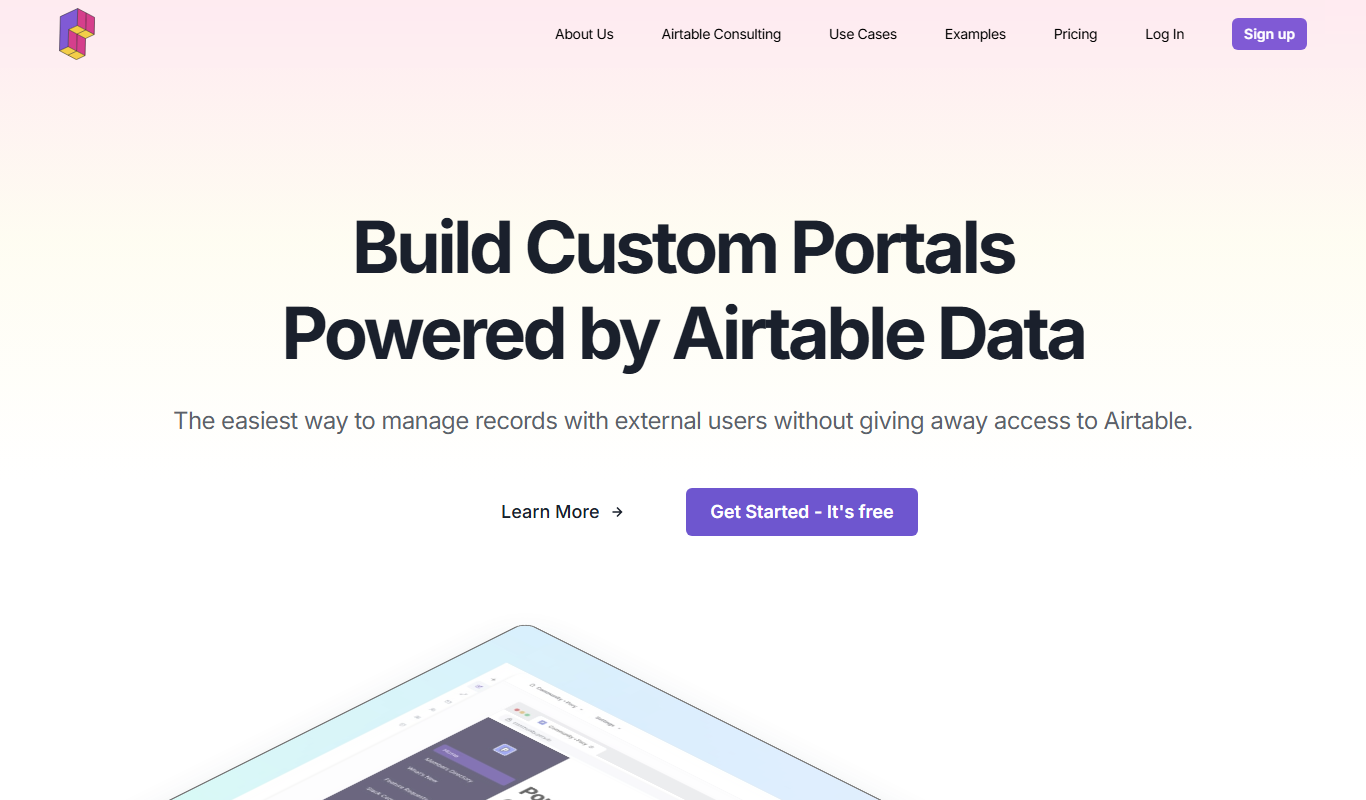
Pory.io
Pory.io is marketed as an AI Portal Builder for programs and communities.
More AI Developer & Coding Tools tools
Other tools in the same category, for when this one is not quite the fit.
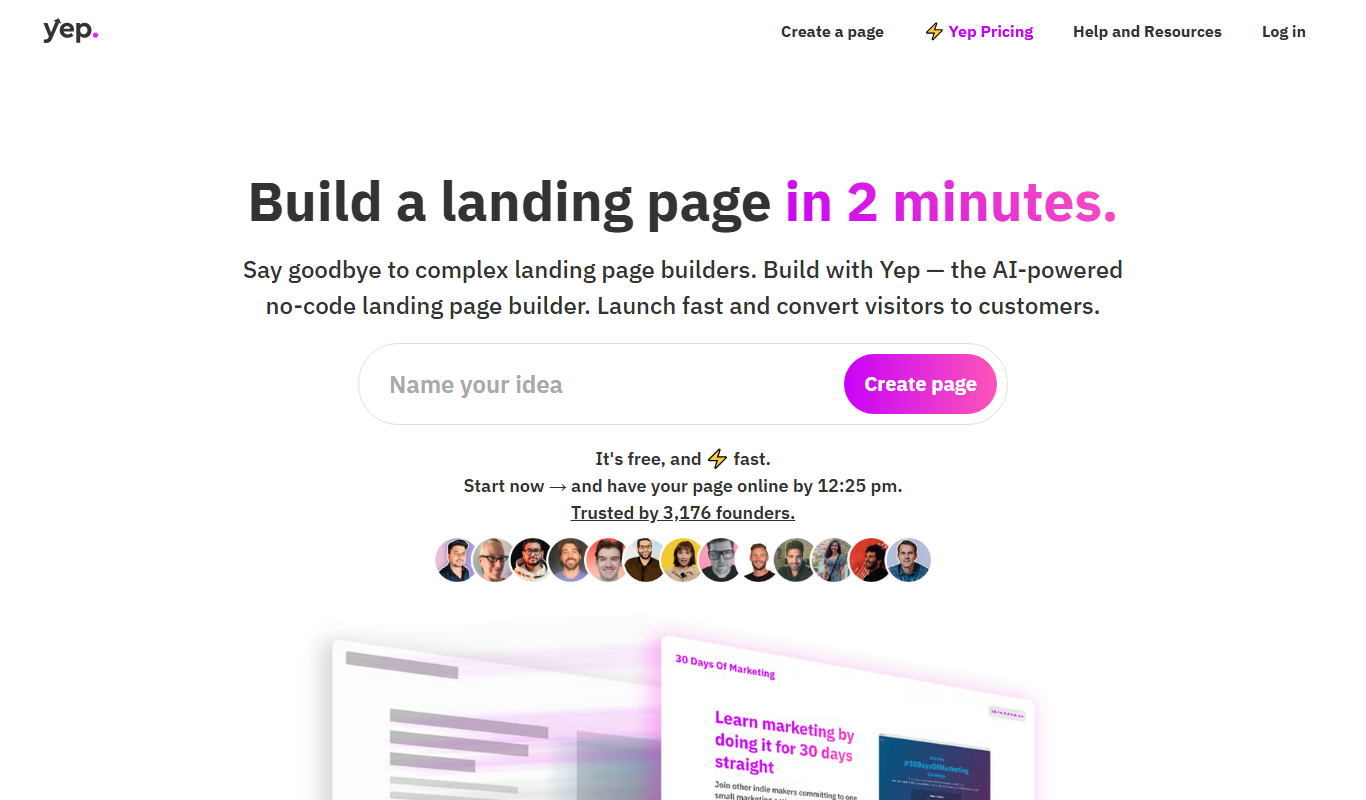
Yep.so – From idea to signups in 15 minutes
Yep.so is an AI-powered no-code landing page builder that generates pages to capture leads and validate ideas in minutes.

GenPage
GenPage is an AI landing page platform for marketing teams that creates dedicated landing pages for every ad, keyword and account.

60sec.site
60sec.site is a web tool that enables users to create and publish minimalist websites or landing pages in about 60 seconds without any coding skills.
StackRef
StackRef is a cloud, DevOps and security consulting practice for AWS, GCP and Azure, run by a CISSP-certified cloud architect.
Feathery AI
Feathery is an AI workflow platform for insurance and wealth management teams that automates submission intake, client onboarding and account opening, with a no-code form builder, document automation and the Robin AI assistant.
Nexform
Nexform is an AI-powered form builder that generates professional forms and surveys from a text description, with automatic QR codes and short links for sharing.

ChatBuild AI
ChatBuild AI lets businesses create custom trained AI chatbot agents for their website in minutes, with no coding experience needed.
VBA Code Generator
VBA Code Generator is a web-based tool that helps users create VBA scripts for Excel macros without needing programming skills, enabling automation of repetitive Excel tasks quickly.