

From my experience with Feathery AI, I found it excels at enabling non-technical users to build highly customizable and interactive forms without writing code. The AI-powered optimization features help improve form completion rates, which is a practical advantage for marketers and product teams. After spending time with the platform, I can say it’s particularly well-suited for small to medium businesses and teams looking to collect data efficiently while integrating with existing marketing tools. However, the free plan’s submission limits and lack of mobile apps might be a drawback for some users. Overall, if you need a flexible, no-code form builder with smart features, Feathery AI delivers solid results.
Feathery AI Form Builder for Custom Online Forms and Surveys
Feathery AI is a no-code platform that allows users to create customizable, AI-optimized online forms and surveys with conditional logic and integrations.
- Best for
- Custom Online Forms
- Key capability
- No-Code Drag-and-Drop Builder
Your actions
Save Feathery AI, follow its updates and vote on it — everything stays in your account.
Sign in or create a free account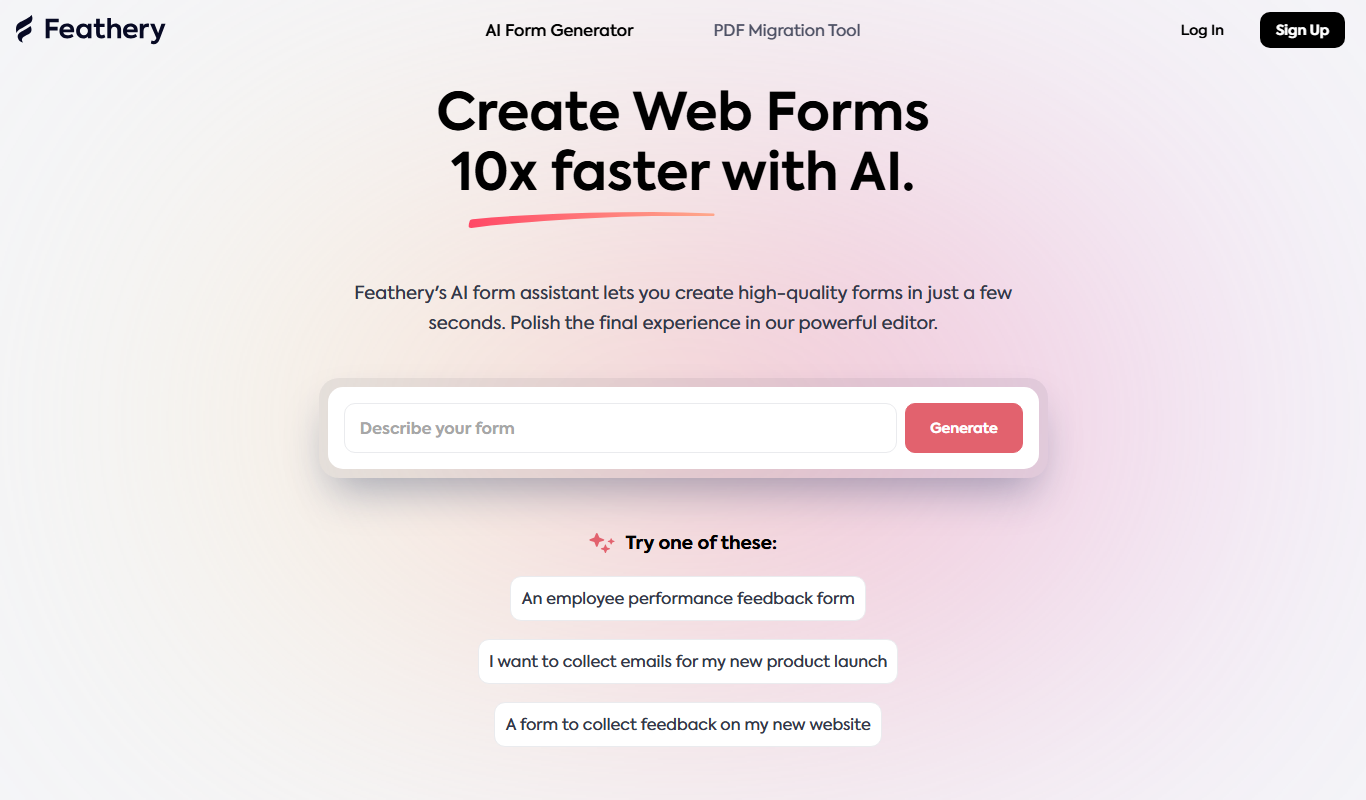
What is Feathery AI?
Feathery AI is a no-code form builder platform that enables users to create highly customizable, interactive online forms and surveys. It leverages AI to optimize form design and user experience, helping businesses collect data more effectively without requiring technical skills.
Key features of Feathery AI
Feathery AI offers drag-and-drop form creation, conditional logic, AI-driven form optimization, seamless integrations with popular marketing and CRM tools, and responsive design for all devices.
No-Code Drag-and-Drop Builder
Easily create complex forms without any programming knowledge.
Conditional Logic
Show or hide questions dynamically based on user responses to create personalized experiences.
AI-Powered Form Optimization
Leverage AI to suggest improvements that increase form completion rates.
Integrations
Connect with popular tools like HubSpot, Salesforce, and Zapier for seamless data flow.
Responsive Design
Forms automatically adapt to any device, ensuring usability on desktop and mobile.
Pros and cons of Feathery AI
Pros
- User-friendly no-code interface
- AI-driven form optimization improves completion rates
- Flexible conditional logic for personalized forms
- Strong integrations with marketing and CRM tools
- Responsive design ensures mobile compatibility
Cons
- Limited submission quota on free plan
- No desktop or mobile app; web-only platform
- AI features may require paid subscription
Key use cases for Feathery AI
Custom Online Forms
Create tailored forms for lead capture, surveys, and customer feedback without coding.
User Onboarding
Design interactive onboarding flows that adapt to user responses for better engagement.
Data Collection
Gather structured data efficiently with smart forms that improve completion rates.
Marketing Campaigns
Build forms integrated with marketing tools to capture and segment leads effectively.
Product Feedback
Collect detailed user feedback with customizable surveys that adjust based on input.
How Feathery AI works
- 1
Sign Up
Create a free account on Feathery’s website to access the form builder.
- 2
Design Your Form
Use the intuitive drag-and-drop interface to build your form, adding fields and customizing layout.
- 3
Add Logic and AI Features
Incorporate conditional logic and AI-powered suggestions to enhance form flow and user experience.
- 4
Integrate and Publish
Connect your form to marketing or CRM tools, then embed it on your website or share via link.
- 5
Collect and Analyze Data
Monitor responses in real-time and use insights to improve your forms and campaigns.
Who is using Feathery AI
Marketing teams
Product managers
Small to medium businesses
Customer success teams
Event organizers
Feathery AI pricing
Free
$0/month
Access to basic form building features with limited submissions.
Pro
$49/month
Advanced features including AI optimization, integrations, and higher submission limits.
Plans and prices are as published by the vendor and can change. Check the official site before you buy. Open the pricing page (opens in a new tab)
Frequently asked questions about Feathery AI
No, Feathery AI is designed as a no-code platform, so anyone can build forms without programming knowledge.
Yes, Feathery supports integrations with popular CRM and marketing tools like HubSpot and Salesforce.
The free plan has submission limits, while paid plans offer higher or unlimited submissions depending on the tier.
Yes, all forms created with Feathery are responsive and work well on mobile devices.
This tool is designed to help users accomplish its core tasks more efficiently. It is typically used by individuals or teams looking to improve productivity and workflow.
Integration support depends on the tool and its available connectors or API. Check the official documentation or integrations page to confirm what is supported.
Some tools offer a free plan or trial with limited features. Availability can vary, so confirm on the official website.
Sign in to review this tool.
Sign In to ReviewNo reviews yet
Be the first to share how this tool worked for you.
Ask about pricing, limits, or how it compares — or answer someone else.
Sign In to AskNo questions yet
Have a question about using or paying for this tool? Be the first to ask.
Featured on TiorAI



Alternative Tools
Explore similar AI tools that might fit your needs
Free
Typeform
Typeform is an online platform that enables users to create interactive, conversational forms and surveys to collect data, feedback, and leads with customizable templates and logic jumps.

Free
JotForm
JotForm is an online form builder that allows users to create customizable forms for surveys, registrations, payments, and data collection without coding. It supports payment integrations, conditional logic, and workflow automation.
More AI Developer & Coding Tools tools
Other tools in the same category, for when this one is not quite the fit.

Free Trial
Low-Code Development and AI
Amoga's Low-Code Development and AI platform enables rapid application building with drag-and-drop tools and AI automation, suitable for users with minimal coding skills.

Free
Blokay
Blokay is an AI builder that turns a prompt into production-ready web components to create dashboards and backoffices.

Free
Locofy.ai
Locofy.ai converts Figma and Penpot designs into frontend code for React, React Native, HTML-CSS, Flutter, Vue, Angular and Next.js.

Free
Webo.AI
Webo.AI is an AI-powered no-code website builder that automates website design and content creation, enabling users to launch responsive websites quickly without coding skills.

Free
BuilderKit
BuilderKit is an AI-driven no-code website builder that enables users to quickly create professional and responsive websites without any coding skills.
Free Trial
Codeless ONE
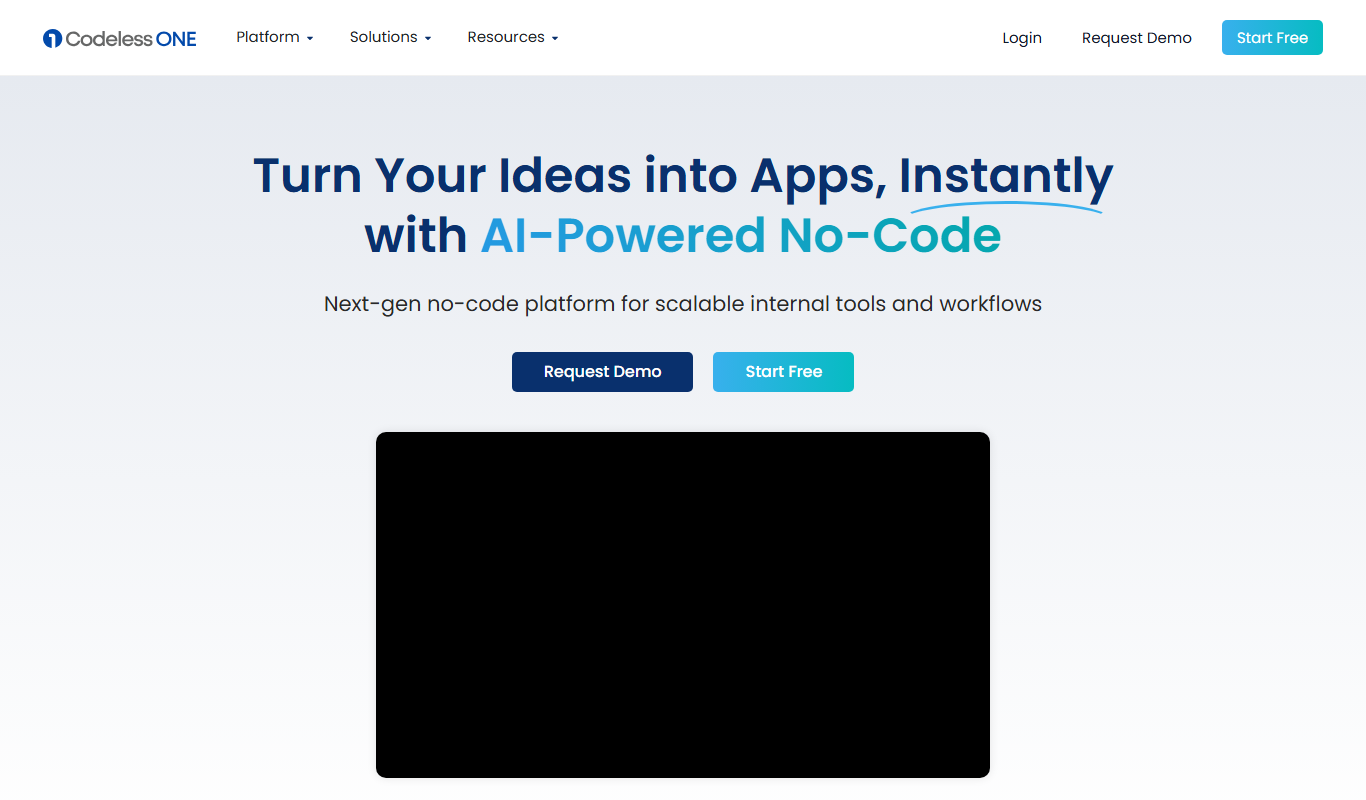
Codeless ONE is a no-code platform that allows users to build custom applications and automate workflows using a visual drag-and-drop interface without requiring programming skills.
Free
Arcade
Arcade.dev is a no-code platform that allows users to visually build, deploy, and host web applications without writing code, featuring drag-and-drop design, API integrations, and cloud hosting.
Freemium
DrogoAI
DrogoAI is an AI platform that generates and automates code creation from natural language prompts, helping developers speed up software development.