

From my experience with Arcade.dev, I found it excels at enabling users to build and deploy web applications quickly without needing coding skills. The visual drag-and-drop interface combined with integrated cloud hosting makes launching apps straightforward and efficient. It’s particularly well-suited for startups, product managers, and small businesses looking to prototype and iterate rapidly. However, the platform’s no-code nature means it may lack some customization flexibility compared to traditional development, and costs can rise as app usage scales. Overall, Arcade.dev is a solid choice for those prioritizing speed and ease in web app creation.
Arcade Dev Platform for Building and Hosting Web Apps with No-Code Tools
Arcade.dev is a no-code platform that allows users to visually build, deploy, and host web applications without writing code, featuring drag-and-drop design, API integrations, and cloud hosting.
- Best for
- Build Web Applications
- Key capability
- Visual App Builder
Your actions
Save Arcade, follow its updates and vote on it — everything stays in your account.
Sign in or create a free account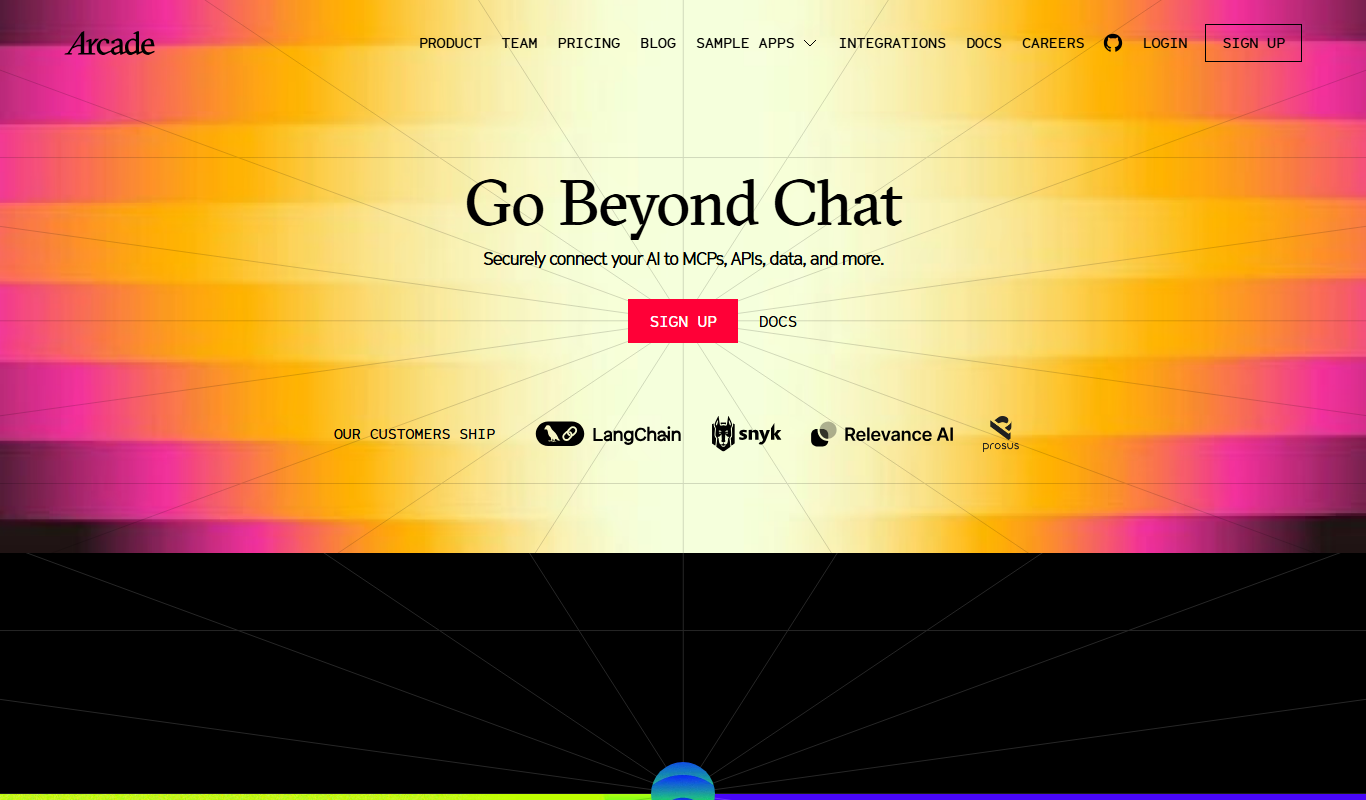

What is Arcade?
Arcade.dev is a no-code platform designed to help users build, deploy, and host web applications quickly and easily. It provides a visual development environment where users can drag and drop components, configure logic, and integrate data sources without writing traditional code. Arcade targets developers, startups, and businesses seeking to accelerate app development and reduce reliance on engineering resources.
Key features of Arcade
Arcade offers a visual app builder, cloud hosting with automatic scaling, API integrations, team collaboration tools, and version control. It simplifies the entire app lifecycle from design to deployment, enabling users to launch web apps faster and manage them efficiently.
Visual App Builder
Intuitive drag-and-drop interface to design web app interfaces and logic without coding.
Cloud Hosting
Built-in hosting with automatic scaling and global CDN for fast app delivery.
API and Database Integrations
Easily connect to external APIs and databases to extend app capabilities.
Team Collaboration
Shared workspaces and version control to enable teamwork and project management.
Rapid Prototyping
Quickly create and test app ideas to validate concepts before full-scale development.
Pros and cons of Arcade
Pros
- User-friendly visual interface for no-code app building
- Integrated cloud hosting with automatic scaling
- Supports API and database integrations
- Collaboration tools for teams
- Rapid prototyping capabilities
Cons
- Limited customization compared to traditional coding
- Pricing may increase with app scale and usage
Key use cases for Arcade
Build Web Applications
Create fully functional web applications without writing code using Arcade's visual interface.
Host and Deploy Apps
Deploy and host your web apps directly on Arcade's cloud infrastructure with automatic scaling.
Prototype Quickly
Rapidly prototype app ideas and iterate visually to validate concepts before full development.
Collaborate with Teams
Work together with team members on app projects using shared workspaces and version control.
Integrate APIs and Data
Connect external APIs and databases to enrich app functionality without coding.
How Arcade works
- 1
Sign Up
Create an account on Arcade.dev to access the platform.
- 2
Design Your App
Use the drag-and-drop interface to build your app’s UI and define workflows.
- 3
Connect Data and APIs
Integrate external data sources or APIs to add dynamic content and functionality.
- 4
Deploy and Host
Publish your app on Arcade’s cloud infrastructure with one click.
- 5
Collaborate and Iterate
Invite team members to collaborate and update your app continuously.
Who is using Arcade
Startups and entrepreneurs
Product managers and designers
Small to medium businesses
No-code enthusiasts
Development teams seeking rapid prototyping
Arcade pricing
Free
$0/month
Basic app building and hosting with limited resources and features.
Pro
$29/month
Advanced features, higher resource limits, and priority support.
Plans and prices are as published by the vendor and can change. Check the official site before you buy. Open the pricing page (opens in a new tab)
Frequently asked questions about Arcade
No, Arcade is designed as a no-code platform so you can build apps visually without programming.
Yes, Arcade supports integrations with various APIs and databases to add dynamic data.
Yes, all apps built on Arcade are hosted on their cloud infrastructure with automatic scaling.
Yes, Arcade provides team collaboration features including shared workspaces and version control.
This tool is designed to help users accomplish its core tasks more efficiently. It is typically used by individuals or teams looking to improve productivity and workflow.
It depends on your specific needs and how you plan to use the tool. The official website and documentation are the best sources for the latest details.
Yes, it can help with that use case depending on how you configure it and what features are available. You’ll get the best results with clear inputs and a defined goal.
Pricing depends on the plan and included features. For the most accurate and up-to-date details, check the official pricing page.
Sign in to review this tool.
Sign In to ReviewNo reviews yet
Be the first to share how this tool worked for you.
Ask about pricing, limits, or how it compares — or answer someone else.
Sign In to AskNo questions yet
Have a question about using or paying for this tool? Be the first to ask.
Featured on TiorAI



Alternative Tools
Explore similar AI tools that might fit your needs

Free
Bubble
Bubble is a no-code AI app builder for creating web and mobile apps visually, switching between AI prompting and visual editing for design, database, logic and privacy rules.

Free
Adalo
Adalo is a no-code platform that lets you create mobile and web applications visually without programming, supporting native app publishing and database integration.
More AI Developer & Coding Tools tools
Other tools in the same category, for when this one is not quite the fit.
Free
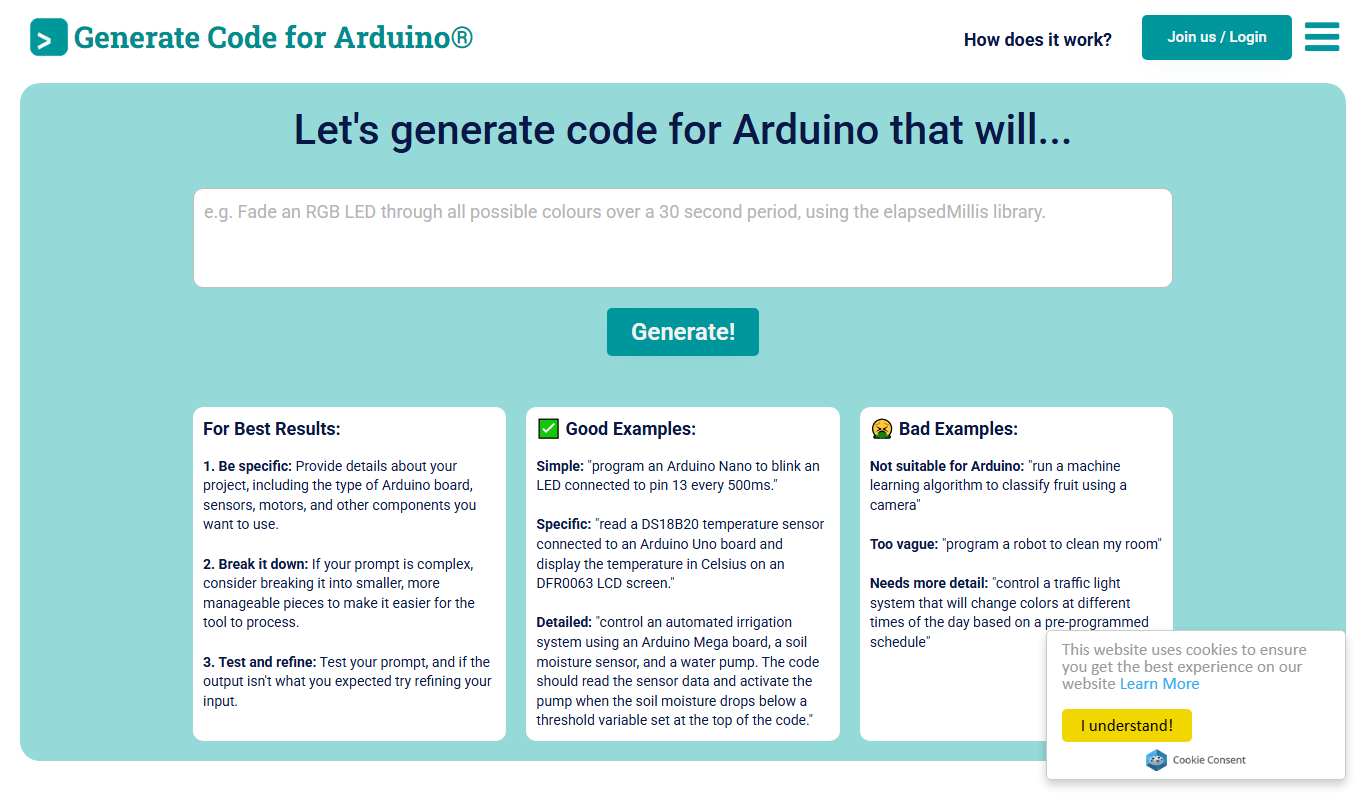
Duino Code Generator
Duino Code Generator is a free online tool that helps users automatically generate Arduino code for various sensors and actuators, simplifying microcontroller programming and speeding up IoT project development.

Free Trial
Low-Code Development and AI
Amoga's Low-Code Development and AI platform enables rapid application building with drag-and-drop tools and AI automation, suitable for users with minimal coding skills.

Free
Blokay
Blokay is an AI builder that turns a prompt into production-ready web components to create dashboards and backoffices.

Free
Locofy.ai
Locofy.ai converts Figma and Penpot designs into frontend code for React, React Native, HTML-CSS, Flutter, Vue, Angular and Next.js.

Free
Webo.AI
Webo.AI is an AI-powered no-code website builder that automates website design and content creation, enabling users to launch responsive websites quickly without coding skills.

Free
BuilderKit
BuilderKit is an AI-driven no-code website builder that enables users to quickly create professional and responsive websites without any coding skills.
Free Trial
Codeless ONE
Codeless ONE is a no-code platform that allows users to build custom applications and automate workflows using a visual drag-and-drop interface without requiring programming skills.

Freemium
DrogoAI
DrogoAI is an AI platform that generates and automates code creation from natural language prompts, helping developers speed up software development.