

From my experience with Buildpad, I found it excels at enabling rapid web app prototyping with minimal technical barriers. The visual drag-and-drop interface makes it accessible for non-developers while still offering enough flexibility for more advanced users through API integrations. After spending time with the platform, I can say it’s particularly well-suited for startups and small businesses looking to quickly validate ideas or build internal tools without heavy development resources. However, since it is a web-based platform, offline work is limited, and some advanced customizations require learning Buildpad’s specific logic. Overall, if you need a fast, user-friendly way to build and deploy web apps, Buildpad delivers solid results.
Buildpad Low-Code Platform for Rapid Web App Development and Prototyping
Buildpad is a low-code platform that allows users to quickly create and deploy web applications using a visual drag-and-drop interface without coding.
- Best for
- Rapid Web Application Prototyping
- Key capability
- Visual Drag-and-Drop Builder
Your actions
Save Buildpad, follow its updates and vote on it — everything stays in your account.
Sign in or create a free account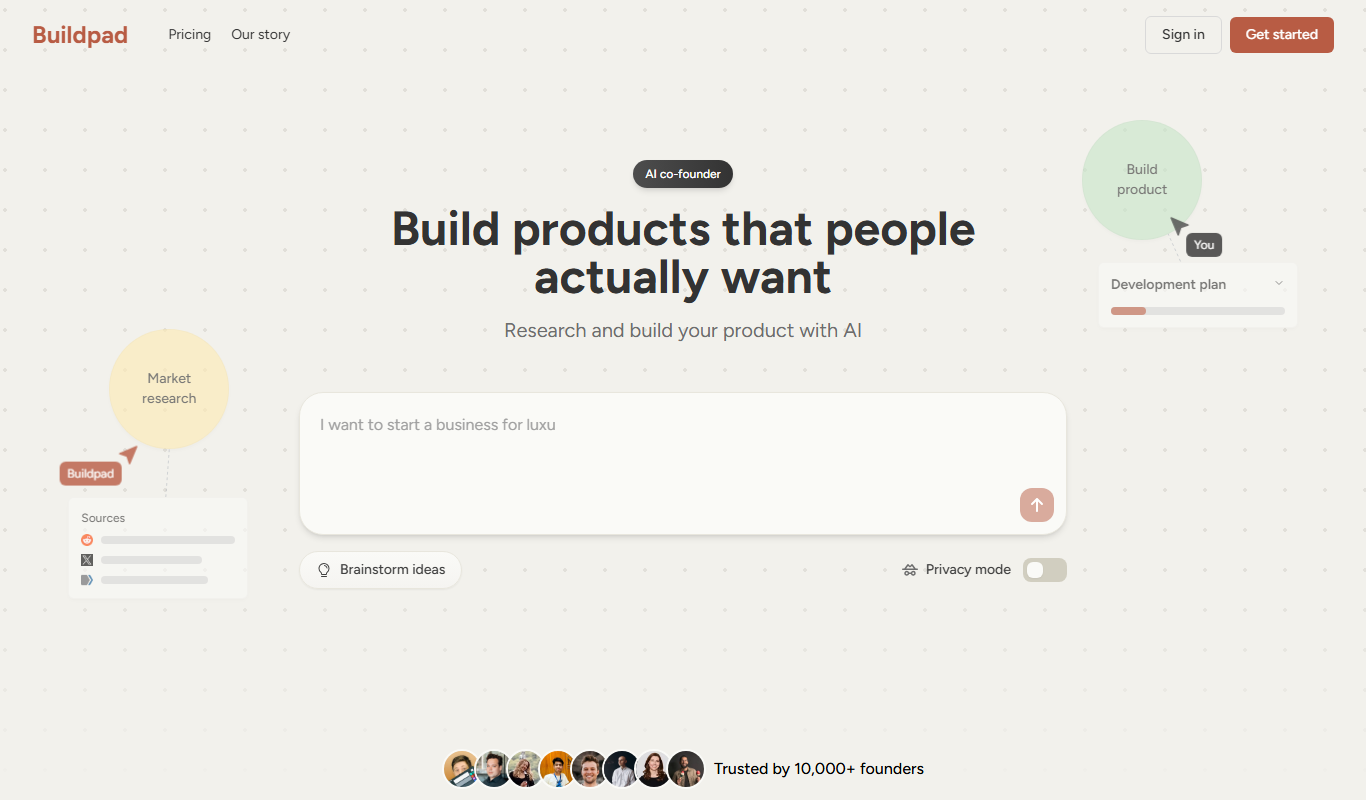
What is Buildpad?
Buildpad is a low-code web application development platform designed to help users create, prototype, and deploy web apps quickly without extensive coding knowledge. It offers a visual drag-and-drop interface, enabling both technical and non-technical users to build functional applications tailored to their needs.
Key features of Buildpad
Buildpad provides an intuitive visual builder, pre-built components, data management capabilities, and deployment options that simplify the app development lifecycle from design to launch.
Visual Drag-and-Drop Builder
Easily design app interfaces by dragging and dropping components without writing code.
Pre-Built Templates
Start quickly with customizable templates for common app types.
Data Management
Create and manage data models directly within the platform.
API Integrations
Connect external services and APIs to extend app functionality.
Real-Time Preview
Instantly test and preview your app as you build.
One-Click Deployment
Publish your app online with minimal setup.
Pros and cons of Buildpad
Pros
- User-friendly visual builder suitable for non-developers
- Quick prototyping and deployment capabilities
- Supports API integrations for extended functionality
- Flexible pricing plans including a free trial
Cons
- Limited offline capabilities as a web-based platform
- Advanced customization may require learning platform-specific logic
Key use cases for Buildpad
Rapid Web Application Prototyping
Buildpad enables users to quickly prototype web applications without coding, allowing fast iteration and validation of ideas.
Custom Business Application Development
Businesses can create tailored web apps to automate workflows, manage data, and streamline operations using Buildpad's drag-and-drop interface.
MVP Creation for Startups
Startups can leverage Buildpad to build minimum viable products rapidly, reducing time to market and development costs.
Internal Tools Development
Teams can develop internal dashboards and tools to improve productivity and data management without relying on engineering resources.
How Buildpad works
- 1
Sign Up
Create an account on Buildpad’s website to access the platform.
- 2
Choose a Template or Start from Scratch
Select a pre-built app template or begin with a blank canvas.
- 3
Design Your App Visually
Use drag-and-drop components to build your app’s interface and define workflows.
- 4
Configure Data and Logic
Set up data models, connect APIs, and define business logic without coding.
- 5
Preview and Test
Test your app in real-time within the platform to ensure functionality.
- 6
Deploy and Share
Publish your app to the web and share it with users or stakeholders.
Who is using Buildpad
Startups looking to build MVPs quickly
Small businesses needing custom web apps
Product managers and designers prototyping ideas
Non-technical entrepreneurs
Internal teams building operational tools
Buildpad pricing
Free Trial
$0 for 14 days
Full access to features for two weeks to evaluate the platform.
Starter
$29/month
Basic plan for individual users with limited app projects and features.
Professional
$79/month
Advanced features, more projects, and priority support for professionals and small teams.
Enterprise
Custom pricing
Tailored solutions with dedicated support and advanced capabilities for large organizations.
Plans and prices are as published by the vendor and can change. Check the official site before you buy. Open the pricing page (opens in a new tab)
Frequently asked questions about Buildpad
No, Buildpad is designed for users without coding experience, using a visual drag-and-drop interface.
Yes, Buildpad supports API integrations to extend your app’s functionality.
Buildpad offers a 14-day free trial with full access to all features.
Yes, Buildpad allows deployment to custom domains depending on your subscription plan.
This tool is designed to help users accomplish its core tasks more efficiently. It is typically used by individuals or teams looking to improve productivity and workflow.
It depends on your specific needs and how you plan to use the tool. The official website and documentation are the best sources for the latest details.
Pricing depends on the plan and included features. For the most accurate and up-to-date details, check the official pricing page.
Integration support depends on the tool and its available connectors or API. Check the official documentation or integrations page to confirm what is supported.
Sign in to review this tool.
Sign In to ReviewNo reviews yet
Be the first to share how this tool worked for you.
Ask about pricing, limits, or how it compares — or answer someone else.
Sign In to AskNo questions yet
Have a question about using or paying for this tool? Be the first to ask.
Featured on TiorAI



Alternative Tools
Explore similar AI tools that might fit your needs

Free
Bubble
Bubble is a no-code platform that enables users to create complex web applications visually without writing code, using drag-and-drop design, workflows, and database management.

Free
Adalo
Adalo is a no-code platform that lets you create mobile and web applications visually without programming, supporting native app publishing and database integration.

Free Trial
OutSystems
OutSystems is a low-code platform that accelerates enterprise application development through visual tools, AI assistance, and seamless integration, enabling rapid deployment across web and mobile.
More AI Developer & Coding Tools tools
Other tools in the same category, for when this one is not quite the fit.

Free
Webo.AI
Webo.AI is an AI-powered no-code website builder that automates website design and content creation, enabling users to launch responsive websites quickly without coding skills.

Free
BuilderKit
BuilderKit is an AI-driven no-code website builder that enables users to quickly create professional and responsive websites without any coding skills.
Free Trial
Codeless ONE
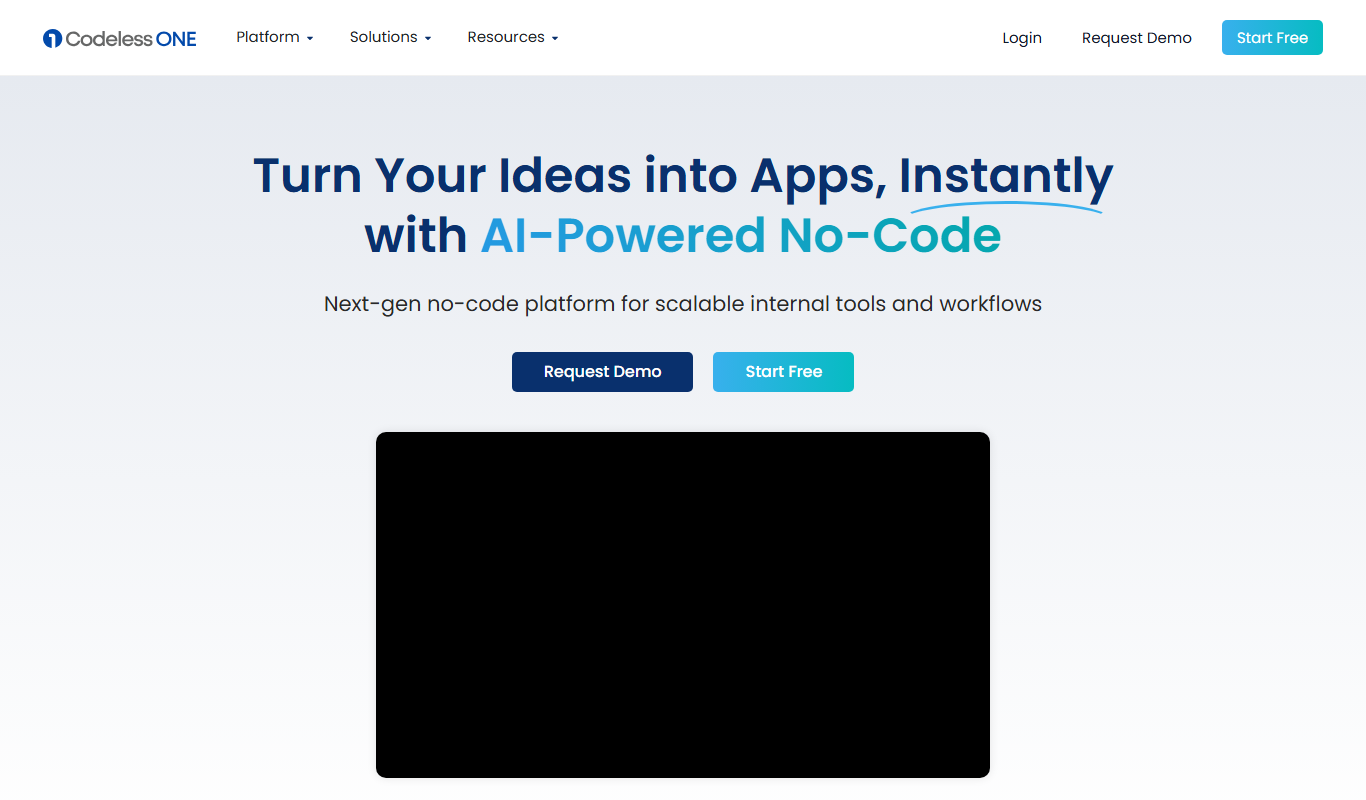
Codeless ONE is a no-code platform that allows users to build custom applications and automate workflows using a visual drag-and-drop interface without requiring programming skills.
Free
Arcade
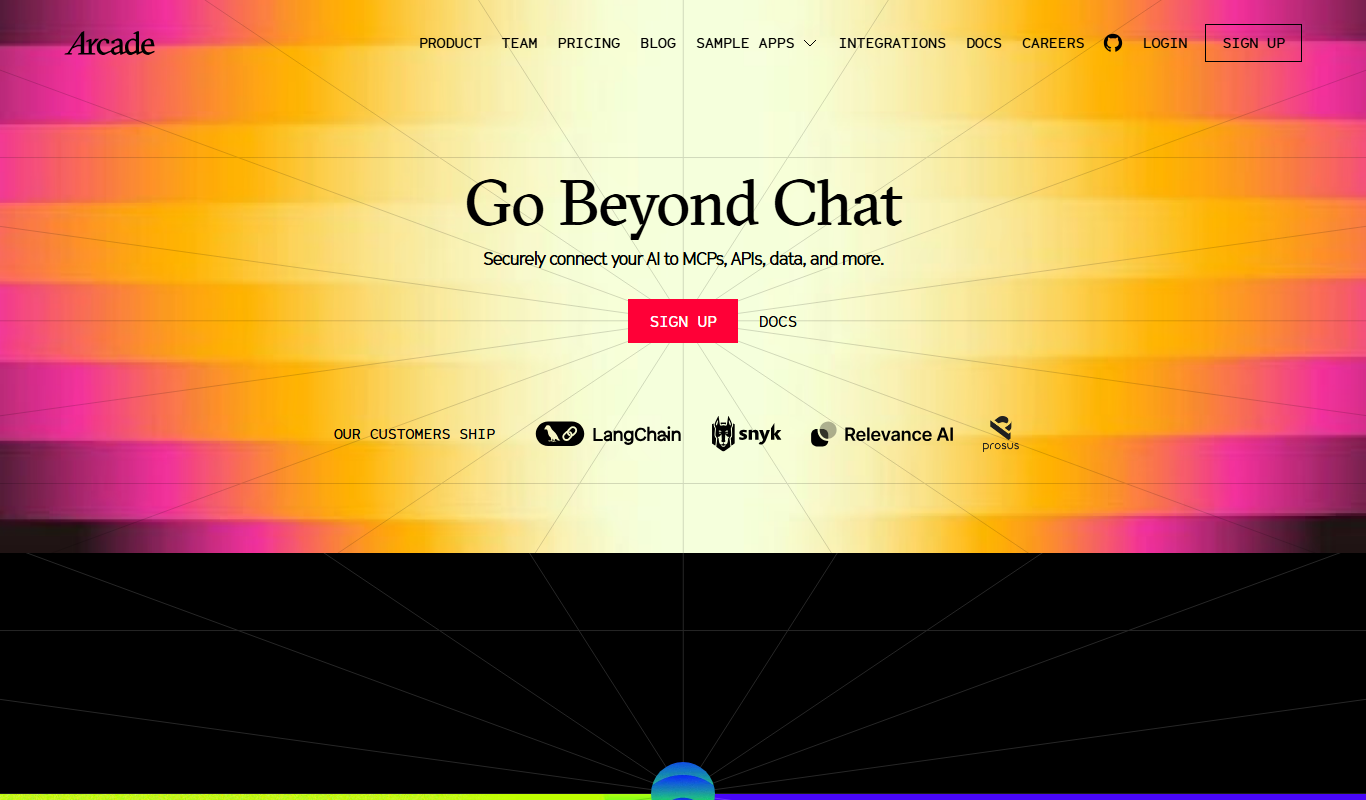
Arcade.dev is a no-code platform that allows users to visually build, deploy, and host web applications without writing code, featuring drag-and-drop design, API integrations, and cloud hosting.
Freemium
DrogoAI
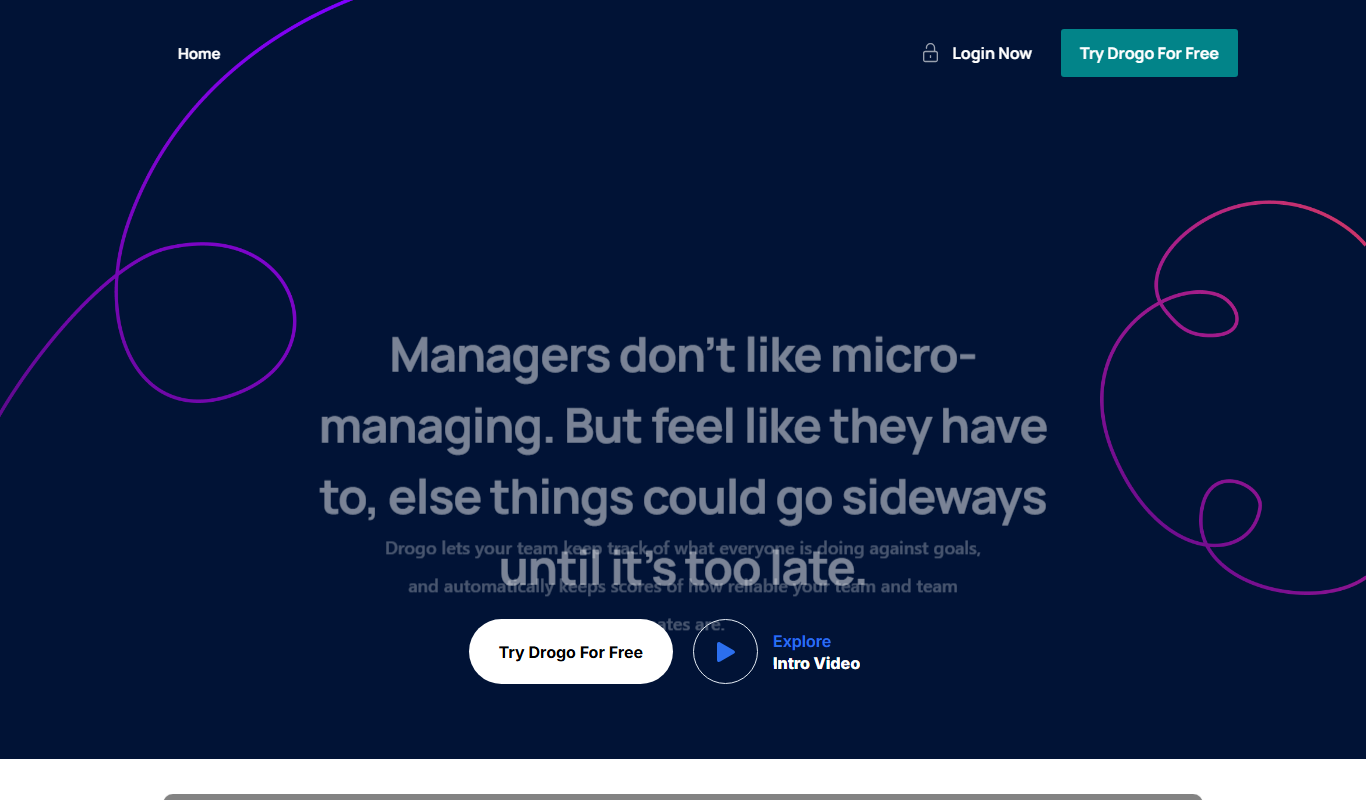
DrogoAI is an AI platform that generates and automates code creation from natural language prompts, helping developers speed up software development.

Free
Brizy AI Website Builder
Brizy AI Website Builder is a web-based platform that uses artificial intelligence to help users create professional, responsive websites quickly without coding skills. It offers AI-generated content, drag-and-drop design, and hosting services.

Free
AI Agent Store
AI Agent Store is a no-code platform that allows users to create, customize, and deploy AI-powered agents for automation and customer interaction without programming skills.

Free
Tally AI
Tally AI is a no-code online form builder that lets users create customizable surveys and data collection forms with features like conditional logic, unlimited responses, and integrations.