

From my experience with OutSystems, I found it excels at accelerating enterprise application development through its intuitive visual tools and AI-assisted features. The platform is particularly well-suited for IT teams and business users aiming to rapidly build scalable web and mobile apps without deep coding expertise. However, the advanced capabilities come with a learning curve and pricing that may be challenging for smaller organizations. Overall, if your goal is to modernize legacy systems or speed up digital transformation initiatives, OutSystems delivers a robust and flexible solution.
OutSystems Low-Code Platform for Rapid App Development and Deployment
OutSystems is a low-code platform that accelerates enterprise application development through visual tools, AI assistance, and seamless integration, enabling rapid deployment across web and mobile.
- Best for
- Enterprise Application Development
- Key capability
- Visual Development Environment
Your actions
Save OutSystems, follow its updates and vote on it — everything stays in your account.
Sign in or create a free account
What is OutSystems?
OutSystems is a leading low-code development platform designed to accelerate the creation and deployment of enterprise applications. It provides a visual development environment that enables developers and business users to collaboratively build web and mobile applications with minimal hand-coding. The platform supports integration with existing systems and offers tools for lifecycle management, scalability, and security, making it suitable for complex digital transformation initiatives.
Key features of OutSystems
OutSystems offers visual drag-and-drop development, full-stack application lifecycle management, AI-assisted development, multi-channel deployment, and robust integration capabilities. It supports rapid prototyping and continuous delivery, enabling organizations to respond quickly to changing business needs.
Visual Development Environment
Drag-and-drop interface for building UI, logic, and data models, reducing the need for manual coding.
AI-Assisted Development
AI-powered suggestions and automation to speed up development and improve code quality.
Multi-Channel Deployment
Deploy applications seamlessly across web, iOS, and Android platforms from a single codebase.
Integration Hub
Pre-built connectors and APIs to integrate with enterprise systems like SAP, Salesforce, and databases.
Full Application Lifecycle Management
Tools for version control, automated testing, deployment pipelines, and monitoring.
Pros and cons of OutSystems
Pros
- Accelerates application development with visual tools
- Supports complex enterprise-grade applications
- Strong integration capabilities with existing systems
- AI assistance improves developer productivity
- Scalable deployment options including cloud and on-premises
Cons
- Pricing can be high for small businesses
- Steep learning curve for advanced features
- Customization beyond low-code may require traditional coding
Key use cases for OutSystems
Enterprise Application Development
Build scalable, secure, and high-performance enterprise-grade applications rapidly using visual development tools.
Legacy System Modernization
Modernize and integrate legacy systems with new applications to improve business agility and reduce technical debt.
Workflow Automation
Automate complex business workflows and processes to increase operational efficiency and reduce manual errors.
Mobile App Development
Create native mobile applications for iOS and Android with a single development environment.
Customer Portal Creation
Develop customer-facing portals and self-service applications to enhance user engagement and satisfaction.
How OutSystems works
- 1
Sign Up and Access Platform
Create an account on OutSystems and access the cloud or on-premises development environment.
- 2
Design Application Visually
Use drag-and-drop tools to design UI, workflows, and data models without extensive coding.
- 3
Integrate Systems
Connect with existing databases, APIs, and services to leverage current IT assets.
- 4
Test and Deploy
Perform automated testing and deploy applications instantly to web and mobile platforms.
- 5
Manage and Scale
Monitor application performance and scale resources as needed through the platform’s management tools.
Who is using OutSystems
Enterprise IT teams
Business analysts and citizen developers
Digital transformation leaders
Software development agencies
Mobile app developers
OutSystems pricing
Free Edition
$0/month
Limited features for personal use and small projects with community support.
Enterprise
Custom pricing
Full platform capabilities with dedicated support, SLAs, and scalability for large organizations.
Plans and prices are as published by the vendor and can change. Check the official site before you buy. Open the pricing page (opens in a new tab)
Frequently asked questions about OutSystems
OutSystems is used to rapidly develop and deploy enterprise-grade web and mobile applications using a low-code approach.
Basic coding knowledge helps, but the platform is designed to enable both developers and business users to build applications visually.
Yes, it offers extensive integration options including APIs, connectors, and database access to connect with legacy and third-party systems.
Yes, it supports native mobile app development for iOS and Android from a single development environment.
It depends on your specific needs and how you plan to use the tool. The official website and documentation are the best sources for the latest details.
Pricing depends on the plan and included features. For the most accurate and up-to-date details, check the official pricing page.
Sign in to review this tool.
Sign In to ReviewNo reviews yet
Be the first to share how this tool worked for you.
Ask about pricing, limits, or how it compares — or answer someone else.
Sign In to AskNo questions yet
Have a question about using or paying for this tool? Be the first to ask.
Featured on TiorAI



Alternative Tools
Explore similar AI tools that might fit your needs

Enterprise
Mendix
Mendix is a low-code development platform that enables rapid creation, deployment, and management of enterprise-grade applications with minimal coding, supporting collaboration between business and IT teams.

Contact Sales
Appian
Appian is a low-code automation platform that helps organizations rapidly build enterprise applications, automate workflows, and integrate AI and RPA technologies.
More Business Management tools
Other tools in the same category, for when this one is not quite the fit.

Custom Pricing
Optimizely
Optimizely is a digital experience platform that enables businesses to run A/B tests, personalization campaigns, and feature flag rollouts to optimize websites and apps for better user engagement and conversions.

Custom Pricing
Clearpath Robotics
Clearpath Robotics, part of Rockwell Automation since 2023, provides robots for research and development; its industrial offering is now OTTO by Rockwell.

Subscription
Airmeet
Airmeet is a web-based virtual event platform that enables hosting interactive online conferences, webinars, and networking sessions with features like virtual stages, breakout rooms, and live engagement tools.

Custom Pricing
vFairs
vFairs is an event management platform for in-person, hybrid and virtual events, from conferences and trade shows to career fairs and webinars.

Custom Pricing
Community Sift
Community Sift is an AI-driven content moderation platform, now offered by Microsoft Game Dev, that detects and filters harmful online content in 22 languages.
Free
Jamovi
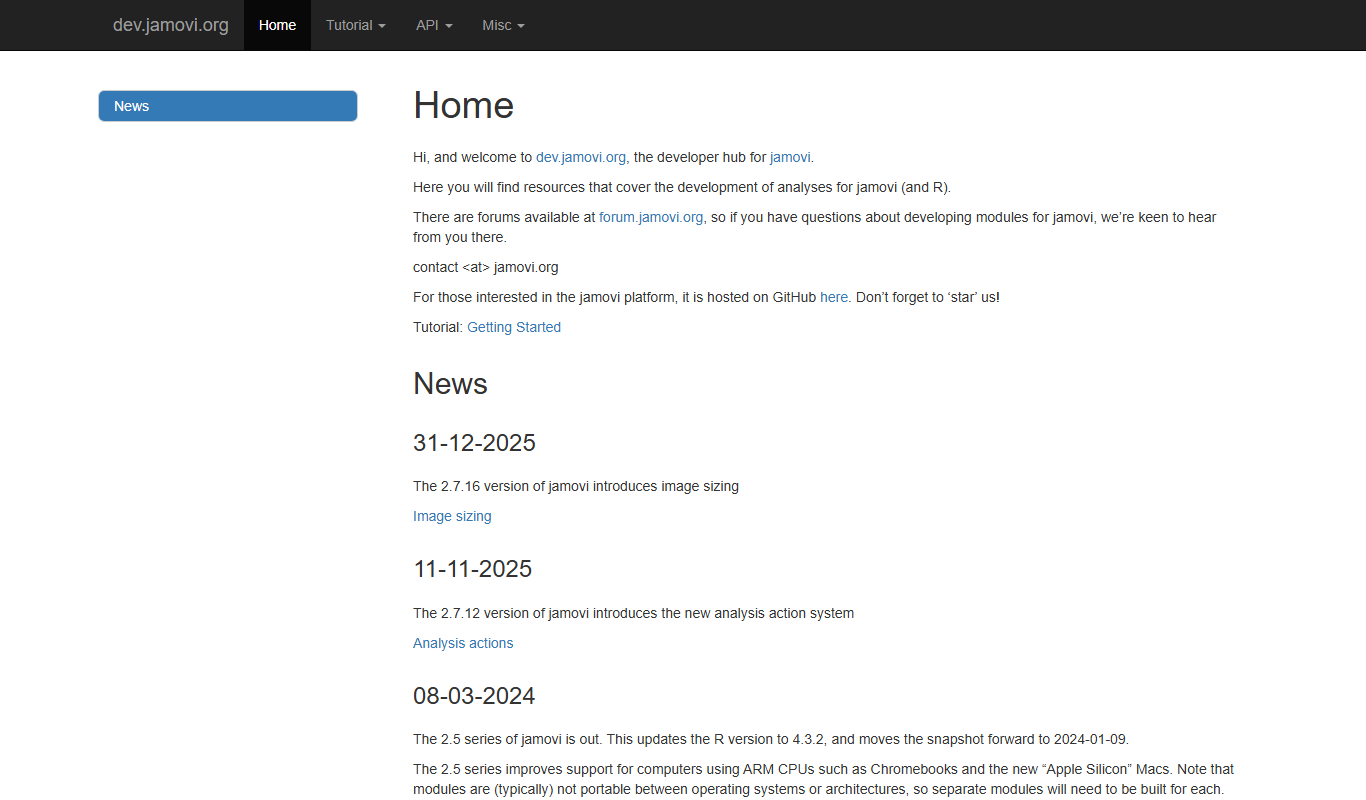
Jamovi is a free, open-source statistical software designed for easy and reproducible data analysis with a user-friendly interface built on R.

Enterprise Licensing
SPSS
IBM SPSS Statistics is a powerful software suite for statistical analysis, data management, and predictive analytics used by researchers and analysts worldwide.
Free
Stormboard
Stormboard is a cloud-based online whiteboard platform that enables teams to brainstorm, plan projects, and collaborate in real-time using sticky notes, drawings, and templates accessible via web and mobile apps.