

Create Websites from Google Sheets Easily with Sheet2Site No-Code Builder
Sheet2Site is a no-code platform that lets you build websites directly from Google Sheets data, enabling easy updates and dynamic content without programming.
- Best for
- Create Websites Without Coding
- Key capability
- Google Sheets Integration
Save Sheet2Site, follow its updates and vote on it — everything stays in your account.
Sign in or create a free account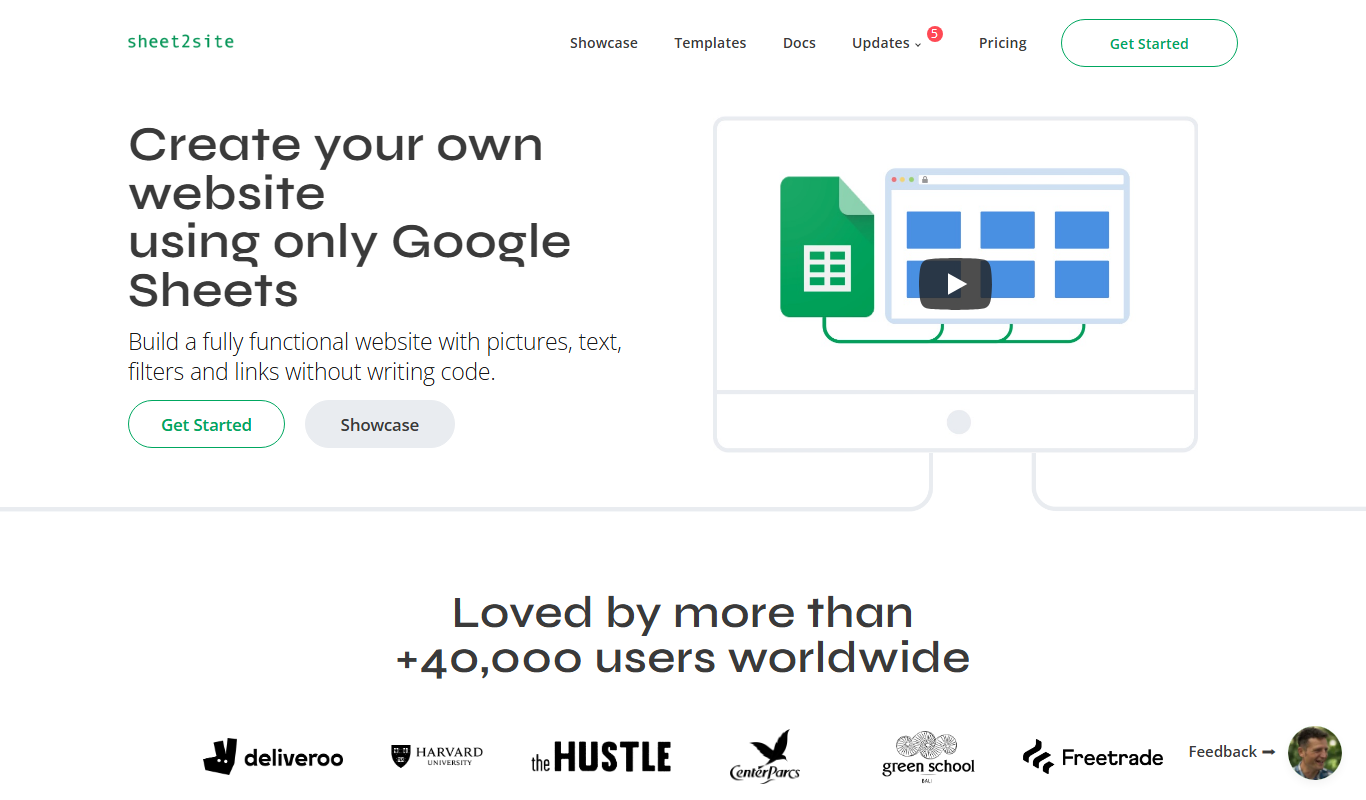
What is Sheet2Site?
Sheet2Site is a no-code platform that enables users to create fully functional websites directly from Google Sheets data. By simply organizing content in a spreadsheet, users can generate dynamic, customizable websites without any programming knowledge. This tool is ideal for individuals and businesses looking to quickly launch websites such as portfolios, product catalogs, directories, or event pages with minimal effort.
Key features of Sheet2Site
Sheet2Site offers seamless integration with Google Sheets, customizable templates, responsive design, and automatic website updates when spreadsheet data changes. It supports embedding media, filtering and sorting data, and includes SEO-friendly features to help websites rank better.
Google Sheets Integration
Directly use spreadsheet data to populate website content dynamically.
Customizable Templates
Access a range of templates designed for portfolios, directories, product listings, and more.
Responsive Design
Websites built with Sheet2Site are mobile-friendly and adapt to different screen sizes.
Automatic Updates
Any changes in your Google Sheets are reflected immediately on your live website.
SEO Optimization
Built-in SEO features help improve search engine visibility.
Pros and cons of Sheet2Site
Pros
- No coding required to build functional websites
- Seamless integration with Google Sheets for easy content management
- Responsive and customizable templates
- Automatic website updates from spreadsheet changes
- Affordable pricing with a free tier
Cons
- Limited to websites that can be structured around spreadsheet data
- Customization options may be less flexible than traditional web development
- No offline editing or desktop app available
Key use cases for Sheet2Site
Create Websites Without Coding
Build fully functional websites by connecting Google Sheets data without writing any code.
Product Catalogs and Marketplaces
Easily create online product catalogs or marketplaces that update dynamically from spreadsheet data.
Portfolio and Resume Sites
Showcase portfolios or resumes by managing content in Google Sheets and publishing instantly.
Event and Directory Websites
Build event listings, directories, or member sites that are simple to update via spreadsheets.
Internal Tools and Dashboards
Create internal company tools or dashboards that reflect live data from Google Sheets.
How Sheet2Site works
- 1
Connect Your Google Sheet
Link your existing Google Sheets spreadsheet containing your website data to Sheet2Site.
- 2
Choose a Template
Select from a variety of pre-built templates tailored for different website types.
- 3
Customize Your Site
Adjust design elements, layout, and settings to match your branding and preferences.
- 4
Publish and Share
Launch your website instantly and share the URL with your audience.
- 5
Update Content Easily
Modify your Google Sheets data anytime; your website updates automatically without republishing.
Who is using Sheet2Site
Sheet2Site pricing
Free
$0/month
Basic features with limited templates and branding included.
Basic
$348/year
Connects 1 custom domain with the Made with Sheet2Site banner, unlimited websites on the Sheet2Site domain, filters, search and detail pages.
Premium
$588/year
Connects 3 custom domains with the Made with Sheet2Site banner removed, and adds forms and payments via Stripe.
Enterprise
Everything in Premium plus 10 custom domains, login and password protection, dedicated account management and contract management.
Plans and prices are as published by the vendor and can change. Check the official site before you buy. Open the pricing page (opens in a new tab)
Frequently asked questions about Sheet2Site
No, Sheet2Site is designed for users with no coding experience by leveraging Google Sheets as the content source.
Yes, custom domain support is available on paid plans.
Updates are reflected automatically and typically within a few minutes after changes are made.
Limits depend on your subscription plan, with higher tiers allowing more data and traffic.
It depends on your specific needs and how you plan to use the tool. The official website and documentation are the best sources for the latest details.
Yes, it can help with that use case depending on how you configure it and what features are available. You’ll get the best results with clear inputs and a defined goal.
It depends on your specific needs and how you plan to use the tool. The official website and documentation are the best sources for the latest details.
Pricing depends on the plan and included features. For the most accurate and up-to-date details, check the official pricing page.
Conclusion
A Google Sheets spreadsheet serves as the content source: once it is linked, a pre-built template is chosen and its design, layout and settings are adjusted. Later edits to the sheet update the website automatically without republishing. Templates cover portfolios, directories and product listings, and sites adapt to different screen sizes.
Small business owners, freelancers and creatives, and event organizers are the audiences it is built around. The page notes that it is limited to websites that can be structured around spreadsheet data. No free plan exists, only a trial limited to 15 records, and the paid plans are Basic at $348 per year, Premium at $588 per year and Enterprise.
Sources
Sign in to review this tool.
Sign In to ReviewNo reviews yet
Be the first to share how this tool worked for you.
Ask about pricing, limits, or how it compares — or answer someone else.
Sign In to AskNo questions yet
Have a question about using or paying for this tool? Be the first to ask.
Featured on TiorAI



Alternative Tools
Explore similar AI tools that might fit your needs
More Business Management tools
Other tools in the same category, for when this one is not quite the fit.
MakerJournal
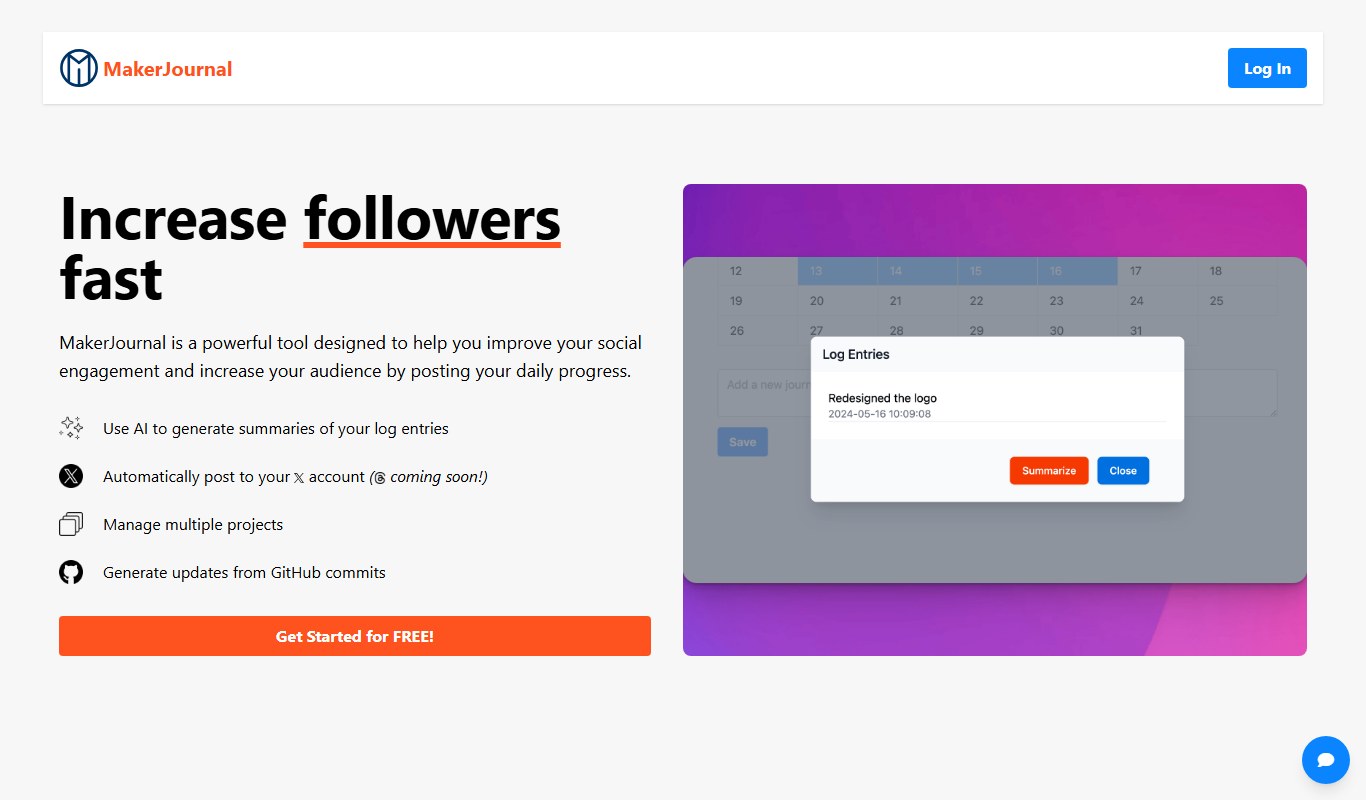
MakerJournal uses AI to turn your progress logs and GitHub commits into summaries that indie makers and solo developers can post to their social accounts.

NoFOMO.AI
noFOMO OS is a free web calendar: add the venues you love and its scraper scans their websites every day, pulling every event into one calendar.
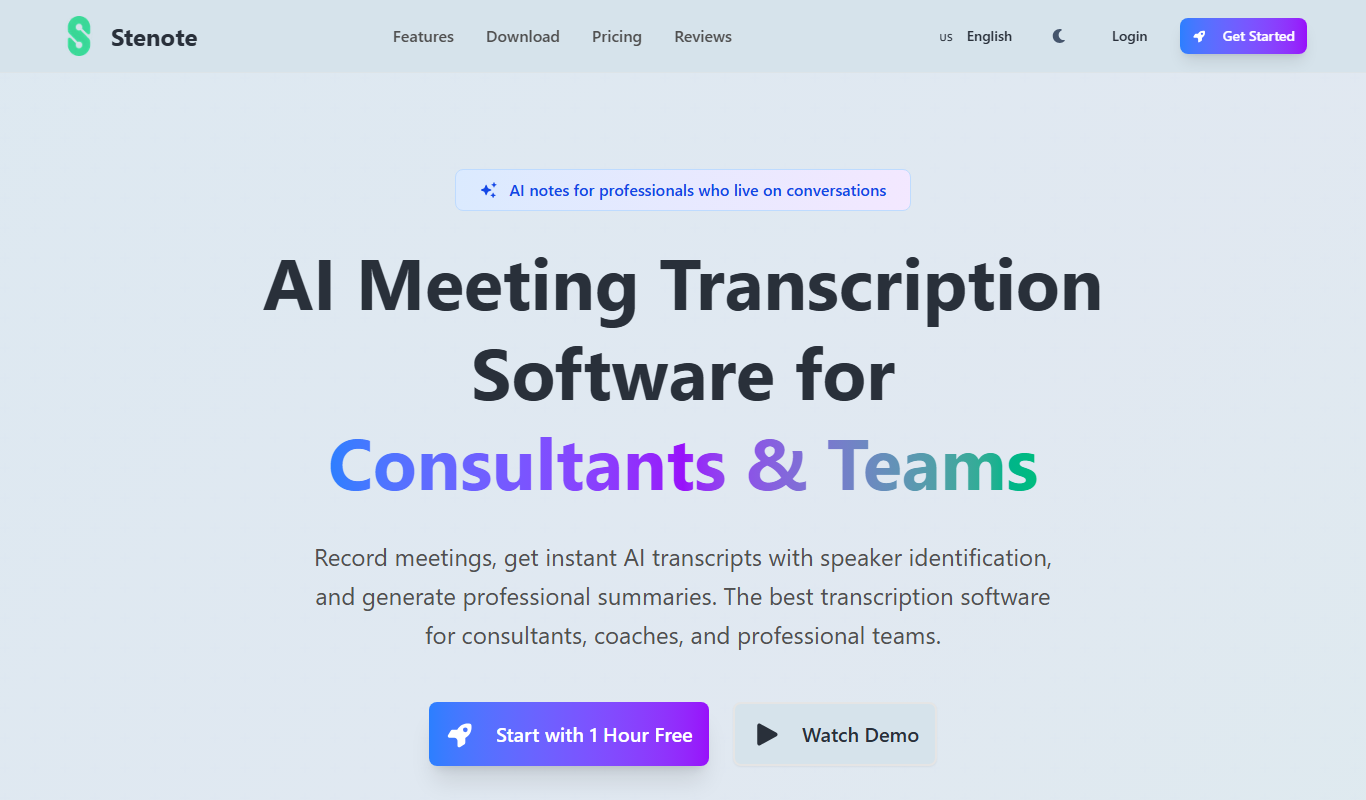
Stenote
Stenote is an AI meeting assistant that provides real-time transcription and AI-generated summaries to help teams capture and share meeting notes efficiently.

topin.tech
topin.tech is an AI hiring and placement platform: AI-powered assessments and interviews for companies to find top talent, and job-readiness tools for colleges to prepare students.

Notion Business OS
Notion Business OS is a comprehensive Notion template by Landmark Labs that helps small businesses and teams manage projects, clients, content, and workflows in one centralized workspace.

Lava Metrics
Lava Metrics provides the B2B marketing reports you wish HubSpot had, built automatically from your live HubSpot data.

interviewer.ai
Interviewer.AI is an AI video interview platform that helps businesses, staffing agencies and universities screen, score and shortlist candidates.

ApplicantAI
ApplicantAI is an AI recruitment tool that automates resume screening and candidate matching to streamline hiring processes and improve candidate selection accuracy.