

From my experience with Notion Business OS, it stands out as a powerful all-in-one template that effectively consolidates multiple business functions into a single Notion workspace. Its modular design allows for deep customization, making it adaptable to various business models. I found it especially useful for small teams looking to streamline project management and client tracking without juggling multiple apps. However, it does require some familiarity with Notion’s interface and a willingness to invest upfront. Overall, if you want a centralized, flexible business OS within Notion, this template delivers strong value.
Notion Business OS Review - All-in-One Business Management Template for Notion
Notion Business OS is a comprehensive Notion template by Landmark Labs that helps small businesses and teams manage projects, clients, content, and workflows in one centralized workspace.
- Best for
- Business Operations Management
- Key capability
- Modular Dashboard System

Do you recommend this tool?
What is Notion Business OS?
Notion Business OS is a comprehensive, all-in-one business operating system template built for Notion. Developed by Landmark Labs, it provides entrepreneurs, small businesses, and teams with a centralized workspace to manage projects, clients, content, and workflows seamlessly. It leverages Notion’s flexible database and page system to create interconnected modules that simplify complex business operations.
Key features of Notion Business OS
The tool offers modular dashboards, project and task management, CRM capabilities, content calendars, financial tracking, and team collaboration features—all integrated within Notion’s environment. It enables users to customize workflows and scale their operations without switching between multiple apps.
Modular Dashboard System
Centralized dashboards provide quick access to projects, clients, tasks, and financials.
Integrated CRM
Manage client relationships and sales pipelines within the same workspace.
Project & Task Management
Track project timelines, assign responsibilities, and monitor task completion.
Content & Marketing Planner
Plan and schedule marketing campaigns and content calendars efficiently.
Financial Tracking
Monitor budgets, expenses, and revenue streams directly inside Notion.
Pros and cons of Notion Business OS
Pros
- All-in-one business management within Notion
- Highly customizable and modular design
- Centralizes multiple business functions
- Lifetime updates included
- No need to switch between multiple apps
Cons
- Requires familiarity with Notion
- One-time cost may be high for some users
- Limited to Notion platform capabilities
Key use cases for Notion Business OS
Business Operations Management
Centralize and streamline all business processes including projects, tasks, and workflows within Notion.
Project and Task Management
Organize projects, assign tasks, and track progress with integrated databases and dashboards.
Client and CRM Management
Manage client information, communications, and sales pipelines in one unified workspace.
Content Planning and Marketing
Plan, schedule, and track marketing campaigns and content calendars efficiently.
Team Collaboration
Facilitate team communication and collaboration with shared workspaces and status updates.
How Notion Business OS works
- 1
Purchase and Access Template
Buy the Notion Business OS template from Landmark Labs and duplicate it into your Notion workspace.
- 2
Customize Modules
Tailor the pre-built dashboards, databases, and workflows to fit your business needs.
- 3
Import Data
Add your existing projects, clients, and tasks into the system to start managing immediately.
- 4
Collaborate and Track
Invite team members to collaborate, assign tasks, and monitor progress through integrated views.
Who is using Notion Business OS
Entrepreneurs
Small business owners
Freelancers
Marketing teams
Project managers
Notion Business OS pricing
One-time Purchase
$199
Full access to the Notion Business OS template with lifetime updates.
Plans and prices are as published by the vendor and can change. Check the official site before you buy. Open the pricing page (opens in a new tab)
Frequently asked questions about Notion Business OS
Yes, you need a free or paid Notion account to use and customize the template.
It is primarily designed for small to medium businesses and teams but can be adapted for larger organizations.
Absolutely, the template is fully customizable within Notion’s flexible environment.
Yes, Landmark Labs provides lifetime updates and support for the template.
This tool is designed to help users accomplish its core tasks more efficiently. It is typically used by individuals or teams looking to improve productivity and workflow.
Pricing depends on the plan and included features. For the most accurate and up-to-date details, check the official pricing page.
Yes, it can help with that use case depending on how you configure it and what features are available. You’ll get the best results with clear inputs and a defined goal.
It depends on your specific needs and how you plan to use the tool. The official website and documentation are the best sources for the latest details.
Sign in to review this tool.
Sign In to ReviewNo reviews yet
Be the first to share how this tool worked for you.
Ask about pricing, limits, or how it compares — or answer someone else.
Sign In to AskNo questions yet
Have a question about using or paying for this tool? Be the first to ask.
Featured on TiorAI



Alternative Tools
Explore similar AI tools that might fit your needs
Free
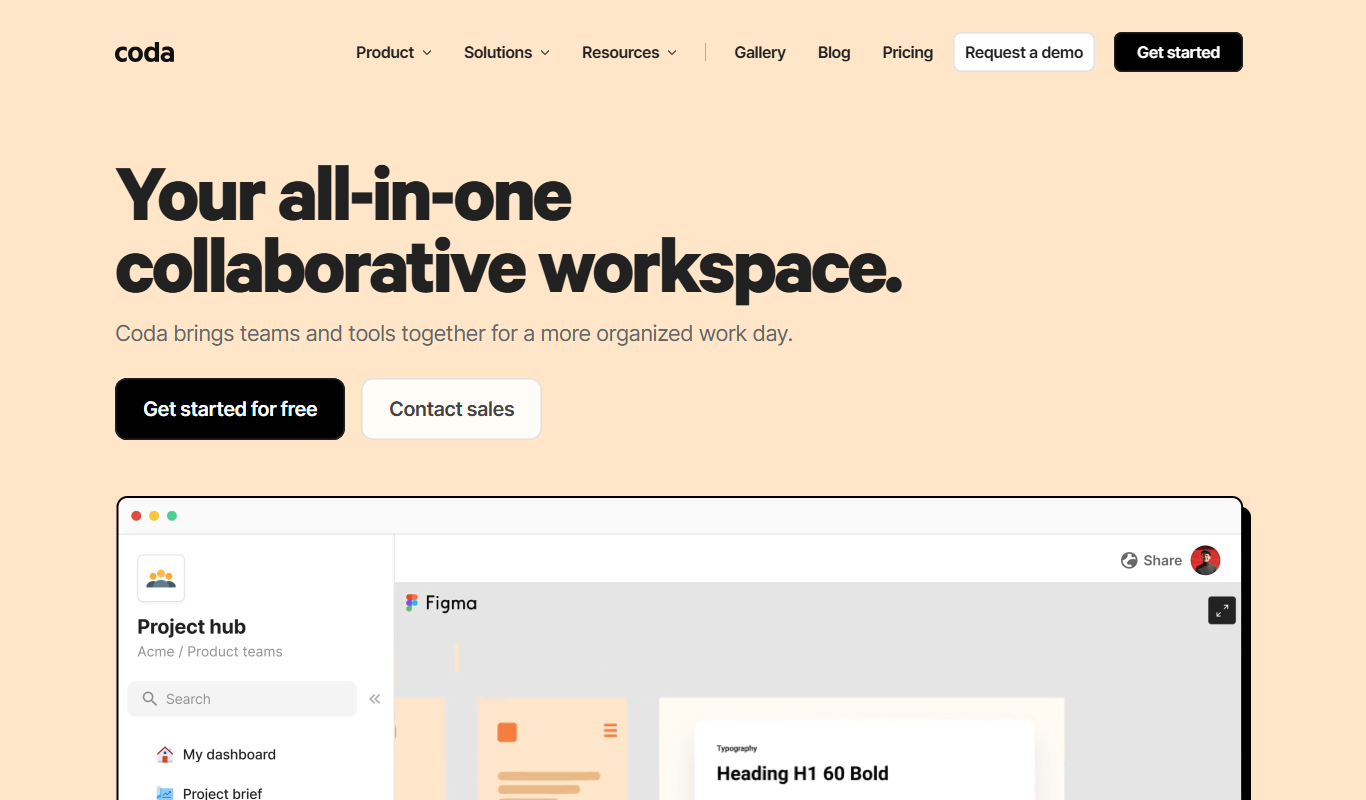
Coda Business OS
Coda Business OS is a no-code platform that enables businesses to create customizable documents and workflows combining text, tables, and automation to streamline operations and collaboration.
More AI Note Taker tools
Other tools in the same category, for when this one is not quite the fit.

Freemium
AI Photo
AI Photo by IXEAU is a web platform that uses AI to generate images from text prompts and enhance photos, designed for creatives and marketers.
Free Trial
VemoAI
VemoAI is an AI-driven platform that automates video creation and personalization for marketing and content teams, enabling fast production of engaging videos without advanced editing skills.
Freemium
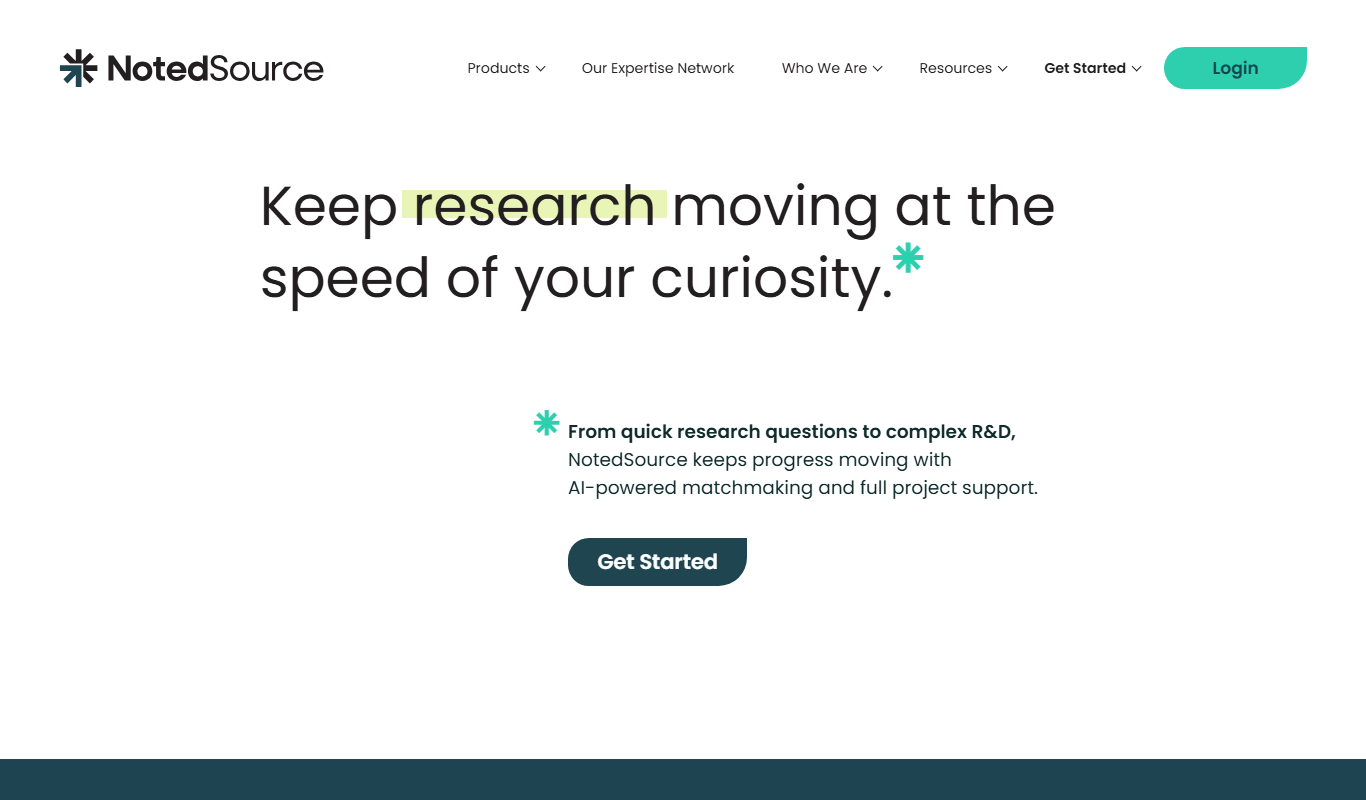
NotedSource – LiteSource AI
NotedSource LiteSource AI is an AI-driven platform that automates research note-taking by extracting key insights from documents and web content, enabling efficient organization and collaboration.
Freemium
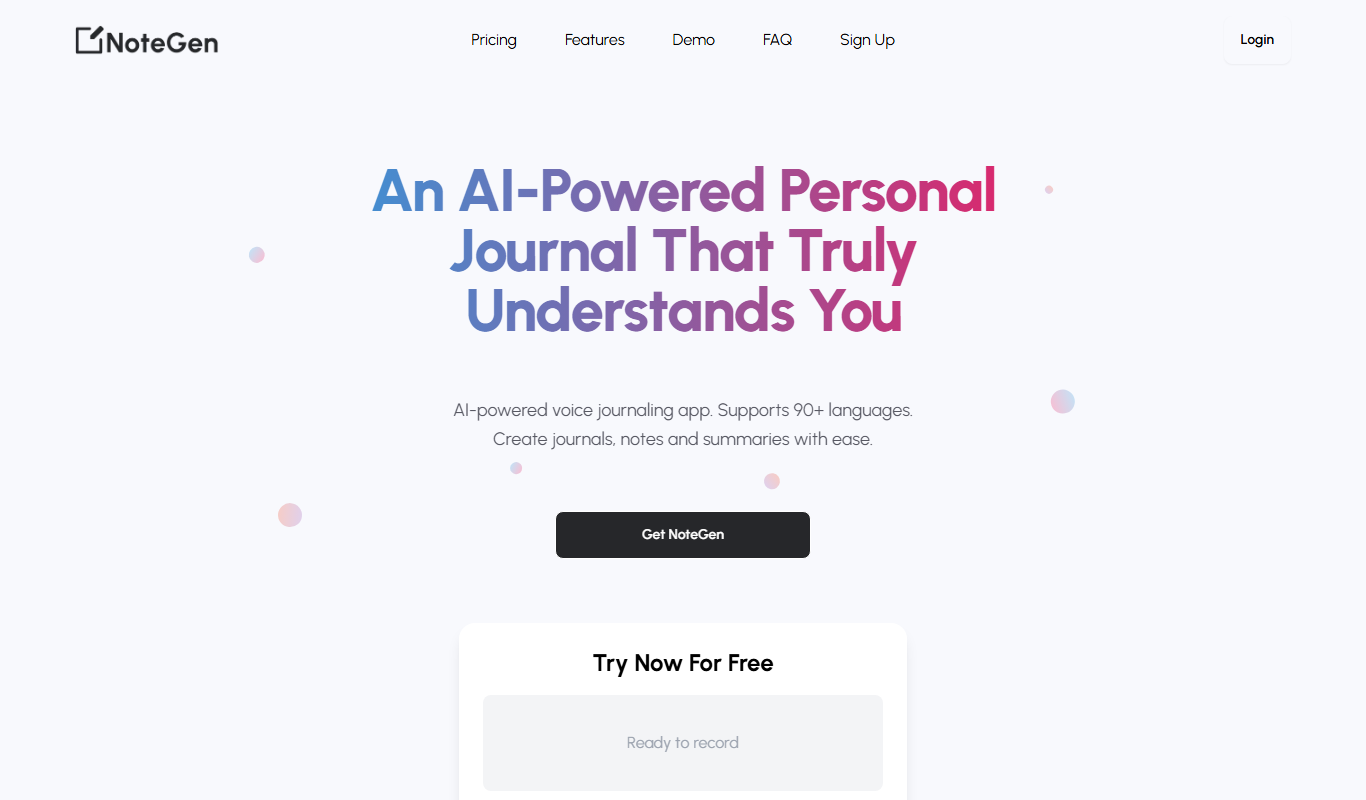
NoteGen
NoteGen is an AI-powered tool that automatically transcribes and summarizes meetings to generate accurate notes and extract action items, improving team productivity.

Free
knowt.com
Knowt.com is an AI-driven study tool that converts your notes or any text into interactive flashcards and summaries to enhance learning efficiency.

Free
LLM Sandbox by Dioptra
LLM Sandbox by Dioptra is an open-source framework that enables AI researchers and developers to build, train, fine-tune, benchmark, and deploy large language models efficiently using modular components and integration with popular ML libraries.

Free
Onetab
OneTab AI is a browser extension that consolidates open tabs into a single list, uses AI to group related tabs, and helps users manage and share their browsing sessions efficiently.

Free
NoFOMO.AI
NoFOMO.AI is an AI-driven meeting assistant that transcribes meetings and generates concise summaries and action items to improve productivity.