
From my experience with NoteGen, I found it excels at automating the tedious task of meeting note-taking, significantly reducing manual effort. The AI-generated summaries and action item extraction help keep teams aligned and accountable. It’s particularly well-suited for remote teams and busy professionals who want to focus on discussions rather than documentation. However, the current limitation in live transcription and language support means it may not fit all use cases yet. Overall, if you need reliable post-meeting notes and task tracking, NoteGen offers a practical and efficient solution.

NoteGen AI Meeting Notes Generator for Efficient Team Collaboration
NoteGen is an AI-powered tool that automatically transcribes and summarizes meetings to generate accurate notes and extract action items, improving team productivity.
What is NoteGen?
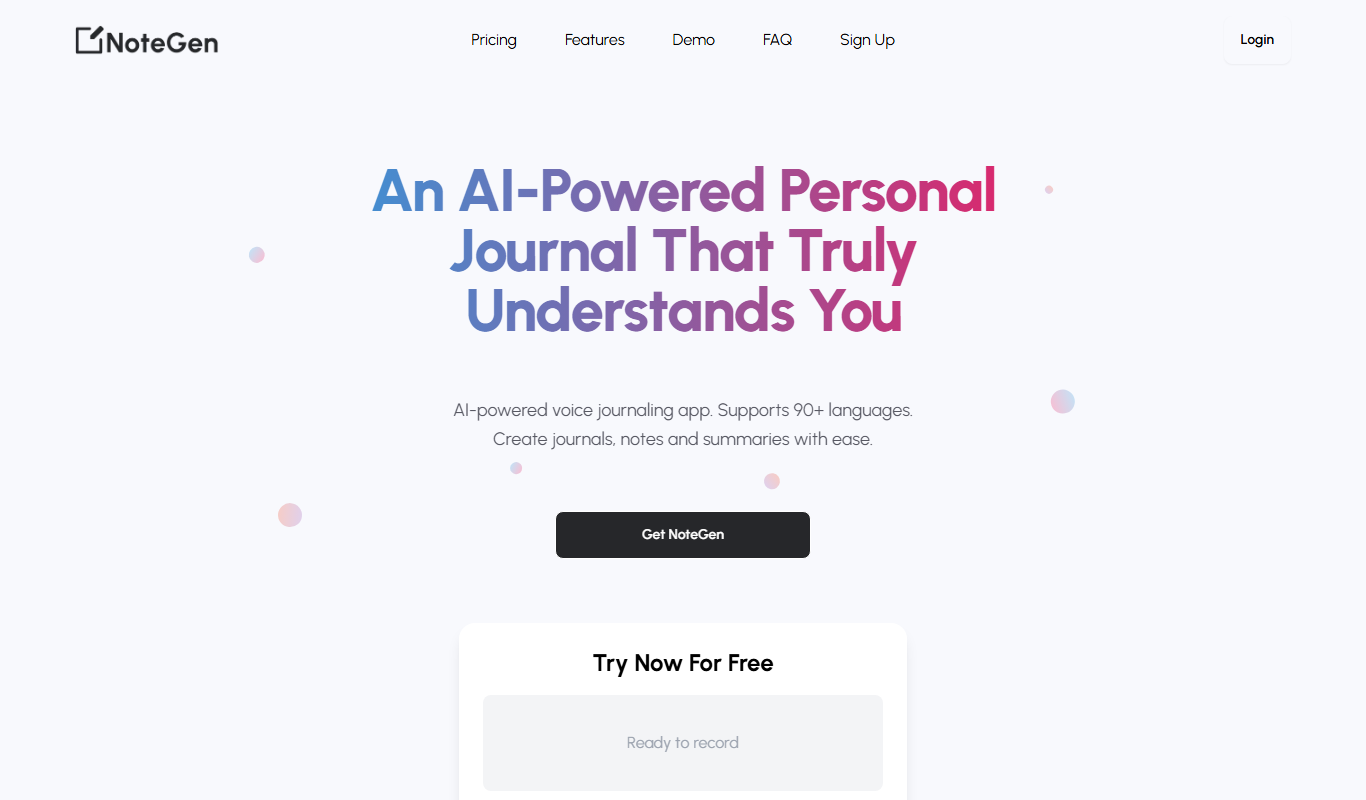
NoteGen is an AI-powered meeting notes generator designed to automatically transcribe and summarize meetings, calls, and discussions. It helps teams capture key points, decisions, and action items without manual note-taking, improving productivity and collaboration.
Key Features of NoteGen
Automatic Transcription
Converts meeting audio into text quickly and accurately.
Smart Summarization
Generates concise summaries highlighting key discussion points.
Action Item Extraction
Identifies and lists tasks and decisions from the meeting content.
Collaboration Tools
Allows editing, commenting, and sharing notes within teams.
Integration Support
Supports integration with popular meeting platforms and calendars.
Pros and Cons of NoteGen
Pros
- Saves time by automating note-taking
- Improves accuracy of meeting documentation
- Facilitates team collaboration with shareable notes
- Extracts actionable tasks automatically
Cons
- Limited live transcription support currently
- Primarily supports English language
- Advanced features require paid plans
Key Use Cases for NoteGen
Automated Meeting Notes
Generate accurate and concise meeting notes automatically from audio or video meetings to save time and improve documentation.
Team Collaboration
Share and edit AI-generated notes with team members to enhance communication and project tracking.
Task and Action Item Tracking
Extract and highlight tasks and action items from meetings to ensure follow-up and accountability.
Remote Work Support
Facilitate remote team meetings by providing real-time or post-meeting note generation to keep everyone aligned.
How NoteGen Works
-
1
Upload or Record Meeting
Users can upload recorded meetings or connect live calls for transcription.
-
2
AI Transcription and Summarization
The AI processes the audio to generate accurate transcripts and concise summaries.
-
3
Review and Edit Notes
Users can review, edit, and highlight important points or action items within the generated notes.
-
4
Share with Team
Finalized notes can be shared with team members for collaboration and follow-up.
Who's Using NoteGen
Remote teams
Project managers
Business professionals
Content creators
Customer support teams
NoteGen Pricing
Free
$0/month
Basic transcription and note generation with limited usage.
Pro
$15/month
Extended transcription minutes, advanced features, and priority support.
Business
Custom pricing
Tailored solutions for teams with collaboration and integration needs.
Frequently Asked Questions About NoteGen
NoteGen primarily supports uploading recorded meetings but is working on live transcription features.
Yes, users can review and edit notes to ensure accuracy and add personal comments.
NoteGen supports integrations with popular platforms like Zoom and Google Meet.
It depends on your specific needs and how you plan to use the tool. The official website and documentation are the best sources for the latest details.
Some tools offer a free plan or trial with limited features. Availability can vary, so confirm on the official website.
Integration support depends on the tool and its available connectors or API. Check the official documentation or integrations page to confirm what is supported.
Share your review
Reviews are limited to one per logged-in user and are published after moderation.
You need an account to review this tool.
0.0
★
★
★
★
★
0 reviews
5 star
0
4 star
0
3 star
0
2 star
0
1 star
0
No reviews yet
Be the first to share how this tool worked for you.
Questions from the community
Read questions and answers about this tool, or ask your own.
No questions yet
Start the conversation by asking the first question about this tool.
Is this tool helpful?
Alternative Tools
Explore similar AI tools that might fit your needs

Free Trial
Sonix
Sonix is an AI transcription software that automatically converts audio and video files into accurate, editable text transcripts supporting multiple languages and offering features like speaker labeling and export options.

Freemium
AudioX
AudioX is a web-based AI audio editor that simplifies podcast and music production by automating noise reduction, trimming, and mastering without software installation.

Free
Spreadsite
Spreadsite is an AI-powered website builder designed to help users quickly create professional online stores without coding, featuring automated design, e-commerce integration, and multi-language support.
Free
face swapper online
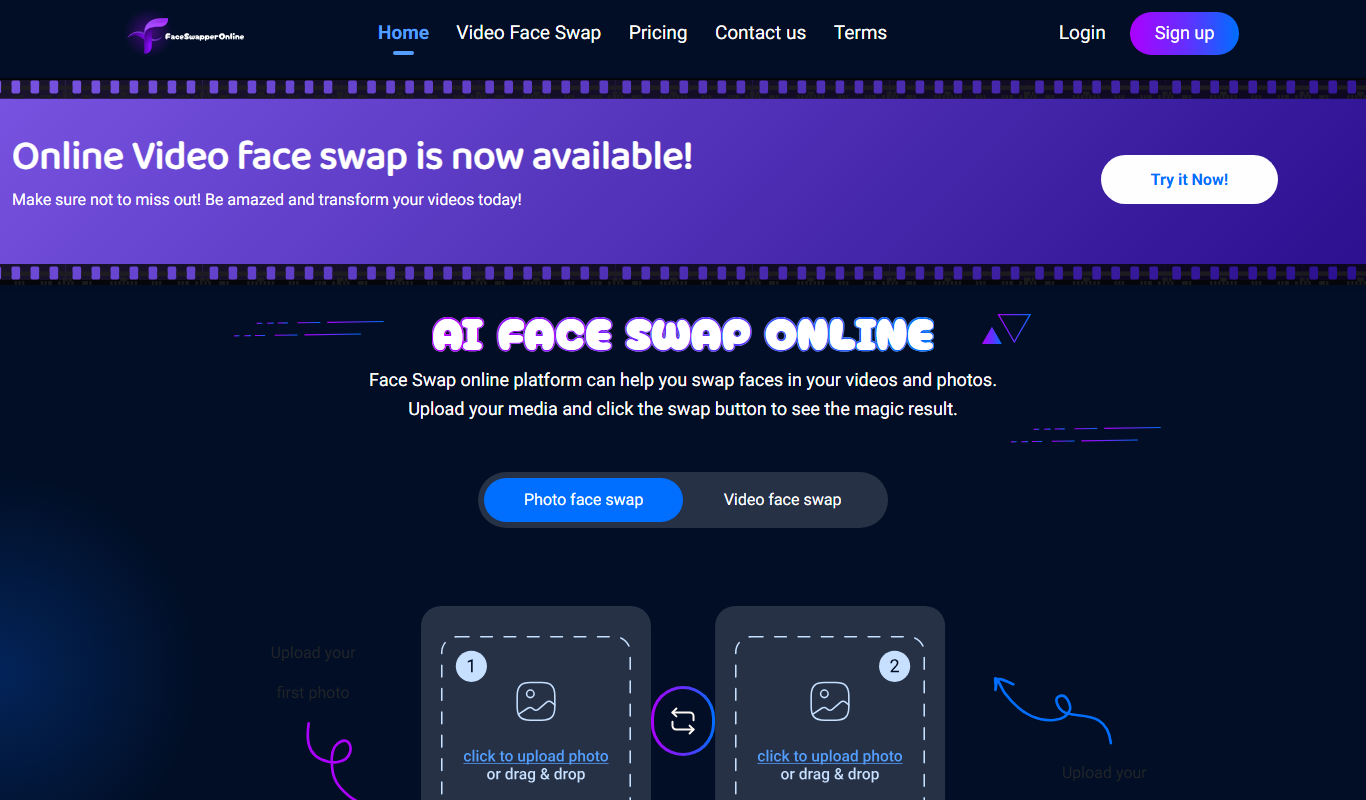
Face Swapper Online is a free web-based AI tool that lets you swap faces in photos and videos quickly without installing software.

Freemium
CollegeBot.AI
CollegeBot.AI is an AI-driven platform that helps students brainstorm, draft, and refine college admissions essays to improve application quality.

Free
OLOCR
OLOCR is a web-based AI OCR tool that accurately extracts text from images and scanned documents, supporting multiple languages and offering both free and premium plans.

Free
Text to SVG AI Generator
Text to SVG AI Generator is a free web tool that converts text into scalable SVG vector graphics with customizable fonts and instant preview.

Free Trial
Lebesgue
Lebesgue is an AI platform that automates the data science lifecycle, offering no-code tools for building, training, and deploying machine learning models efficiently.

Free
MimicPhoto
MimicPhoto is an AI-based online tool that automatically removes backgrounds from photos and enhances image quality, ideal for e-commerce and social media content creation.