
From my experience with Coda Business OS, I found it excels at providing a flexible no-code environment that combines documents, spreadsheets, and apps into one seamless workspace. This makes it particularly well-suited for teams and businesses looking to automate workflows without relying on developers. However, the platform can have a steeper learning curve when building complex workflows, and offline use is limited. Overall, if you need a customizable, collaborative tool to streamline business processes and improve team productivity, Coda delivers robust capabilities with a modern approach.
Coda Business OS - All-in-One No-Code Platform for Business Workflow Automation
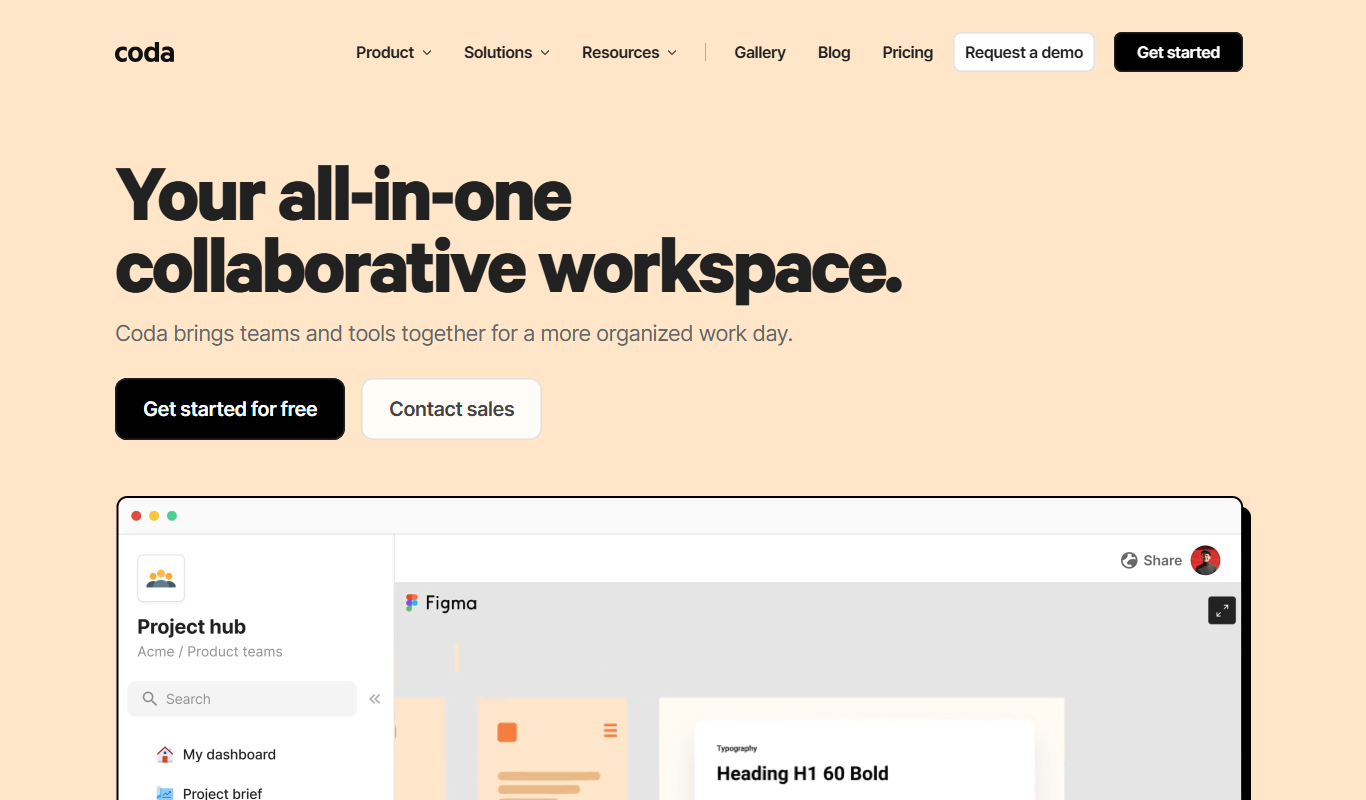
Coda Business OS is a no-code platform that enables businesses to create customizable documents and workflows combining text, tables, and automation to streamline operations and collaboration.
Tech Stack:
JavaScript
Node.js
React
What is Coda Business OS?
Coda Business OS is an all-in-one no-code platform that combines documents, spreadsheets, and applications into a single flexible workspace. It empowers teams and businesses to build customized tools and workflows without traditional software development. Users can create interactive docs that integrate data, automate processes, and facilitate collaboration, making it a versatile solution for managing projects, workflows, and business operations.
Key Features of Coda Business OS
Customizable Docs
Combine text, tables, and interactive elements to build tailored business tools.
No-Code Automation
Automate workflows and repetitive tasks without writing code using buttons and formulas.
Real-Time Collaboration
Work simultaneously with team members with live updates and commenting.
Integrations
Connect with popular apps like Slack, Google Calendar, and Zapier to extend functionality.
Template Gallery
Access a wide range of pre-built templates for project management, CRM, and more.
Pros and Cons of Coda Business OS
Pros
- Highly customizable no-code platform
- Combines documents, spreadsheets, and apps in one workspace
- Strong automation and integration capabilities
- Real-time collaboration features
- Extensive template library
Cons
- Steeper learning curve for complex workflows
- Limited offline functionality
- Pricing can be high for larger teams
Key Use Cases for Coda Business OS
Project Management
Create customizable project trackers and automate task assignments to streamline team workflows.
Business Process Automation
Automate repetitive business processes using Coda’s building blocks and integrations without coding.
Team Collaboration
Collaborate in real-time on documents that combine text, tables, and apps to keep teams aligned.
Custom CRM Solutions
Build tailored customer relationship management systems that fit unique business needs.
Data Management and Reporting
Organize, analyze, and visualize data within flexible docs to generate actionable business insights.
How Coda Business OS Works
-
1
Sign Up
Create a free account on Coda’s website or mobile app to start building your workspace.
-
2
Choose or Create a Doc
Select from templates or start a blank doc to design your custom workflow or tool.
-
3
Add Building Blocks
Incorporate tables, buttons, formulas, and integrations to automate tasks and manage data.
-
4
Collaborate and Share
Invite team members to collaborate in real-time and share your docs securely.
-
5
Automate and Scale
Set up automation rules and connect with external apps to streamline business processes.
Who's Using Coda Business OS
Small to medium businesses
Project managers
Operations teams
Product teams
Business analysts
No-code enthusiasts
Coda Business OS Pricing
Free
$0/month
Basic features with limited doc size and collaborators.
Pro
$10/month
Advanced features including unlimited collaborators and increased doc size.
Team
$30/month per user
Enhanced collaboration, admin controls, and priority support for teams.
Frequently Asked Questions About Coda Business OS
Yes, Coda is designed as a no-code platform enabling users without programming skills to build custom workflows.
Yes, Coda supports integrations with many popular apps such as Slack, Google Workspace, and Zapier.
Yes, Coda provides both iOS and Android apps for managing your docs on the go.
This tool is designed to help users accomplish its core tasks more efficiently. It is typically used by individuals or teams looking to improve productivity and workflow.
It depends on your specific needs and how you plan to use the tool. The official website and documentation are the best sources for the latest details.
It depends on your specific needs and how you plan to use the tool. The official website and documentation are the best sources for the latest details.
Integration support depends on the tool and its available connectors or API. Check the official documentation or integrations page to confirm what is supported.
Share your review
Reviews are limited to one per logged-in user and are published after moderation.
You need an account to review this tool.
0.0
★
★
★
★
★
0 reviews
5 star
0
4 star
0
3 star
0
2 star
0
1 star
0
No reviews yet
Be the first to share how this tool worked for you.
Questions from the community
Read questions and answers about this tool, or ask your own.
No questions yet
Start the conversation by asking the first question about this tool.
Is this tool helpful?
Alternative Tools
Explore similar AI tools that might fit your needs

Free
Notion
Notion is a versatile productivity tool that combines note-taking, task management, databases, and team collaboration in one customizable workspace accessible across devices.

Free
Airtable
Airtable is a no-code platform that lets users create custom databases, automate workflows, and collaborate in real time without programming skills.

Free Trial
Monday.com
Monday.com is a cloud-based project management and collaboration tool that helps teams plan, track, and automate workflows with customizable boards and integrations.
Free
colone
Colone is an AI-powered writing assistant that generates and completes text to help users create content faster and with better quality.
Free
Process Street
Process Street is a cloud-based workflow automation and process management software that helps teams create, track, and automate recurring business processes using customizable checklists and integrations.
Custom Pricing
Kore.ai
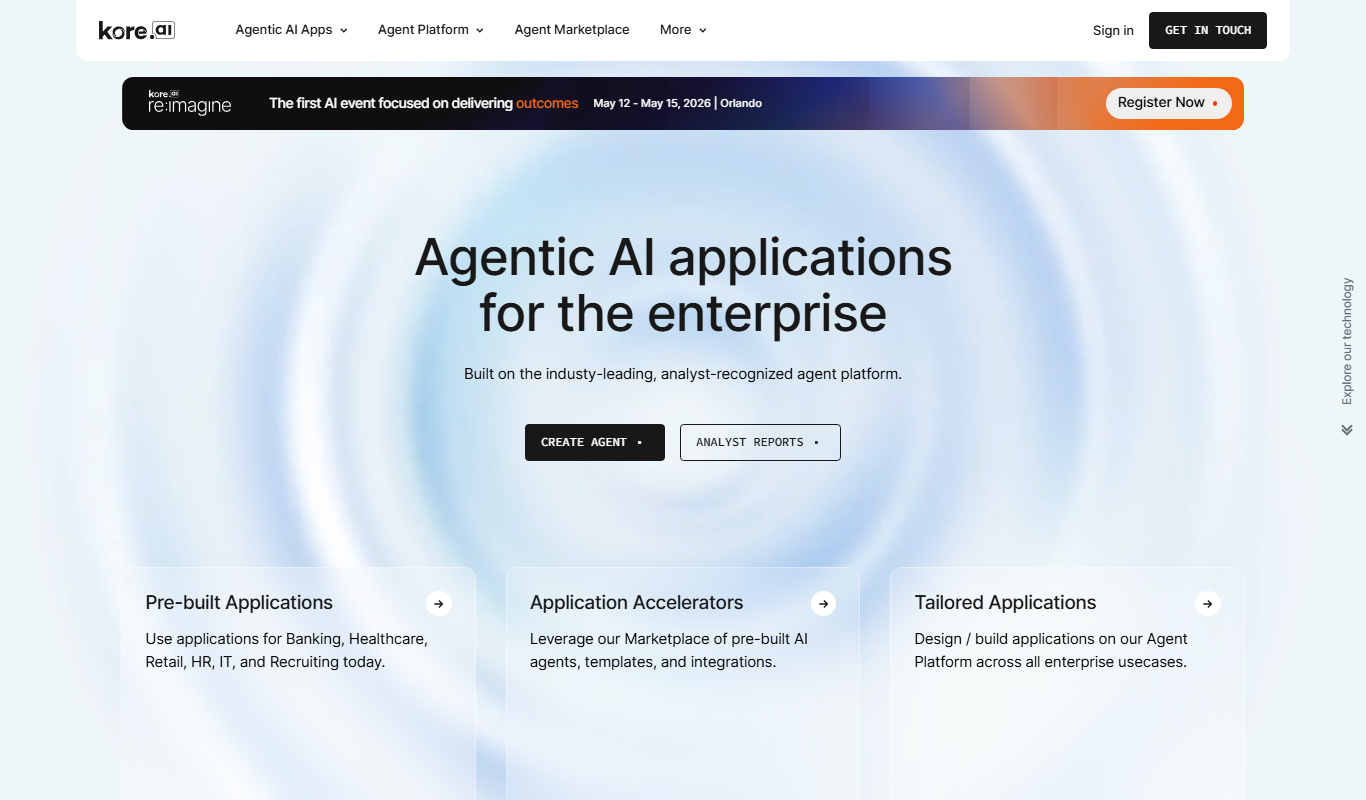
Kore.ai is an enterprise conversational AI platform that enables businesses to build and deploy intelligent chatbots and virtual assistants for customer service and workflow automation across multiple channels.
Custom Pricing
Rippling
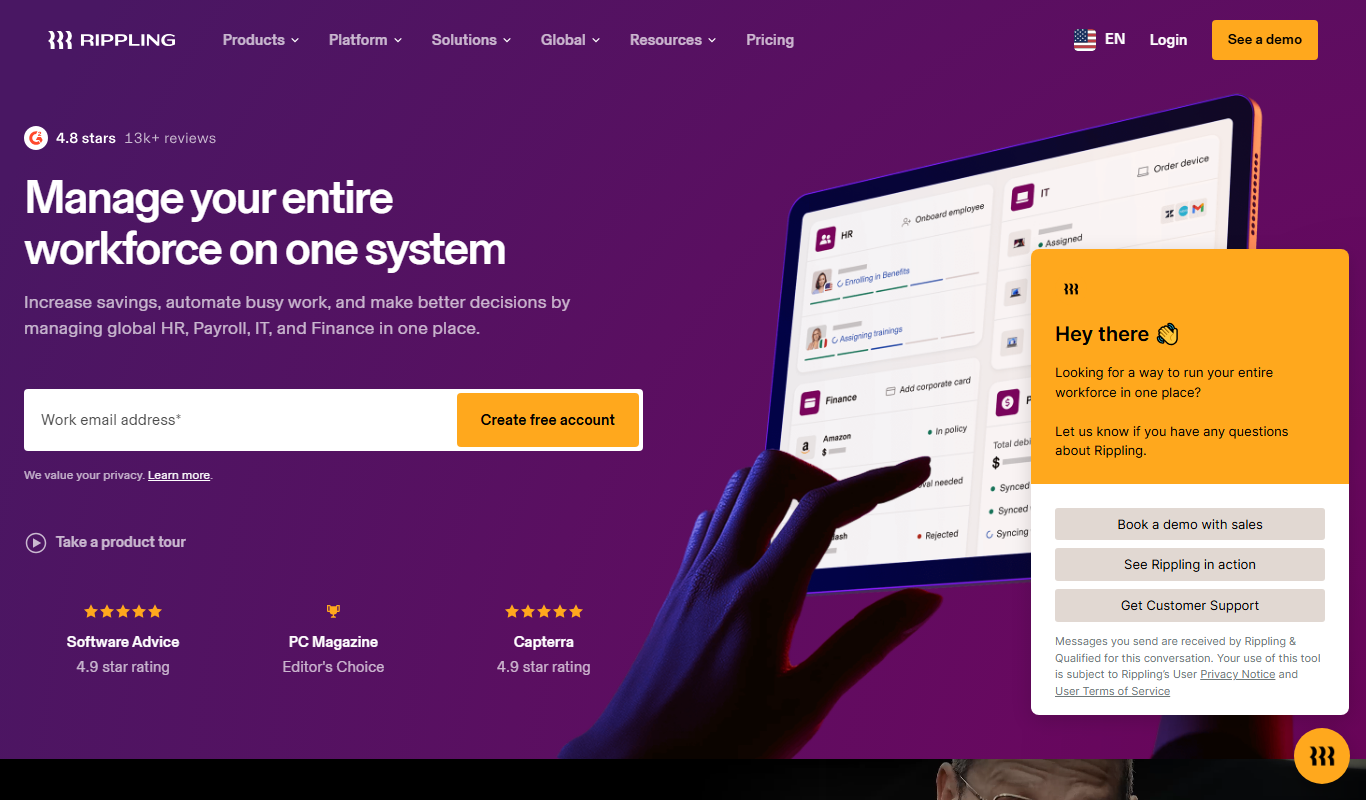
Rippling is a unified workforce platform that automates HR, payroll, benefits, and IT management to streamline employee operations for businesses.

Subscription
ProEst
ProEst is a cloud-based construction estimating software that helps contractors create accurate cost estimates, automate takeoffs, and manage bids efficiently.

Free
Xno.ai
Xno.ai is a no-code AI automation platform that allows users to create, deploy, and monitor AI-powered workflows and API integrations without programming skills.
Contact for pricing
Kerlink Wanesy Management Center
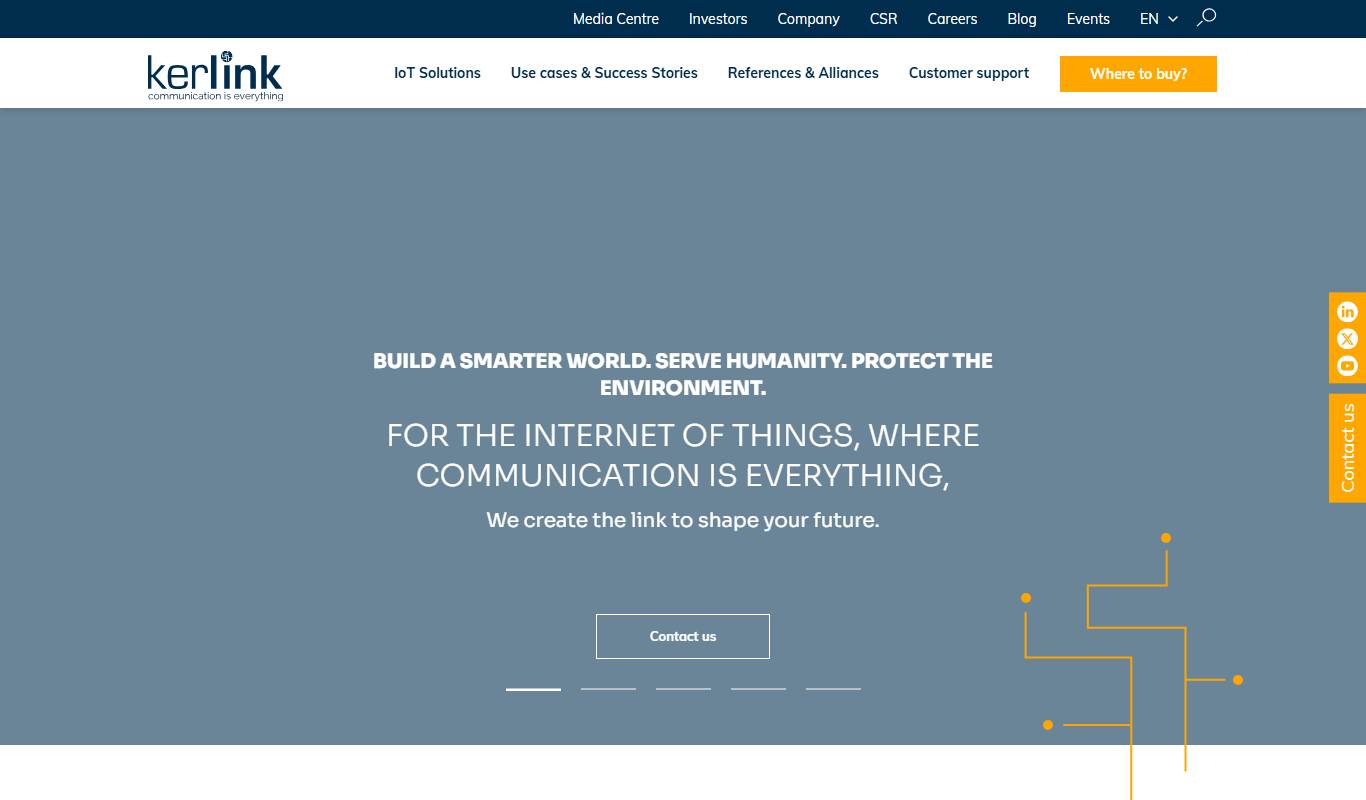
Kerlink Wanesy Management Center is a centralized platform designed to manage IoT networks and devices, primarily supporting LoRaWAN technology, offering real-time monitoring, device provisioning, and analytics.
Subscription
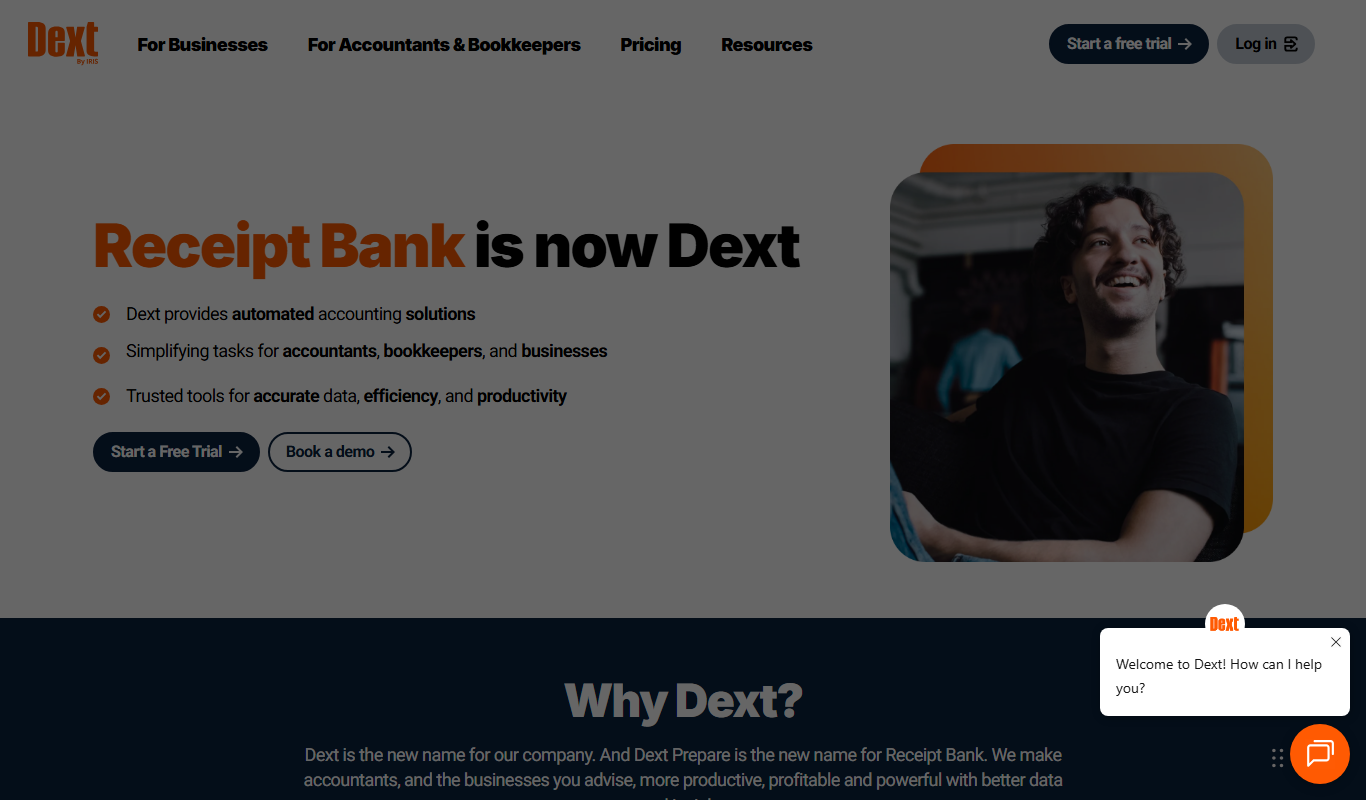
Receipt Bank
Receipt Bank is an AI-driven expense management tool that automates receipt and invoice capture, extracts data, and integrates with accounting software to simplify bookkeeping.