

Rippling HR Software for Workforce Management and Payroll Automation
Rippling is a unified workforce platform that automates HR, payroll, benefits, and IT management to streamline employee operations for businesses.
- Best for
- HR Management
- Key capability
- Unified Workforce Platform
Save Rippling, follow its updates and vote on it — everything stays in your account.
Sign in or create a free account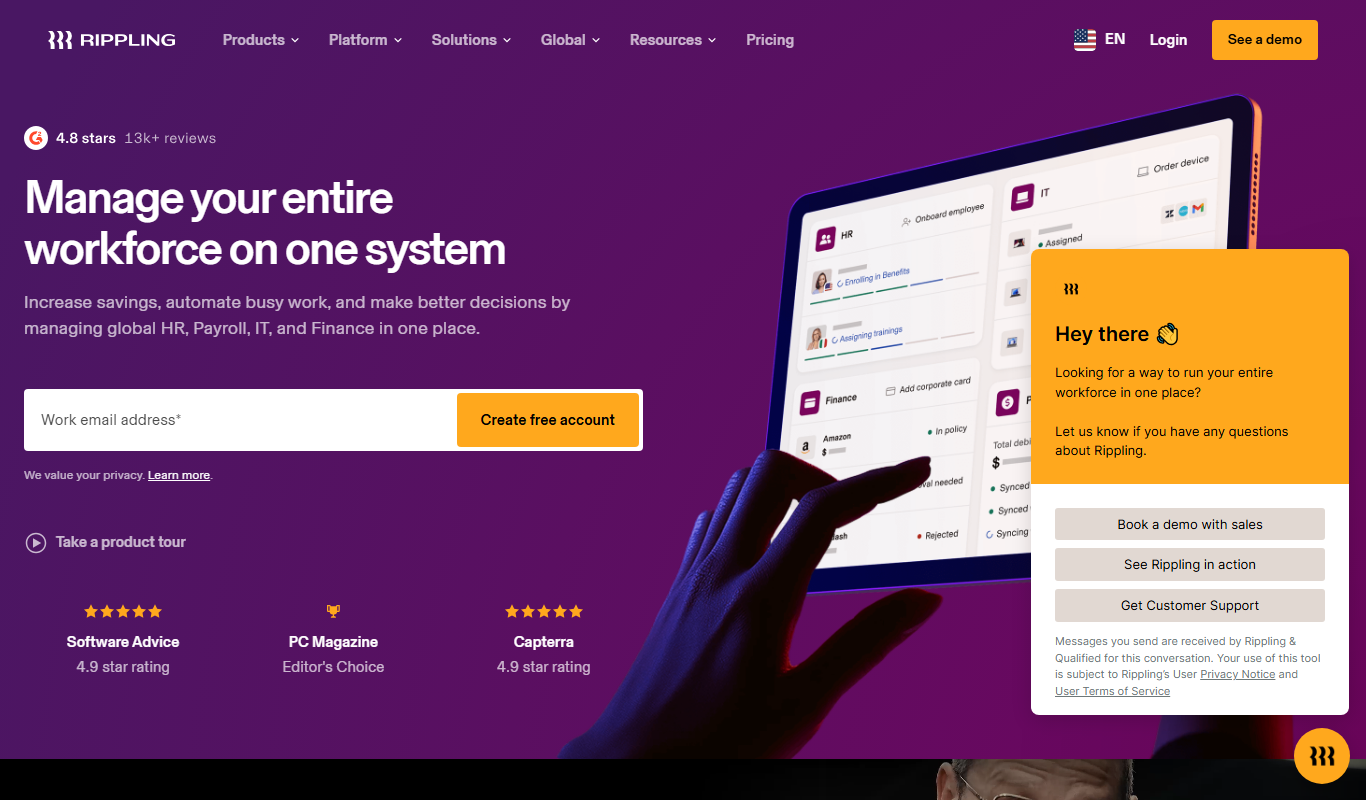
What is Rippling?
Rippling is an all-in-one workforce platform that combines HR, IT, and finance operations into a single system. It helps businesses automate employee management tasks such as payroll, benefits, onboarding, and device management, reducing manual work and improving accuracy.
Key features of Rippling
Rippling offers integrated HRIS, payroll automation, benefits administration, employee onboarding, and IT management features designed to simplify workforce operations for businesses of all sizes.
Unified Workforce Platform
Integrates HR, payroll, benefits, and IT management into one system.
Payroll Automation
Automates payroll processing, tax filings, and compliance tasks.
Employee Onboarding
Streamlines new hire paperwork and workflows digitally.
Benefits Management
Simplifies benefits enrollment and administration.
IT & Device Management
Automates provisioning and deprovisioning of employee devices and apps.
Pros and cons of Rippling
Pros
- Comprehensive all-in-one workforce management platform
- Automates complex payroll and tax compliance
- Integrates HR and IT management seamlessly
- User-friendly interface with strong automation
- Scalable for businesses of all sizes
Cons
- Pricing is custom and may be expensive for very small businesses
- Limited public information on tech stack
- Some advanced features require onboarding support
Key use cases for Rippling
HR Management
Centralize employee data, automate onboarding, and manage HR tasks efficiently.
Payroll Automation
Automate payroll processing, tax filings, and compliance to reduce errors and save time.
Benefits Administration
Manage employee benefits enrollment and administration seamlessly within one platform.
IT Management
Automate provisioning and deprovisioning of employee devices and apps.
Employee Onboarding
Streamline new hire onboarding with automated workflows and document management.
How Rippling works
- 1
Create an Account
Sign up on Rippling’s platform and set up your company profile.
- 2
Add Employees
Import or manually add employee information to centralize workforce data.
- 3
Configure Payroll and Benefits
Set up payroll schedules, tax information, and employee benefits plans.
- 4
Automate IT Provisioning
Connect devices and apps to automate employee access and security.
- 5
Manage Workforce Operations
Use Rippling’s dashboard to handle onboarding, payroll, benefits, and compliance.
Who is using Rippling
Rippling pricing
Custom Pricing
Varies
Pricing tailored based on company size and selected features.
Plans and prices are as published by the vendor and can change. Check the official site before you buy. Open the pricing page (opens in a new tab)
Frequently asked questions about Rippling
Yes, Rippling automates payroll tax filings and compliance for all supported states.
Yes, Rippling offers integrations with popular apps like Slack, G Suite, and QuickBooks.
Yes, Rippling scales from small startups to large enterprises.
Yes, Rippling offers mobile apps for iOS and Android devices.
This tool is designed to help users accomplish its core tasks more efficiently. It is typically used by individuals or teams looking to improve productivity and workflow.
Pricing depends on the plan and included features. For the most accurate and up-to-date details, check the official pricing page.
It depends on your specific needs and how you plan to use the tool. The official website and documentation are the best sources for the latest details.
Integration support depends on the tool and its available connectors or API. Check the official documentation or integrations page to confirm what is supported.
Conclusion
HR, payroll, benefits and IT management are integrated into one Rippling system, starting from employee information that is imported or added manually to centralize workforce data. Payroll schedules, tax information and employee benefits plans are set up on that basis. Payroll processing, tax filings and compliance tasks are then automated, including payroll tax filings for all supported states, with the aim to reduce errors and save time. On the IT side, connecting devices and apps automates provisioning and deprovisioning of employee access.
Rippling’s dashboard handles onboarding, payroll, benefits and compliance from day to day. Benefits enrollment and administration are managed within the same platform. New hire paperwork and workflows are handled digitally, with automated onboarding workflows and document management. Integrations cover popular apps like Slack, G Suite and QuickBooks, and mobile apps are offered for iOS and Android. It is aimed at HR professionals, IT administrators, payroll managers and finance teams. The platform is described as scaling from small startups to large enterprises. Pricing is custom, tailored based on company size and selected features, and some advanced features require onboarding support.
Sources
Sign in to review this tool.
Sign In to ReviewNo reviews yet
Be the first to share how this tool worked for you.
Ask about pricing, limits, or how it compares — or answer someone else.
Sign In to AskNo questions yet
Have a question about using or paying for this tool? Be the first to ask.
Featured on TiorAI



Alternative Tools
Explore similar AI tools that might fit your needs

BambooHR
BambooHR is a cloud-based human resources software designed to help small and medium businesses manage employee data, recruitment, performance, and time-off tracking efficiently.
More AI Recruiting tools
Other tools in the same category, for when this one is not quite the fit.

topin.tech
topin.tech is an AI hiring and placement platform: AI-powered assessments and interviews for companies to find top talent, and job-readiness tools for colleges to prepare students.

interviewer.ai
Interviewer.AI is an AI video interview platform that helps businesses, staffing agencies and universities screen, score and shortlist candidates.
InterWiz
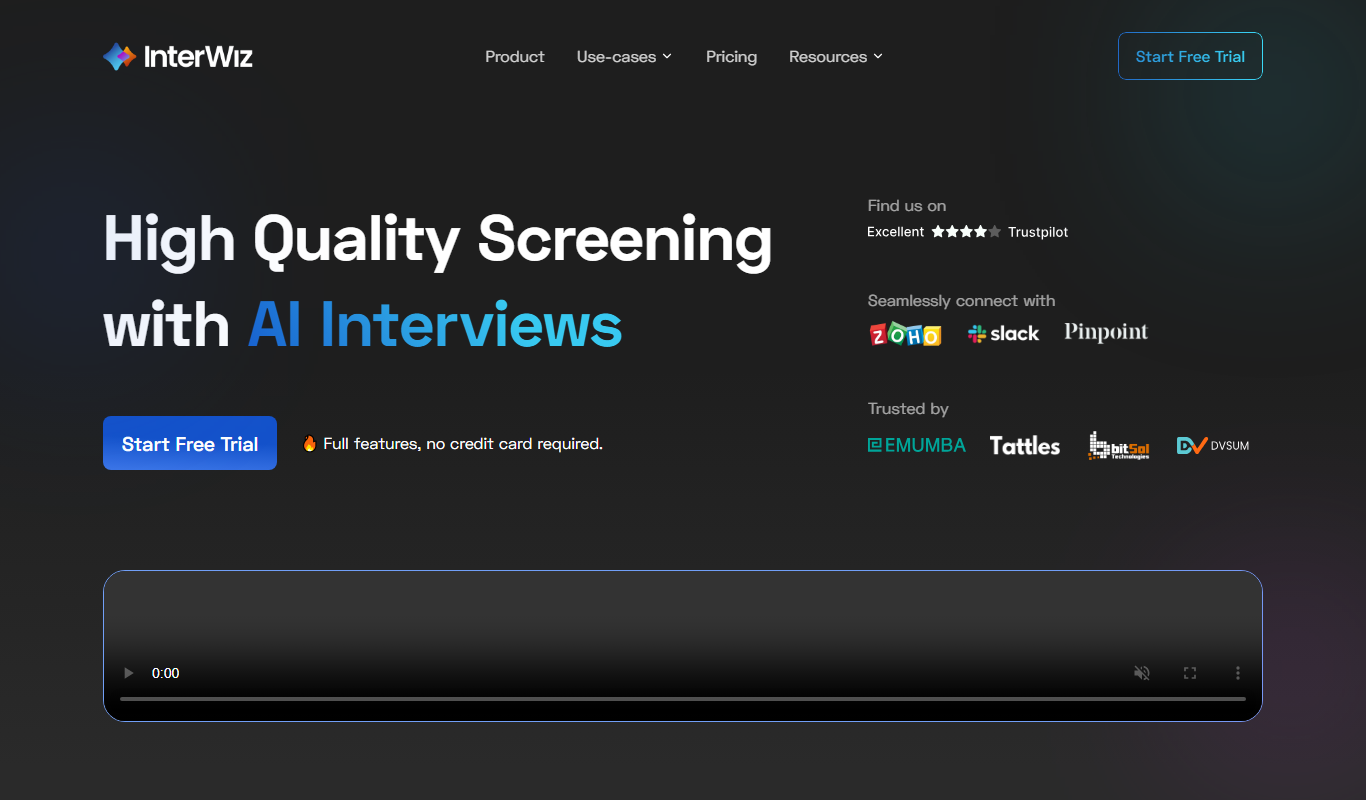
InterWiz is an AI interviewer that runs structured screening interviews across tech and non-tech roles, reducing time to hire while boosting quality and consistency.

MTestHub
MTestHub provides AI-powered screening, customizable skills assessments and automation features that help hiring teams move fast and hire the best talent fairly.

ZYTHR
ZYTHR is AI resume screening for your ATS pipeline: it screens all applicants in your ATS and delivers a high-quality shortlist of the best candidates.
Hyrproz
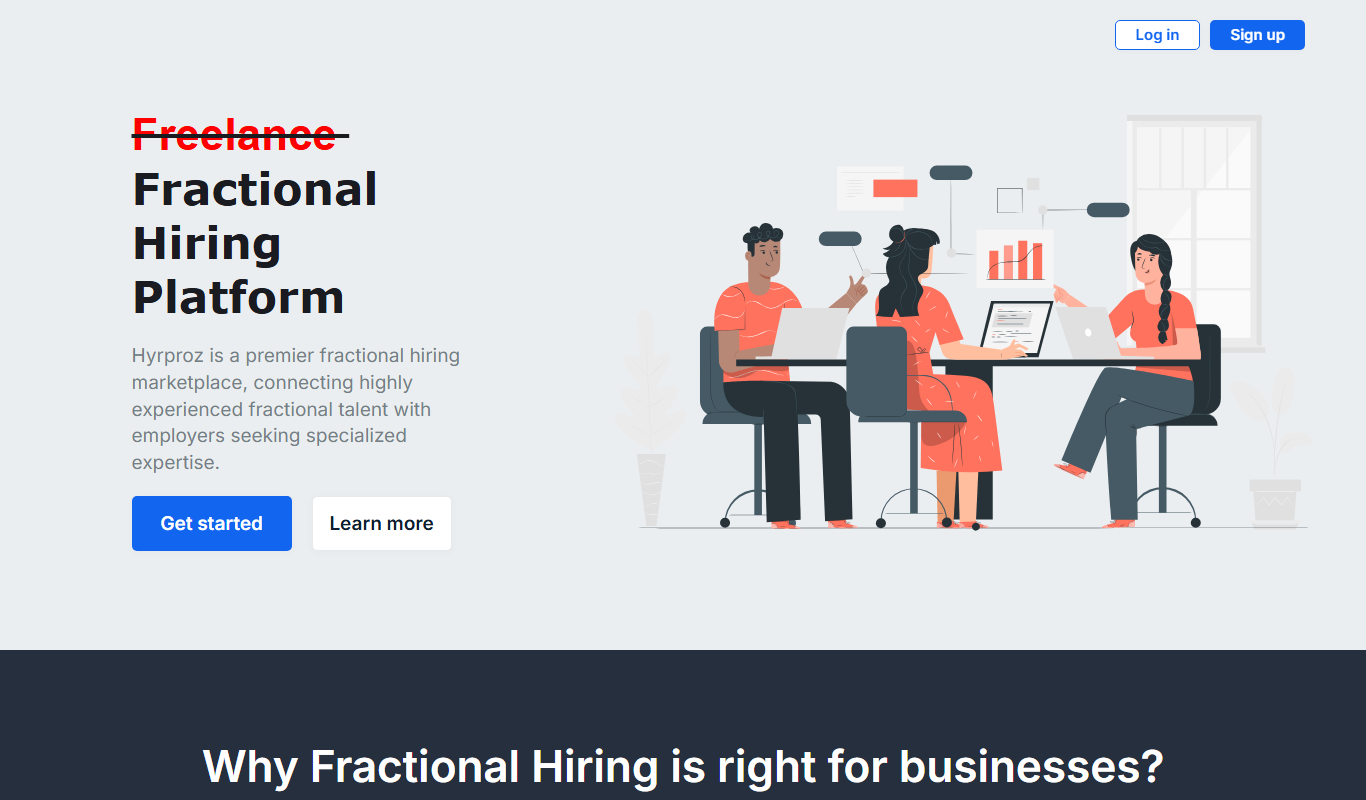
Hyrproz is a marketplace for hiring vetted fractional and interim C-suite executives, with AI job briefs and matching, a per-posting price for employers and free access for executives.
Sourcer AI
Sourcer AI is a browser extension that summarizes news articles and posts and rates their reputability and political bias in one click.

ATZ CRM
ATZ CRM is an AI-powered recruitment CRM and ATS for staffing agencies to track candidates, manage jobs and close more deals faster.