

From my experience with NotedSource LiteSource AI, I found it excels at automating the tedious process of extracting and organizing research notes. The AI summarization feature saves significant time by condensing lengthy documents into key insights, which is invaluable for researchers and content creators juggling multiple sources. The collaborative workspace adds real value for teams working together on projects. However, the lack of a dedicated mobile app can limit on-the-go access, and some nuanced details may be missed by AI summaries. Overall, if you need an efficient, AI-powered research assistant to streamline note-taking and collaboration, NotedSource LiteSource AI delivers solid results.
NotedSource LiteSource AI - AI-Powered Research and Note-Taking Tool
NotedSource LiteSource AI is an AI-driven platform that automates research note-taking by extracting key insights from documents and web content, enabling efficient organization and collaboration.
- Best for
- Academic Research
- Key capability
- AI-Powered Summarization
Your actions
Save NotedSource – LiteSource AI, follow its updates and vote on it — everything stays in your account.
Sign in or create a free account
What is NotedSource – LiteSource AI?
NotedSource LiteSource AI is an AI-powered research and note-taking platform designed to help users efficiently gather, organize, and summarize information from multiple sources. It leverages artificial intelligence to automate the extraction of key insights, enabling users to focus on analysis and content creation rather than manual note-taking.
Key features of NotedSource – LiteSource AI
The tool offers AI-driven note extraction, source organization, collaborative workspaces, and intuitive search capabilities. It supports importing documents and web content, automatically generating summaries and structured notes to accelerate research workflows.
AI-Powered Summarization
Automatically generates concise summaries from lengthy documents and articles.
Multi-Source Import
Supports importing PDFs, web pages, and other document types for comprehensive research.
Collaborative Workspaces
Enables teams to work together on notes and share insights seamlessly.
Advanced Search and Tagging
Facilitates quick retrieval of notes through tagging and powerful search filters.
Pros and cons of NotedSource – LiteSource AI
Pros
- Automates tedious note-taking with AI summarization
- Supports multiple document types and web content
- Facilitates team collaboration with shared workspaces
- Intuitive interface designed for researchers and professionals
Cons
- Limited mobile support as no dedicated app is available
- Advanced features require paid subscription
- AI summarization may occasionally miss nuanced details
Key use cases for NotedSource – LiteSource AI
Academic Research
Helps researchers collect, organize, and summarize academic papers and sources efficiently.
Professional Knowledge Management
Enables professionals to capture insights from various documents and web sources in a structured way.
Content Creation Support
Assists writers and content creators by organizing research notes and generating summaries to streamline writing.
Team Collaboration
Facilitates sharing and collaborative annotation of research notes among team members.
How NotedSource – LiteSource AI works
- 1
Import Sources
Users upload documents or add web links to the platform to begin gathering research material.
- 2
AI Note Extraction
The AI analyzes the content and extracts key points, summaries, and relevant data automatically.
- 3
Organize Notes
Users categorize and tag notes within projects or folders for easy retrieval.
- 4
Collaborate and Share
Teams can share notes, add comments, and work together on research projects.
Who is using NotedSource – LiteSource AI
Academic researchers
Content creators and writers
Knowledge workers and professionals
Research teams and collaborative groups
NotedSource – LiteSource AI pricing
Free
$0/month
Basic access with limited imports and note storage.
Pro
$15/month
Expanded import limits, advanced AI features, and collaboration tools.
Team
$50/month
Designed for teams with shared workspaces, priority support, and enhanced collaboration.
Plans and prices are as published by the vendor and can change. Check the official site before you buy. Open the pricing page (opens in a new tab)
Frequently asked questions about NotedSource – LiteSource AI
You can import PDFs, web pages, and text documents to extract notes and summaries.
Yes, the platform supports collaborative workspaces where teams can share and edit notes.
Currently, NotedSource LiteSource AI is available as a web platform; no dedicated mobile app yet.
It depends on your specific needs and how you plan to use the tool. The official website and documentation are the best sources for the latest details.
It depends on your specific needs and how you plan to use the tool. The official website and documentation are the best sources for the latest details.
It depends on your specific needs and how you plan to use the tool. The official website and documentation are the best sources for the latest details.
Sign in to review this tool.
Sign In to ReviewNo reviews yet
Be the first to share how this tool worked for you.
Ask about pricing, limits, or how it compares — or answer someone else.
Sign In to AskNo questions yet
Have a question about using or paying for this tool? Be the first to ask.
Featured on TiorAI



Alternative Tools
Explore similar AI tools that might fit your needs
Free Trial
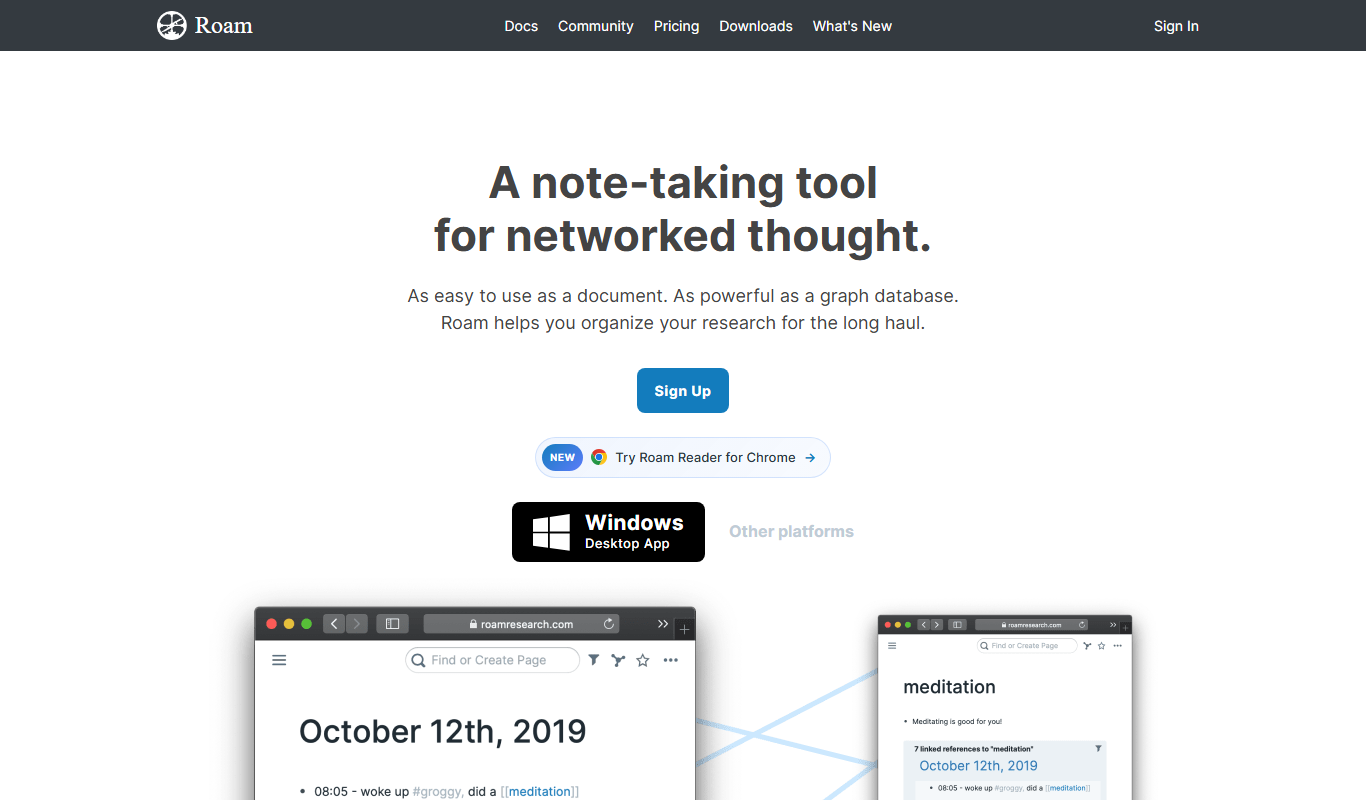
Roam Research
Roam Research is a note-taking and knowledge management tool that uses bidirectional linking and graph visualization to help users organize and connect ideas effectively.
Free
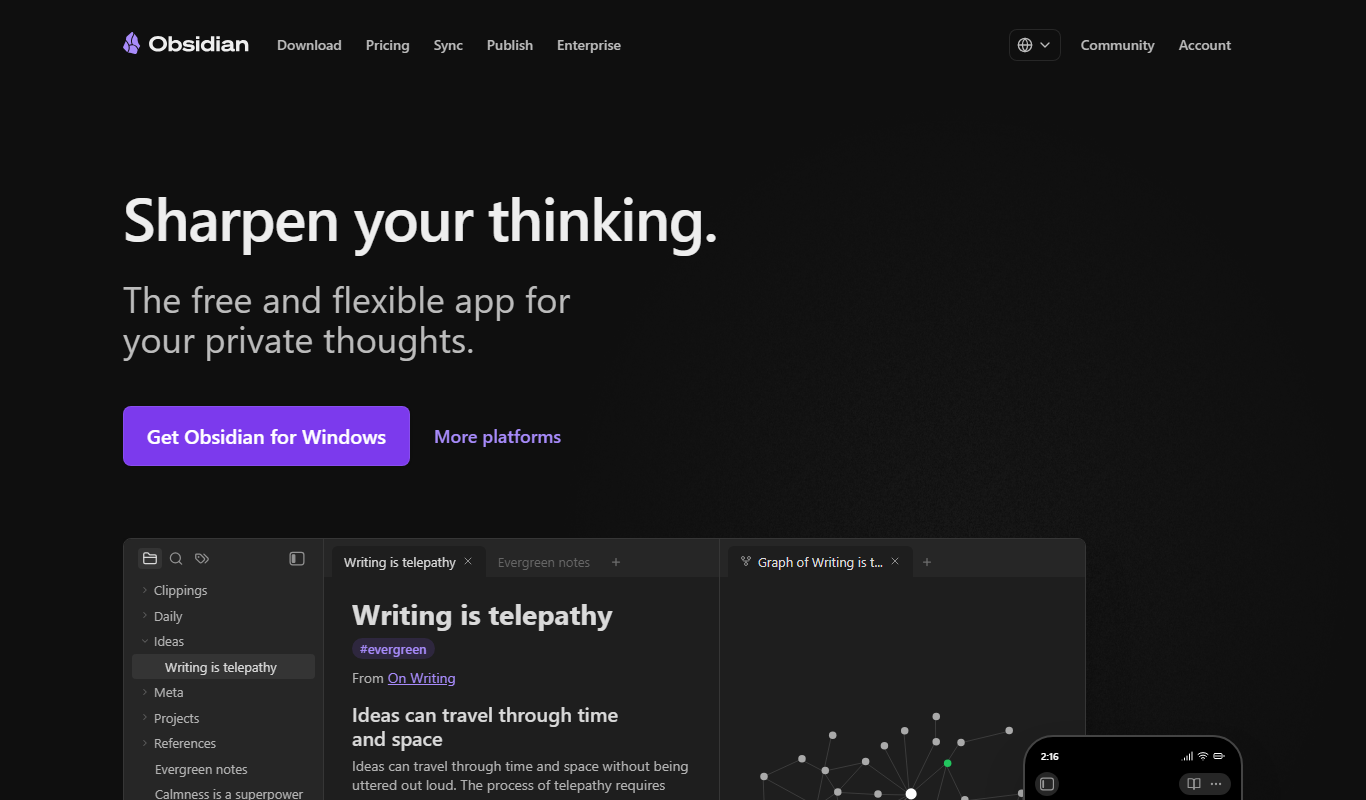
Obsidian
Obsidian is a markdown note-taking app that helps users build a personal knowledge base with linked notes, graph visualization, and extensive customization options.
More AI Note Taker tools
Other tools in the same category, for when this one is not quite the fit.
Free Trial
VemoAI
VemoAI is an AI-driven platform that automates video creation and personalization for marketing and content teams, enabling fast production of engaging videos without advanced editing skills.

Free
knowt.com
Knowt.com is an AI-driven study tool that converts your notes or any text into interactive flashcards and summaries to enhance learning efficiency.

Free
NoFOMO.AI
NoFOMO.AI is an AI-driven meeting assistant that transcribes meetings and generates concise summaries and action items to improve productivity.

Free
Sonnet
Sonnet AI is an AI-powered writing assistant designed to help users generate and refine creative and professional content efficiently through a web-based platform.

Custom Pricing
Terrakotta
Terrakotta is an AI-driven platform that automates data annotation tasks to help teams efficiently label datasets for machine learning training.

Subscription
Freed AI Medical Scribe
Freed AI Medical Scribe is an AI-driven tool that automates medical note-taking by transcribing and structuring physician-patient conversations, integrating seamlessly with EHR systems to improve clinical workflow.
Free
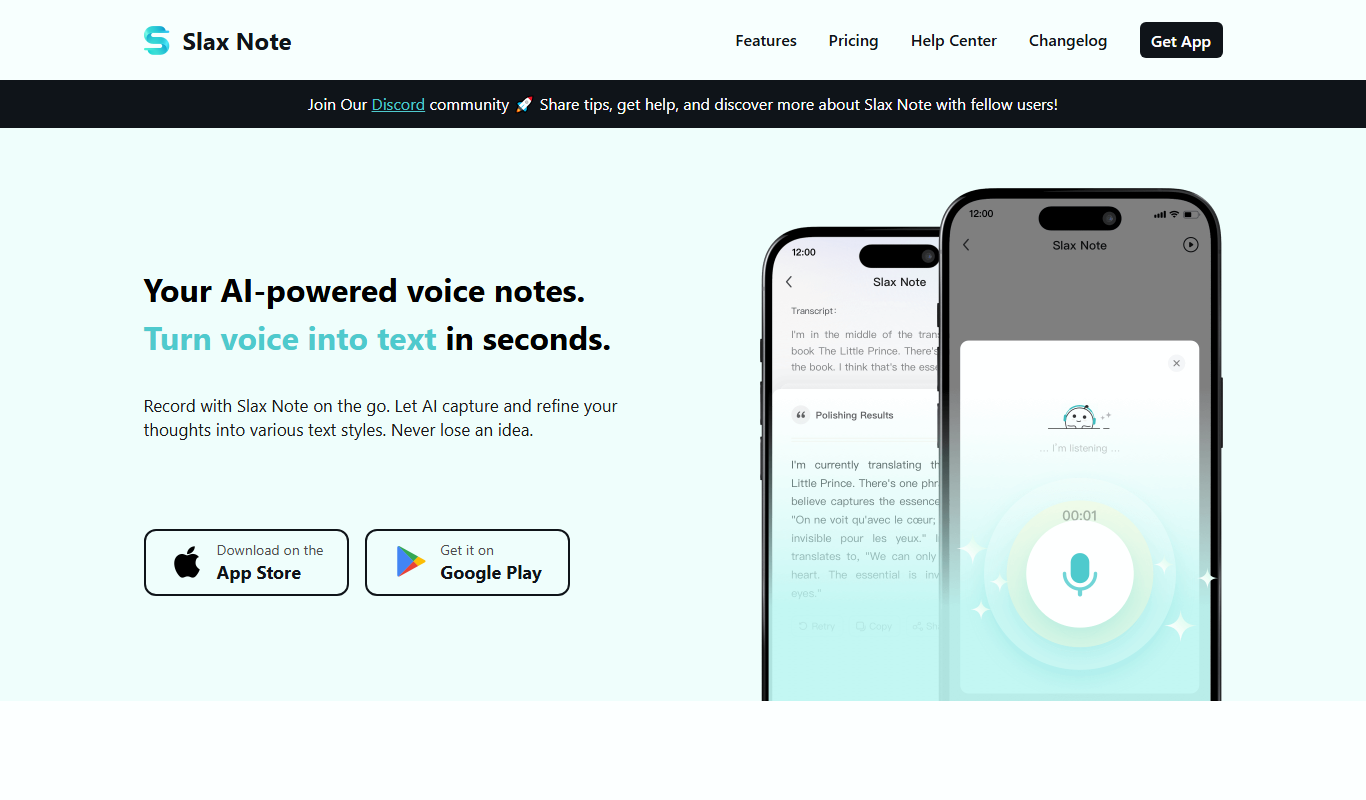
SlaxNote
SlaxNote is a free, web-based markdown editor that enables fast, distraction-free note taking with real-time preview and no account required.
Freemium
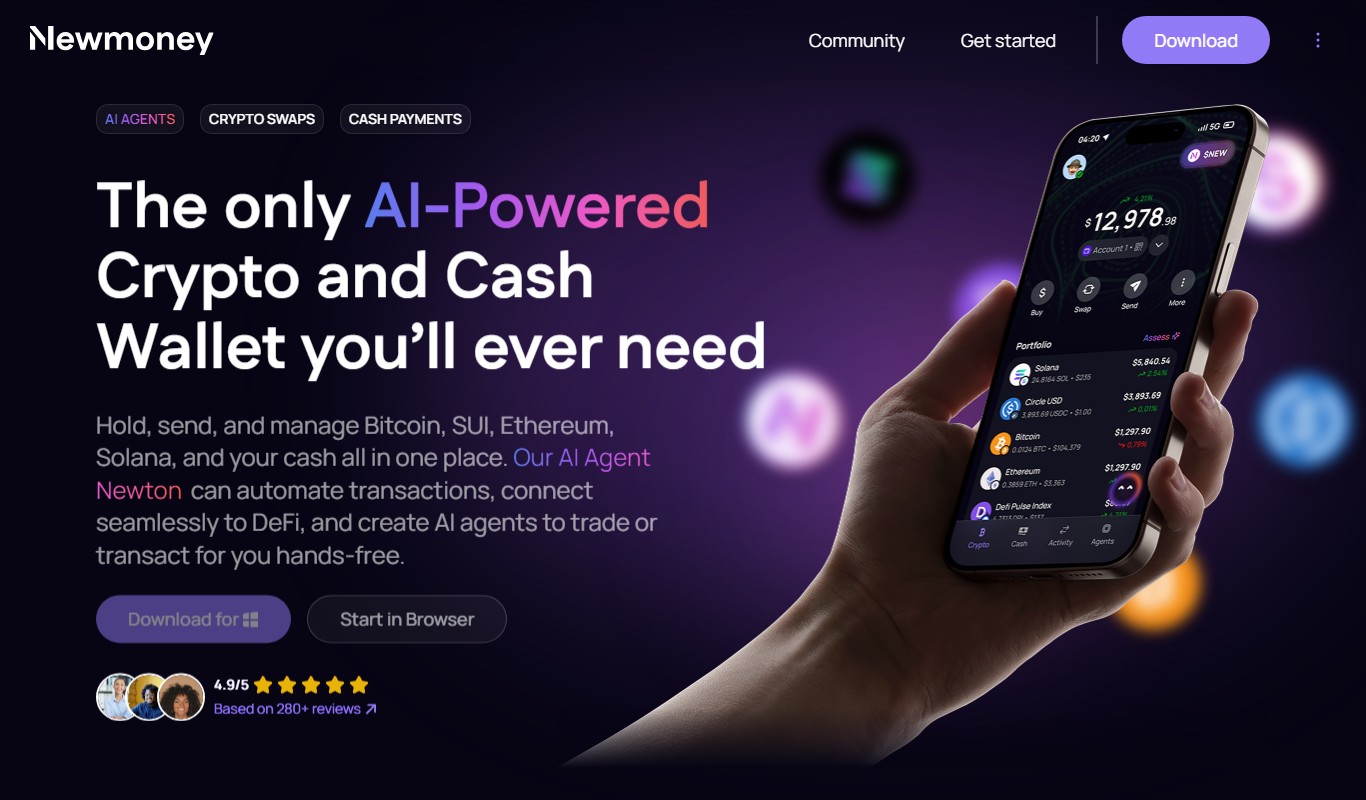
Newmoney.AI
Newmoney.AI is an AI-powered financial analytics platform that provides investors with real-time market data, AI-driven investment recommendations, and portfolio optimization tools via a web interface.