

From my experience with SlaxNote, I found it excels at providing a fast, no-frills markdown editor that lets you start writing immediately without distractions or signups. Its real-time preview and autosave features make it reliable for quick note taking or drafting content. However, it lacks advanced features like cloud syncing or collaboration, which might limit use for team projects. Overall, if you need a lightweight, browser-based markdown tool for personal notes or writing, SlaxNote delivers a straightforward and efficient experience.
SlaxNote Online Markdown Editor for Fast Note Taking and Writing
SlaxNote is a free, web-based markdown editor that enables fast, distraction-free note taking with real-time preview and no account required.
- Best for
- Quick Note Taking
- Key capability
- Real-time Markdown Preview
Your actions
Save SlaxNote, follow its updates and vote on it — everything stays in your account.
Sign in or create a free account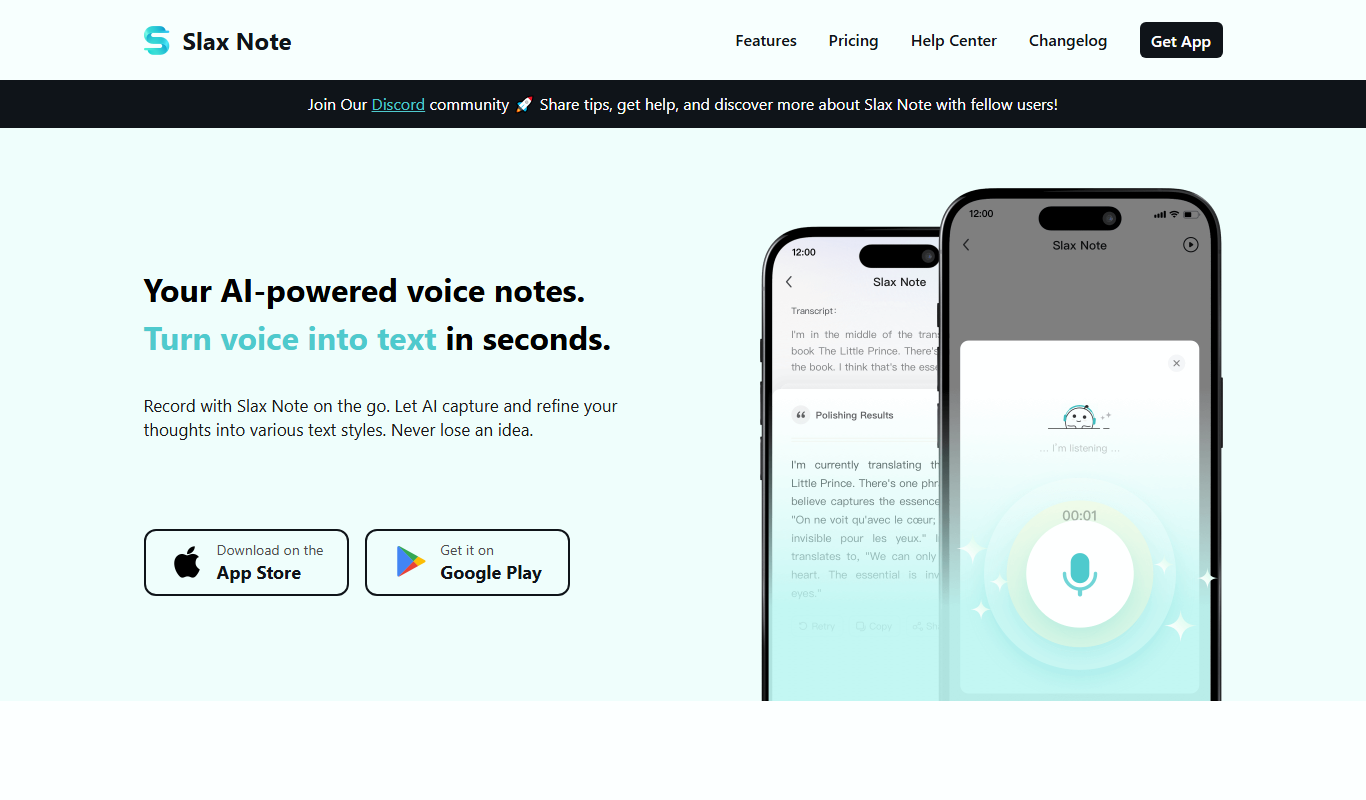
What is SlaxNote?
SlaxNote is a lightweight, web-based markdown editor designed for fast and distraction-free note taking and writing. It allows users to write notes using markdown syntax, preview formatted content in real-time, and save or export their work easily. The tool is accessible directly from the browser without the need for installation or account creation, making it ideal for quick jotting down of ideas or drafting content.
Key features of SlaxNote
SlaxNote offers a clean interface with side-by-side markdown editing and preview, autosave functionality, and support for common markdown elements such as headings, lists, links, and code blocks. It focuses on speed and simplicity, enabling users to start writing immediately without distractions or complex setup.
Real-time Markdown Preview
See your markdown syntax instantly rendered as formatted text side-by-side.
Distraction-Free Interface
Minimalist design focused on writing without unnecessary UI elements.
Autosave
Automatically saves your notes locally in the browser to prevent data loss.
No Account Required
Use the tool instantly without signing up or logging in.
Pros and cons of SlaxNote
Pros
- Extremely fast and lightweight
- No signup or installation required
- Real-time markdown preview
- Clean and distraction-free UI
Cons
- Limited to markdown note taking only
- No cloud sync or collaboration features
Key use cases for SlaxNote
Quick Note Taking
Capture ideas, meeting notes, or reminders instantly with a simple and fast markdown editor.
Markdown Writing
Write formatted text using markdown syntax for blogs, documentation, or content drafts.
Content Drafting
Draft articles, essays, or reports with distraction-free writing environment.
Organizing Thoughts
Use markdown to structure notes with headings, lists, and links for better organization.
How SlaxNote works
- 1
Open SlaxNote
Access the SlaxNote editor directly via the web browser at note.slax.com.
- 2
Start Writing
Begin typing your notes or content using markdown syntax in the left pane.
- 3
Preview Formatting
View the real-time rendered markdown output in the right pane to see formatted text.
- 4
Save or Export
Copy your markdown or formatted text to clipboard or save it locally as needed.
Who is using SlaxNote
Writers and bloggers
Students and educators
Developers and programmers
Anyone needing quick note taking
SlaxNote pricing
Free
$0
Full access to all features with no cost or signup required.
Plans and prices are as published by the vendor and can change. Check the official site before you buy. Open the pricing page (opens in a new tab)
Frequently asked questions about SlaxNote
No, SlaxNote can be used instantly without any account or registration.
Yes, you can copy your notes or save them locally from the browser.
SlaxNote primarily works online but may retain notes in browser storage for offline access.
This tool is designed to help users accomplish its core tasks more efficiently. It is typically used by individuals or teams looking to improve productivity and workflow.
Some tools offer a free plan or trial with limited features. Availability can vary, so confirm on the official website.
Yes, it can help with that use case depending on how you configure it and what features are available. You’ll get the best results with clear inputs and a defined goal.
Sign in to review this tool.
Sign In to ReviewNo reviews yet
Be the first to share how this tool worked for you.
Ask about pricing, limits, or how it compares — or answer someone else.
Sign In to AskNo questions yet
Have a question about using or paying for this tool? Be the first to ask.
Featured on TiorAI



Alternative Tools
Explore similar AI tools that might fit your needs
Freemium
Typora
Typora is a desktop Markdown editor that provides a seamless live preview experience, allowing users to write and format Markdown documents without switching views. It supports extended Markdown features and exports to multiple formats.
Free
StackEdit
StackEdit is a free, browser-based markdown editor that supports offline editing, real-time preview, cloud synchronization, and collaborative writing.

Free
Dillinger
Dillinger is a free, web-based markdown editor that offers live preview, cloud storage integration, and export options to HTML, PDF, and styled markdown formats.
More AI Note Taker tools
Other tools in the same category, for when this one is not quite the fit.
Free Trial
VemoAI
VemoAI is an AI-driven platform that automates video creation and personalization for marketing and content teams, enabling fast production of engaging videos without advanced editing skills.

Freemium
NotedSource – LiteSource AI
NotedSource LiteSource AI is an AI-driven platform that automates research note-taking by extracting key insights from documents and web content, enabling efficient organization and collaboration.

Free
knowt.com
Knowt.com is an AI-driven study tool that converts your notes or any text into interactive flashcards and summaries to enhance learning efficiency.

Free
NoFOMO.AI
NoFOMO.AI is an AI-driven meeting assistant that transcribes meetings and generates concise summaries and action items to improve productivity.

Free
Sonnet
Sonnet AI is an AI-powered writing assistant designed to help users generate and refine creative and professional content efficiently through a web-based platform.

Custom Pricing
Terrakotta
Terrakotta is an AI-driven platform that automates data annotation tasks to help teams efficiently label datasets for machine learning training.

Subscription
Freed AI Medical Scribe
Freed AI Medical Scribe is an AI-driven tool that automates medical note-taking by transcribing and structuring physician-patient conversations, integrating seamlessly with EHR systems to improve clinical workflow.

Freemium
Newmoney.AI
Newmoney.AI is an AI-powered financial analytics platform that provides investors with real-time market data, AI-driven investment recommendations, and portfolio optimization tools via a web interface.