

From my experience with Typora, I found it excels at providing a smooth, distraction-free writing environment that merges Markdown editing and live preview into one seamless interface. This makes it especially useful for writers and developers who want to focus on content without toggling between code and preview modes. However, the lack of mobile or web versions and limited collaboration features may be a drawback for teams or users needing cross-device access. Overall, if you prioritize clean Markdown writing with instant formatting and export capabilities, Typora delivers a reliable and affordable solution.
Typora Markdown Editor for Seamless Writing and Note Taking
Typora is a desktop Markdown editor that provides a seamless live preview experience, allowing users to write and format Markdown documents without switching views. It supports extended Markdown features and exports to multiple formats.
- Best for
- Technical Writing
- Key capability
- Live Preview
Do you recommend this tool?
What is Typora?
Typora is a minimalistic Markdown editor that offers a seamless live preview experience. Unlike traditional Markdown editors that separate source code and preview, Typora merges them into a single interface, allowing users to write and format text without distraction. It supports various Markdown syntax elements, tables, code fences, mathematical formulas, diagrams, and more, making it suitable for writers, developers, and academics.
Key features of Typora
Typora’s main features include real-time rendering of Markdown syntax, a clean and distraction-free interface, support for images and tables, export options to formats like PDF and HTML, and customizable themes. It also supports keyboard shortcuts and outline navigation to enhance productivity.
Live Preview
Instantly renders Markdown syntax inline, removing the need for split-screen preview.
Distraction-Free Interface
Minimal UI design that focuses on content without unnecessary clutter.
Support for Extended Markdown
Includes tables, code fences, mathematical formulas, diagrams, and footnotes.
Export Options
Export documents to PDF, HTML, Word, and other formats with ease.
Custom Themes
Choose or create themes to personalize the writing environment.
Pros and cons of Typora
Pros
- Seamless live preview without split views
- Clean, distraction-free writing environment
- Supports extended Markdown features
- Cross-platform desktop availability
- One-time affordable purchase option
Cons
- No mobile or web version available
- Limited collaboration features
- Occasional reminders in free trial
Key use cases for Typora
Technical Writing
Create well-structured technical documents with live preview of Markdown syntax.
Note Taking
Capture notes quickly in a distraction-free environment with seamless formatting.
Blog Drafting
Draft blog posts using Markdown with instant rendering to visualize final output.
Academic Writing
Write academic papers and reports with support for mathematical formulas and citations.
Documentation
Prepare software or project documentation with clean and exportable Markdown files.
How Typora works
- 1
Download and Install
Get Typora from the official website and install it on your desktop.
- 2
Create or Open Markdown Files
Start writing by creating a new Markdown file or opening an existing one.
- 3
Write with Live Preview
Type Markdown syntax and see the formatted output instantly without switching views.
- 4
Customize and Export
Apply themes or customize styles, then export your document to preferred formats.
Who is using Typora
Writers and bloggers
Software developers
Academics and researchers
Students
Technical documenters
Typora pricing
Free
$0
Full-featured trial with no time limit but occasional reminders to purchase.
Paid License
$14.99 (one-time)
One-time purchase to remove reminders and support development.
Plans and prices are as published by the vendor and can change. Check the official site before you buy. Open the pricing page (opens in a new tab)
Frequently asked questions about Typora
Typora offers a free trial version with full features but includes occasional purchase reminders. A one-time license removes these reminders.
Typora is available for Windows, macOS, and Linux desktop platforms.
Yes, Typora supports exporting documents to PDF, HTML, and other common formats.
Yes, Typora supports LaTeX-style mathematical formulas and inline math rendering.
This tool is designed to help users accomplish its core tasks more efficiently. It is typically used by individuals or teams looking to improve productivity and workflow.
Some tools offer a free plan or trial with limited features. Availability can vary, so confirm on the official website.
Yes, it can help with that use case depending on how you configure it and what features are available. You’ll get the best results with clear inputs and a defined goal.
Yes, it can help with that use case depending on how you configure it and what features are available. You’ll get the best results with clear inputs and a defined goal.
Sign in to review this tool.
Sign In to ReviewNo reviews yet
Be the first to share how this tool worked for you.
Ask about pricing, limits, or how it compares — or answer someone else.
Sign In to AskNo questions yet
Have a question about using or paying for this tool? Be the first to ask.
Featured on TiorAI



Alternative Tools
Explore similar AI tools that might fit your needs
Free
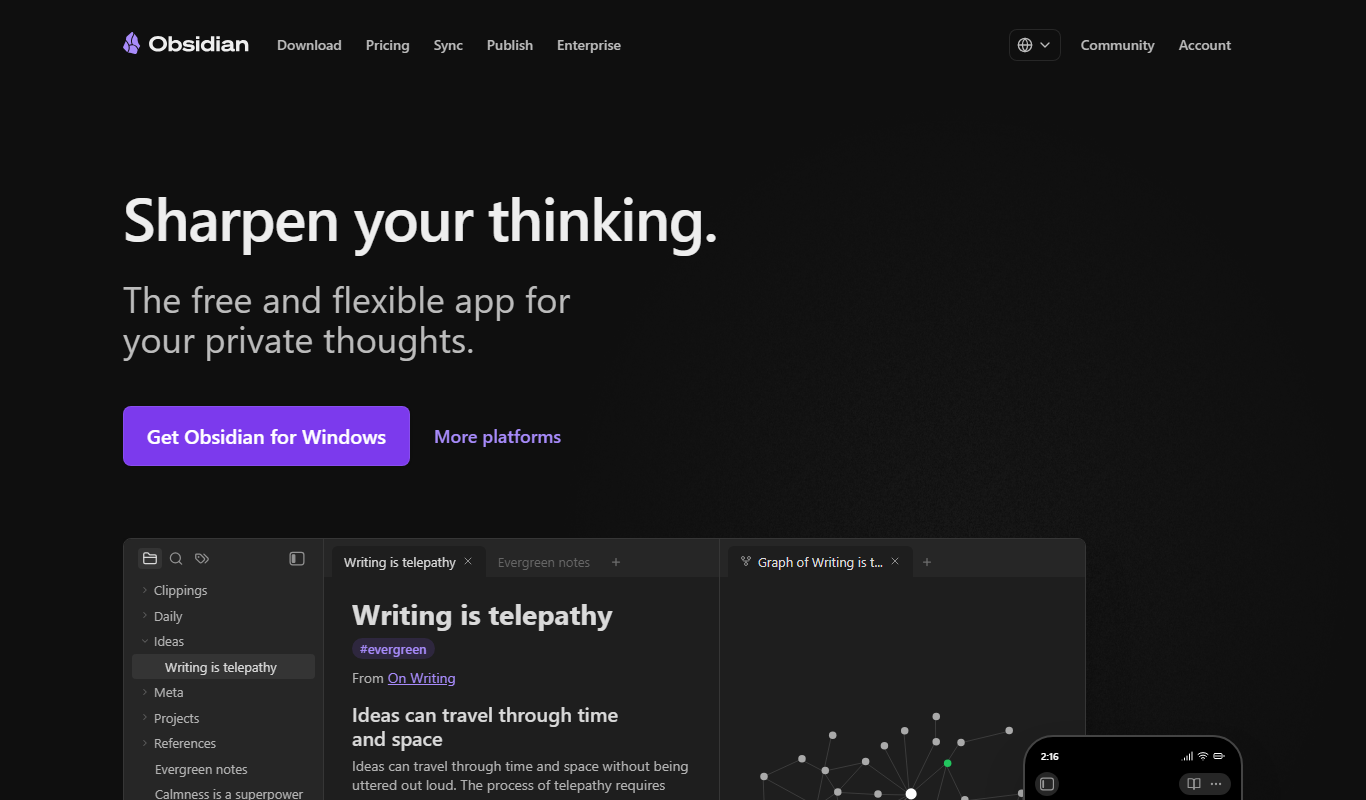
Obsidian
Obsidian is a markdown note-taking app that helps users build a personal knowledge base with linked notes, graph visualization, and extensive customization options.
More Writing & Editing tools
Other tools in the same category, for when this one is not quite the fit.


Free
Typefully
Typefully is a web platform that helps users write, schedule, and analyze Twitter threads and tweets with an easy-to-use editor and analytics tools.

Free
AI Dungeon
AI Dungeon is an AI-driven platform that generates interactive text-based stories and roleplaying adventures dynamically based on user input.

Free Trial
Frase
Frase is an AI-driven SEO content platform that generates content briefs, assists with writing, and optimizes articles to improve search engine rankings.

Free
Otter.ai
Otter.ai is an AI-driven transcription tool that converts speech to text in real time, ideal for meetings, interviews, and lectures with collaborative features and multi-language support.

Free
Writesonic
Writesonic is an AI copywriting platform that generates marketing content, blog posts, ads, and more using advanced natural language processing to save time and improve content quality.

Free
Copy.ai
Copy.ai is an AI copywriting platform that generates marketing content, social media posts, product descriptions, and blog ideas to help users create content faster and more efficiently.

Free Trial
Jasper AI
Jasper AI is an AI-powered writing assistant that generates marketing copy, blog posts, and other content types using advanced natural language processing, supporting multiple languages and SEO optimization.