

Dillinger Online Markdown Editor for Writing & Editing with Cloud Export
Dillinger is a free, web-based markdown editor that offers live preview, cloud storage integration, and export options to HTML, PDF, and styled markdown formats.
- Best for
- Markdown Writing
- Key capability
- Live Markdown Preview
Save Dillinger, follow its updates and vote on it — everything stays in your account.
Sign in or create a free account
What is Dillinger?
Dillinger is a free, open-source online markdown editor designed for writers, developers, and content creators who want a simple yet powerful tool to write markdown documents. It features a live preview pane, cloud storage integration, and export options to various formats, making it easy to create and manage markdown content directly in the browser without installing software.
Key features of Dillinger
Dillinger offers a clean interface with side-by-side markdown editing and live preview, seamless integration with popular cloud storage services, and multiple export options including HTML, styled Markdown, and PDF. It supports drag-and-drop file import and offline editing capabilities.
Live Markdown Preview
Instantly see formatted output as you write markdown syntax.
Cloud Storage Integration
Connect and save files directly to Dropbox, Google Drive, or OneDrive.
Multiple Export Formats
Export documents as HTML, PDF, or styled Markdown for versatile use.
Drag and Drop Import
Easily import markdown files by dragging them into the editor.
Offline Editing
Continue editing your documents without an internet connection.
Pros and cons of Dillinger
Pros
- Simple and intuitive interface
- Supports multiple cloud storage services
- Real-time markdown preview
- No installation required
- Free and open-source
Cons
- Limited to web platform only
- No advanced markdown editing features like collaboration or version control
Key use cases for Dillinger
Markdown Writing
Create and edit markdown documents with live preview and formatting support.
Cloud Document Export
Export markdown files directly to cloud services like Dropbox, Google Drive, and OneDrive.
Note Taking and Documentation
Use Dillinger for quick note taking or writing technical documentation in markdown format.
Content Conversion
Convert markdown files to HTML, styled PDF, or styled Markdown formats for publishing.
How Dillinger works
- 1
Open Dillinger in Browser
Access the Dillinger editor via its web URL without any installation.
- 2
Write Markdown
Use the left pane to write markdown syntax with real-time preview on the right.
- 3
Connect Cloud Storage
Link your Dropbox, Google Drive, or OneDrive account to import or save files.
- 4
Export or Save
Export your document as HTML, PDF, or styled Markdown, or save it back to the cloud.
Who is using Dillinger
Dillinger pricing
Free
$0
Full access to all features with no cost.
Plans and prices are as published by the vendor and can change. Check the official site before you buy. Open the pricing page (opens in a new tab)
Frequently asked questions about Dillinger
Yes, Dillinger is completely free and open-source.
No, Dillinger runs entirely in your web browser with no installation required.
Dillinger supports Dropbox, Google Drive, and OneDrive integration.
Yes, Dillinger allows exporting markdown documents as styled PDFs.
This tool is designed to help users accomplish its core tasks more efficiently. It is typically used by individuals or teams looking to improve productivity and workflow.
Some tools offer a free plan or trial with limited features. Availability can vary, so confirm on the official website.
Yes, it can help with that use case depending on how you configure it and what features are available. You’ll get the best results with clear inputs and a defined goal.
Yes, it can help with that use case depending on how you configure it and what features are available. You’ll get the best results with clear inputs and a defined goal.
Conclusion
Dillinger runs in the browser with nothing to install: markdown is written in the left pane and the formatted preview appears on the right in real time. Files can be dragged into the editor or opened from linked Dropbox, Google Drive or OneDrive accounts. Finished documents export as HTML, PDF or styled Markdown, or are saved back to the cloud.
The editor is aimed at writers, developers and technical documenters who need quick notes or documentation in markdown. Access is free, with full access to all features at no cost, and the editor is limited to the web platform. Advanced features such as collaboration and version control are not included.
Sources
Sign in to review this tool.
Sign In to ReviewNo reviews yet
Be the first to share how this tool worked for you.
Ask about pricing, limits, or how it compares — or answer someone else.
Sign In to AskNo questions yet
Have a question about using or paying for this tool? Be the first to ask.
Featured on TiorAI



Alternative Tools
Explore similar AI tools that might fit your needs
StackEdit
StackEdit is a free, browser-based markdown editor that supports offline editing, real-time preview, cloud synchronization, and collaborative writing.
Typora
Typora is a desktop Markdown editor that provides a seamless live preview experience, allowing users to write and format Markdown documents without switching views. It supports extended Markdown features and exports to multiple formats.
More AI Content Generator tools
Other tools in the same category, for when this one is not quite the fit.

WhiteSmoke
WhiteSmoke is a writing assistant software that provides grammar, spelling, punctuation correction, plagiarism detection, and translation features to improve English writing across multiple platforms.
Write & Improve by Cambridge
Write & Improve by Cambridge is a free online tool that provides instant AI-generated feedback on English writing to help users improve grammar, vocabulary, and coherence.

Starter Story
Starter Story is a platform offering in-depth interviews and case studies of real startups to inspire and educate entrepreneurs.

ReleaseNote.ai
ReleaseNote.ai is an AI-driven tool that automates the creation of software release notes by summarizing update data into clear, professional documents.

Sqribble
Sqribble is a web-based AI ebook generator that enables users to create professional ebooks quickly using customizable templates, drag-and-drop editing, and content import features, exporting in multiple formats like PDF and Kindle.
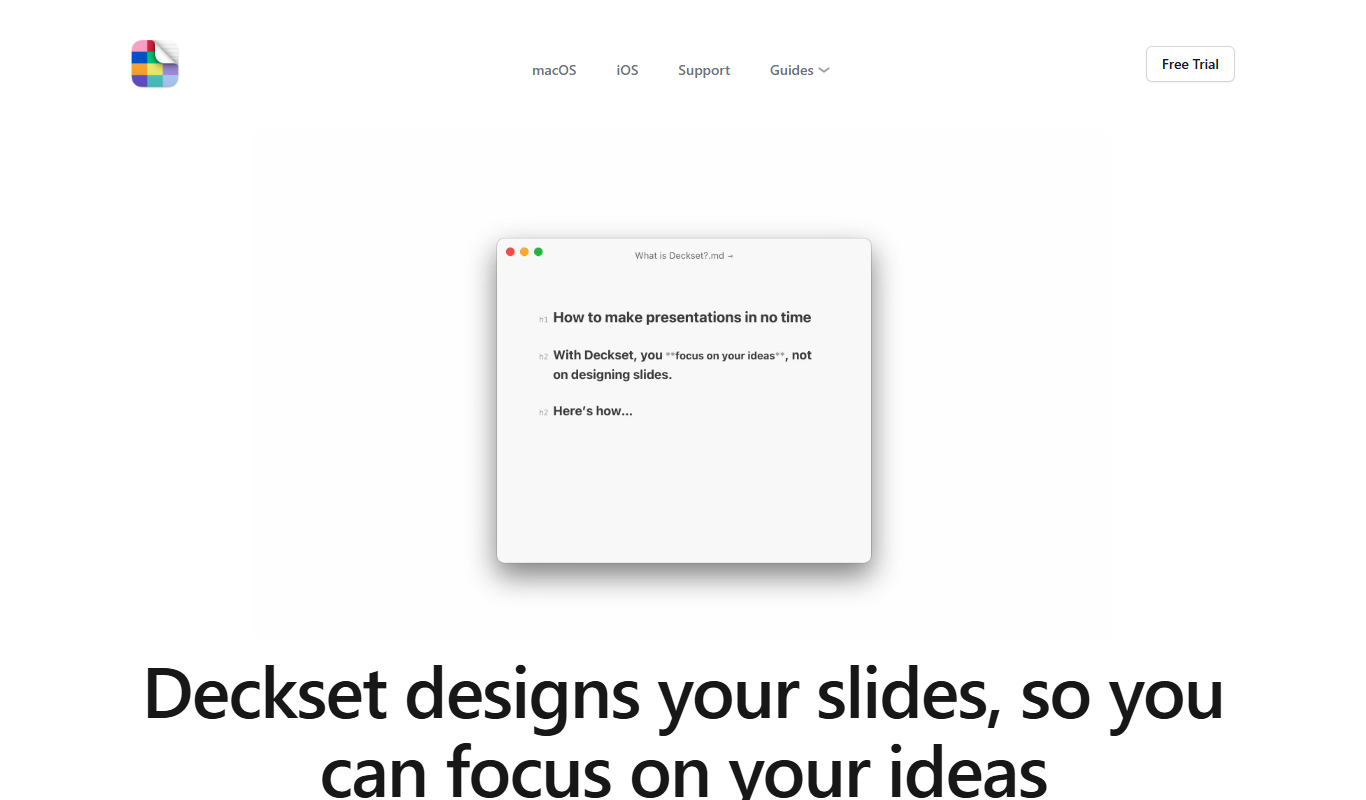
Deckset
Deckset is a presentation tool for Mac, iPhone and iPad that transforms Markdown text into professional slide decks with customizable themes and live preview.

Cram
Cram is an online flashcard tool that helps users create, share, and study flashcards to improve memorization and learning efficiency.

Mathpix Snip
Mathpix Snip is an AI-powered OCR tool that accurately converts images containing mathematical and scientific content into editable LaTeX, MathML, or text formats, supporting students, educators, and researchers.