

Calmly Writer - Minimalist Online Writing Tool for Distraction-Free Writing
Calmly Writer is a minimalist writing app designed to help users focus by providing a distraction-free interface, Markdown support, autosave, and export options. It is available as a free web app and a paid desktop app for offline use.
- Best for
- Distraction-Free Writing
- Key capability
- Distraction-Free Interface
Save Calmly Writer, follow its updates and vote on it — everything stays in your account.
Sign in or create a free account
What is Calmly Writer?
Calmly Writer is a minimalist writing app designed to reduce distractions, available on the web and on Windows, Mac, Linux, Android and ChromeOS.
Key features of Calmly Writer
Calmly Writer’s main features include a distraction-free writing environment, Markdown syntax support, multiple export formats, autosave functionality, and offline desktop access. Its minimal design helps users maintain focus and improve productivity during writing sessions.
Distraction-Free Interface
A clean, minimal design that removes unnecessary elements to help writers focus.
Markdown Support
Allows users to format text quickly using Markdown syntax.
Multiple Export Options
Export your writing as PDF, Word, HTML, or plain text.
Autosave
Automatically saves your work to prevent data loss.
Offline Desktop App
Desktop version for Windows, Mac and Linux, with apps also available for Android and ChromeOS.
Pros and cons of Calmly Writer
Pros
- Simple and distraction-free interface
- Supports Markdown for easy formatting
- Multiple export formats available
- Offline desktop app option
- Autosave feature prevents data loss
Cons
- No collaboration or cloud syncing features
- Limited to English language support
- Minimal feature set may not suit advanced users
Key use cases for Calmly Writer
Distraction-Free Writing
Provides a clean, minimal interface to help writers focus on content without distractions.
Markdown Editing
Supports Markdown syntax for easy formatting and exporting of documents.
Offline Writing
Desktop version allows users to write offline without internet connectivity.
Exporting Documents
Enables exporting written content to multiple formats including PDF, Word, and HTML.
Writing Drafts and Notes
Ideal for drafting articles, essays, notes, and creative writing projects.
How Calmly Writer works
- 1
Access the Platform
Open Calmly Writer on the web or download the desktop app for offline use.
- 2
Start Writing
Begin typing in the minimalist editor with no distractions.
- 3
Use Markdown
Format your text easily using Markdown syntax if desired.
- 4
Save and Export
Autosave ensures your work is not lost; export your document in formats like PDF or Word.
Who is using Calmly Writer
Calmly Writer pricing
Free
$0
Access to the web version with basic features.
Desktop license
$19 one-time
One-time desktop license for up to 3 devices on Windows, Mac and Linux, with a 14-day trial.
Android app
$16.99
Android app sold on Google Play.
Plans and prices are as published by the vendor and can change. Check the official site before you buy. Open the pricing page (opens in a new tab)
Frequently asked questions about Calmly Writer
Yes, the web version is free. The desktop app requires a one-time purchase.
Yes, the desktop app allows you to write offline.
Yes, you can export your writing in PDF, Word, HTML, and plain text formats.
No, Calmly Writer is designed for individual use and does not have collaboration features.
This tool is designed to help users accomplish its core tasks more efficiently. It is typically used by individuals or teams looking to improve productivity and workflow.
Yes, it can help with that use case depending on how you configure it and what features are available. You’ll get the best results with clear inputs and a defined goal.
Some tools offer a free plan or trial with limited features. Availability can vary, so confirm on the official website.
Yes, it can help with that use case depending on how you configure it and what features are available. You’ll get the best results with clear inputs and a defined goal.
Conclusion
Writing happens in a minimalist editor that removes unnecessary elements, and text can be formatted with Markdown syntax. Work is saved automatically to prevent data loss, and documents export as PDF, Word, HTML or plain text. Besides the web version, the app runs on Windows, Mac, Linux, Android and ChromeOS.
It is meant for writers seeking a distraction-free environment, including students drafting essays and notes, bloggers and creative writers. The web version is free. A one-time desktop license costs $19 and covers up to 3 devices, and a 14-day trial is offered. The Android app is sold separately on Google Play for $16.99.
Sources
Sign in to review this tool.
Sign In to ReviewNo reviews yet
Be the first to share how this tool worked for you.
Ask about pricing, limits, or how it compares — or answer someone else.
Sign In to AskNo questions yet
Have a question about using or paying for this tool? Be the first to ask.
Featured on TiorAI



Alternative Tools
Explore similar AI tools that might fit your needs
Typora
Typora is a desktop Markdown editor that provides a seamless live preview experience, allowing users to write and format Markdown documents without switching views. It supports extended Markdown features and exports to multiple formats.
More AI Content Generator tools
Other tools in the same category, for when this one is not quite the fit.
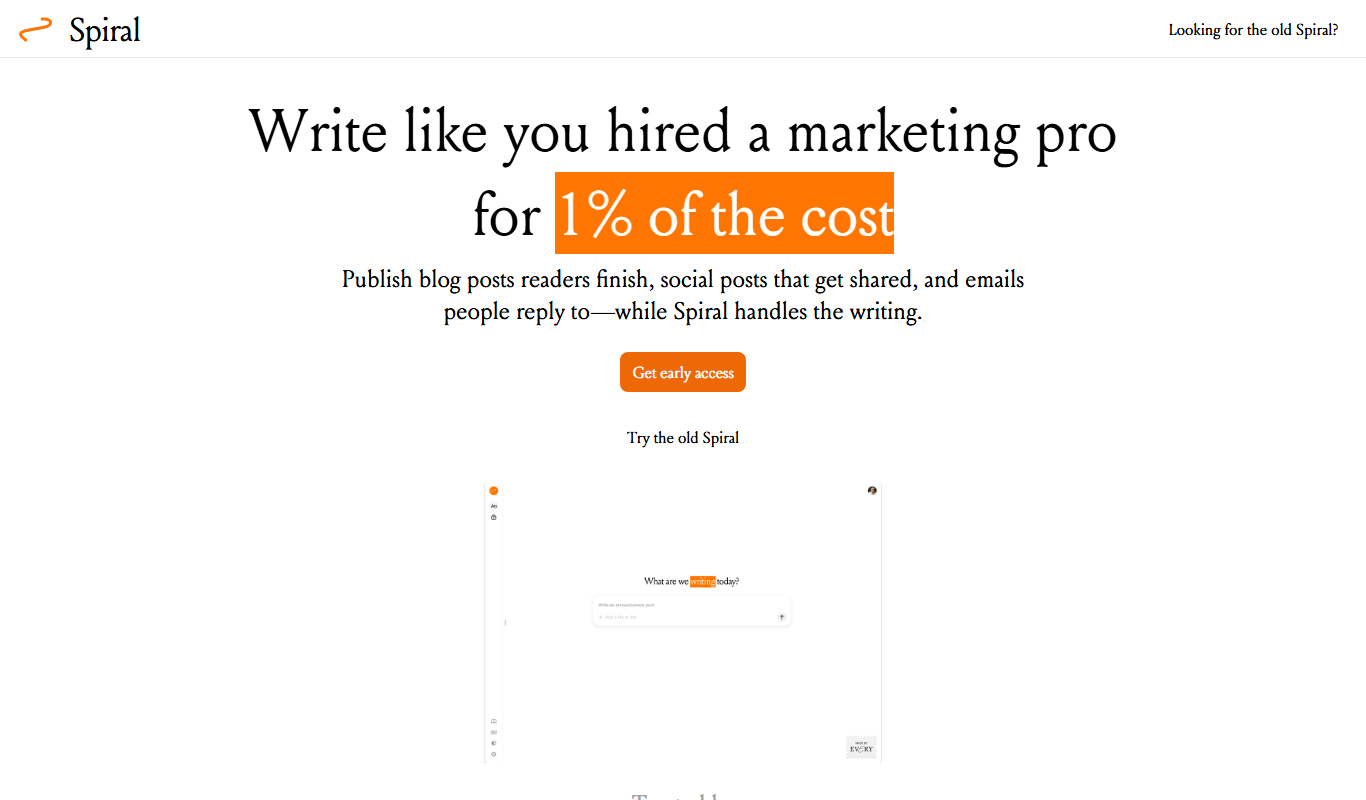
Spiral
Spiral by Every is a generative writing partner that uses stylometry and Every's editorial knowledge to write in your own voice, for you, your team and your AI agent.
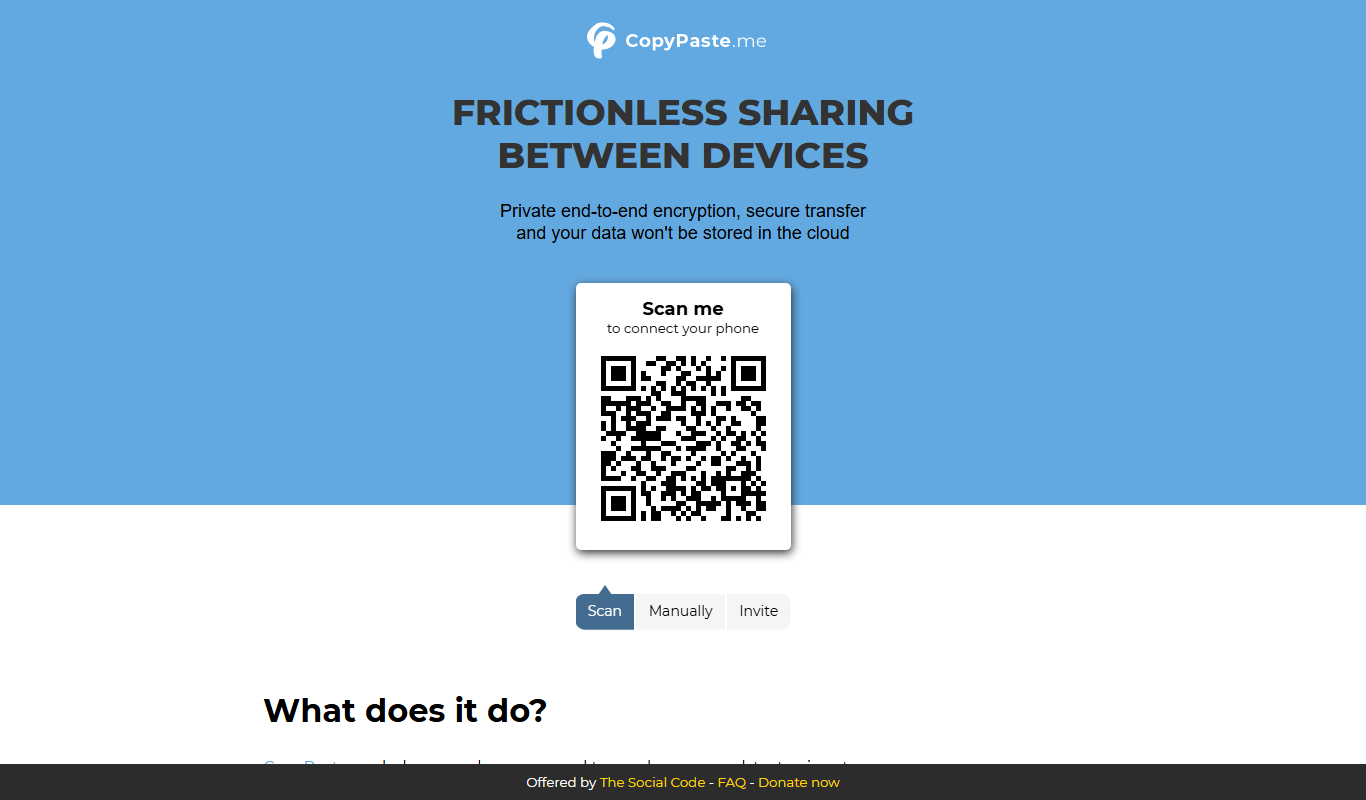
CopyPaste.me
CopyPaste.me lets you easily and quickly share passwords, texts and files between devices with private end-to-end encryption, free and ad-free.

Cake
Cake is an enterprise AI platform for regulated industries that runs in your VPC and gives teams cost control, compliance and governance over their AI systems.
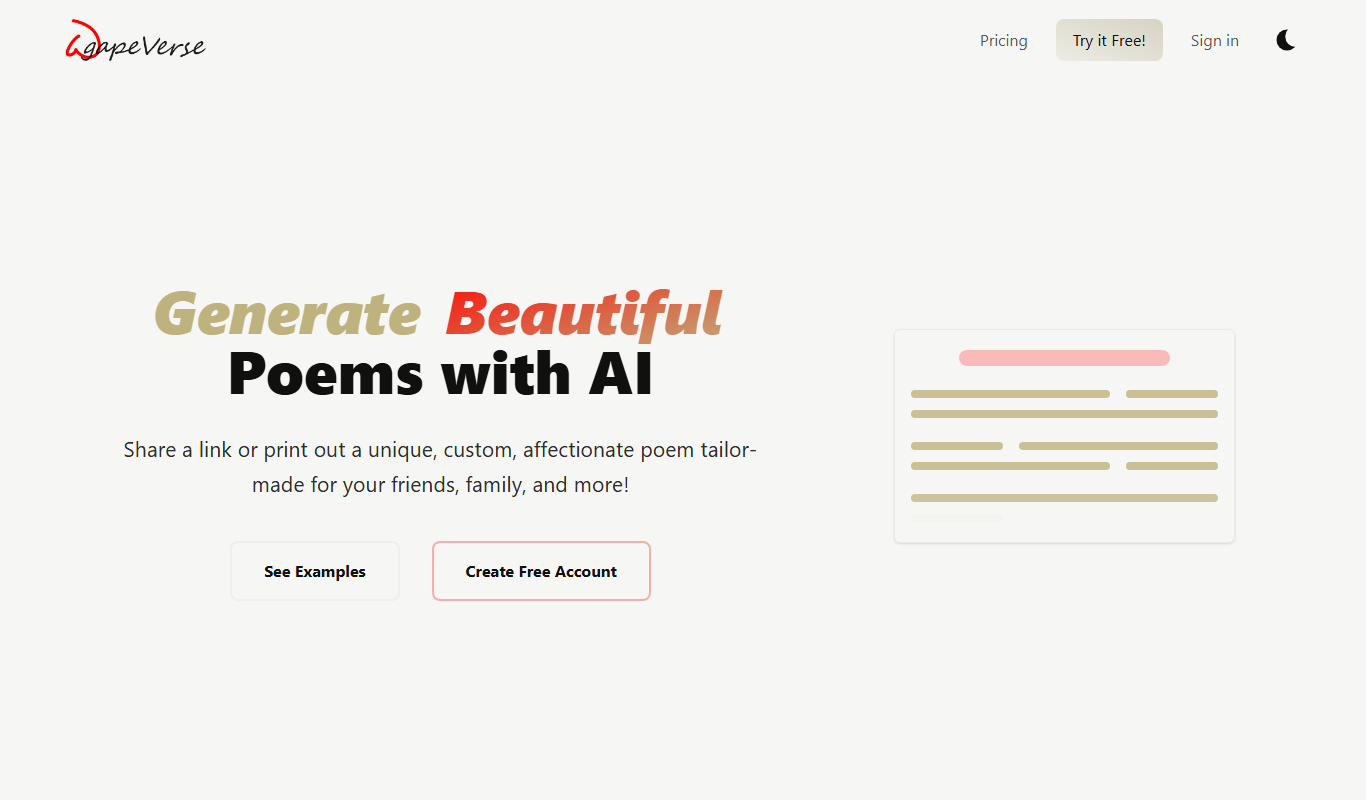
AgapeVerse.app
AgapeVerse generates personal poems with AI: describe the person and the occasion, read the poem seconds later, then edit, print or share it by link.

Botowski
Botowski is a personal AI copywriter that generates slogans, business names, product descriptions, articles and blog content, with an AI chatbot for websites.
Viking Language Toolkit
Viking Language is a website and textbook series for learning Old Norse, with free resources, the Viking Language Old Norse Icelandic textbooks and audio pronunciation albums.

SlideHub
SlideHub is sales content management in PowerPoint for companies that sell using M365: one current slide library, tailored decks and usage tracking.

PepoSoft AI
PepoSoft AI is an AI writer for bloggers, marketers, entrepreneurs and students, with templates for blogs, websites and social media in many languages.