

From my experience with SlideHub, I found it excels at streamlining the creation of professional presentations through AI-powered content and design automation. Spending time with the platform, I can say it’s particularly well-suited for business professionals and teams who need to produce polished slide decks quickly without extensive design skills. However, the platform currently lacks the ability to import existing presentations, which may be a limitation for users wanting to update old decks. Overall, if you need to build presentations efficiently with AI assistance, SlideHub delivers solid, user-friendly results.
SlideHub AI Presentation Maker for Professional Slide Design and Automation
SlideHub is an AI-powered platform that automates the creation of professional presentations by generating slide content and design based on user input, helping users save time and improve slide quality.
- Best for
- Business Presentation Creation
- Key capability
- AI Slide Generation
Your actions
Save SlideHub, follow its updates and vote on it — everything stays in your account.
Sign in or create a free account
What is SlideHub?
SlideHub is an AI-powered presentation creation platform designed to automate and enhance the process of building professional slide decks. It leverages artificial intelligence to generate slide content, design layouts, and organize presentations efficiently, reducing the time and effort required to produce high-quality presentations.
Key features of SlideHub
SlideHub offers AI-driven slide generation, customizable templates, content structuring, and design automation to help users create polished presentations quickly. It integrates with popular presentation software and supports collaborative workflows.
AI Slide Generation
Automatically create slide content and design based on input topics or documents.
Template Library
Access a variety of professional templates tailored for different presentation types.
Content Structuring
Organize and outline presentations logically with AI assistance.
Design Automation
Apply consistent styling, formatting, and visual enhancements across slides.
Collaboration Tools
Work with team members on presentations with shared access and editing.
Pros and cons of SlideHub
Pros
- Speeds up presentation creation with AI automation
- Offers professional templates and design consistency
- Supports collaboration for teams
- Easy export options to common formats
Cons
- Limited support for importing existing presentations
- Primarily English language support
- No dedicated mobile app
Key use cases for SlideHub
Business Presentation Creation
Create professional and visually appealing business presentations quickly using AI-powered slide design and content generation.
Sales and Marketing Decks
Generate persuasive sales and marketing slide decks that effectively communicate value propositions and engage audiences.
Pitch Deck Development
Build investor pitch decks with structured content and design optimized for clarity and impact.
Report and Data Visualization
Transform raw data and reports into clear, concise, and visually engaging slides for meetings and reviews.
Training and Educational Materials
Develop training presentations and educational content with consistent formatting and professional design.
How SlideHub works
- 1
Sign Up
Create an account on SlideHub’s web platform to access AI presentation tools.
- 2
Input Content or Topic
Provide the AI with your presentation topic, outline, or raw content to start slide generation.
- 3
Customize Slides
Edit and personalize the AI-generated slides using templates, design options, and content adjustments.
- 4
Export and Present
Download the final presentation in PowerPoint or PDF format, or present directly from the platform.
Who is using SlideHub
Business professionals
Sales and marketing teams
Startup founders and entrepreneurs
Educators and trainers
Consultants and analysts
SlideHub pricing
Free Trial
$0 for limited time
Access core features with usage limits to evaluate the platform.
Professional
$29/month
Full access to AI features, templates, and export options for individual users.
Team
$99/month
Collaborative features and multi-user licenses for teams and businesses.
Plans and prices are as published by the vendor and can change. Check the official site before you buy. Open the pricing page (opens in a new tab)
Frequently asked questions about SlideHub
Currently, SlideHub focuses on creating presentations from scratch using AI and does not support importing existing slide decks.
You can export your presentations as PowerPoint (.pptx) files or PDFs for easy sharing and presenting.
Limits depend on your subscription plan; the free trial has usage caps, while paid plans offer higher or unlimited slide creation.
Yes, the Team plan includes collaboration features allowing multiple users to work on presentations together.
It depends on your specific needs and how you plan to use the tool. The official website and documentation are the best sources for the latest details.
Yes, it can help with that use case depending on how you configure it and what features are available. You’ll get the best results with clear inputs and a defined goal.
Yes, it can help with that use case depending on how you configure it and what features are available. You’ll get the best results with clear inputs and a defined goal.
Sign in to review this tool.
Sign In to ReviewNo reviews yet
Be the first to share how this tool worked for you.
Ask about pricing, limits, or how it compares — or answer someone else.
Sign In to AskNo questions yet
Have a question about using or paying for this tool? Be the first to ask.
Featured on TiorAI



Alternative Tools
Explore similar AI tools that might fit your needs

Free
Visme
Visme is a web-based platform for creating presentations, infographics, and marketing visuals with customizable templates and data visualization tools.
More AI Content Generator tools
Other tools in the same category, for when this one is not quite the fit.
Custom Pricing
Ion Interactive
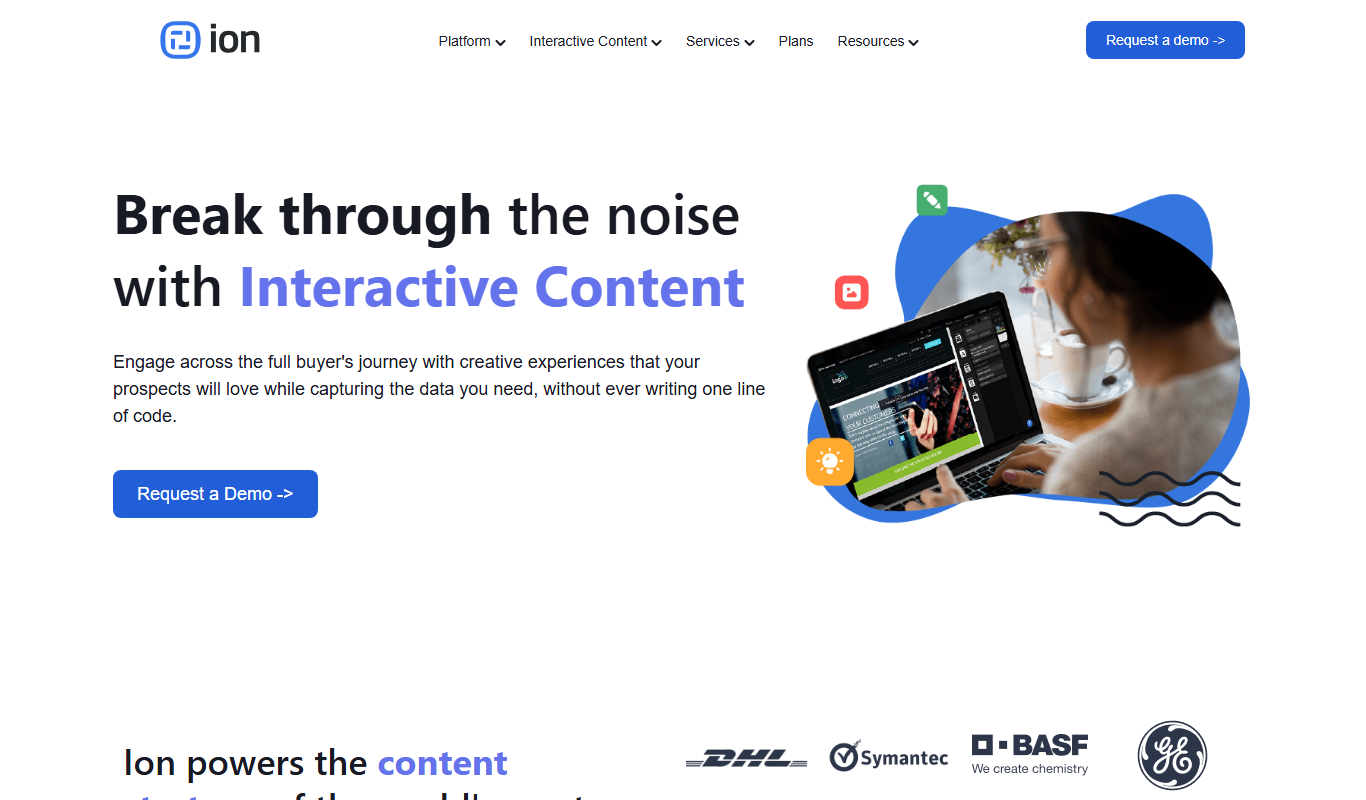
Ion Interactive is a web-based platform that enables marketers to create interactive content like quizzes and assessments to engage audiences and generate leads without coding.

Free
写作猫AI
写作猫AI is a Chinese-language AI writing assistant that supports content generation, creative writing, and text refinement through a web platform.

Free
Calmly Writer
Calmly Writer is a minimalist writing app designed to help users focus by providing a distraction-free interface, Markdown support, autosave, and export options. It is available as a free web app and a paid desktop app for offline use.

Free Trial
750 Words
750 Words is a web-based platform that encourages users to write 750 words daily to build a consistent writing habit, offering a distraction-free interface and progress tracking.

Free
Bewerbung2Go
Bewerbung2Go is an AI-driven platform that helps German-speaking users generate customized cover letters and optimize job applications efficiently.

Pay As You Go
Gengo
Gengo is a professional human translation platform that provides accurate, culturally relevant translations for businesses via web and API, supporting over 70 language pairs.
Custom Pricing
Skyword
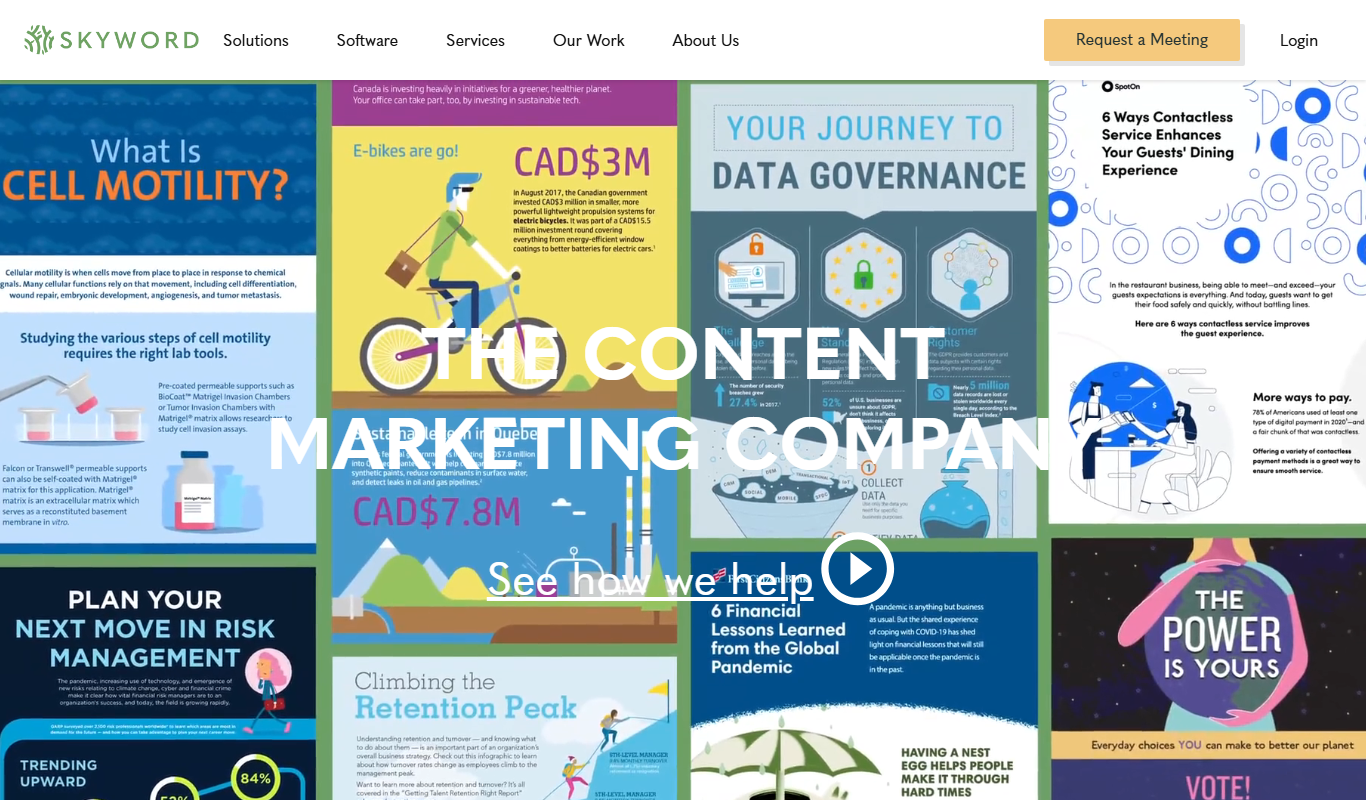
Skyword is an enterprise content marketing platform that helps organizations plan, create, manage, and analyze content marketing campaigns with collaboration tools and a freelance network.

Free
Archive.org
Archive.org is a free digital library and internet archive providing access to billions of archived web pages, books, audio, video, and software for research, education, and creative projects.