

Skyword Content Marketing Platform for Enterprise Content Creation and Management
Skyword is an enterprise content marketing platform that helps organizations plan, create, manage, and analyze content marketing campaigns with collaboration tools and a freelance network.
- Best for
- Enterprise Content Marketing
- Key capability
- Content Strategy Tools
Save Skyword, follow its updates and vote on it — everything stays in your account.
Sign in or create a free account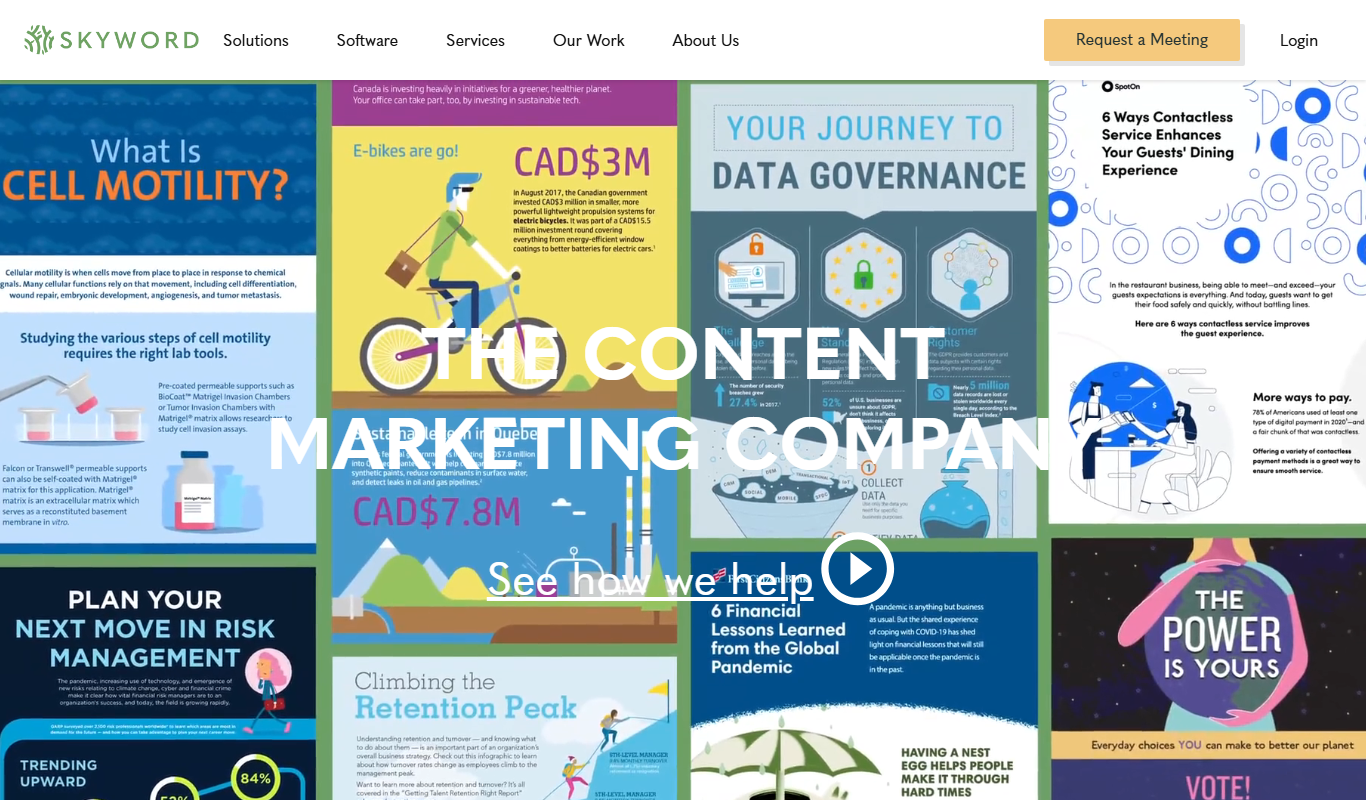
What is Skyword?
Skyword is a comprehensive content marketing platform designed to help enterprises create, manage, and optimize content at scale. It combines content strategy, creation, workflow management, and analytics into a single platform, enabling marketing teams to collaborate effectively with freelance talent and internal stakeholders. Skyword supports the entire content lifecycle from ideation to distribution and performance measurement.
Key features of Skyword
Skyword offers features such as content planning and strategy tools, a managed freelance network, workflow automation, content optimization, and detailed analytics dashboards. These capabilities help organizations streamline content production, maintain brand consistency, and measure the impact of their marketing efforts.
Content Strategy Tools
Plan and organize content campaigns with editorial calendars and strategic frameworks.
Managed Freelance Network
Access a vetted pool of freelance writers and creators to scale content production.
Workflow Automation
Streamline content review and approval processes with customizable workflows.
Content Optimization
Leverage SEO and performance insights to enhance content effectiveness.
Analytics Dashboard
Track key metrics such as engagement, conversions, and ROI to measure content success.
Pros and cons of Skyword
Pros
- Comprehensive content marketing lifecycle management
- Access to a vetted freelance talent network
- Robust analytics for content performance
- Customizable workflows to fit team processes
Cons
- Pricing is not transparent and requires contacting sales
- Primarily suited for enterprise customers, less ideal for small businesses
- Limited language support focused on English
Key use cases for Skyword
Enterprise Content Marketing
Manage and scale content marketing efforts across multiple teams and channels with centralized workflows and analytics.
Content Creation and Collaboration
Facilitate collaboration between marketers, writers, and freelancers to produce high-quality, brand-aligned content.
Content Strategy and Planning
Develop and execute content strategies using data-driven insights and editorial calendars.
Freelance Talent Management
Access and manage a network of vetted freelance writers and creators to augment internal teams.
Content Performance Analytics
Track content engagement and ROI with integrated analytics to optimize marketing campaigns.
How Skyword works
- 1
Onboarding and Strategy Setup
Define your content marketing goals and set up editorial calendars and workflows tailored to your team.
- 2
Content Creation
Collaborate with internal teams and freelance writers using Skyword’s platform to produce content aligned with your strategy.
- 3
Workflow Management
Use automated workflows to review, approve, and publish content efficiently.
- 4
Distribution and Optimization
Publish content across multiple channels and optimize it based on performance data.
- 5
Analytics and Reporting
Monitor content engagement and ROI through integrated analytics to refine your marketing approach.
Who is using Skyword
Skyword pricing
Custom Pricing
Contact for pricing
Pricing tailored to enterprise needs based on content volume and service requirements.
Plans and prices are as published by the vendor and can change. Check the official site before you buy. Open the pricing page (opens in a new tab)
Frequently asked questions about Skyword
Yes, Skyword provides access to a managed network of freelance writers and tools to collaborate seamlessly.
Yes, the platform includes analytics dashboards to monitor content engagement and ROI.
Skyword is primarily designed for enterprise-level organizations with complex content marketing needs.
Skyword is a web-based platform accessible through modern browsers.
This tool is designed to help users accomplish its core tasks more efficiently. It is typically used by individuals or teams looking to improve productivity and workflow.
Yes, it can help with that use case depending on how you configure it and what features are available. You’ll get the best results with clear inputs and a defined goal.
It depends on your specific needs and how you plan to use the tool. The official website and documentation are the best sources for the latest details.
Conclusion
Skyword supports the entire content lifecycle from ideation to distribution and performance measurement, pairing a content marketing platform with a managed network of vetted freelance writers and creators so internal teams can scale content production. Work begins with content goals, editorial calendars and workflows tailored to the team, and strategies are developed from data-driven insights. Internal teams and freelance writers then produce content on the platform, and automated workflows handle review, approval and publishing across multiple channels. Because those review and approval workflows are customizable, the process can follow each team’s own steps while marketers, writers and freelancers work on brand-aligned content together. Analytics dashboards track engagement, conversions and ROI, while SEO and performance insights inform content optimization.
It is primarily designed for enterprise-level organizations with complex content marketing needs, and its day-to-day users include enterprise marketing teams, content strategists and brand managers. Digital marketing agencies and freelance content creators also work with it. The Skyword360 platform is available in 14 languages. Pricing is custom, based on content volume and service requirements, and is not transparent because it requires contacting sales.
Sources
Sign in to review this tool.
Sign In to ReviewNo reviews yet
Be the first to share how this tool worked for you.
Ask about pricing, limits, or how it compares — or answer someone else.
Sign In to AskNo questions yet
Have a question about using or paying for this tool? Be the first to ask.
Featured on TiorAI



Alternative Tools
Explore similar AI tools that might fit your needs

Contentful
Contentful is a cloud-based headless CMS that enables developers and content teams to create, manage, and deliver content via APIs to any digital platform, supporting scalable and flexible content infrastructure.
More AI Content Generator tools
Other tools in the same category, for when this one is not quite the fit.

Archive.org
Archive.org is a free digital library and internet archive providing access to billions of archived web pages, books, audio, video, and software for research, education, and creative projects.
Kitchen Stories
Kitchen Stories is a cooking app offering recipes with step-by-step photo and video instructions, meal planning tools and shopping lists, with an optional paid Kitchen Stories Plus subscription.

Cookpad
Cookpad is a global recipe sharing platform where home cooks can discover, share, and organize recipes while engaging with a cooking community.

ReadWorks
ReadWorks is a free online platform providing leveled reading passages, lesson plans, and assessment tools to improve K-12 students' reading comprehension and literacy skills.

LitCharts
LitCharts is an online platform providing detailed literature summaries, analyses, and educational resources to help students and educators understand and teach literary works effectively.

PDF2XL
PDF2XL is a software tool that converts PDF documents, especially tables, into editable Excel spreadsheets with features like OCR and batch processing.

Dictionary.com
Dictionary.com is a comprehensive online platform offering English word definitions, synonyms, antonyms, pronunciation guides, and grammar tips to help users improve their language skills.

Wordnik
Wordnik is a free online English dictionary that provides detailed definitions, example sentences, synonyms, and related word information to help users understand and use English words effectively.