

From my experience with Cookpad, I found it excels at connecting home cooks through a vast and diverse recipe community. The platform’s ease of sharing personal recipes and organizing meal plans makes it particularly well-suited for families and cooking enthusiasts who want practical everyday inspiration. However, the free version includes ads, and recipe quality can vary since content is user-generated. Overall, if you want a social cooking platform to discover and share recipes globally, Cookpad delivers a reliable and engaging experience.
Cookpad Recipe Sharing Platform for Home Cooking and Meal Ideas
Cookpad is a global recipe sharing platform where home cooks can discover, share, and organize recipes while engaging with a cooking community.
- Best for
- Discover New Recipes
- Key capability
- Extensive Recipe Database
Your actions
Save Cookpad, follow its updates and vote on it — everything stays in your account.
Sign in or create a free account
What is Cookpad?
Cookpad is a global recipe sharing platform that connects home cooks by allowing them to discover, share, and organize recipes. It emphasizes community-driven content where users contribute their own cooking ideas and interact with others to inspire everyday meal preparation.
Key features of Cookpad
Cookpad offers a searchable recipe database, user-generated recipe submissions, meal planning tools, social interaction features like comments and likes, and personalized recipe recommendations based on user preferences.
Extensive Recipe Database
Millions of recipes contributed by users worldwide covering diverse cuisines.
User Recipe Uploads
Easy-to-use interface for sharing your own recipes with photos and step-by-step instructions.
Meal Planning Tools
Organize recipes into meal plans and shopping lists to streamline cooking.
Community Interaction
Features like comments, likes, and recipe ratings to foster engagement.
Personalized Recommendations
Recipe suggestions tailored to your cooking habits and preferences.
Pros and cons of Cookpad
Pros
- Large and diverse recipe community
- User-friendly recipe submission process
- Useful meal planning and organization tools
- Available on multiple platforms
- Supports multiple languages
Cons
- Premium features require subscription
- Some recipes may lack professional quality control
- Ad presence in free version can be distracting
Key use cases for Cookpad
Discover New Recipes
Users can browse a vast collection of user-submitted recipes to find new meal ideas.
Share Personal Recipes
Home cooks can upload and share their own recipes with the Cookpad community.
Meal Planning
Users can organize recipes and plan meals for the week using Cookpad’s tools.
Community Interaction
Cookpad fosters a social environment where users can comment, rate, and exchange cooking tips.
Cooking Inspiration
The platform provides inspiration for everyday cooking through trending and seasonal recipes.
How Cookpad works
- 1
Create an Account
Sign up on Cookpad via the website or mobile app to start exploring and sharing recipes.
- 2
Browse or Search Recipes
Use filters or search keywords to find recipes that suit your taste and dietary needs.
- 3
Save and Organize Recipes
Bookmark favorite recipes and organize them into collections for easy access.
- 4
Share Your Own Recipes
Upload your personal recipes with photos and instructions to share with the community.
- 5
Engage with the Community
Comment on recipes, ask questions, and exchange cooking tips with other users.
Who is using Cookpad
Home cooks looking for recipe ideas
Food bloggers and recipe creators
Meal planners and families
Cooking enthusiasts seeking community
Multilingual users interested in diverse cuisines
Cookpad pricing
Free
$0/month
Access to basic recipe browsing, sharing, and community features.
Premium
Varies by region, approx. $4.99/month
Ad-free experience, advanced meal planning tools, and exclusive content.
Plans and prices are as published by the vendor and can change. Check the official site before you buy. Open the pricing page (opens in a new tab)
Frequently asked questions about Cookpad
Yes, Cookpad offers a free tier with access to most features, with an optional premium subscription for additional benefits.
Absolutely, Cookpad encourages users to share their personal recipes with photos and instructions.
Cookpad is accessible via web browsers and has dedicated apps for iOS and Android devices.
Yes, Cookpad supports several languages including English, Japanese, Spanish, Portuguese, French, and Indonesian.
It depends on your specific needs and how you plan to use the tool. The official website and documentation are the best sources for the latest details.
Yes, it can help with that use case depending on how you configure it and what features are available. You’ll get the best results with clear inputs and a defined goal.
Yes, it can help with that use case depending on how you configure it and what features are available. You’ll get the best results with clear inputs and a defined goal.
Sign in to review this tool.
Sign In to ReviewNo reviews yet
Be the first to share how this tool worked for you.
Ask about pricing, limits, or how it compares — or answer someone else.
Sign In to AskNo questions yet
Have a question about using or paying for this tool? Be the first to ask.
Featured on TiorAI



Alternative Tools
Explore similar AI tools that might fit your needs

Free
Allrecipes
Allrecipes is a free online platform offering a vast collection of user-generated recipes, meal planning tools, and a cooking community to help users discover, save, and share recipes.
Free
Tasty
Tasty is a free digital recipe platform by BuzzFeed offering thousands of recipes with engaging video tutorials and interactive cooking tools.
More AI Content Generator tools
Other tools in the same category, for when this one is not quite the fit.

Freemium
LessonUp
LessonUp is a web-based platform that enables educators to create interactive, multimedia-rich lessons with quizzes and real-time feedback, ideal for remote and hybrid teaching.

Freemium
WhiteSmoke
WhiteSmoke is a writing assistant software that provides grammar, spelling, punctuation correction, plagiarism detection, and translation features to improve English writing across multiple platforms.
Free
Write & Improve by Cambridge
Write & Improve by Cambridge is a free online tool that provides instant AI-generated feedback on English writing to help users improve grammar, vocabulary, and coherence.

Free
Starter Story
Starter Story is a platform offering in-depth interviews and case studies of real startups to inspire and educate entrepreneurs.

Free
ReleaseNote.ai
ReleaseNote.ai is an AI-driven tool that automates the creation of software release notes by summarizing update data into clear, professional documents.

One-time payment
Sqribble
Sqribble is a web-based AI ebook generator that enables users to create professional ebooks quickly using customizable templates, drag-and-drop editing, and content import features, exporting in multiple formats like PDF and Kindle.
One-time purchase
Deckset
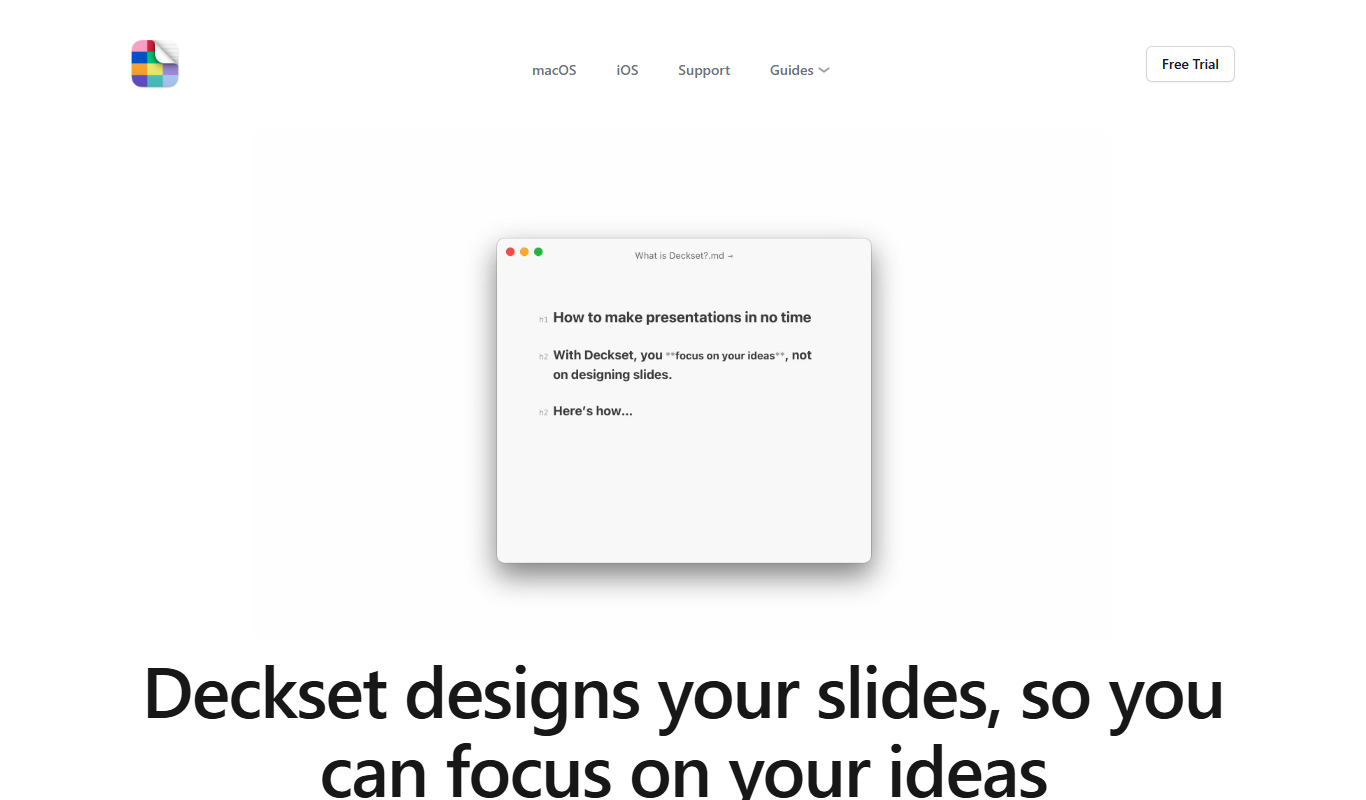
Deckset is a presentation tool for Mac, iPhone and iPad that transforms Markdown text into professional slide decks with customizable themes and live preview.

Free
Cram
Cram is an online flashcard tool that helps users create, share, and study flashcards to improve memorization and learning efficiency.