

From my experience with Tasty, I found it excels at providing accessible and visually engaging cooking tutorials that make home cooking approachable for all skill levels. After spending time exploring the platform, I can say it’s particularly well-suited for busy individuals and beginner cooks who want quick, reliable meal ideas without complexity. However, there’s a trade-off: nutritional information is not consistently available, which may limit its use for those tracking dietary details closely. Overall, if you need a free, easy-to-use recipe and cooking video platform, Tasty delivers solid results with a strong social sharing component.
Tasty Recipe Platform with Video Tutorials and Cooking Inspiration Online
Tasty is a free digital recipe platform by BuzzFeed offering thousands of recipes with engaging video tutorials and interactive cooking tools.
- Best for
- Discover New Recipes
- Key capability
- Extensive Recipe Library
Your actions
Save Tasty, follow its updates and vote on it — everything stays in your account.
Sign in or create a free accountWhat is Tasty?
Tasty is a digital food network and recipe platform owned by BuzzFeed that offers a vast collection of recipes and cooking videos. It is designed to inspire and assist home cooks with easy-to-follow video tutorials and step-by-step instructions. The platform is accessible via web and mobile apps, providing users with engaging culinary content and practical cooking tools.
Key features of Tasty
Tasty’s main features include a large recipe database, short-form cooking videos, personalized recipe recommendations, interactive cooking tools such as timers and shopping lists, and social media integration for sharing culinary creations.
Extensive Recipe Library
Thousands of recipes covering diverse cuisines and dietary preferences.
Engaging Video Content
Short, visually appealing cooking videos that simplify recipe steps.
Personalized Recommendations
Recipe suggestions based on user preferences and browsing history.
Interactive Cooking Tools
Features like timers and shopping lists to assist during meal preparation.
Social Media Integration
Easy sharing of recipes and videos across popular social platforms.
Pros and cons of Tasty
Pros
- Extensive and diverse recipe collection
- High-quality, easy-to-follow video tutorials
- Free access with no subscription required
- User-friendly interface with interactive tools
- Strong social media presence for sharing
Cons
- Limited nutritional information on some recipes
- Primarily English language content
- No advanced meal planning or grocery delivery integration
Key use cases for Tasty
Discover New Recipes
Users can explore thousands of recipes across various cuisines and dietary preferences.
Step-by-Step Cooking Tutorials
Tasty provides short, engaging video tutorials that guide users through cooking processes.
Meal Planning Inspiration
Users can find ideas for daily meals, special occasions, and themed menus.
Social Sharing of Recipes
Users can share recipes and cooking videos on social media platforms.
Interactive Cooking Experience
Tasty offers features like timers and shopping lists to enhance the cooking experience.
How Tasty works
- 1
Browse Recipes
Explore recipes by category, cuisine, dietary needs, or popularity.
- 2
Watch Video Tutorials
View short videos demonstrating each recipe step to simplify cooking.
- 3
Save and Share
Save favorite recipes to your profile and share them on social media.
- 4
Use Cooking Tools
Utilize built-in timers and shopping lists to organize your cooking process.
Who is using Tasty
Home cooks seeking easy recipes
Beginner to intermediate cooking enthusiasts
Food bloggers and social media content creators
Busy individuals looking for quick meal ideas
Families planning daily meals
Tasty pricing
Free
$0
Full access to all recipes, videos, and cooking tools without charge.
Plans and prices are as published by the vendor and can change. Check the official site before you buy. Open the pricing page (opens in a new tab)
Frequently asked questions about Tasty
Yes, Tasty offers free access to all its recipes and video content.
Yes, users can create an account to save and organize favorite recipes.
Many recipes include nutritional details, but not all.
Yes, Tasty videos are designed to be easy to follow for cooks of all skill levels.
This tool is designed to help users accomplish its core tasks more efficiently. It is typically used by individuals or teams looking to improve productivity and workflow.
Yes, it can help with that use case depending on how you configure it and what features are available. You’ll get the best results with clear inputs and a defined goal.
It depends on your specific needs and how you plan to use the tool. The official website and documentation are the best sources for the latest details.
Sign in to review this tool.
Sign In to ReviewNo reviews yet
Be the first to share how this tool worked for you.
Ask about pricing, limits, or how it compares — or answer someone else.
Sign In to AskNo questions yet
Have a question about using or paying for this tool? Be the first to ask.
Featured on TiorAI



Alternative Tools
Explore similar AI tools that might fit your needs
Free
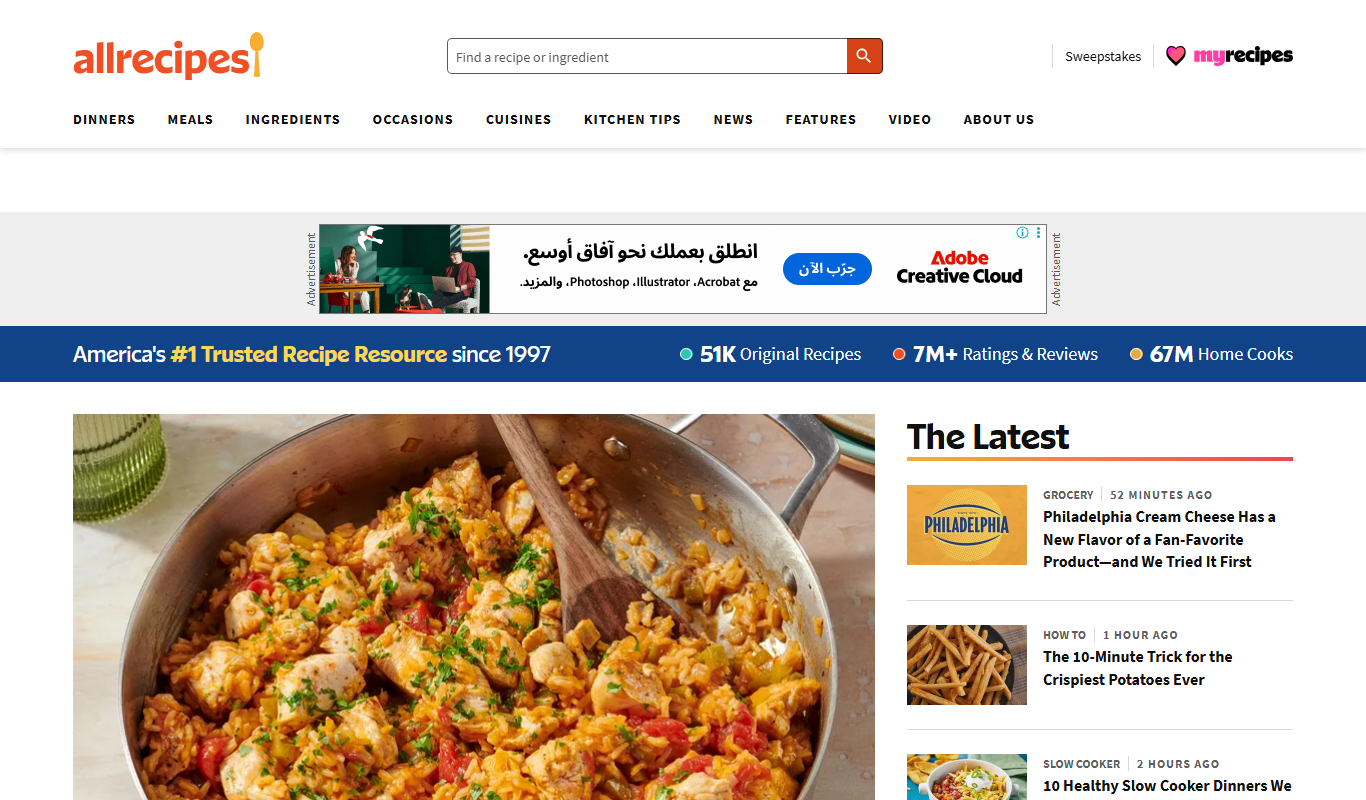
Allrecipes
Allrecipes is a free online platform offering a vast collection of user-generated recipes, meal planning tools, and a cooking community to help users discover, save, and share recipes.
More Daily Life tools
Other tools in the same category, for when this one is not quite the fit.

Freemium
Unite.com – love fantasies by AI
Unite.com is an AI-driven platform that generates personalized love fantasies and romantic stories based on user inputs, offering a unique way to explore romantic storytelling.
Free
Checkli
Checkli is a web-based checklist maker that helps individuals and teams create, share, and manage checklists to improve productivity and collaboration.
Free
CamScanner
CamScanner is a mobile app that allows users to scan documents using their smartphone camera, convert them into PDFs, extract text via OCR, and manage documents with cloud storage and sharing options.
One-time purchase
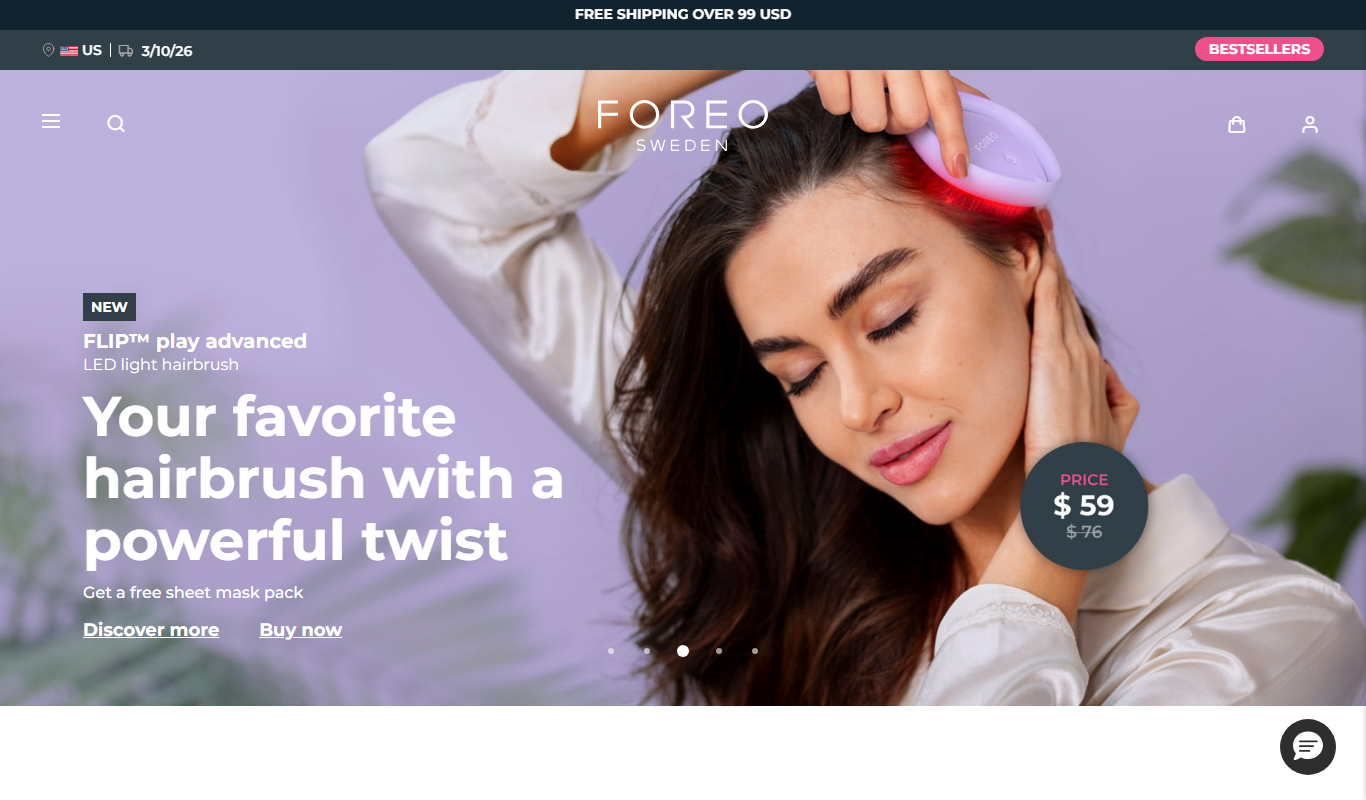
Foreo UFO
Foreo UFO is a smart facial device that uses LED light therapy, sonic pulsations, and thermal technology to deliver quick, customizable skincare treatments at home.

Free
MyStudyLife
MyStudyLife is a cross-platform student planner app designed to organize academic schedules, track homework, and manage exams with reminders and offline access.

Free
Combine PDF Files Online
Combine PDF Files Online is a free web tool that lets you merge multiple PDF documents into a single file quickly without uploading your files to a server.

Free
AstroSage
AstroSage is an online platform providing Vedic astrology tools such as horoscope generation, kundli matching, and astrological predictions accessible via web and mobile apps.

Subscription
GrandPad
GrandPad is a tablet and service designed to help seniors easily communicate with family and friends through a simple interface, video calling, and remote family management.