

Deckset Presentation Software for Mac - Markdown Slide Deck Creator
Deckset is a presentation tool for Mac, iPhone and iPad that transforms Markdown text into professional slide decks with customizable themes and live preview.
- Best for
- Creating Slide Presentations
- Key capability
- Markdown-Based Slide Creation
Save Deckset, follow its updates and vote on it — everything stays in your account.
Sign in or create a free account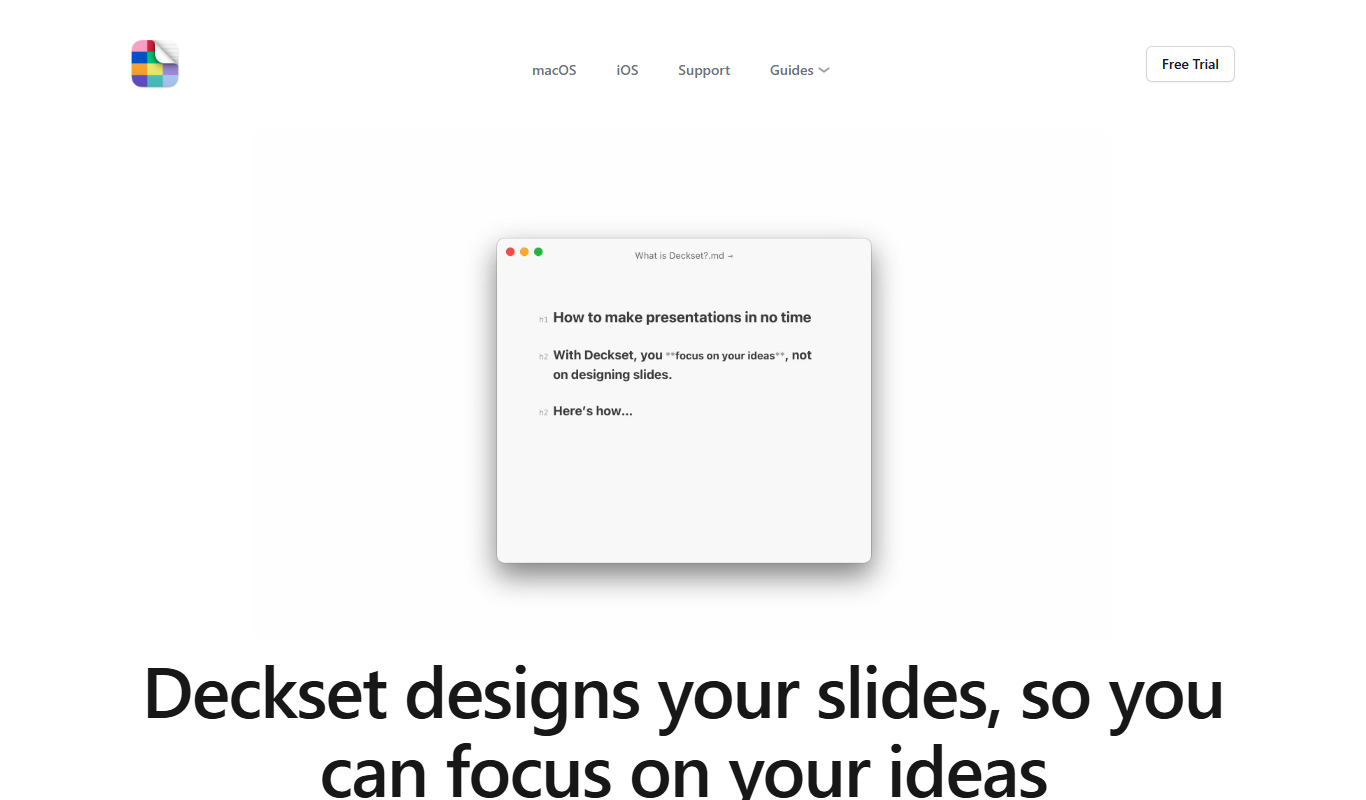
What is Deckset?
Deckset is presentation software for Mac, iPhone and iPad that transforms plain text written in Markdown into stylish slide decks. It is designed for users who prefer writing their presentations in a simple text format and want to avoid the complexity of traditional slide editors. Deckset automatically applies themes and layouts to the Markdown content. The iPhone and iPad app is a separate purchase.
Key features of Deckset
Deckset offers seamless Markdown integration, a variety of professional themes, live preview of slides, easy media embedding, and export options including PDF and Keynote formats. It emphasizes simplicity and speed for users who want to focus on content rather than design details.
Markdown-Based Slide Creation
Write presentations in plain text using Markdown for fast and distraction-free content creation.
Professional Themes
Choose from a variety of clean, modern themes that automatically style your slides.
Live Preview
Instantly see how your Markdown content translates into slides as you write.
Media Embedding
Easily add images, videos, and links to your slides using simple Markdown syntax.
Export Options
Export presentations as PDFs or Keynote files for sharing or further editing.
Pros and cons of Deckset
Pros
- Simple and fast slide creation using Markdown
- Clean, professional themes included
- Live preview speeds up editing
- One-time purchase with no subscription
- Great for users who prefer text-based workflows
Cons
- No direct PowerPoint export
- Limited customization compared to traditional slide editors
Key use cases for Deckset
Creating Slide Presentations
Convert plain text written in Markdown into visually appealing slide decks quickly and efficiently.
Content Preparation for Talks
Prepare structured presentation content without distraction from formatting, focusing on the message.
Marketing and Sales Presentations
Design professional presentations for marketing pitches and sales meetings using customizable themes.
Educational Lectures
Create lecture slides with ease, allowing educators to focus on content rather than design.
Remote and Hybrid Meeting Presentations
Generate clean, readable slides suitable for sharing in virtual meetings and webinars.
How Deckset works
- 1
Write in Markdown
Create your presentation content using Markdown syntax in any text editor.
- 2
Open in Deckset
Import the Markdown file into Deckset to automatically generate slides.
- 3
Choose a Theme
Select from multiple built-in themes to style your presentation.
- 4
Preview and Edit
Review your slides live and make adjustments to the Markdown text as needed.
- 5
Export and Present
Export your slide deck as PDF or Keynote file, or present directly from Deckset.
Who is using Deckset
Deckset pricing
Individual
$35 one-time
One Mac license for a one-time payment, usable on up to four personal devices, with free Deckset 2 updates.
Team of Five
$140
Five Mac licenses for a one-time payment, one license for each team member.
Plans and prices are as published by the vendor and can change. Check the official site before you buy. Open the pricing page (opens in a new tab)
Frequently asked questions about Deckset
Deckset runs on Mac, and a separate Deckset app for iPhone and iPad is sold as its own purchase.
Deckset is designed for users comfortable with Markdown, but its syntax is simple to learn.
Deckset exports to PDF and Keynote formats, but not directly to PowerPoint.
Deckset offers a free trial version to test the software before purchase.
This tool is designed to help users accomplish its core tasks more efficiently. It is typically used by individuals or teams looking to improve productivity and workflow.
Some tools offer a free plan or trial with limited features. Availability can vary, so confirm on the official website.
Yes, it can help with that use case depending on how you configure it and what features are available. You’ll get the best results with clear inputs and a defined goal.
Yes, it can help with that use case depending on how you configure it and what features are available. You’ll get the best results with clear inputs and a defined goal.
Conclusion
Slides begin as plain text: a presentation is written in Markdown in any text editor, and importing the file into the app generates the slides automatically. Built-in themes style the deck, and a live preview shows how the Markdown translates into slides while writing. Images, videos and links are added with simple Markdown syntax. Finished decks export as PDF or Keynote files, or are presented directly from the app.
It is designed for users who prefer writing presentations in a simple text format, such as writers, educators and presenters seeking quick slide creation. An individual license is a one-time purchase at $35, and a Team of Five license costs $140. A separate Deckset app for iPhone and iPad is sold as its own purchase.
Sources
Sign in to review this tool.
Sign In to ReviewNo reviews yet
Be the first to share how this tool worked for you.
Ask about pricing, limits, or how it compares — or answer someone else.
Sign In to AskNo questions yet
Have a question about using or paying for this tool? Be the first to ask.
Featured on TiorAI



Alternative Tools
Explore similar AI tools that might fit your needs
Marp
Marp is an open-source tool that converts Markdown files into presentation slides with export options including PDF and PowerPoint, featuring customizable themes and syntax highlighting.

Reveal.js
Reveal.js is an open-source HTML presentation framework that allows developers to create interactive, customizable slide decks using web technologies like HTML, CSS, and JavaScript.
More AI Content Generator tools
Other tools in the same category, for when this one is not quite the fit.

Sqribble
Sqribble is a web-based AI ebook generator that enables users to create professional ebooks quickly using customizable templates, drag-and-drop editing, and content import features, exporting in multiple formats like PDF and Kindle.

Cram
Cram is an online flashcard tool that helps users create, share, and study flashcards to improve memorization and learning efficiency.

Mathpix Snip
Mathpix Snip is an AI-powered OCR tool that accurately converts images containing mathematical and scientific content into editable LaTeX, MathML, or text formats, supporting students, educators, and researchers.
SYSTRAN
SYSTRAN is an AI-driven machine translation platform providing neural machine translation, customizable language models, and secure multilingual communication solutions for enterprises.
Foodpairing
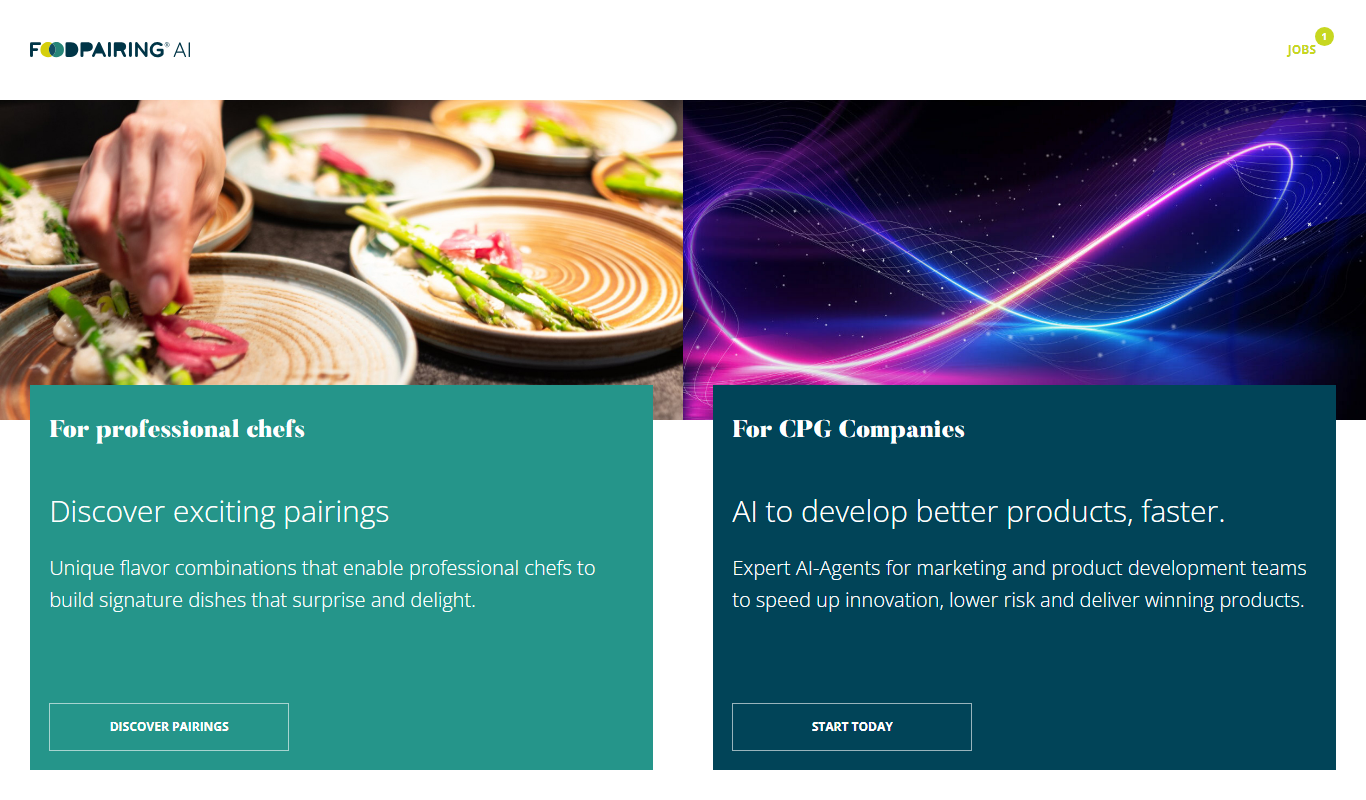
Foodpairing is a platform that uses chemical analysis to suggest compatible ingredient combinations for recipe development and food innovation.

Findmine
Findmine is an AI-driven platform that automates the creation of complete product assortments and styling content for ecommerce retailers, enhancing merchandising and shopper experience across channels.

Shorthand
Shorthand is a web-based platform that enables users to create interactive, multimedia digital stories without coding, ideal for journalism, marketing, and education.

Vocabulary.com
Vocabulary.com is an online platform that helps users improve their English vocabulary through adaptive quizzes, personalized word lists, and educator tools, suitable for learners and teachers.