

SYSTRAN AI Translation Software for Multilingual Communication and Localization
SYSTRAN is an AI-driven machine translation platform providing neural machine translation, customizable language models, and secure multilingual communication solutions for enterprises.
- Best for
- Enterprise Translation
- Key capability
- Neural Machine Translation
Save SYSTRAN, follow its updates and vote on it — everything stays in your account.
Sign in or create a free account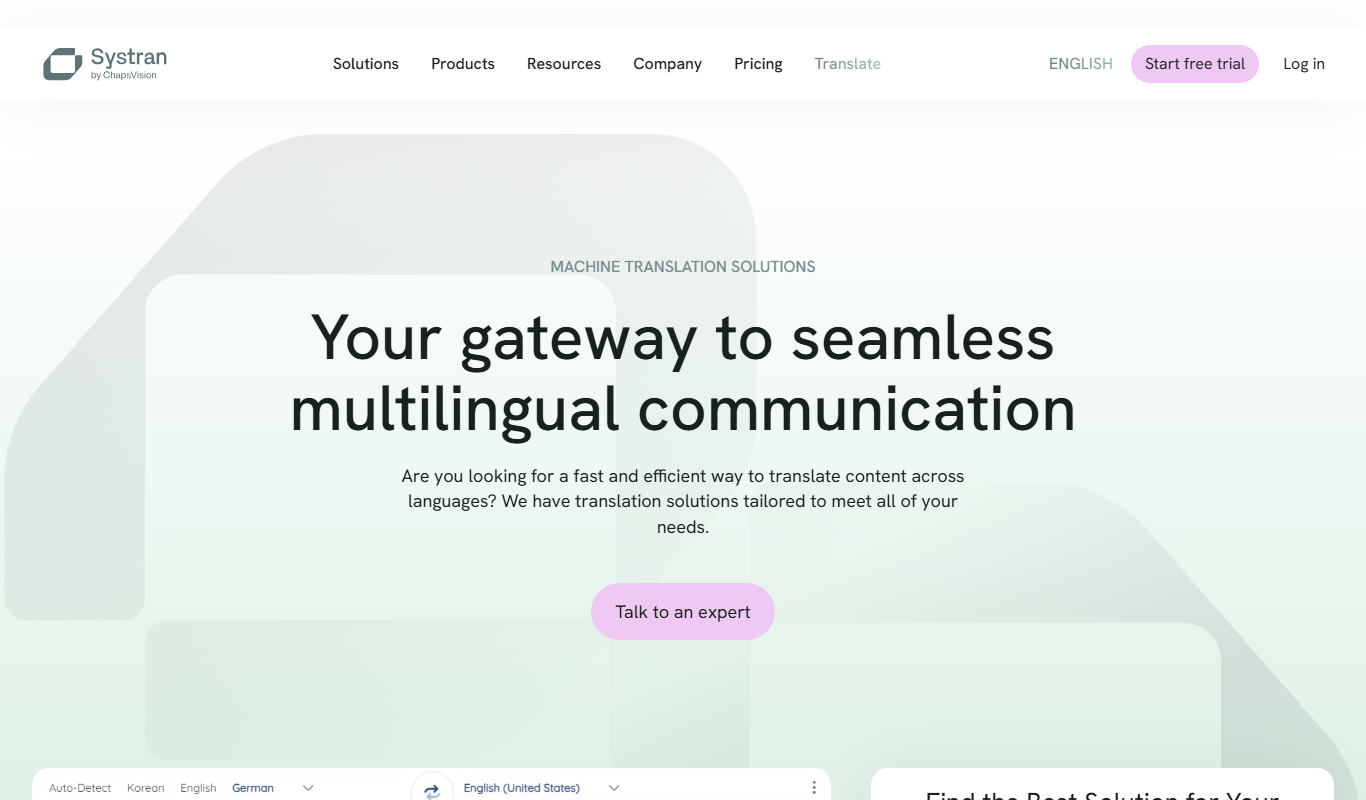
What is SYSTRAN?
SYSTRAN is an AI-powered machine translation software designed to facilitate multilingual communication and content localization for businesses and organizations. It leverages neural machine translation technology to provide accurate, context-aware translations across numerous languages. SYSTRAN supports various industries by enabling efficient translation workflows, ensuring data privacy, and integrating easily with existing platforms through APIs and desktop applications.
Key features of SYSTRAN
SYSTRAN offers neural machine translation, customizable language models, secure data handling, API integration, and support for over 50 languages. Its platform includes tools for document translation, real-time chat translation, and website localization, making it suitable for enterprises requiring scalable and reliable multilingual solutions.
Neural Machine Translation
Advanced AI models that produce high-quality, context-aware translations.
Customizable Language Models
Tailor translation engines to specific industries or terminology for improved accuracy.
Data Security and Privacy
Enterprise-grade security protocols to protect sensitive information during translation.
API and Integration Support
Seamless integration with existing software and workflows via robust APIs.
Multi-Platform Access
Available on web, desktop, and mobile platforms for flexible usage.
Pros and cons of SYSTRAN
Pros
- High-quality neural machine translations with contextual accuracy
- Customizable models for industry-specific terminology
- Strong focus on data security and privacy
- Flexible integration options via API
- Supports a wide range of languages and platforms
Cons
- Pricing details are not fully transparent without contacting sales
- Advanced customization may require technical expertise
- Free trial features are limited compared to paid plans
Key use cases for SYSTRAN
Enterprise Translation
Translate large volumes of business documents and communications securely and efficiently.
Multilingual Customer Support
Enable customer service teams to communicate with clients in multiple languages using real-time translation.
Website Localization
Localize websites and digital content to reach global audiences with culturally adapted translations.
Content Creation and Marketing
Generate multilingual marketing content and campaigns to expand brand reach internationally.
Technical Documentation
Translate technical manuals and product documentation accurately for global distribution.
How SYSTRAN works
- 1
Create an Account
Sign up on SYSTRAN’s platform to access translation services.
- 2
Select Translation Service
Choose from document translation, API access, or real-time chat translation based on your needs.
- 3
Upload or Input Text
Provide the text or documents you want to translate through the web interface or API.
- 4
Customize Settings
Adjust language pairs, domain-specific models, and privacy options to optimize translation quality.
- 5
Receive Translated Output
Get the translated content instantly or via API integration for further use.
Who is using SYSTRAN
SYSTRAN pricing
Free Trial
$0
Limited access to translation features for evaluation purposes.
PRO Plus
EUR 24.99/user/month (EUR 17.99 billed yearly)
PRO Plus costs EUR 24.99 per user per month, or EUR 17.99 on yearly billing.
Enterprise
Custom pricing
Tailored solutions with advanced customization, security, and support for large organizations.
PRO Premium
EUR 49.99/month (EUR 34.99 billed yearly)
PRO Premium costs EUR 49.99, or EUR 34.99 on yearly billing.
Plans and prices are as published by the vendor and can change. Check the official site before you buy. Open the pricing page (opens in a new tab)
Frequently asked questions about SYSTRAN
SYSTRAN supports over 50 languages including English, French, Spanish, German, Chinese, Japanese, Korean, Russian, Portuguese, and Italian.
Yes, SYSTRAN offers API access that allows integration with various platforms and workflows.
SYSTRAN employs enterprise-grade security measures to ensure data privacy and confidentiality.
Yes, SYSTRAN provides real-time chat translation and other instant translation services.
It depends on your specific needs and how you plan to use the tool. The official website and documentation are the best sources for the latest details.
Integration support depends on the tool and its available connectors or API. Check the official documentation or integrations page to confirm what is supported.
It depends on your specific needs and how you plan to use the tool. The official website and documentation are the best sources for the latest details.
Conclusion
Text or documents go in through the web interface or the API, and translated content comes back instantly or via API integration. The engine relies on neural machine translation, and translation engines can be tailored to specific industries or terminology. Services span document translation, API access and real-time chat translation.
It is aimed at global enterprises requiring secure translation, localization specialists and customer support centers handling international clients. Website localization and technical documentation are among the listed use cases. Prices are published: PRO Plus costs EUR 24.99 per user per month or EUR 17.99 on yearly billing, and PRO Premium EUR 49.99 or EUR 34.99 yearly.
Sources
Sign in to review this tool.
Sign In to ReviewNo reviews yet
Be the first to share how this tool worked for you.
Ask about pricing, limits, or how it compares — or answer someone else.
Sign In to AskNo questions yet
Have a question about using or paying for this tool? Be the first to ask.
Featured on TiorAI



More AI Content Generator tools
Other tools in the same category, for when this one is not quite the fit.
Ion Interactive
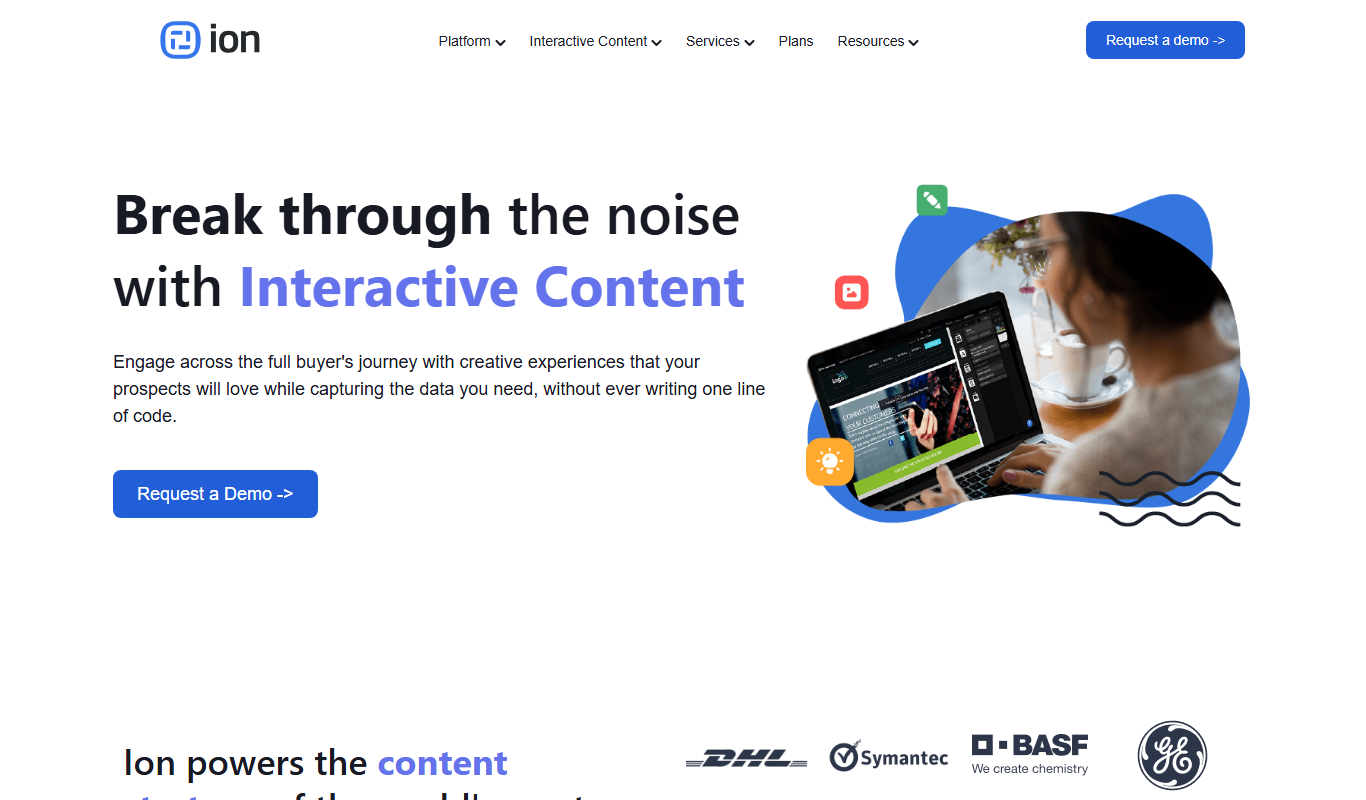
Ion Interactive is a web-based platform that enables marketers to create interactive content like quizzes and assessments to engage audiences and generate leads without coding.

写作猫AI
写作猫AI is a Chinese-language AI writing assistant that supports content generation, creative writing, and text refinement through a web platform.

Calmly Writer
Calmly Writer is a minimalist writing app designed to help users focus by providing a distraction-free interface, Markdown support, autosave, and export options. It is available as a free web app and a paid desktop app for offline use.

750 Words
750 Words is a web-based platform that encourages users to write 750 words daily to build a consistent writing habit, offering a distraction-free interface and progress tracking.

Bewerbung2Go
Bewerbung2Go is an AI-driven platform that helps German-speaking users generate customized cover letters and optimize job applications efficiently.

Gengo
Gengo is a professional human translation platform that provides accurate, culturally relevant translations for businesses via web and API, supporting over 70 language pairs.
Skyword
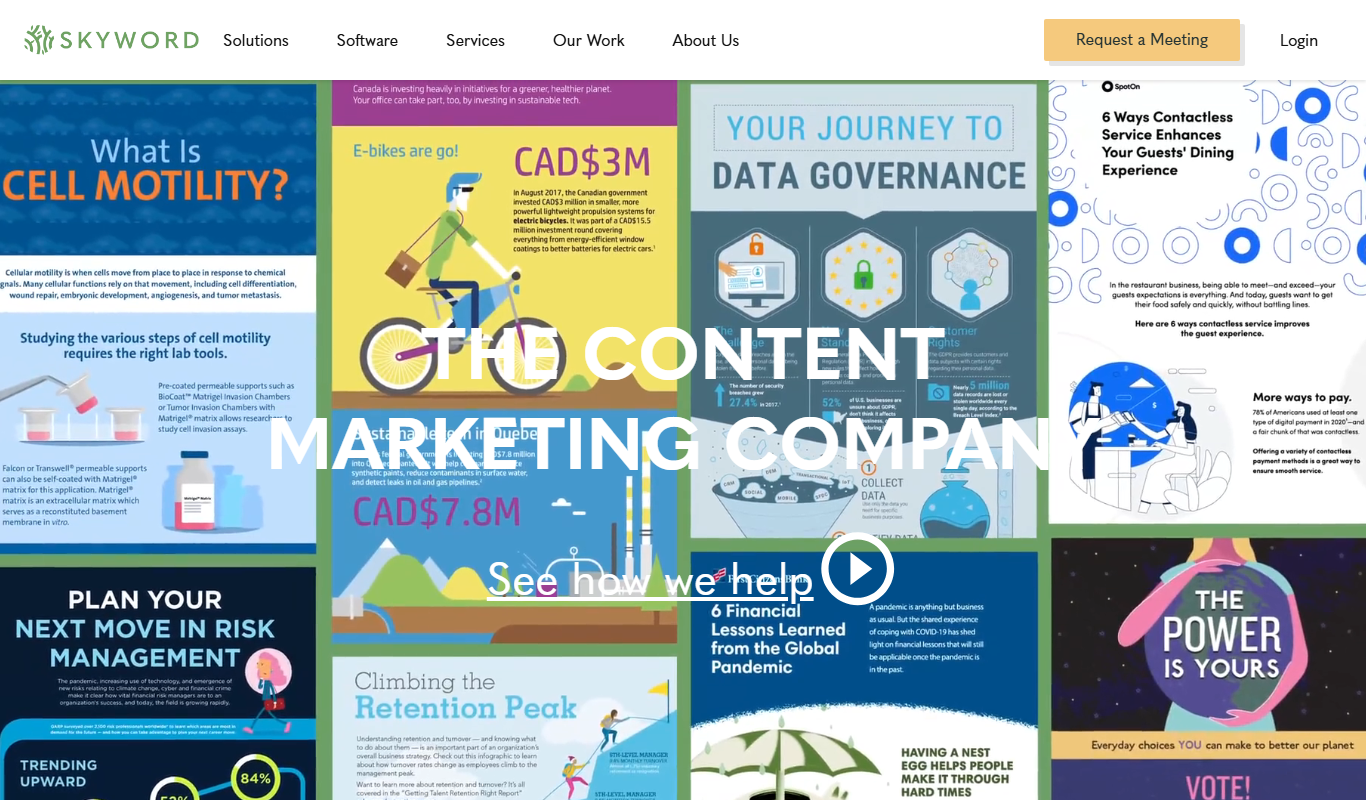
Skyword is an enterprise content marketing platform that helps organizations plan, create, manage, and analyze content marketing campaigns with collaboration tools and a freelance network.

Archive.org
Archive.org is a free digital library and internet archive providing access to billions of archived web pages, books, audio, video, and software for research, education, and creative projects.