

From my experience with Reveal.js, it stands out as a powerful and flexible tool for creating web-based presentations that are fully customizable through code. Its open-source nature and reliance on standard web technologies make it ideal for developers and technical presenters who want complete control over their slides. However, this also means there is a learning curve for those unfamiliar with HTML and JavaScript, and it lacks a visual drag-and-drop interface. Overall, if you need a lightweight, extensible framework for interactive presentations that work seamlessly in browsers, Reveal.js delivers excellent results.
Reveal.js Open-Source HTML Presentation Framework for Developers
Reveal.js is an open-source HTML presentation framework that allows developers to create interactive, customizable slide decks using web technologies like HTML, CSS, and JavaScript.
- Best for
- Developer Presentations
- Key capability
- HTML-Based Slides

Do you recommend this tool?
What is Reveal.js?
Reveal.js is an open-source HTML presentation framework that enables developers and content creators to build interactive, customizable slide decks using standard web technologies like HTML, CSS, and JavaScript. It supports a wide range of features including slide transitions, nested slides, multimedia embedding, and speaker notes, making it a versatile tool for technical presentations, educational content, and product demos.
Key features of Reveal.js
Reveal.js offers a modular architecture with extensive plugin support, allowing users to create responsive, touch-enabled presentations with rich media integration, syntax highlighting for code, PDF export, and remote control capabilities.
HTML-Based Slides
Build presentations using semantic HTML, allowing full control over content and styling.
Slide Transitions and Effects
Choose from multiple transition styles like fade, slide, zoom, and cube for smooth slide changes.
Nested Slides
Create vertical stacks of slides for detailed subtopics within a main slide.
Multimedia Support
Embed images, videos, and audio seamlessly within slides.
Speaker Notes and Overview
Use a presenter view with notes and slide overview to aid delivery.
Remote Control
Control presentations remotely via mobile devices or other browsers.
PDF Export
Export presentations as PDFs for offline sharing.
Plugin Architecture
Extend functionality with community plugins for charts, math formulas, and more.
Pros and cons of Reveal.js
Pros
- Highly customizable with full control over slide content and style
- Open-source and free with a large community
- Supports multimedia and interactive features
- Works on all modern web browsers without plugins
- Extensible via plugins and themes
Cons
- Requires some familiarity with web development for advanced customization
- No official dedicated support; relies on community forums and documentation
- Not a drag-and-drop editor; all slides are coded manually
Key use cases for Reveal.js
Developer Presentations
Create customizable, interactive presentations using HTML, CSS, and JavaScript tailored for technical talks and demos.
Educational Slideshows
Build engaging lecture slides with multimedia support and interactive features for educators and trainers.
Conference Talks
Design visually appealing presentations for conferences with support for speaker notes, slide transitions, and remote control.
Product Demos
Showcase products or prototypes interactively with embedded media and live code snippets.
Online Workshops
Host workshops with dynamic slides that can include quizzes, embedded videos, and real-time updates.
How Reveal.js works
- 1
Setup
Download or link to the Reveal.js library and include it in your HTML project.
- 2
Create Slides
Structure your presentation content using HTML sections representing individual slides.
- 3
Customize
Apply themes, configure transitions, and add plugins to enhance functionality.
- 4
Present
Open your presentation in a web browser and navigate through slides with keyboard, mouse, or remote controls.
Who is using Reveal.js
Web developers
Educators and trainers
Technical presenters
Product managers and marketers
Conference speakers
Reveal.js pricing
Free
$0
Fully open-source and free to use with no limitations.
Plans and prices are as published by the vendor and can change. Check the official site before you buy. Open the pricing page (opens in a new tab)
Frequently asked questions about Reveal.js
Yes, Reveal.js is an open-source project released under the MIT license and is free to use.
Basic knowledge of HTML, CSS, and JavaScript is helpful to customize presentations, but simple slide decks can be created with minimal coding.
Yes, Reveal.js supports embedding multimedia content including images, videos, and audio.
Yes, Reveal.js includes functionality to export your slides as PDF documents.
This tool is designed to help users accomplish its core tasks more efficiently. It is typically used by individuals or teams looking to improve productivity and workflow.
Some tools offer a free plan or trial with limited features. Availability can vary, so confirm on the official website.
Yes, it can help with that use case depending on how you configure it and what features are available. You’ll get the best results with clear inputs and a defined goal.
It depends on your specific needs and how you plan to use the tool. The official website and documentation are the best sources for the latest details.
Sign in to review this tool.
Sign In to ReviewNo reviews yet
Be the first to share how this tool worked for you.
Ask about pricing, limits, or how it compares — or answer someone else.
Sign In to AskNo questions yet
Have a question about using or paying for this tool? Be the first to ask.
Featured on TiorAI



Alternative Tools
Explore similar AI tools that might fit your needs
Free
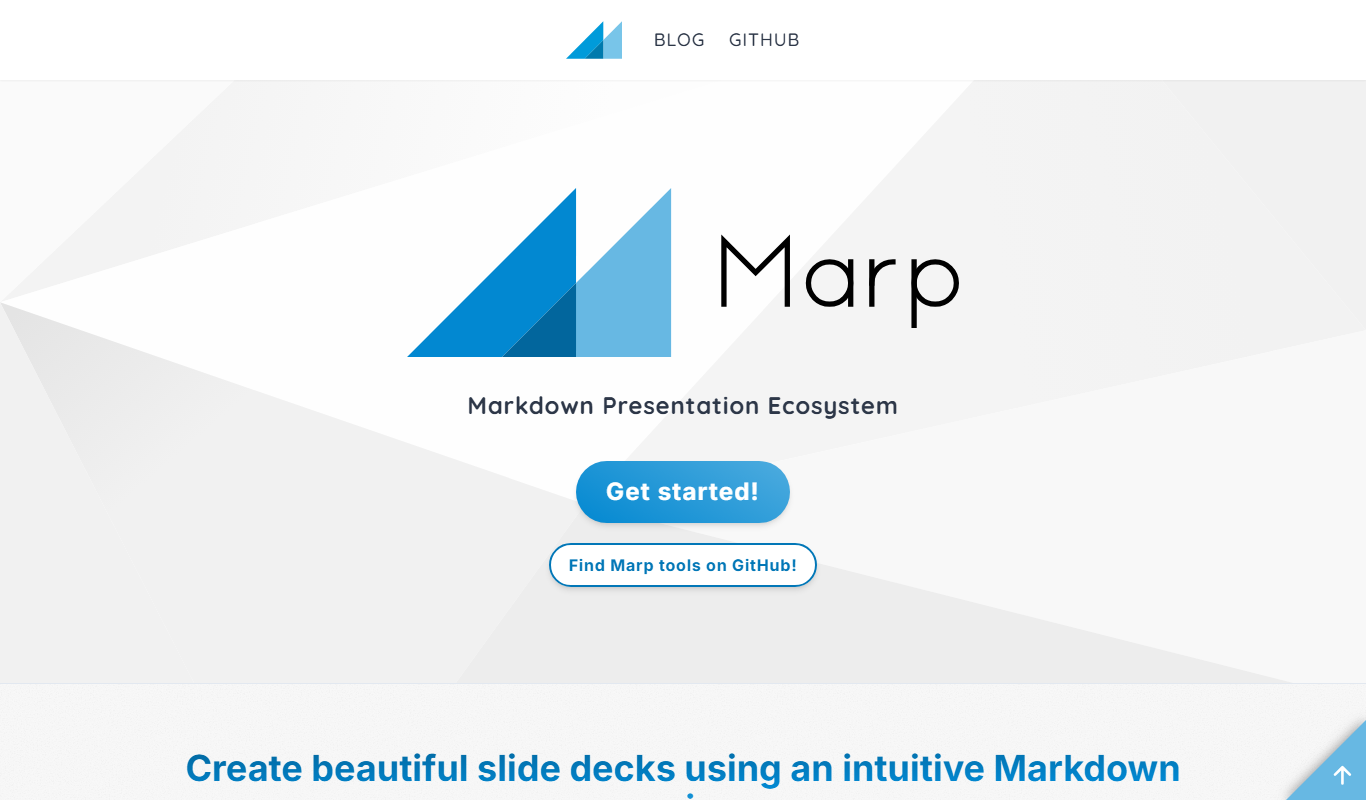
Marp
Marp is an open-source tool that converts Markdown files into presentation slides with export options including PDF and PowerPoint, featuring customizable themes and syntax highlighting.
More AI Presentation Tools tools
Other tools in the same category, for when this one is not quite the fit.

Free Trial
CueCam Presenter
CueCam Presenter is a wireless camera app that streams HD video from iOS devices to Mac computers over Wi-Fi, ideal for live streaming and presentations without cables.

Free
AI PPT Maker
AI PPT Maker is an online tool that uses artificial intelligence to automatically generate and design PowerPoint presentations based on your input, helping you create professional slides quickly and easily.

Free
SuperDeck
SuperDeck is an AI-driven online tool that automates slide deck creation by generating content and design suggestions, enabling fast and professional presentations.

Free
Wonderslide
Wonderslide is an online presentation maker that enables users to create, customize, and collaborate on slide decks using templates and drag-and-drop tools.

Free Trial
shufflrr.com
Shufflrr is a presentation management tool that centralizes PowerPoint slides, enabling teams to organize, collaborate, and deliver presentations efficiently with version control and analytics.

Free
DeckBird.ai
DeckBird.ai is an AI-driven presentation software that automates slide creation and design, enabling users to quickly generate professional presentations from text or documents.

Freemium
SlidesAI
SlidesAI is an AI-driven tool that converts text into polished presentation slides, streamlining the creation process for users without design skills.

Freemium
SkyDeck.ai
SkyDeck.ai is an AI-driven tool that automates the creation of professional slide decks, helping users quickly generate and customize presentations for various purposes.