

Wonderslide Presentation Maker - Create Engaging Slides Online Easily
Wonderslide is an AI presentation maker where AI agents design the deck from your description and materials, and you refine it in chat.
- Best for
- Business Presentations
- Key capability
- Presentation from a description
Save Wonderslide, follow its updates and vote on it — everything stays in your account.
Sign in or create a free account
What is Wonderslide?
Wonderslide is an AI presentation maker. You describe your task and upload your materials, and AI agents create a structured, designed presentation in minutes that you refine in chat.
Key features of Wonderslide
Wonderslide builds a presentation from a description and uploaded materials, can supplement it with current data from web search, designs tables, graphs and diagrams, takes edits in chat and exports to pptx or pdf.
Presentation from a description
Describe your task and upload your materials, and Wonderslide creates a structured, designed presentation in minutes.
Editing in chat
Write in the chat, for example 'add a slide about competitors' or 'make the tone more formal', and the deck changes without rebuilding from scratch.
Web search with sources
Allow search and Wonderslide supplements the presentation with current data such as statistics, trends and market data. Every number comes with a source link.
Tables and graphs
Wonderslide automatically designs tables, graphs and diagrams with harmonious colors and a clean, readable style.
Export and sharing
Download as pptx or pdf, open in Google Slides or share via link.
Pros and cons of Wonderslide
Pros
- User-friendly drag-and-drop interface
- Real-time team collaboration
- Wide variety of customizable templates
- Multiple export options
Cons
- No dedicated mobile applications
- Limited free plan features
Key use cases for Wonderslide
Business Presentations
Create professional presentations for meetings, pitches, and reports with ease.
Educational Content
Design engaging slides for lectures, workshops, and online courses.
Marketing and Sales
Build visually appealing presentations to showcase products and services.
Team Collaboration
Work together with colleagues on slide decks in real-time.
How Wonderslide works
- 1
Sign Up
Create a free account on Wonderslide’s website to access the platform.
- 2
Review the structure
Describe your task and upload your materials, then review the outline Wonderslide proposes, make changes if needed and choose a style.
- 3
Get your ready slides
Hit ‘Create’ and in minutes the AI agents design and assemble a full presentation with a modern design.
- 4
Collaborate
Invite team members to edit and comment on your presentation in real-time.
- 5
Export and Present
Download your presentation in multiple formats or present directly from the platform.
Who is using Wonderslide
Wonderslide pricing
Free
$0/month
3 presentations/mo with standard AI, web research, AI image search and generation, infographics, iterative editing in chat, PDF download and share by link. Non-commercial use license, up to 10 slides per presentation.
Starter
$12.99 /mo, or $9.99 /mo billed annually ($120.00/yr)
20 presentations/mo for a few presentations a month. Everything in Free, plus advanced AI, editable PPTX, no watermark, password-protected sharing, basic support and a commercial use license.
Pro
$24.99 /mo, or $18.99 /mo billed annually ($228.00/yr)
Unlimited presentations. Everything in Starter, plus the best AI models, priority generation speed and priority support.
Team
from $59.97 /mo (3 seats x $19.99/seat)
For teams that present together, minimum 3 seats, unlimited presentations per seat. Everything in Pro, plus corporate templates and branding, shared brand assets, a team admin dashboard, centralized billing and an individual support agent. Contact sales.
Single
$4.99 one-time
No subscription: 1 presentation with Pro-level features. Credits last 3 months.
Pack
$14.99 one-time
No subscription: 5 presentations with Pro-level features. Credits last 12 months.
Plans and prices are as published by the vendor and can change. Check the official site before you buy. Open the pricing page (opens in a new tab)
Frequently asked questions about Wonderslide
Yes, the Free plan includes 3 presentations/mo with PDF download and share by link, under a non-commercial use license.
Yes, you can invite team members to collaborate on presentations in real-time.
Presentations can be exported as PDF, PowerPoint, or shared via a web link.
Currently, Wonderslide is available as a web-based platform without dedicated mobile apps.
Some tools offer a free plan or trial with limited features. Availability can vary, so confirm on the official website.
Yes, it can help with that use case depending on how you configure it and what features are available. You’ll get the best results with clear inputs and a defined goal.
Yes, it can help with that use case depending on how you configure it and what features are available. You’ll get the best results with clear inputs and a defined goal.
Conclusion
A short written description of the task is the main input, and documents, data or drafts can be uploaded alongside it, with web search allowed when current data is needed. AI agents then propose an outline for review, design the slides and assemble a deck that downloads as pptx or pdf or is shared via a link. Changes are requested in the chat, for example a slide about competitors or a more formal tone, and the deck is edited without being rebuilt from scratch. Every number taken from search comes with a source link, and data without a verified source is marked ‘needs verification’.
Its use cases speak to trainers, sales managers, startup founders and students, from training courses to pitch decks and personalized client proposals. A free plan covers a few presentations a month with PDF download under a non-commercial use license, while paid subscriptions add editable PPTX, no watermark and a commercial use license. A single presentation or a pack of presentations with Pro-level features can also be bought with no subscription.
Sources
Sign in to review this tool.
Sign In to ReviewNo reviews yet
Be the first to share how this tool worked for you.
Ask about pricing, limits, or how it compares — or answer someone else.
Sign In to AskNo questions yet
Have a question about using or paying for this tool? Be the first to ask.
Featured on TiorAI



Alternative Tools
Explore similar AI tools that might fit your needs
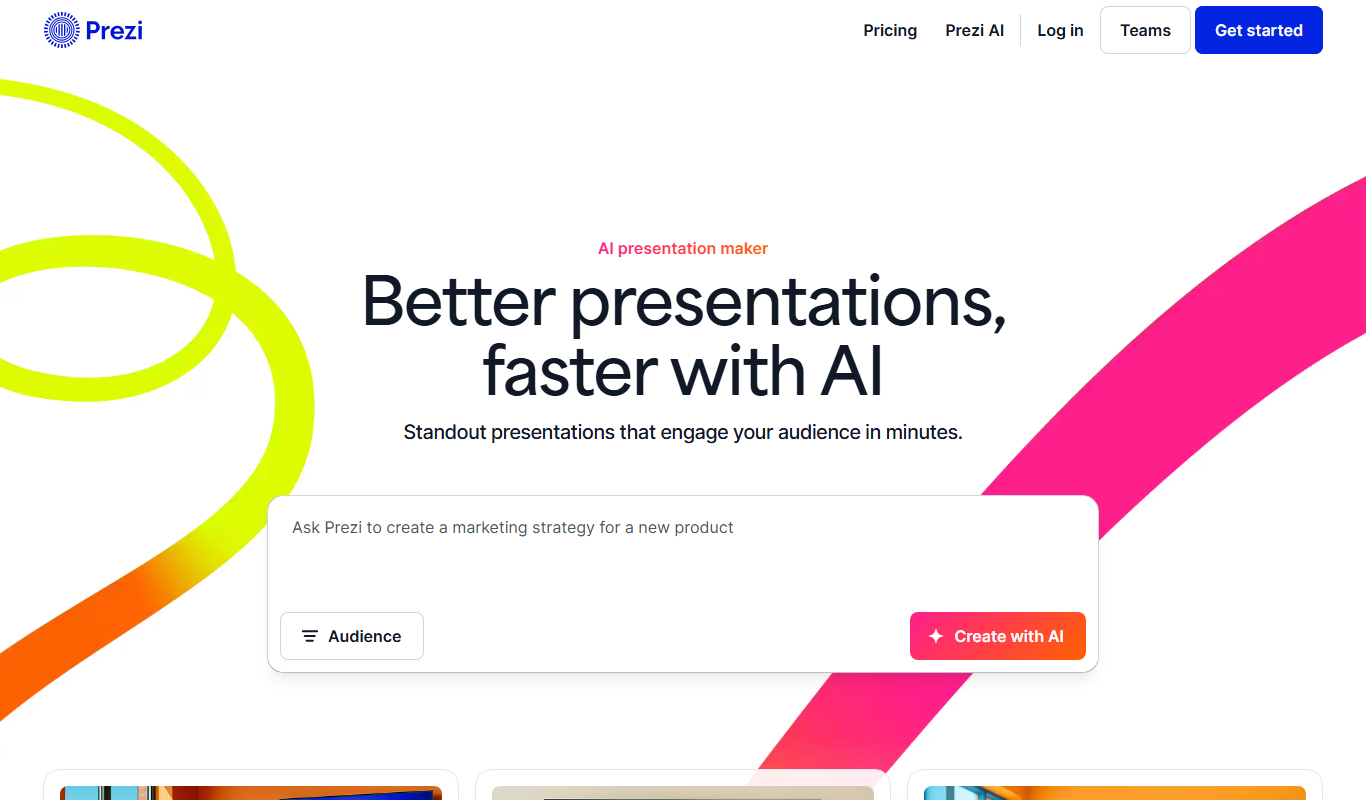
Prezi
Prezi is a cloud-based presentation tool that uses a zoomable canvas to create engaging, non-linear presentations with real-time collaboration and multimedia support.
More AI Design & Creative Tools tools
Other tools in the same category, for when this one is not quite the fit.

Sloyd
Sloyd is a web-based AI-assisted 3D modeling tool designed to help game developers and designers quickly create customizable low-poly 3D assets with ease.

Tattoo Cook
Tattoo Cook is a web-based AI tool that generates custom tattoo designs from user text prompts, helping users create unique ink ideas quickly and easily.

MolyPix.AI
MolyPix.AI is an AI design suite that creates editable posters, images, logos and invitations from one sentence.

Stable Diffusion 3 AI Image Generator
Stable Diffusion 3 (stablediffusion3.net) is an independent website that offers online access to the Stable Diffusion 3 text-to-image model by Stability AI, powered by the SD3 API.

Stylize
Stylize is an AI tool to enhance, edit and stylize photos with one click.
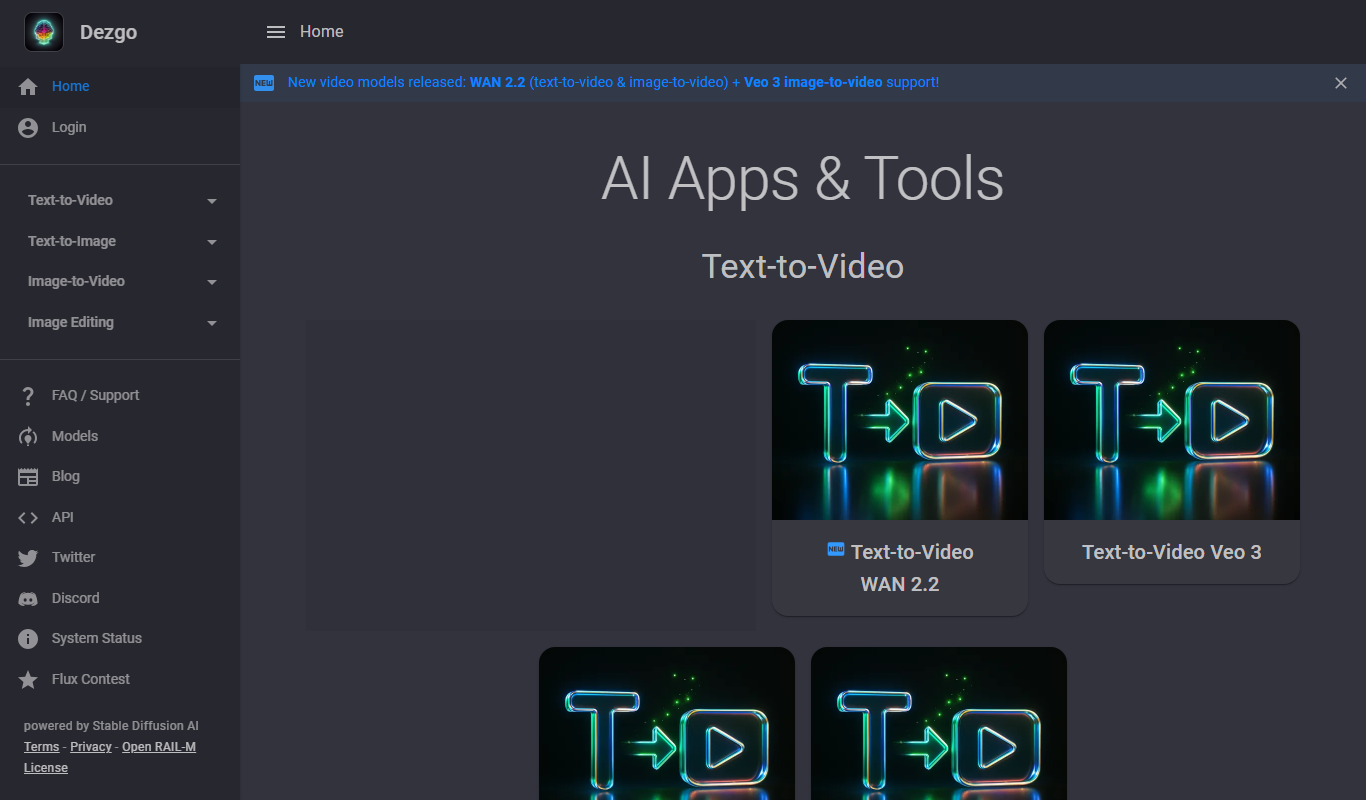
Dezgo
Dezgo is a free online AI image and video generator with apps and tools for creating visuals from text.

glorifyapp.com
Glorify is a web-based design tool focused on helping e-commerce businesses create product mockups and marketing visuals easily using templates and drag-and-drop editing.

StoryboardHero AI Storyboard Generator
StoryboardHero is an AI-powered web tool that transforms text descriptions into visual storyboards, helping filmmakers and creators plan video projects efficiently without drawing skills.