

Prezi Presentation Software for Dynamic Visual Storytelling and Collaboration
Prezi is a cloud-based presentation tool that uses a zoomable canvas to create engaging, non-linear presentations with real-time collaboration and multimedia support.
- Best for
- Business Presentations
- Key capability
- Zooming User Interface
Save Prezi, follow its updates and vote on it — everything stays in your account.
Sign in or create a free account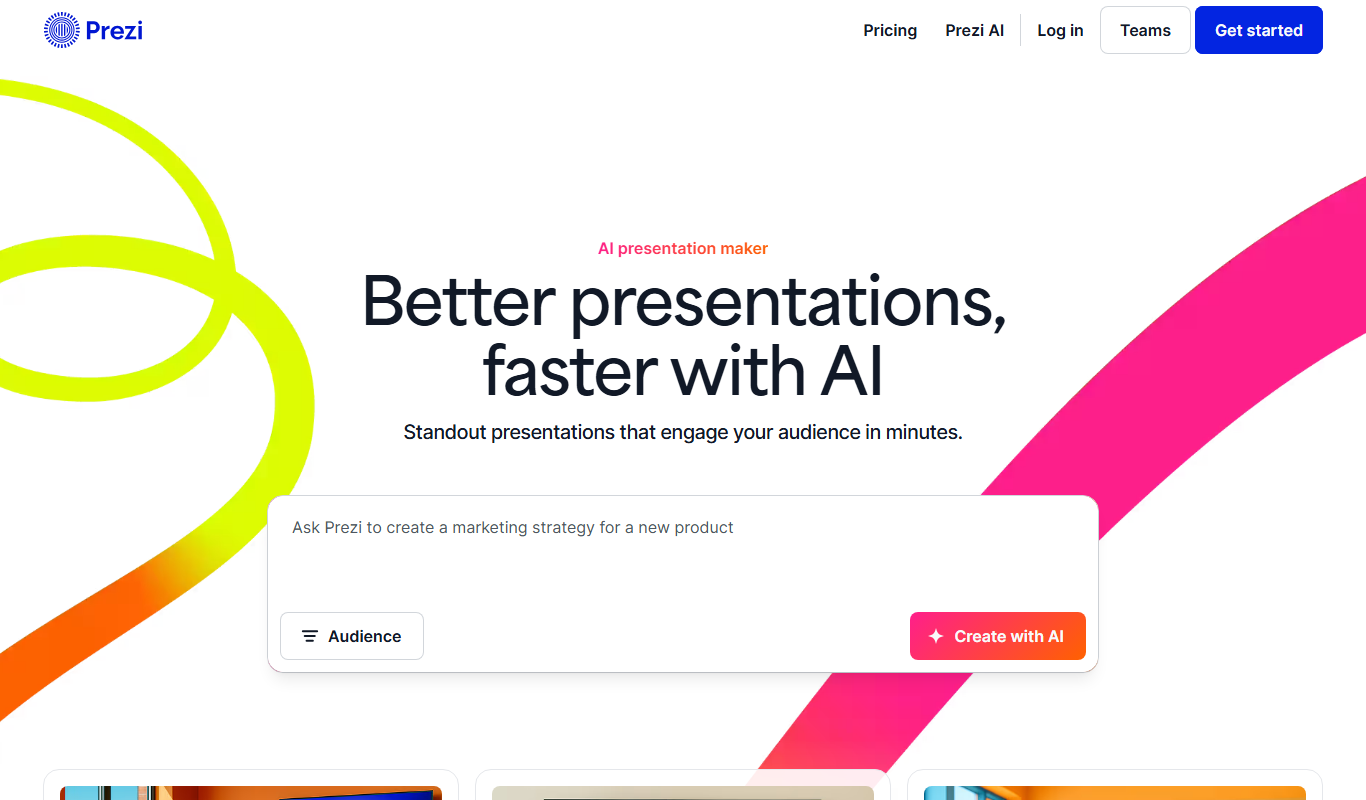
What is Prezi?
Prezi is a cloud-based presentation software that enables users to create visually dynamic and non-linear presentations using a zooming user interface. Unlike traditional slide-based tools, Prezi allows for fluid navigation across a large canvas, making storytelling more engaging and interactive. It supports real-time collaboration and offers templates tailored for business, education, and marketing needs.
Key features of Prezi
Prezi’s main features include a zoomable canvas for dynamic storytelling, customizable templates, real-time collaboration tools, offline presentation mode, and analytics to track viewer engagement. It integrates multimedia elements such as images, videos, and PDFs to enrich presentations.
Zooming User Interface
Navigate presentations non-linearly by zooming in and out of different content areas for a storytelling effect.
Real-Time Collaboration
Multiple users can edit and comment on presentations simultaneously from different locations.
Customizable Templates
Access a wide range of templates designed for business, education, and marketing scenarios.
Offline Presentation Mode
Download presentations to present without internet connectivity.
Analytics Dashboard
Track who viewed your presentation, how long they engaged, and which parts were most viewed.
Pros and cons of Prezi
Pros
- Engaging zooming interface enhances storytelling
- Supports real-time collaboration across teams
- Wide variety of customizable templates
- Offline presentation capability
- Detailed viewer analytics
Cons
- Learning curve for users accustomed to slide-based tools
- Limited free plan features
- Subscription pricing can be high for casual users
Key use cases for Prezi
Business Presentations
Create engaging and dynamic presentations for meetings, pitches, and conferences that capture audience attention.
Educational Lectures
Design interactive lessons and lectures that help educators explain complex concepts with visual storytelling.
Marketing Campaigns
Develop compelling marketing presentations and proposals that visually communicate brand messages.
Remote Collaboration
Collaborate in real-time with team members on presentation projects from anywhere in the world.
Training and Workshops
Build immersive training materials and workshop content that enhance learner engagement.
How Prezi works
- 1
Sign Up
Create a free account on Prezi’s website or through their mobile app.
- 2
Choose a Template
Select from a variety of professionally designed templates suited for your presentation purpose.
- 3
Customize Your Presentation
Add text, images, videos, and other media, and arrange content on the zoomable canvas.
- 4
Collaborate and Share
Invite team members to edit or view your presentation in real-time and share via link or download.
- 5
Present
Deliver your presentation online or offline with smooth zooming transitions and interactive navigation.
Who is using Prezi
Prezi pricing
Basic
$0/month
Free plan with limited templates, public presentations, and basic features.
Standard
$7/user/month billed annually
Includes offline access, privacy controls, and additional templates.
Premium
$25/user/month billed annually
Advanced analytics, branding customization, and priority support.
Teams
$39/user/month billed annually
Collaboration tools and admin controls for organizations.
Plans and prices are as published by the vendor and can change. Check the official site before you buy. Open the pricing page (opens in a new tab)
Frequently asked questions about Prezi
Yes, with the Standard plan or higher, you can download presentations for offline viewing.
Absolutely, Prezi offers templates and features tailored for educators and students.
Yes, Prezi supports real-time collaboration allowing multiple users to edit simultaneously.
Prezi integrates with platforms like Zoom and Microsoft Teams for seamless presentation sharing.
This tool is designed to help users accomplish its core tasks more efficiently. It is typically used by individuals or teams looking to improve productivity and workflow.
It depends on your specific needs and how you plan to use the tool. The official website and documentation are the best sources for the latest details.
Yes, it can help with that use case depending on how you configure it and what features are available. You’ll get the best results with clear inputs and a defined goal.
Some tools offer a free plan or trial with limited features. Availability can vary, so confirm on the official website.
Conclusion
Unlike traditional slide-based tools, Prezi allows fluid navigation across a large canvas, with presentations navigated non-linearly by zooming in and out. Text, images, videos and other media are arranged on that canvas, usually starting from a template designed for business, education or marketing. Multiple users can edit and comment simultaneously, and the analytics dashboard tracks who viewed a presentation, how long they engaged and which parts were most viewed.
Business professionals, educators and trainers, and remote teams are the main users it is built for. People accustomed to slide-based tools face a learning curve. Paid plans are priced per user with annual billing, from $7 per month for Standard up to $39 per month for Teams. Plus at $15 and Premium at $25 sit between those two tiers.
Sources
Sign in to review this tool.
Sign In to ReviewNo reviews yet
Be the first to share how this tool worked for you.
Ask about pricing, limits, or how it compares — or answer someone else.
Sign In to AskNo questions yet
Have a question about using or paying for this tool? Be the first to ask.
Featured on TiorAI



Alternative Tools
Explore similar AI tools that might fit your needs

Visme
Visme is a web-based platform for creating presentations, infographics, and marketing visuals with customizable templates and data visualization tools.
More Business Management tools
Other tools in the same category, for when this one is not quite the fit.
AI PDF redaction tool App
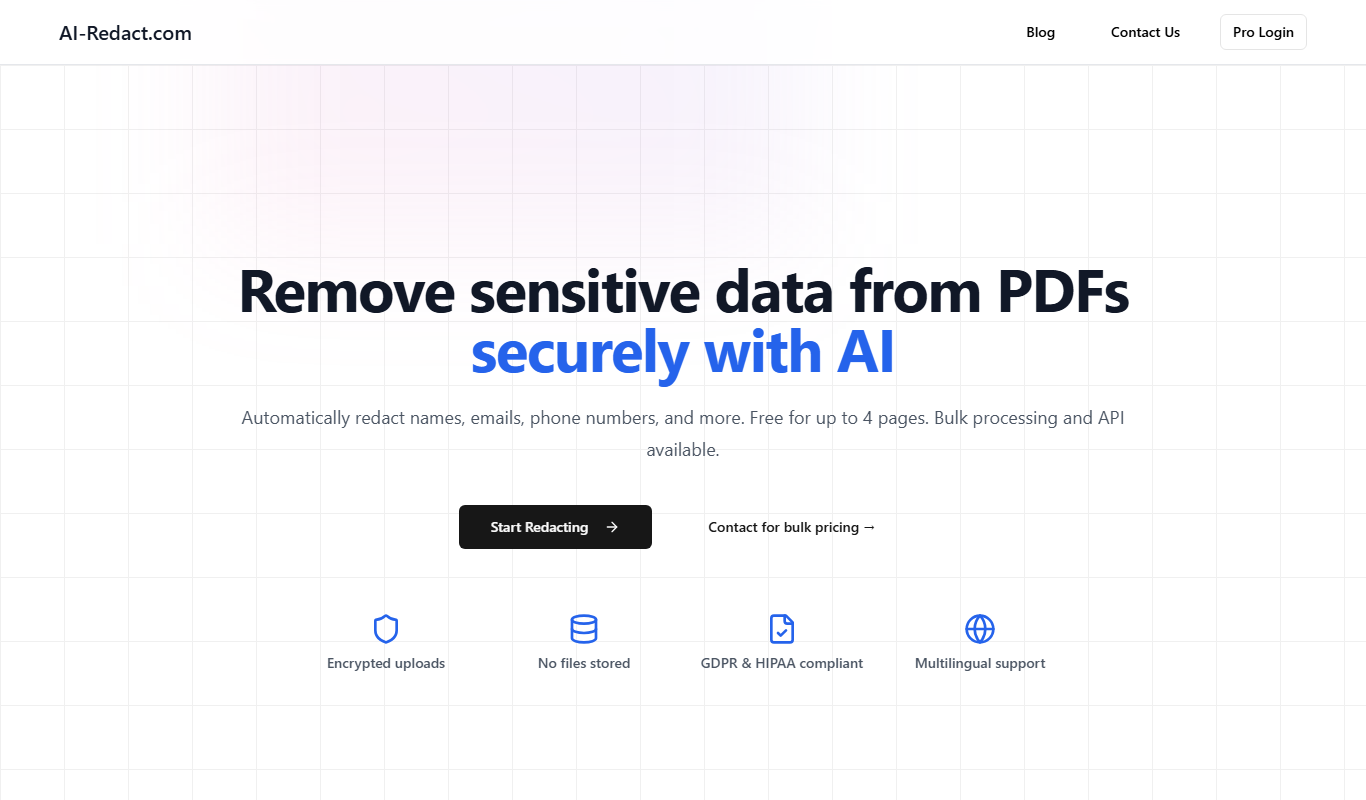
AI PDF Redaction Tool App is a web-based solution that uses AI to identify and permanently remove sensitive data from PDF documents, ensuring privacy and compliance.
LightPDF
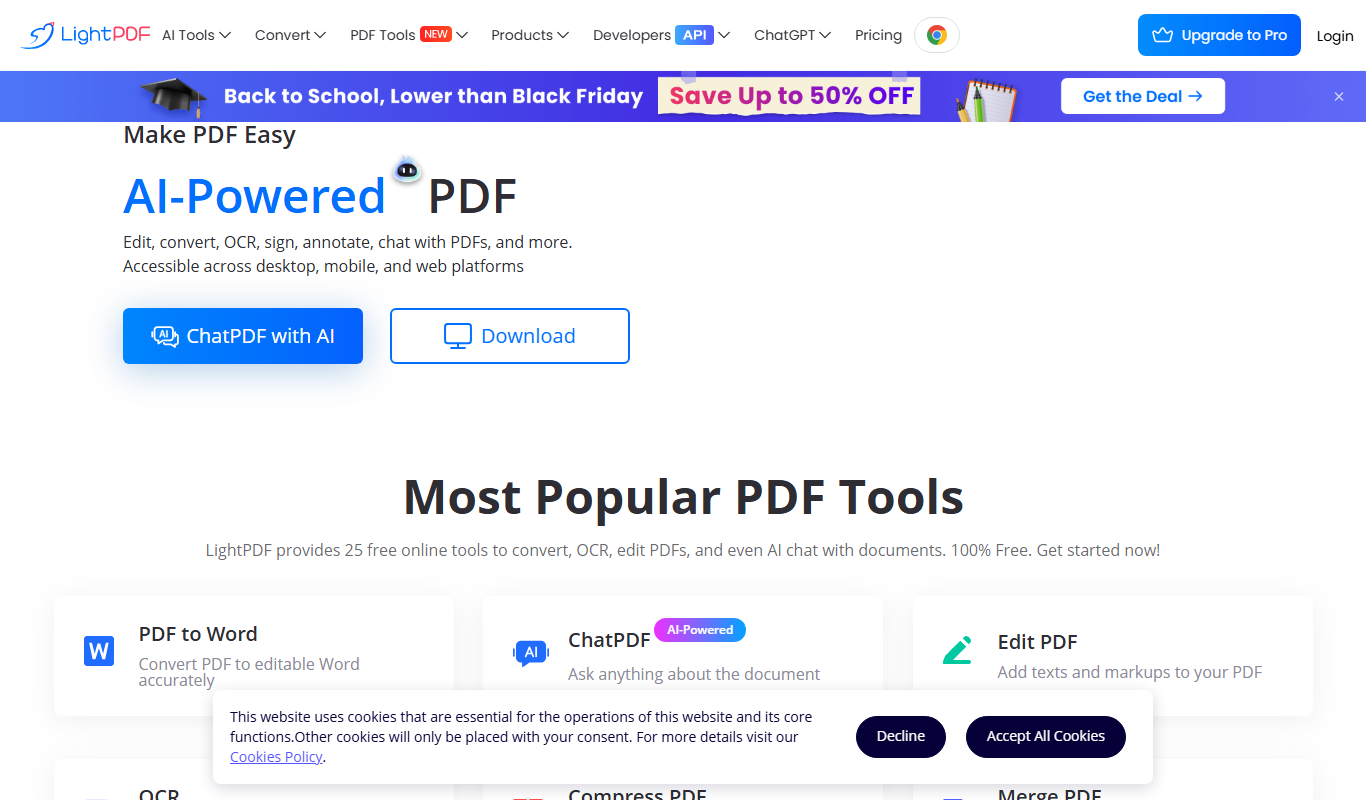
LightPDF is a web-based PDF editor and converter that allows users to edit, convert, compress, merge, split, and secure PDF documents easily without installing software.

Tandem GPT
Tandem GPT is an AI language partner for rehearsing real-life conversations in a foreign language, with ready-made or custom scenarios, text or voice practice and corrections.

Talentpair
Talentpair is an AI hiring platform where companies post jobs, receive candidates matched by AI and pre-screened, and pay a placement fee only if they make a hire.

BudgetSEO
BudgetSEO is an AI SEO article generator that goes from keywords to published blog content, with GPT-4 articles, generated images, WordPress posting and free blog tools.
Innovatiana
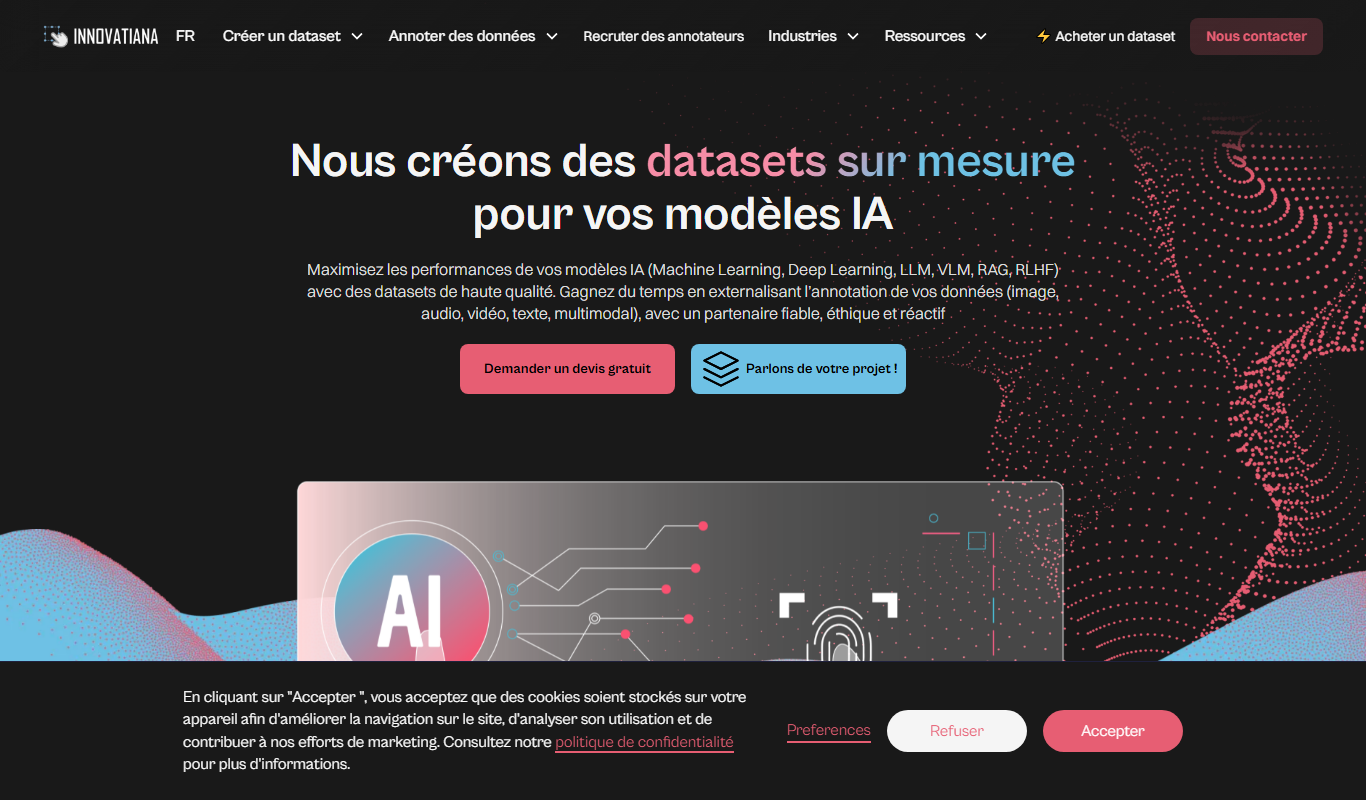
Innovatiana provides expert data labeling services for AI: image, video, text, audio and LLM annotation by trained, in-house annotators, delivered as production-grade training datasets.

Exitfund
Exitfund is an angel investor network that invests in pre-seed, seed and Series A startups and helps founders raise additional funding.
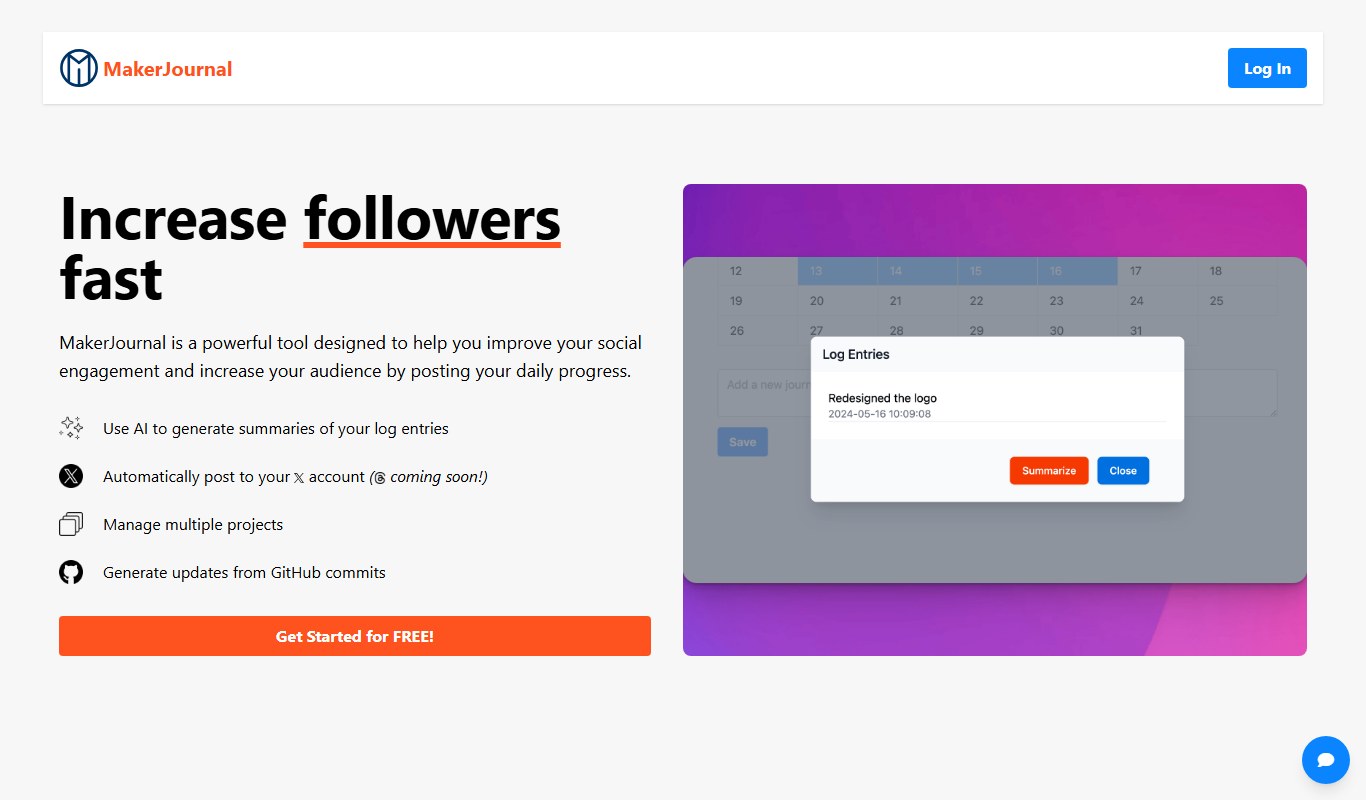
MakerJournal
MakerJournal uses AI to turn your progress logs and GitHub commits into summaries that indie makers and solo developers can post to their social accounts.