

From my experience with SuperDeck, I found it excels at rapidly generating well-structured presentations with minimal manual effort. The AI-driven content suggestions and easy-to-use editor make it accessible even for users without design skills. It’s particularly well-suited for business professionals and educators who need to produce polished slide decks quickly. However, the platform currently supports only English and is web-based, which may limit offline use or multilingual needs. Overall, if you want to save time creating presentations without sacrificing quality, SuperDeck delivers solid, practical results.
SuperDeck AI Presentation Maker for Fast, Engaging Slide Decks Online
SuperDeck is an AI-driven online tool that automates slide deck creation by generating content and design suggestions, enabling fast and professional presentations.
- Best for
- Business Presentations
- Key capability
- AI Content Generation
Your actions
Save SuperDeck, follow its updates and vote on it — everything stays in your account.
Sign in or create a free account
What is SuperDeck?
SuperDeck is an AI-powered online presentation maker designed to help users create polished slide decks quickly and efficiently. It leverages artificial intelligence to automate content generation and slide design, enabling users to focus on their message rather than formatting. The platform is web-based, requiring no software installation, and caters to professionals, educators, marketers, and entrepreneurs who need to produce engaging presentations with minimal effort.
Key features of SuperDeck
SuperDeck offers AI-driven slide content creation, customizable templates, intuitive drag-and-drop editing, and export options to popular formats. Its AI engine suggests layouts, designs, and content improvements to enhance presentation quality and save time.
AI Content Generation
Automatically generates slide text and structure based on your input topic.
Template Library
Access a collection of customizable templates for various presentation needs.
Drag-and-Drop Editor
Easily modify slides with intuitive editing tools without design experience.
Export Options
Save presentations in multiple formats or share via web links.
Collaboration Features
Invite team members to edit and review presentations in real-time.
Pros and cons of SuperDeck
Pros
- Fast AI-generated slide content saves time
- User-friendly drag-and-drop interface
- Good selection of professional templates
- Supports collaboration for teams
Cons
- Limited language support (English only)
- Web-only platform with no desktop app
Key use cases for SuperDeck
Business Presentations
Create professional slide decks quickly for meetings, pitches, and reports.
Educational Content
Generate engaging presentations for lectures, workshops, and training sessions.
Marketing Campaigns
Design visually appealing decks to showcase products and marketing strategies.
Startup Pitches
Build compelling investor pitch decks with AI-assisted content and design.
How SuperDeck works
- 1
Sign Up
Create a free account on SuperDeck’s website to access the platform.
- 2
Choose a Template
Select from a variety of professionally designed templates tailored to different presentation types.
- 3
Input Your Topic
Provide your presentation topic or key points for the AI to generate relevant slide content.
- 4
Customize Slides
Use the drag-and-drop editor to adjust layouts, add images, and personalize your deck.
- 5
Export and Share
Download your presentation in formats like PDF or PPTX, or share it directly online.
Who is using SuperDeck
Business professionals
Educators and trainers
Marketing teams
Startup founders
Freelancers creating presentations
SuperDeck pricing
Free
$0/month
Basic access with limited templates and exports.
Pro
$15/month
Full template library, unlimited exports, and collaboration tools.
Plans and prices are as published by the vendor and can change. Check the official site before you buy. Open the pricing page (opens in a new tab)
Frequently asked questions about SuperDeck
Yes, SuperDeck’s AI and templates make it easy for anyone to create professional presentations.
You can export presentations as PDF, PPTX, or share them online via a link.
Yes, SuperDeck offers a free trial period for the Pro subscription.
It depends on your specific needs and how you plan to use the tool. The official website and documentation are the best sources for the latest details.
Yes, it can help with that use case depending on how you configure it and what features are available. You’ll get the best results with clear inputs and a defined goal.
Yes, it can help with that use case depending on how you configure it and what features are available. You’ll get the best results with clear inputs and a defined goal.
Sign in to review this tool.
Sign In to ReviewNo reviews yet
Be the first to share how this tool worked for you.
Ask about pricing, limits, or how it compares — or answer someone else.
Sign In to AskNo questions yet
Have a question about using or paying for this tool? Be the first to ask.
Featured on TiorAI



Alternative Tools
Explore similar AI tools that might fit your needs

Free
Visme
Visme is a web-based platform for creating presentations, infographics, and marketing visuals with customizable templates and data visualization tools.
More AI Ai Tools tools
Other tools in the same category, for when this one is not quite the fit.

Free
Presentify.ai
Presentify.ai is an AI-driven presentation software that helps users create professional slide decks quickly by generating content and optimizing design automatically.

Freemium
YouMusic.AI
YouMusic.AI turns text prompts or your own lyrics into complete songs, with free credits for new users and commercial rights on paid plans.

Free Trial
Wizard of Swipe for Tinder
Wizard of Swipe for Tinder is an AI-powered automation tool that automates swiping on Tinder based on user preferences to increase match chances and save time.

Free
AI Pickup Lines
AI Pickup Lines is a free web tool that instantly generates creative and humorous pickup lines to help users start conversations in dating or social settings.

Freemium
Anthropics Technology Ltd
Anthropics Technology Ltd offers AI-driven image editing software specializing in portrait retouching and photo enhancement, available for Windows and Mac with options for batch processing.
Contact for pricing
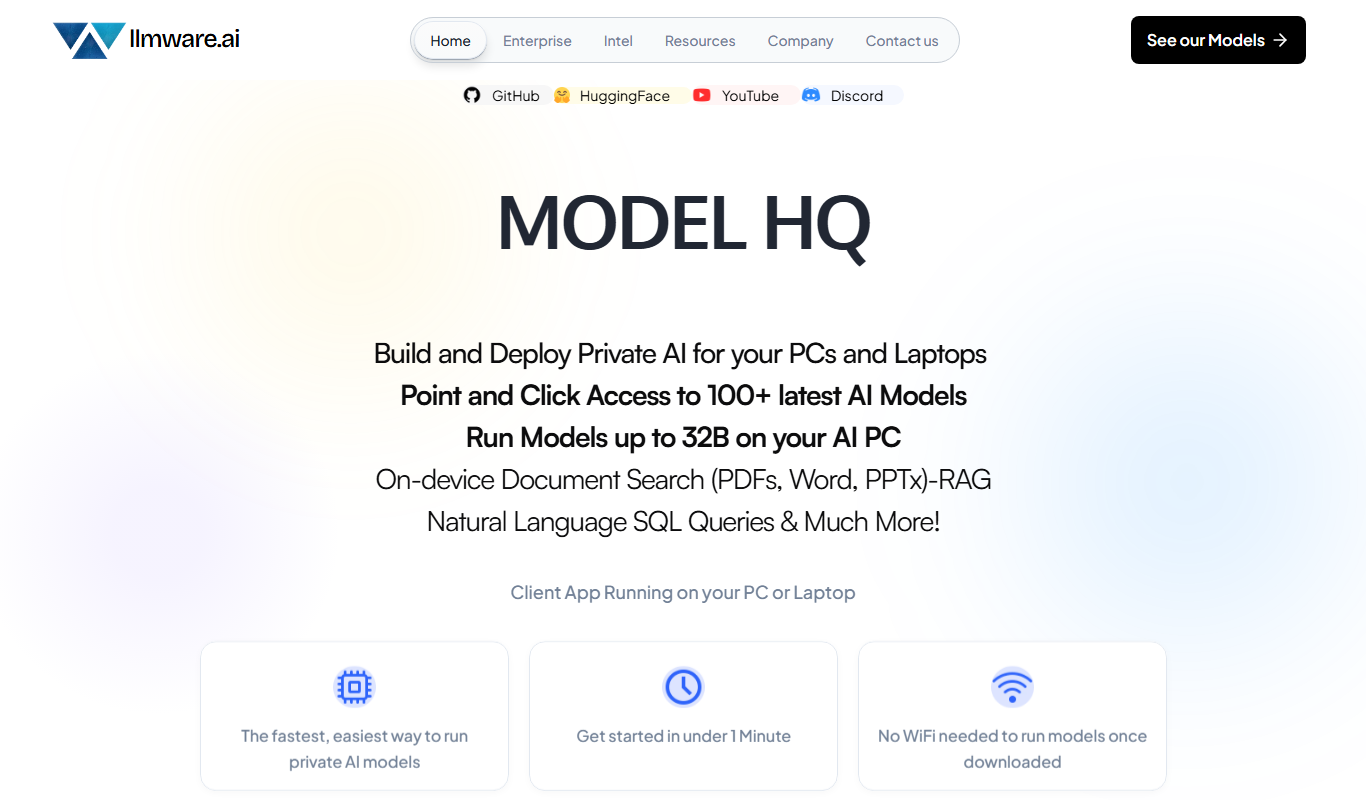
LLMWare
LLMWare is an AI platform that enables enterprises to deploy, manage, and scale large language models securely with flexible infrastructure and integration options.
Free
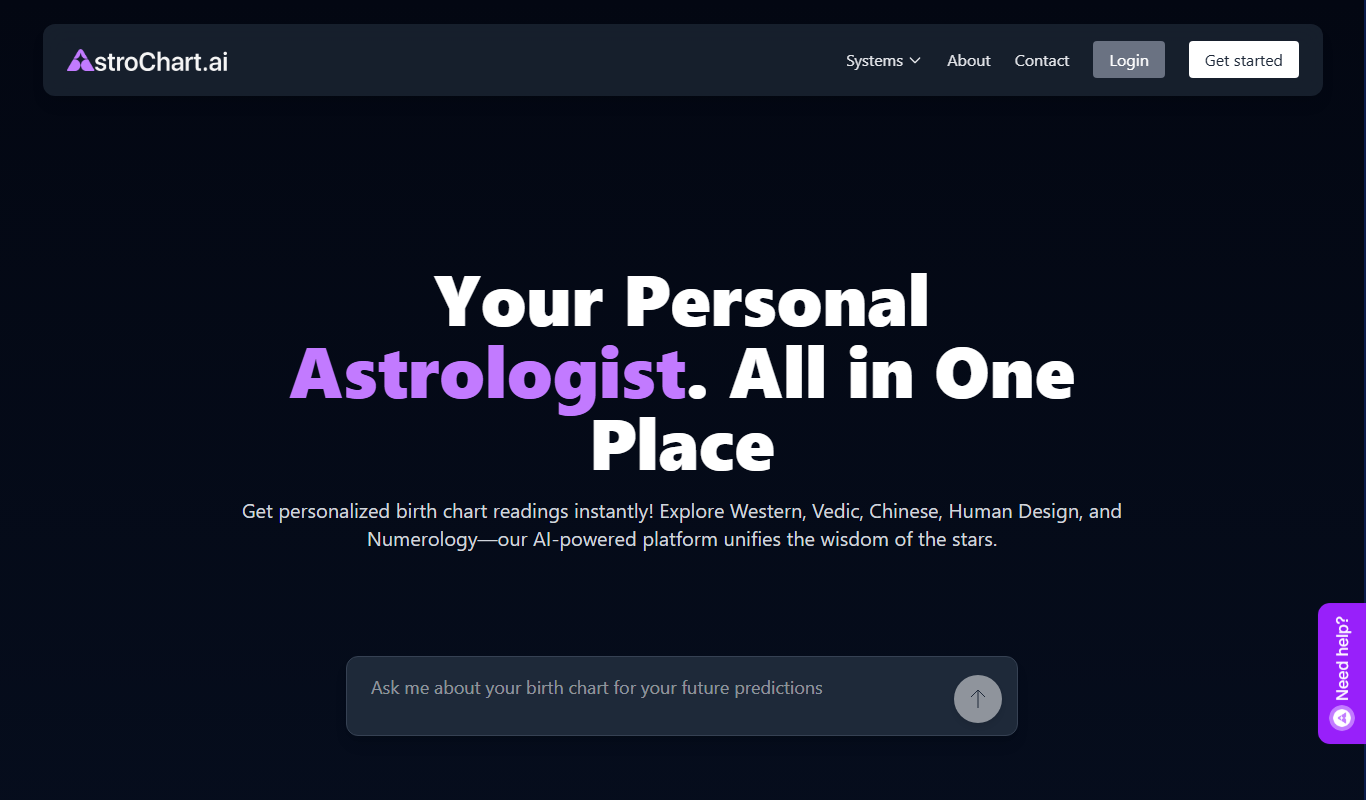
AstroChart.ai
AstroChart.ai is an AI-driven platform that creates personalized astrology birth charts and detailed interpretations based on your birth data, helping users understand their astrological profile easily online.

Free
Moodset
Moodset is a mood tracker that uses valence and arousal and music analysis from Spotify, on Android.