

From my experience with Shorthand, it stands out for its intuitive drag-and-drop editor that makes creating rich, multimedia stories accessible to users without technical skills. I found it particularly well-suited for journalists and marketers who want to craft engaging narratives that combine text, images, and video seamlessly. However, the platform’s pricing transparency could improve, as detailed costs require direct contact. Also, its focus on English limits global reach. Overall, if you need to produce interactive digital stories that captivate audiences across devices, Shorthand delivers a robust and user-friendly solution.
Shorthand Storytelling Platform for Interactive Digital Content Creation
Shorthand is a web-based platform that enables users to create interactive, multimedia digital stories without coding, ideal for journalism, marketing, and education.
- Best for
- Digital Storytelling
- Key capability
- Drag-and-Drop Editor
Your actions
Save Shorthand, follow its updates and vote on it — everything stays in your account.
Sign in or create a free account
What is Shorthand?
Shorthand is a web-based storytelling platform designed to help users create visually rich, interactive digital stories without coding. It enables journalists, marketers, educators, and businesses to combine text, images, video, and other multimedia elements into seamless narratives that engage audiences across devices.
Key features of Shorthand
Shorthand offers an intuitive drag-and-drop editor, customizable templates, multimedia integration, responsive design, and analytics to track audience engagement. It focuses on storytelling that blends narrative and visuals for impactful communication.
Drag-and-Drop Editor
Easily build stories by arranging multimedia and text elements without coding.
Responsive Story Templates
Templates optimized for desktop, tablet, and mobile viewing.
Multimedia Integration
Supports images, videos, audio, and interactive content to enrich storytelling.
Analytics Dashboard
Track reader engagement metrics such as views, scroll depth, and time spent.
Collaboration Tools
Invite team members to co-create and edit stories in real-time.
Pros and cons of Shorthand
Pros
- User-friendly interface with no coding required
- Supports rich multimedia storytelling
- Responsive design ensures stories look great on all devices
- Collaboration features for team projects
- Built-in analytics to track audience engagement
Cons
- Pricing details require direct contact, limiting upfront transparency
- Limited language support focused mainly on English
- No offline editing capabilities
Key use cases for Shorthand
Digital Storytelling
Create immersive, multimedia-rich stories for journalism, marketing, and education.
Content Marketing
Develop engaging branded content that combines text, images, video, and interactive elements.
Educational Content
Build interactive lessons and presentations that enhance learning through storytelling.
Social Media Campaigns
Design visually compelling stories optimized for sharing on social platforms.
Corporate Communications
Craft internal and external communications with a narrative and multimedia approach.
How Shorthand works
- 1
Sign Up
Create an account on Shorthand’s website to access the platform.
- 2
Choose a Template
Select from a variety of storytelling templates tailored for different content types.
- 3
Add Content
Use the drag-and-drop editor to insert text, images, videos, and interactive elements.
- 4
Customize Design
Adjust styles, layouts, and multimedia settings to fit your brand or story tone.
- 5
Publish and Share
Publish your story online with responsive design and share it via social media or embed it on websites.
Who is using Shorthand
Journalists and news organizations
Content marketers and brand storytellers
Educators and trainers
Social media managers
Corporate communication teams
Shorthand pricing
Free Trial
$0 for 14 days
Access to core features to test the platform with limited stories.
Professional
Contact for pricing
Full access to all features, unlimited stories, and priority support.
Plans and prices are as published by the vendor and can change. Check the official site before you buy. Open the pricing page (opens in a new tab)
Frequently asked questions about Shorthand
Yes, Shorthand’s drag-and-drop editor requires no coding knowledge.
Yes, all stories created are fully responsive and optimized for mobile devices.
Yes, Shorthand supports team collaboration with shared editing access.
Yes, the platform includes an analytics dashboard to monitor engagement.
This tool is designed to help users accomplish its core tasks more efficiently. It is typically used by individuals or teams looking to improve productivity and workflow.
Some tools offer a free plan or trial with limited features. Availability can vary, so confirm on the official website.
Yes, it can help with that use case depending on how you configure it and what features are available. You’ll get the best results with clear inputs and a defined goal.
Yes, it can help with that use case depending on how you configure it and what features are available. You’ll get the best results with clear inputs and a defined goal.
Sign in to review this tool.
Sign In to ReviewNo reviews yet
Be the first to share how this tool worked for you.
Ask about pricing, limits, or how it compares — or answer someone else.
Sign In to AskNo questions yet
Have a question about using or paying for this tool? Be the first to ask.
Featured on TiorAI



More AI Content Generator tools
Other tools in the same category, for when this one is not quite the fit.

Free
Rewordify
Rewordify is an online tool that simplifies difficult English text by replacing complex words with easier alternatives, helping users improve reading comprehension and vocabulary.

Free
Infogram
Infogram is a web-based platform that allows users to create interactive infographics, charts, and reports using customizable templates and live data integration without coding skills.
Subscription
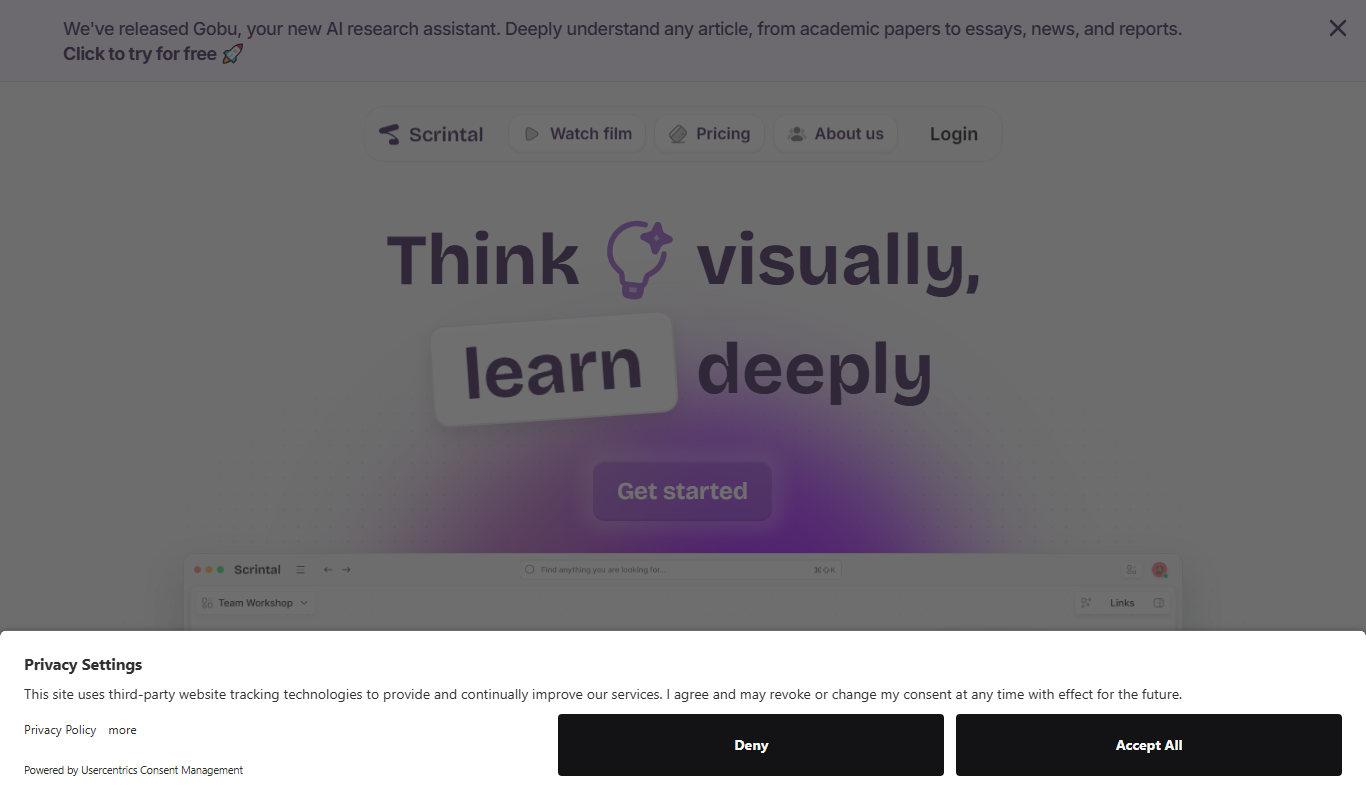
Scrintal
Scrintal is a web-based visual note-taking and mind mapping tool that helps users organize ideas, research, and projects by connecting notes visually and collaborating in real time.

Free Trial
Sermonary
Sermonary is an AI-based sermon writing software that helps pastors and church leaders create, organize, and collaborate on sermons with integrated Bible references and templates.

Subscription
Bayyinah TV
Bayyinah TV is an online educational platform by Bayyinah Institute providing comprehensive Quranic Arabic and Islamic studies courses through video lessons and interactive content.
Free
CK-12 Foundation
CK-12 Foundation is a free online platform providing customizable STEM educational resources, including digital textbooks, interactive simulations, and adaptive exercises for K-12 students and teachers.

Free
Zotero
Zotero is a free, open-source reference management tool that helps researchers collect, organize, cite, and share research materials with browser integration and citation style support.

Free
Mendeley
Mendeley is a reference management software and academic social network that helps researchers organize PDFs, generate citations, and collaborate with peers.