

Scrintal Visual Note-Taking and Mind Mapping Tool for Knowledge Management
Scrintal is a web-based visual note-taking and mind mapping tool that helps users organize ideas, research, and projects by connecting notes visually and collaborating in real time.
- Best for
- Knowledge Management
- Key capability
- Visual Boards
Save Scrintal, follow its updates and vote on it — everything stays in your account.
Sign in or create a free account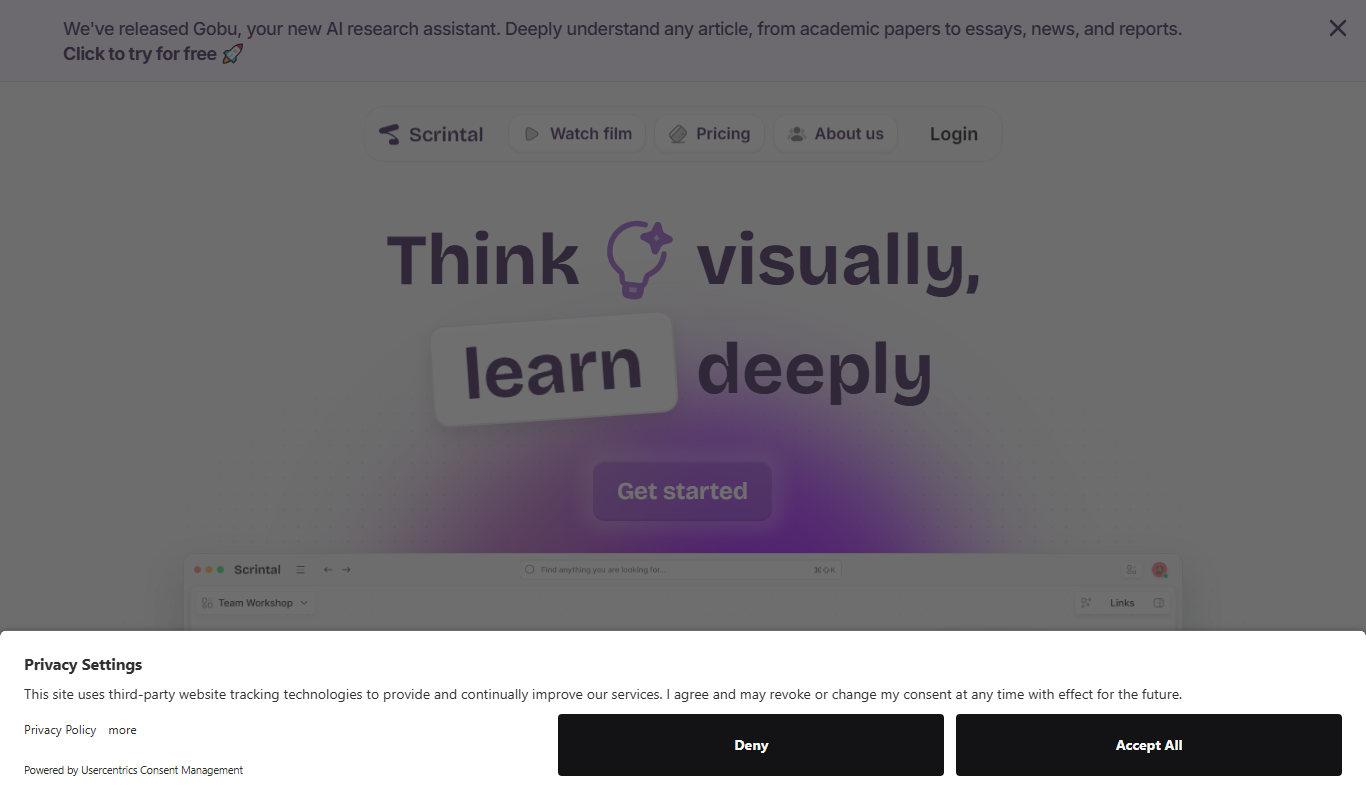
What is Scrintal?
Scrintal is a web-based visual note-taking and mind mapping tool designed to help users organize thoughts, research, and projects by connecting notes visually. It combines the flexibility of freeform mind maps with the structure of traditional note-taking, enabling users to build knowledge graphs that enhance understanding and productivity.
Key features of Scrintal
Scrintal offers interactive visual boards where notes can be linked and arranged spatially, real-time collaboration, seamless integration of text and visuals, and export options to streamline workflows. Its intuitive interface supports brainstorming, outlining, and knowledge management in a unified environment.
Visual Boards
Organize notes spatially to see connections and structure ideas visually.
Bidirectional Linking
Create links between notes to build a networked knowledge graph.
Real-Time Collaboration
Work simultaneously with others on the same board.
Rich Content Support
Include text, images, and links within notes for comprehensive documentation.
Export Options
Export boards as PDFs or shareable links for easy distribution.
Gobu AI Research Assistant
Scrintal added Gobu, an AI research assistant.
Pros and cons of Scrintal
Pros
- Intuitive visual organization of notes
- Supports real-time team collaboration
- Combines mind mapping with traditional note-taking
- Clean and user-friendly interface
- Flexible export options
Cons
- No offline mode available
- Limited integrations with other tools
- Pricing may be high for casual users
Key use cases for Scrintal
Knowledge Management
Organize and connect ideas visually to build a personal or team knowledge base.
Research and Writing
Structure research notes and draft outlines for academic papers, articles, or books.
Project Planning
Visualize project tasks and workflows to improve clarity and team collaboration.
Brainstorming
Capture and link ideas dynamically during creative sessions.
Team Collaboration
Share and co-edit visual notes and mind maps with team members in real time.
How Scrintal works
- 1
Create an Account
Sign up on Scrintal’s website to start using the platform.
- 2
Add Notes
Create individual notes that can contain text, images, and links.
- 3
Visualize Connections
Drag and connect notes on a visual board to map relationships.
- 4
Collaborate
Invite team members to view and edit boards in real time.
- 5
Export and Share
Export your visual notes as PDFs or share links with others.
Who is using Scrintal
Scrintal pricing
Free
$0/month
Basic access with limited boards and collaborators.
Scrintal Pro
About $9.99/month, billed annually
Scrintal Pro is sold on annual billing; no free plan is visible on the pricing page.
Plans and prices are as published by the vendor and can change. Check the official site before you buy. Open the pricing page (opens in a new tab)
Frequently asked questions about Scrintal
Yes, Scrintal supports real-time collaboration allowing multiple users to work on the same boards.
No free plan is listed; the official pricing page shows only Scrintal Pro, billed annually, with unlimited docs, boards and file uploads.
You can export your visual boards as PDFs or share them via links.
Currently, Scrintal is a web-based tool and requires an internet connection.
This tool is designed to help users accomplish its core tasks more efficiently. It is typically used by individuals or teams looking to improve productivity and workflow.
Yes, it can help with that use case depending on how you configure it and what features are available. You’ll get the best results with clear inputs and a defined goal.
Some tools offer a free plan or trial with limited features. Availability can vary, so confirm on the official website.
Yes, it can help with that use case depending on how you configure it and what features are available. You’ll get the best results with clear inputs and a defined goal.
Conclusion
Notes holding text, images and links are placed on a visual board and connected by dragging to map relationships. Links between notes work in both directions and build a networked knowledge graph. Several people can work on the same board simultaneously, and boards export as PDFs or shareable links. A newer addition is Gobu, an AI research assistant.
Structuring research notes and draft outlines for papers, articles or books is a listed use case, aimed at researchers, academics and writers. The pricing page shows only Scrintal Pro on annual billing, at about $9.99 per month, with no free plan visible.
Sources
Sign in to review this tool.
Sign In to ReviewNo reviews yet
Be the first to share how this tool worked for you.
Ask about pricing, limits, or how it compares — or answer someone else.
Sign In to AskNo questions yet
Have a question about using or paying for this tool? Be the first to ask.
Featured on TiorAI



Alternative Tools
Explore similar AI tools that might fit your needs
Obsidian
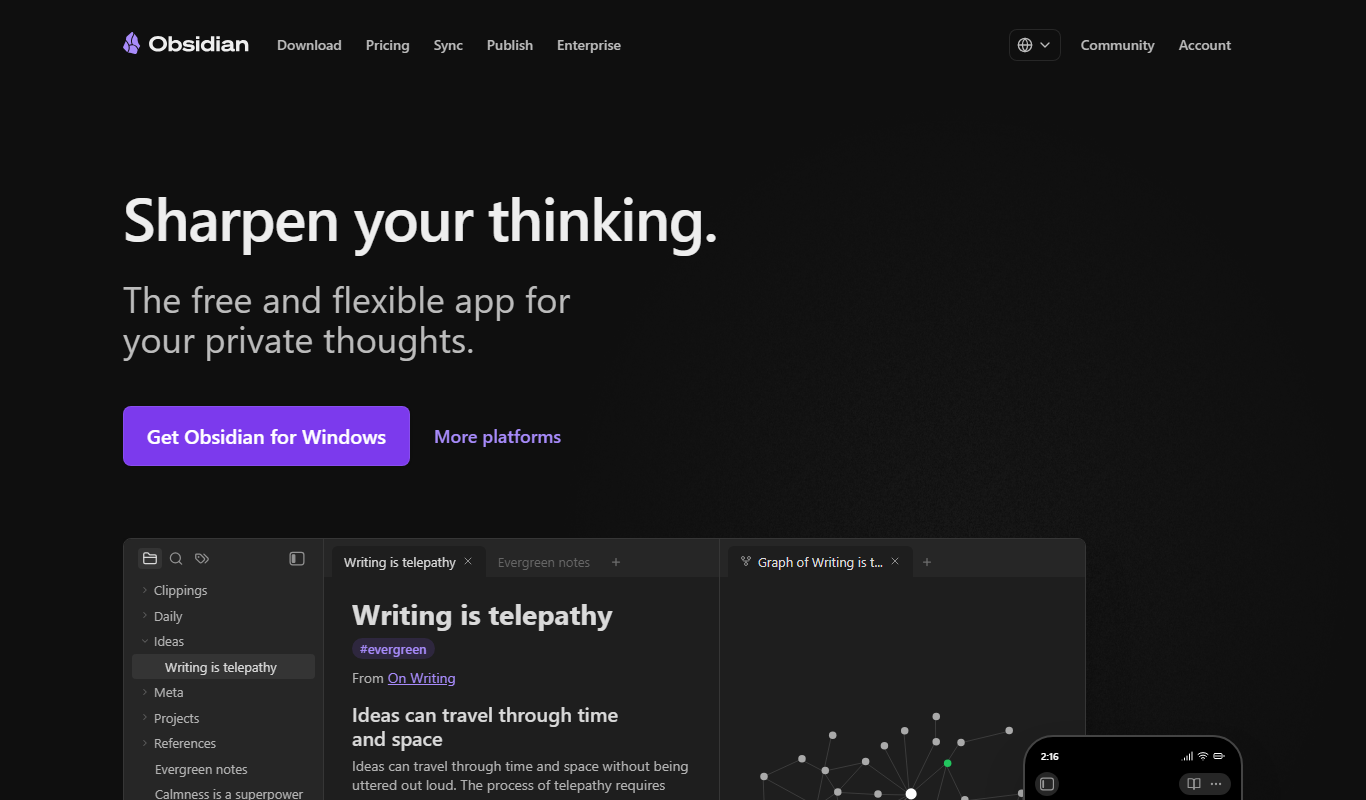
Obsidian is a markdown note-taking app that helps users build a personal knowledge base with linked notes, graph visualization, and extensive customization options.
Roam Research
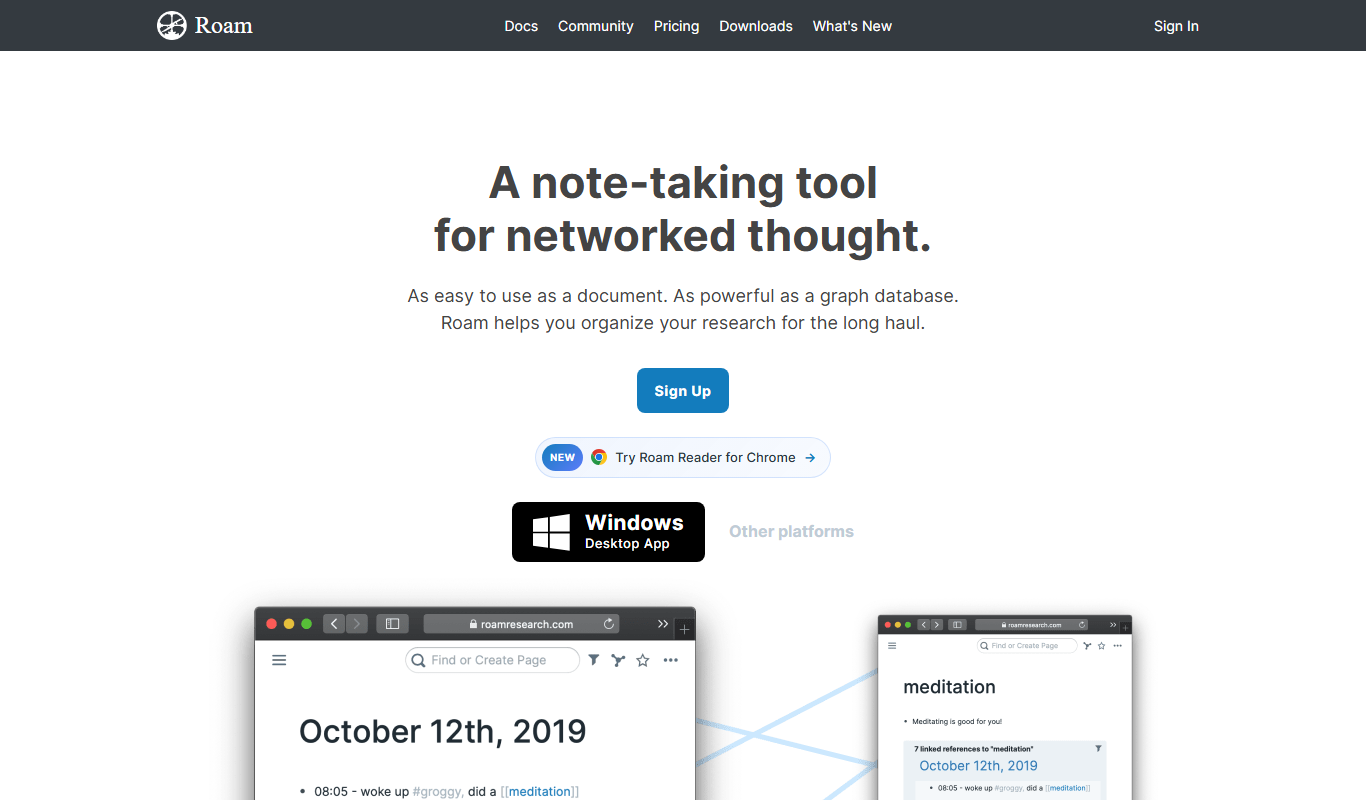
Roam Research is a note-taking and knowledge management tool that uses bidirectional linking and graph visualization to help users organize and connect ideas effectively.
More AI Content Generator tools
Other tools in the same category, for when this one is not quite the fit.

Groove
Groove.ai offers AI tools for content creation, marketing and sales copy, from articles and social posts to sales letters, ads and video scripts.

StoryStream
StoryStream is an AI shoppable content platform that turns UGC, imagery and video into shoppable experiences for eCommerce brands and retailers.

Beacon
Beacon helps marketers create professional lead magnets in minutes without hiring a designer, plus opt-in forms and libraries of gated content.
AI21 Studio
AI21 Studio is the AI21 developer platform for API access to the Jamba Mini and Jamba Large foundation models, with usage-based pricing.
Ion Interactive
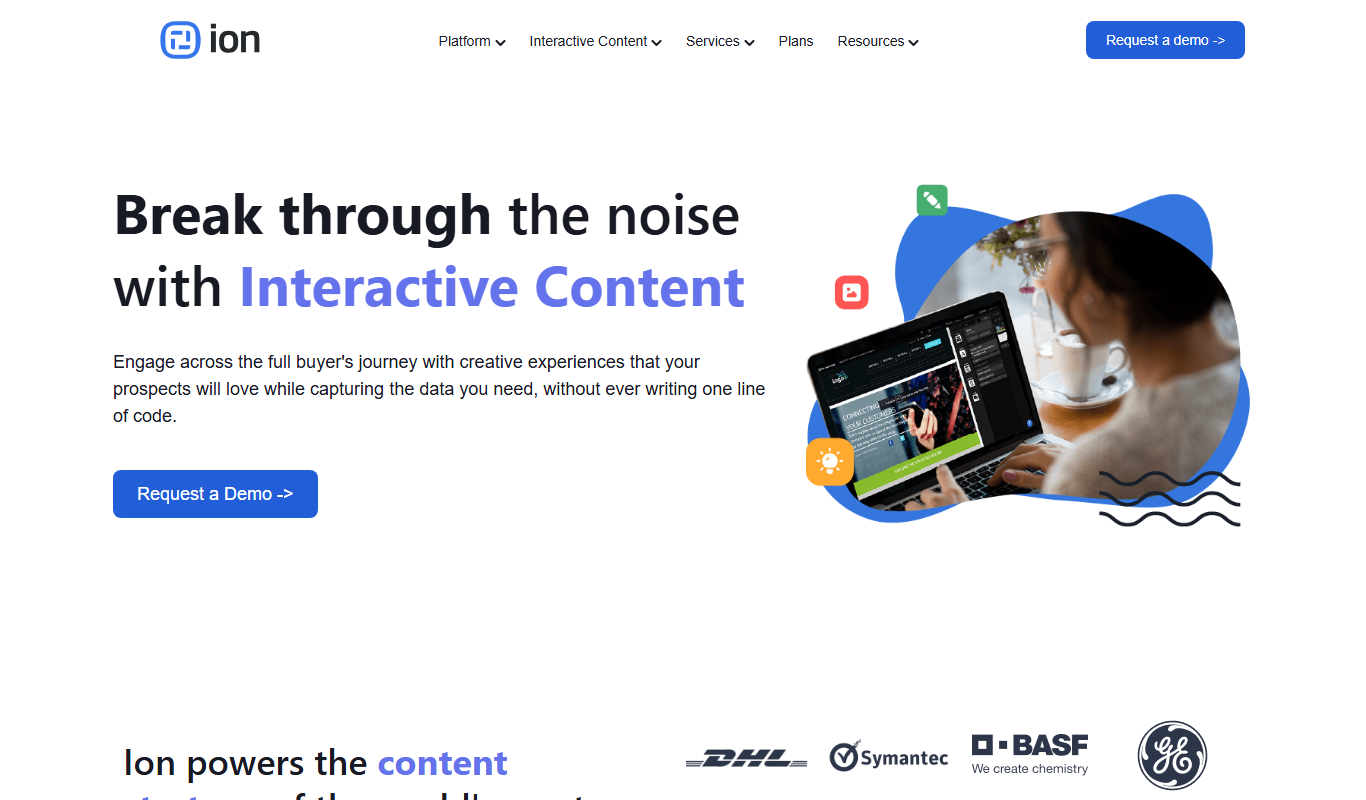
Ion Interactive is a web-based platform that enables marketers to create interactive content like quizzes and assessments to engage audiences and generate leads without coding.

写作猫AI
写作猫AI is a Chinese-language AI writing assistant that supports content generation, creative writing, and text refinement through a web platform.

Calmly Writer
Calmly Writer is a minimalist writing app designed to help users focus by providing a distraction-free interface, Markdown support, autosave, and export options. It is available as a free web app and a paid desktop app for offline use.

750 Words
750 Words is a web-based platform that encourages users to write 750 words daily to build a consistent writing habit, offering a distraction-free interface and progress tracking.