

From my experience with Flowstate, I found it excels at helping writers enter a focused flow state by removing distractions and enforcing continuous writing. The no-backspace rule is a clever psychological nudge that pushes you past hesitation and overthinking during initial drafts. This makes it particularly well-suited for creative writers, journalists, and anyone battling writer’s block. However, the trade-off is that it lacks AI assistance and is limited to Mac and iOS platforms, which may not fit all users. Overall, if you want a minimalist tool to boost writing productivity and focus, Flowstate delivers a unique and effective approach.
Flowstate Writing App for Focused, Distraction-Free Creative Writing
Flowstate is a minimalist writing app designed to help writers maintain focus by deleting the entire document if text is deleted, encouraging continuous writing and flow state.
- Best for
- Creative Writing
- Key capability
- Distraction-Free Interface
Your actions
Save Flowstate, follow its updates and vote on it — everything stays in your account.
Sign in or create a free account
What is Flowstate?
Flowstate is a minimalist writing application designed to help writers achieve a deep focus by preventing distractions and encouraging continuous writing. It features a unique mechanic where deleting text causes the entire document to be erased, motivating users to keep writing without hesitation. This approach fosters a flow state, enhancing creativity and productivity.
Key features of Flowstate
Flowstate offers a distraction-free interface, a live typing mode that deletes all content if the user stops typing or deletes text, session timers, and cloud syncing across devices. It is designed to keep writers engaged and prevent over-editing during the initial drafting phase.
Distraction-Free Interface
Clean, minimal UI that removes all distractions to help maintain focus.
No-Backspace Rule
Deleting any text erases the entire document, encouraging continuous writing.
Session Timer
Set timed writing sessions to boost productivity and maintain momentum.
Cloud Sync
Seamless syncing between Mac and iOS devices for writing on the go.
Export Options
Export your writing to common formats for further editing or sharing.
Pros and cons of Flowstate
Pros
- Encourages deep focus and flow state for writers
- Unique no-backspace mechanic reduces over-editing
- Simple, clean user interface minimizes distractions
- Supports timed writing sessions for productivity
- Syncs seamlessly across Mac and iOS devices
Cons
- No availability on Windows or Android platforms
- One-time purchase price may be high for casual users
- No built-in AI writing assistance or suggestions
Key use cases for Flowstate
Creative Writing
Helps writers enter a flow state by encouraging continuous writing without distractions or deletions.
Focused Drafting
Ideal for drafting essays, stories, or articles where uninterrupted thought flow is critical.
Overcoming Writer's Block
By enforcing a no-backspace rule, it pushes users to keep writing and overcome hesitation.
Note Taking
Useful for quickly capturing ideas or notes in a distraction-free environment.
Timed Writing Sessions
Supports setting timers to encourage writing sprints and productivity bursts.
How Flowstate works
- 1
Start a Writing Session
Open Flowstate and begin typing your content in the live mode.
- 2
Keep Writing Continuously
Avoid stopping or deleting text; if you delete, the entire document is erased.
- 3
Use Timers to Set Goals
Set a timer to define your writing sprint duration and stay focused.
- 4
Save and Sync
Your work is saved automatically and can sync across Mac and iOS devices.
Who is using Flowstate
Creative writers and novelists
Journalists and bloggers
Students and academics
Content creators seeking focused drafting
Anyone struggling with writer's block
Flowstate pricing
One-time Purchase
$29.99
Full access to Flowstate app with all features on Mac and iOS.
Plans and prices are as published by the vendor and can change. Check the official site before you buy. Open the pricing page (opens in a new tab)
Frequently asked questions about Flowstate
If you delete any text, Flowstate will erase your entire document to encourage continuous writing.
No, currently Flowstate is only available for MacOS and iOS devices.
Yes, your work is saved automatically and synced across your devices.
Yes, you can export your writing to formats like plain text or PDF.
Yes, it can help with that use case depending on how you configure it and what features are available. You’ll get the best results with clear inputs and a defined goal.
It depends on your specific needs and how you plan to use the tool. The official website and documentation are the best sources for the latest details.
Yes, it can help with that use case depending on how you configure it and what features are available. You’ll get the best results with clear inputs and a defined goal.
Yes, it can help with that use case depending on how you configure it and what features are available. You’ll get the best results with clear inputs and a defined goal.
Sign in to review this tool.
Sign In to ReviewNo reviews yet
Be the first to share how this tool worked for you.
Ask about pricing, limits, or how it compares — or answer someone else.
Sign In to AskNo questions yet
Have a question about using or paying for this tool? Be the first to ask.
Featured on TiorAI



Alternative Tools
Explore similar AI tools that might fit your needs
Paid
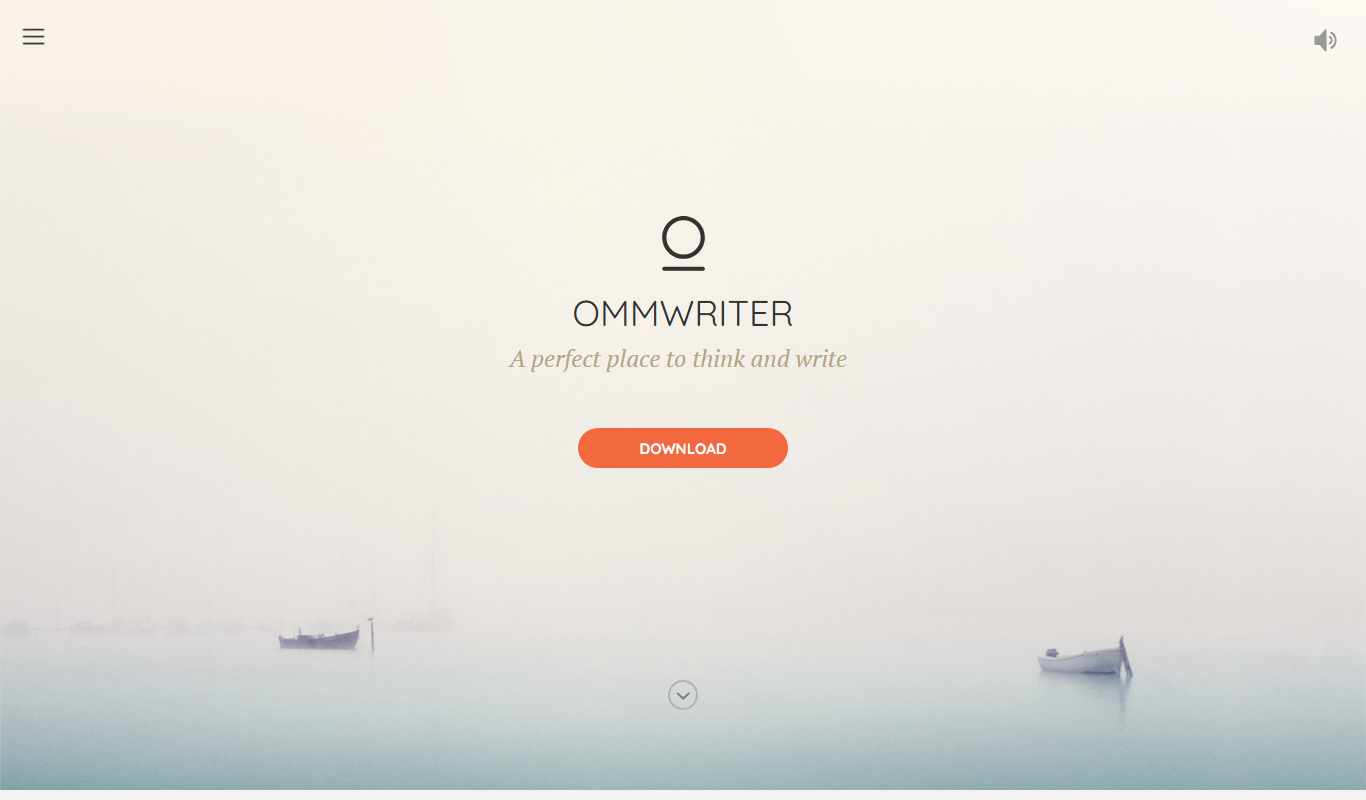
OmmWriter
OmmWriter is a minimalist writing application that provides a distraction-free environment with ambient soundscapes and calming backgrounds to help writers focus and enhance creativity.
More AI Content Generator tools
Other tools in the same category, for when this one is not quite the fit.

Free Trial
Groove
Groove.ai offers AI tools for content creation, marketing and sales copy, from articles and social posts to sales letters, ads and video scripts.

Custom Pricing
StoryStream
StoryStream is an AI shoppable content platform that turns UGC, imagery and video into shoppable experiences for eCommerce brands and retailers.

Free
Beacon
Beacon helps marketers create professional lead magnets in minutes without hiring a designer, plus opt-in forms and libraries of gated content.
Free Trial
AI21 Studio
AI21 Studio is the AI21 developer platform for API access to the Jamba Mini and Jamba Large foundation models, with usage-based pricing.
Custom Pricing
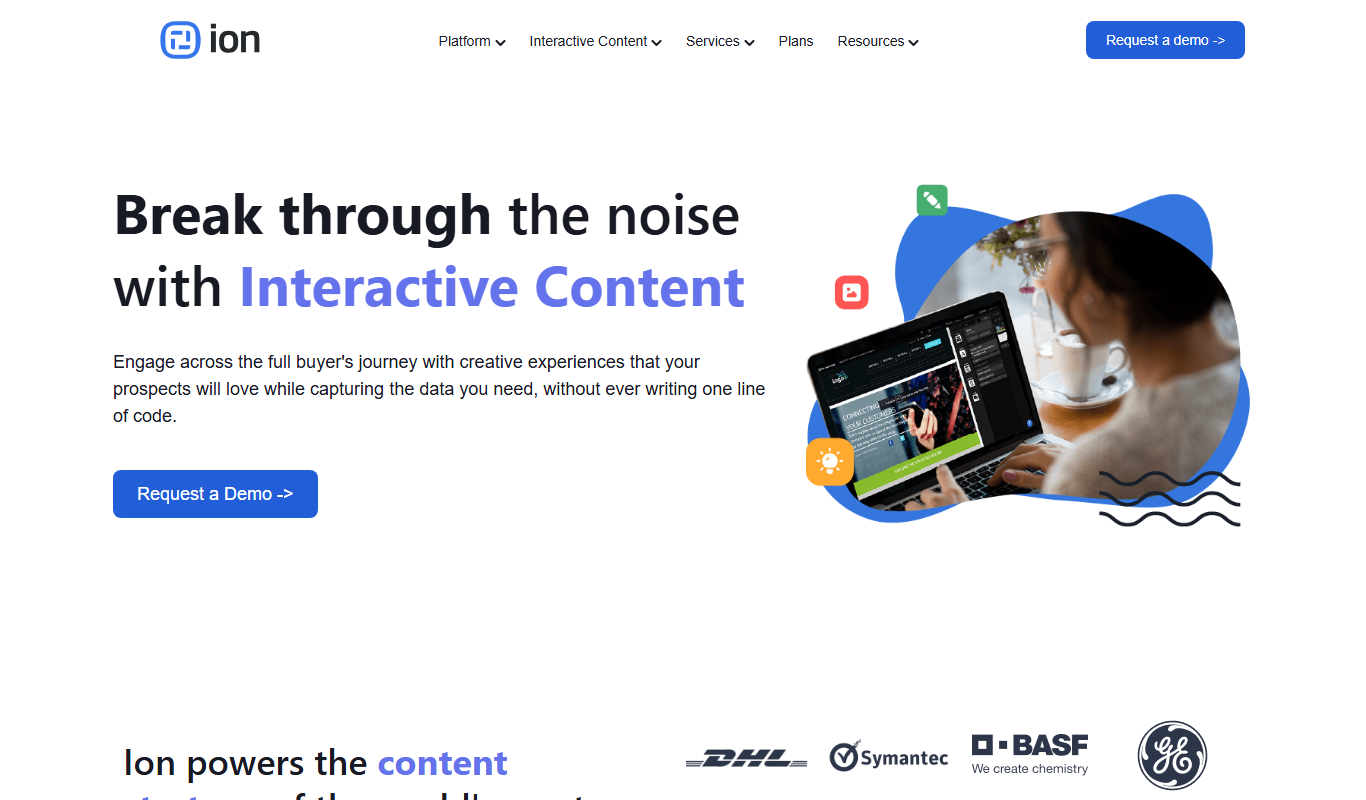
Ion Interactive
Ion Interactive is a web-based platform that enables marketers to create interactive content like quizzes and assessments to engage audiences and generate leads without coding.

Free
写作猫AI
写作猫AI is a Chinese-language AI writing assistant that supports content generation, creative writing, and text refinement through a web platform.

Free
Calmly Writer
Calmly Writer is a minimalist writing app designed to help users focus by providing a distraction-free interface, Markdown support, autosave, and export options. It is available as a free web app and a paid desktop app for offline use.

Free Trial
750 Words
750 Words is a web-based platform that encourages users to write 750 words daily to build a consistent writing habit, offering a distraction-free interface and progress tracking.