

From my experience with Beacon, I found it excels at simplifying the creation of professional lead magnets without requiring design expertise. The drag-and-drop editor combined with AI content assistance makes it easy to transform existing content into polished marketing materials quickly. This tool is particularly well-suited for marketers, small business owners, and agencies looking to generate high-quality downloadable content that drives lead capture. However, its limitation to English language and web-only access means it may not fit all users’ needs. Overall, if you want to streamline lead magnet creation with branded PDFs, Beacon delivers solid, user-friendly results.
Beacon AI Content Generator for Creating Lead Magnets and Marketing Materials
Beacon is an AI-powered content generation platform that helps marketers create professional lead magnets and marketing materials quickly using customizable templates and AI assistance.
- Best for
- Lead Magnet Creation
- Key capability
- Drag-and-Drop Editor
Your actions
Save Beacon, follow its updates and vote on it — everything stays in your account.
Sign in or create a free account
What is Beacon?
Beacon is a web-based AI-powered content generation platform designed to help marketers, entrepreneurs, and businesses create professional lead magnets and marketing materials quickly. It automates the process of turning existing content or ideas into polished downloadable PDFs and branded documents that can be used to attract and engage audiences.
Key features of Beacon
Beacon offers an intuitive drag-and-drop editor, customizable templates, AI-assisted content creation, and seamless integration with popular marketing tools. It focuses on simplifying the creation of lead magnets like ebooks, checklists, and guides, enabling users to produce high-quality marketing collateral without design or technical expertise.
Drag-and-Drop Editor
Easily customize layouts and content blocks without any coding or design skills.
AI Content Assistance
Leverage AI to help generate or improve text content for your lead magnets and marketing materials.
Customizable Templates
Access a library of templates designed for various marketing goals and easily tailor them to your brand.
Branding Controls
Maintain consistent brand identity with options to customize colors, fonts, logos, and images.
Seamless Integrations
Connect with popular marketing tools and platforms to streamline content distribution and lead capture.
Pros and cons of Beacon
Pros
- User-friendly drag-and-drop editor
- AI assistance speeds up content creation
- Wide range of customizable templates
- Strong focus on lead magnet generation
- Integrates with popular marketing tools
Cons
- Limited language support (English only)
- No mobile app available, web-only platform
- Advanced features require paid subscription
Key use cases for Beacon
Lead Magnet Creation
Generate professional lead magnets such as ebooks, checklists, and guides to capture leads effectively.
Marketing Content Development
Create branded marketing materials quickly to support campaigns and increase audience engagement.
Content Repurposing
Transform existing blog posts or articles into downloadable PDFs and other formats to extend content reach.
Sales Enablement
Produce sales collateral that helps teams communicate value propositions clearly and professionally.
Brand Consistency
Maintain consistent branding across all generated content with customizable templates and styles.
How Beacon works
- 1
Sign Up
Create a free account on Beacon’s website to access the content creation platform.
- 2
Choose a Template
Select from a variety of professionally designed templates tailored for lead magnets and marketing materials.
- 3
Add or Import Content
Input your own text, import blog posts, or use AI assistance to generate content within the editor.
- 4
Customize Design
Adjust branding elements such as colors, fonts, and images to align with your brand identity.
- 5
Export and Share
Download your finished lead magnet as a PDF or share it directly through integrated marketing channels.
Who is using Beacon
Digital marketers
Small business owners
Content creators
Marketing agencies
Sales teams
Beacon pricing
Free
$0/month
Basic access with limited templates and lead magnet exports.
Pro
$29/month
Full access to all templates, unlimited lead magnets, and advanced branding options.
Agency
$99/month
Multi-user support, priority support, and additional collaboration features for teams.
Plans and prices are as published by the vendor and can change. Check the official site before you buy. Open the pricing page (opens in a new tab)
Frequently asked questions about Beacon
Yes, Beacon allows you to import blog posts or other content to quickly transform them into downloadable lead magnets.
No, Beacon’s drag-and-drop editor and templates make it easy for users without design skills to create professional content.
You can export your lead magnets primarily as PDFs, suitable for sharing and distribution.
Yes, Beacon supports integrations with popular email marketing and CRM tools to help automate lead capture and follow-up.
This tool is designed to help users accomplish its core tasks more efficiently. It is typically used by individuals or teams looking to improve productivity and workflow.
Yes, it can help with that use case depending on how you configure it and what features are available. You’ll get the best results with clear inputs and a defined goal.
Some tools offer a free plan or trial with limited features. Availability can vary, so confirm on the official website.
Integration support depends on the tool and its available connectors or API. Check the official documentation or integrations page to confirm what is supported.
Sign in to review this tool.
Sign In to ReviewNo reviews yet
Be the first to share how this tool worked for you.
Ask about pricing, limits, or how it compares — or answer someone else.
Sign In to AskNo questions yet
Have a question about using or paying for this tool? Be the first to ask.
Featured on TiorAI



Alternative Tools
Explore similar AI tools that might fit your needs
Free Trial
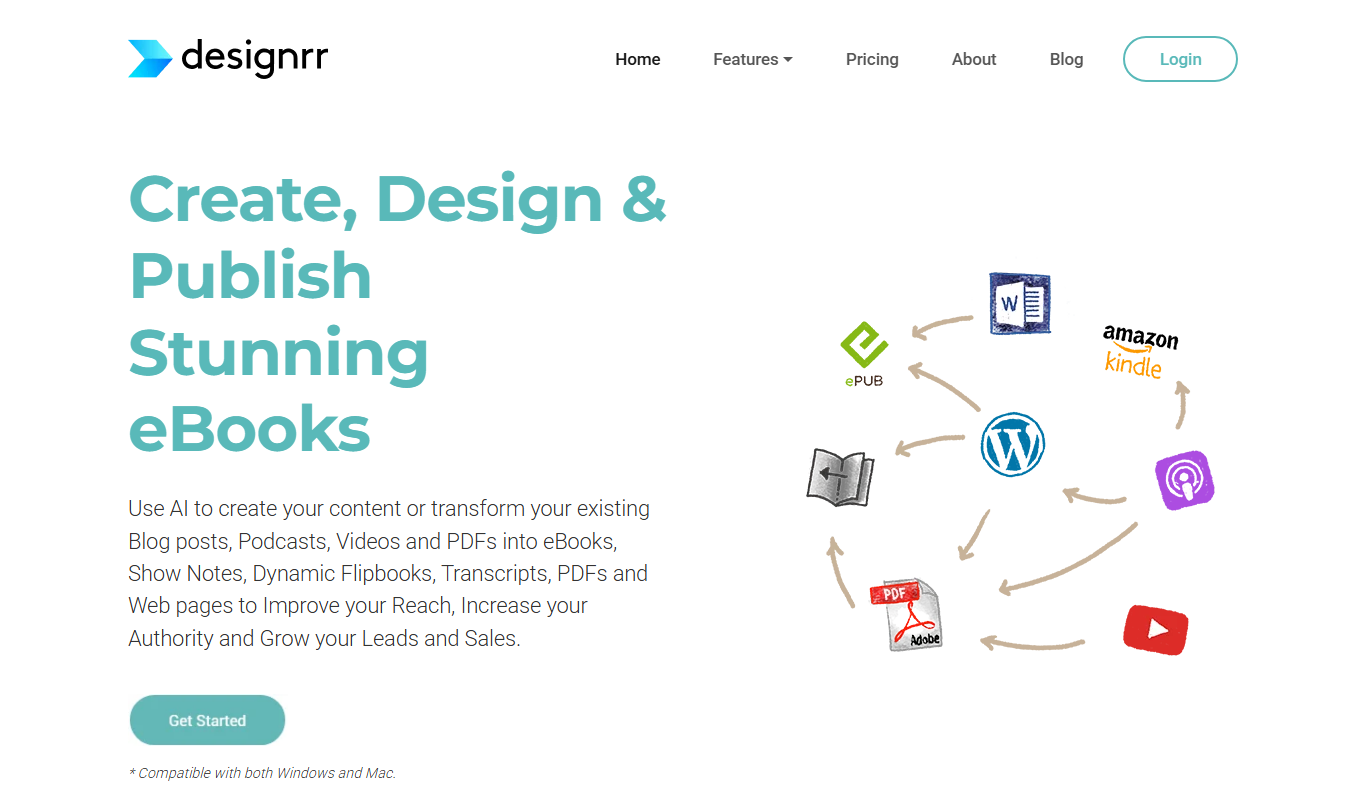
Designrr
Designrr is an AI-driven platform that helps users convert existing content like blogs and podcasts into professional ebooks, reports, and lead magnets with customizable templates and multi-format export options.
More AI Content Generator tools
Other tools in the same category, for when this one is not quite the fit.

Free
PDF2XL
PDF2XL is a software tool that converts PDF documents, especially tables, into editable Excel spreadsheets with features like OCR and batch processing.

Free
Dictionary.com
Dictionary.com is a comprehensive online platform offering English word definitions, synonyms, antonyms, pronunciation guides, and grammar tips to help users improve their language skills.

Free
Wordnik
Wordnik is a free online English dictionary that provides detailed definitions, example sentences, synonyms, and related word information to help users understand and use English words effectively.

Free
Merriam-Webster Dictionary
Merriam-Webster Dictionary is a trusted online English dictionary offering definitions, synonyms, audio pronunciations, and language learning resources.

Subscription
Sumizeit
Sumizeit is an AI-powered platform that generates concise summaries of nonfiction books to help users quickly understand key concepts without reading the full text.

Free
Keyword Tool
Keyword Tool is an online platform that generates keyword suggestions and long-tail phrases from multiple search engines to help improve SEO and content marketing strategies.

Free
TasteDive
TasteDive is a free online recommendation engine that suggests movies, TV shows, music, books, and more based on your favorites.

Free
MovieLens
MovieLens is a free web-based movie recommendation system that uses collaborative filtering algorithms to provide personalized film suggestions based on user ratings.