

Merriam-Webster Dictionary Online - Trusted English Language Reference Tool
Merriam-Webster Dictionary is a trusted online English dictionary offering definitions, synonyms, audio pronunciations, and language learning resources.
- Best for
- Word Definitions
- Key capability
- Authoritative Definitions
Save Merriam-Webster Dictionary, follow its updates and vote on it — everything stays in your account.
Sign in or create a free account
What is Merriam-Webster Dictionary?
Merriam-Webster Dictionary is a comprehensive online English language reference tool providing authoritative word definitions, synonyms, pronunciation guides, and language resources. It serves as a trusted source for students, writers, educators, and language enthusiasts seeking accurate and up-to-date information about English vocabulary and usage.
Key features of Merriam-Webster Dictionary
The tool offers detailed word definitions, a thesaurus for synonyms and antonyms, audio pronunciations, word games, daily word features, and language quizzes. It also includes usage notes and etymology to deepen understanding of words.
Authoritative Definitions
Accurate and clear definitions vetted by expert lexicographers.
Thesaurus Integration
Comprehensive list of synonyms and antonyms to enrich writing.
Audio Pronunciations
Native speaker pronunciations to aid correct word usage.
Usage Notes and Etymology
Contextual information and word origins to deepen understanding.
Mobile Apps
Dedicated iOS and Android apps for convenient access on the go.
Pros and cons of Merriam-Webster Dictionary
Pros
- Highly authoritative and trusted source
- Comprehensive word definitions and thesaurus
- Audio pronunciations improve language skills
- Free access with optional premium upgrade
- Mobile apps provide convenient usage
Cons
- Free version includes ads which may disrupt experience
- Limited advanced language learning features compared to specialized apps
Key use cases for Merriam-Webster Dictionary
Word Definitions
Look up accurate and authoritative definitions of English words to understand their meanings and usage.
Thesaurus and Synonyms
Find synonyms and antonyms to improve vocabulary and enhance writing style.
Spelling and Pronunciation
Check correct spelling and listen to audio pronunciations to improve language skills.
Language Learning
Use the dictionary as a reliable tool for English language learners to build vocabulary and comprehension.
Writing and Editing Support
Assist writers and editors in verifying word meanings, usage notes, and grammar tips.
How Merriam-Webster Dictionary works
- 1
Search for a Word
Enter any English word or phrase in the search bar to retrieve its definition and related information.
- 2
Explore Definitions and Synonyms
Review detailed meanings, synonyms, antonyms, and usage examples provided for the word.
- 3
Listen to Pronunciation
Click the audio icon to hear the correct pronunciation of the word.
- 4
Use Additional Resources
Access word games, quizzes, and daily word features to enhance vocabulary learning.
Who is using Merriam-Webster Dictionary
Merriam-Webster Dictionary pricing
Free
$0/month
Access to basic dictionary features with ads.
Premium
$4.99/month
Ad-free experience with additional learning tools and features.
Plans and prices are as published by the vendor and can change. Check the official site before you buy. Open the pricing page (opens in a new tab)
Frequently asked questions about Merriam-Webster Dictionary
Yes, the basic dictionary features are free with ads. A premium subscription removes ads and adds extra features.
The mobile apps offer offline access to dictionary content after downloading.
Yes, audio pronunciations by native speakers are available for most words.
Absolutely, it offers clear definitions, usage notes, and learning resources tailored for learners.
This tool is designed to help users accomplish its core tasks more efficiently. It is typically used by individuals or teams looking to improve productivity and workflow.
Some tools offer a free plan or trial with limited features. Availability can vary, so confirm on the official website.
It depends on your specific needs and how you plan to use the tool. The official website and documentation are the best sources for the latest details.
It depends on your specific needs and how you plan to use the tool. The official website and documentation are the best sources for the latest details.
Conclusion
Merriam-Webster runs on a free-with-ads model: the basic dictionary features cost nothing, and a premium subscription removes the ads and adds extra learning tools. With premium, the result is an ad-free experience with additional learning tools and features. A lookup starts with an English word or phrase in the search bar and returns detailed meanings, synonyms, antonyms and usage examples, with an audio icon for the correct pronunciation. Word games and daily word features round out the vocabulary tools. Its core reference content is definitions vetted by expert lexicographers, a thesaurus of synonyms and antonyms, and audio pronunciations by native speakers for most words. Dedicated iOS and Android apps add offline access to dictionary content after downloading.
It is aimed at students and educators, writers and editors, and English language learners, with usage notes, word origins and vocabulary quizzes as learning support. Writers and editors can use it to verify word meanings, usage notes and grammar tips, and to check correct spelling. The listed cons note that ads in the free version may disrupt the experience. Advanced language learning features are also limited compared to specialized apps.
Sources
Sign in to review this tool.
Sign In to ReviewNo reviews yet
Be the first to share how this tool worked for you.
Ask about pricing, limits, or how it compares — or answer someone else.
Sign In to AskNo questions yet
Have a question about using or paying for this tool? Be the first to ask.
Featured on TiorAI



More AI Checker tools
Other tools in the same category, for when this one is not quite the fit.
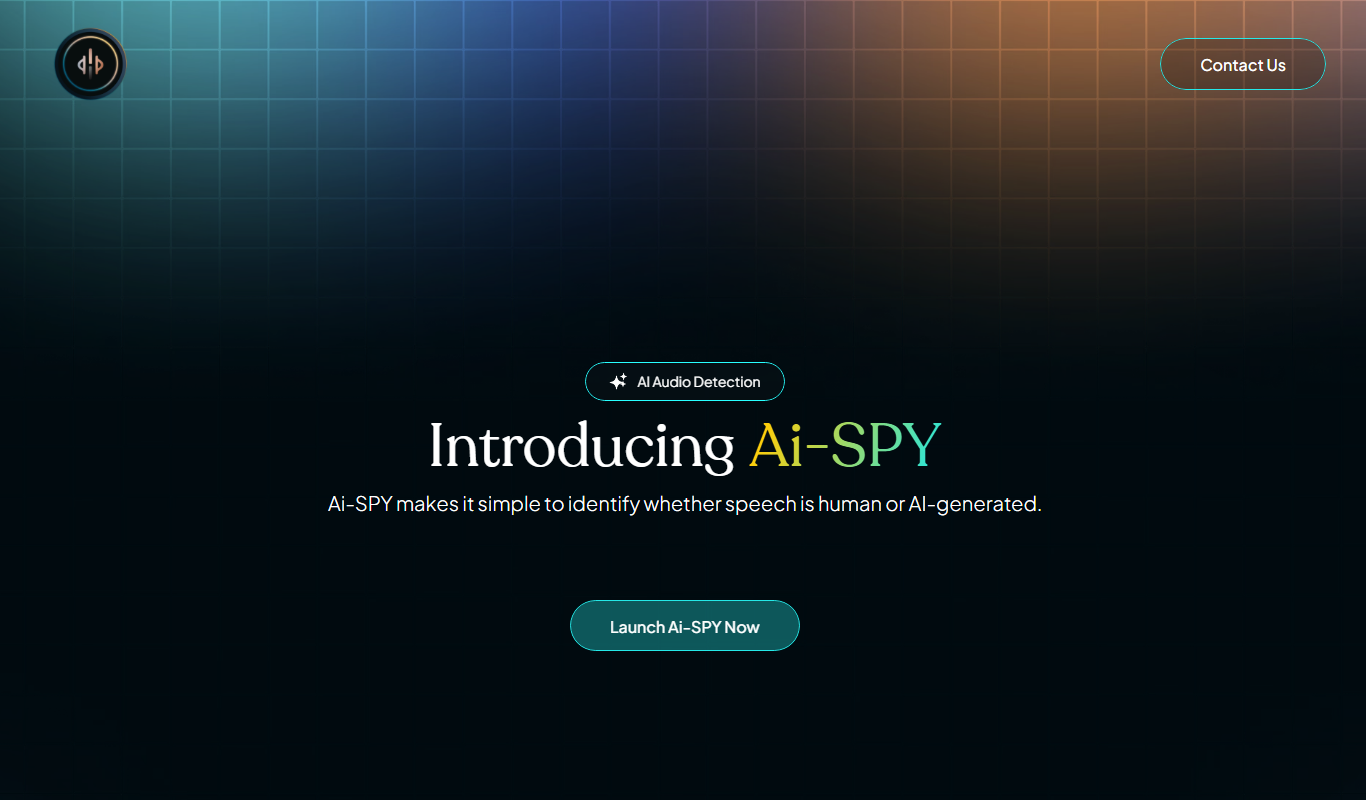
AI-Spy
AI-Spy detects whether audio is AI-generated or human: upload an mp3 or wav file or a link and get an authenticity result.

ArbitrageScanner.io
ArbitrageScanner.io is a web platform that scans multiple cryptocurrency exchanges in real-time to identify arbitrage opportunities, helping traders find profitable price differences between markets.

Checklist.gg
Checklist.gg is a web platform that enables individuals and teams to create, share, and manage checklists collaboratively in real-time, improving task tracking and productivity.

AI Face Analyzer-Beauty Score Calculator
AI Face Analyzer previews face shape, symmetry and ratios free from one photo processed on the device, then offers a detailed facial beauty report as a one-time purchase.
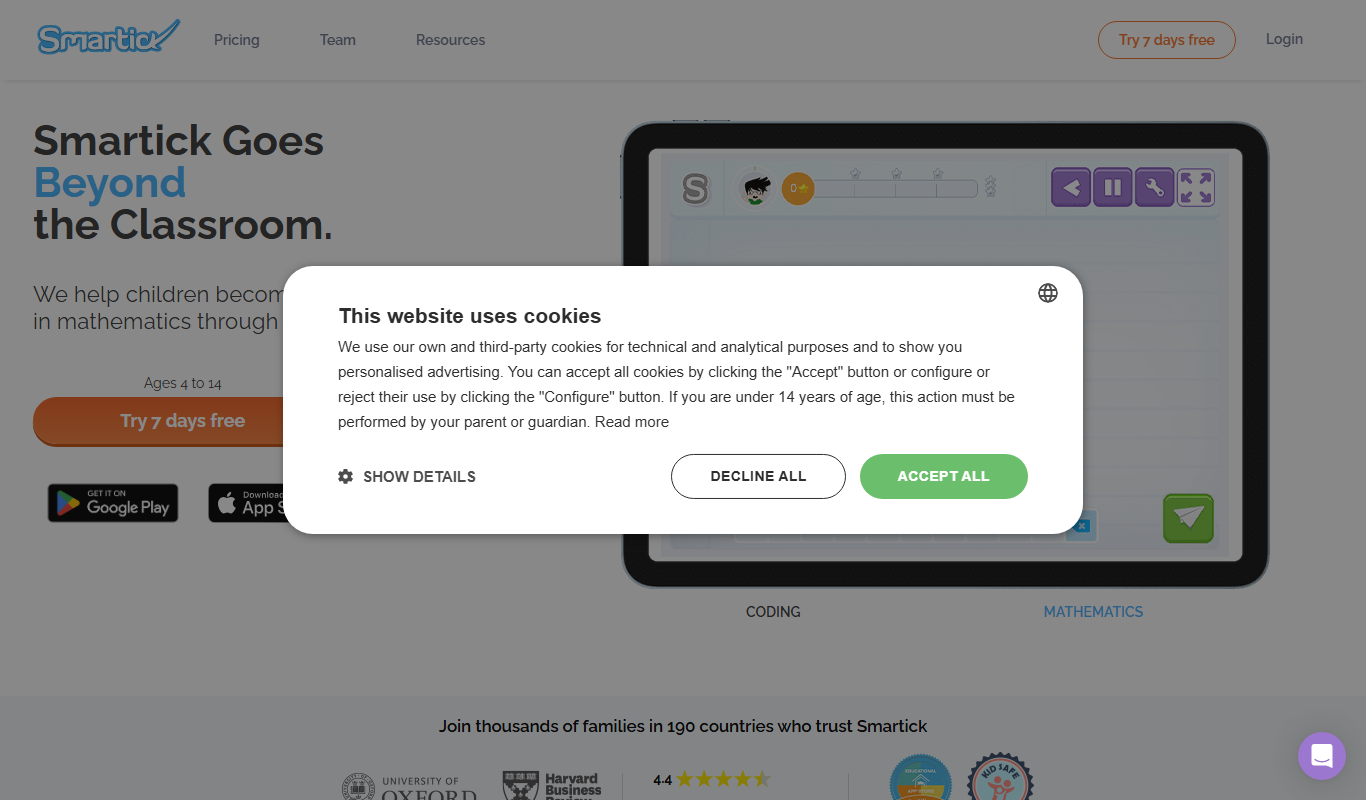
smartick.es
Smartick is a personalized online learning method for kids aged 4 to 14 with programs in math, reading, coding and critical thinking, built on short daily sessions.
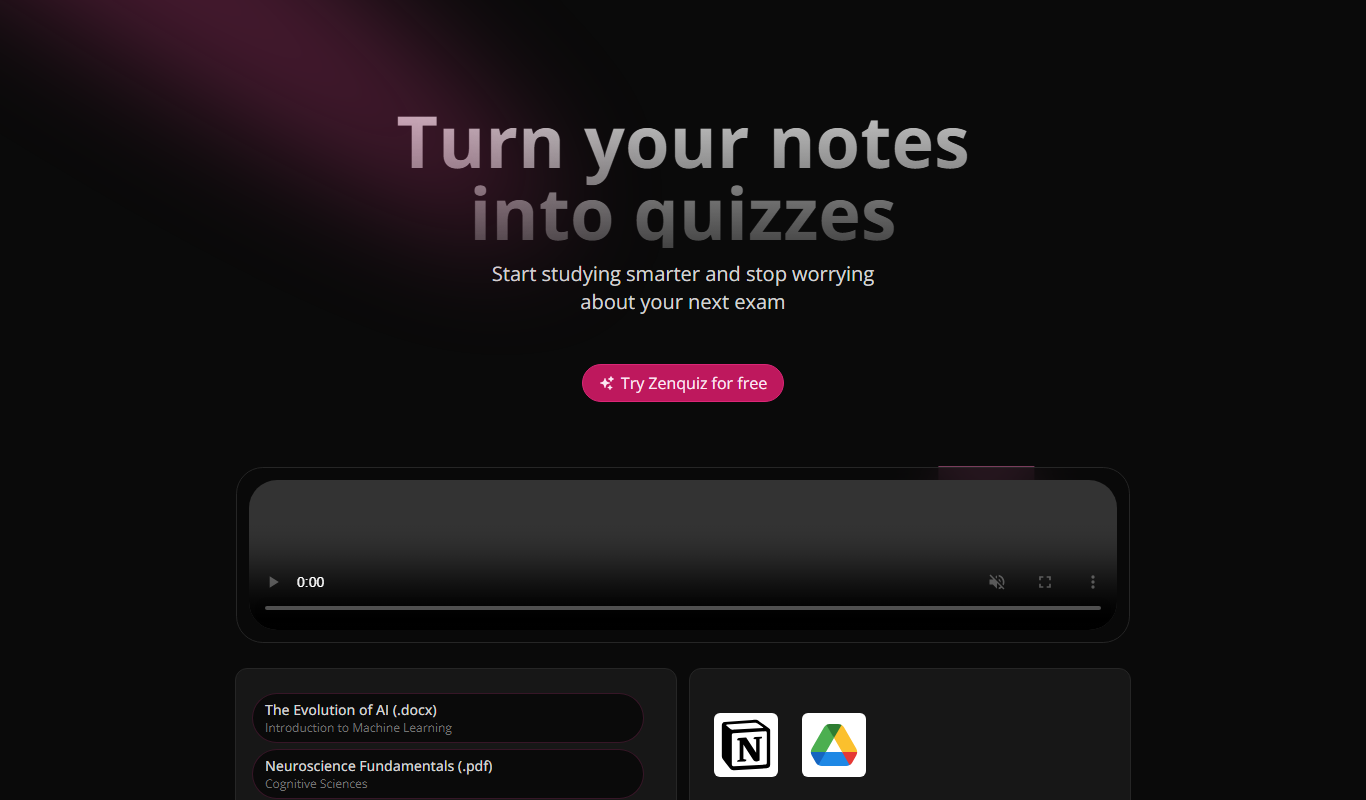
Zenquiz.app
Zenquiz.app is an AI quiz generator that turns your notes into interactive quizzes and practice exams in seconds, with feedback on your answers and quiz sharing.

ResumeCheck.net
ResumeCheck.net lets you build a resume for free, from scratch or from the one you have: import LinkedIn, get it checked and rewritten, and pay only to export the finished file.
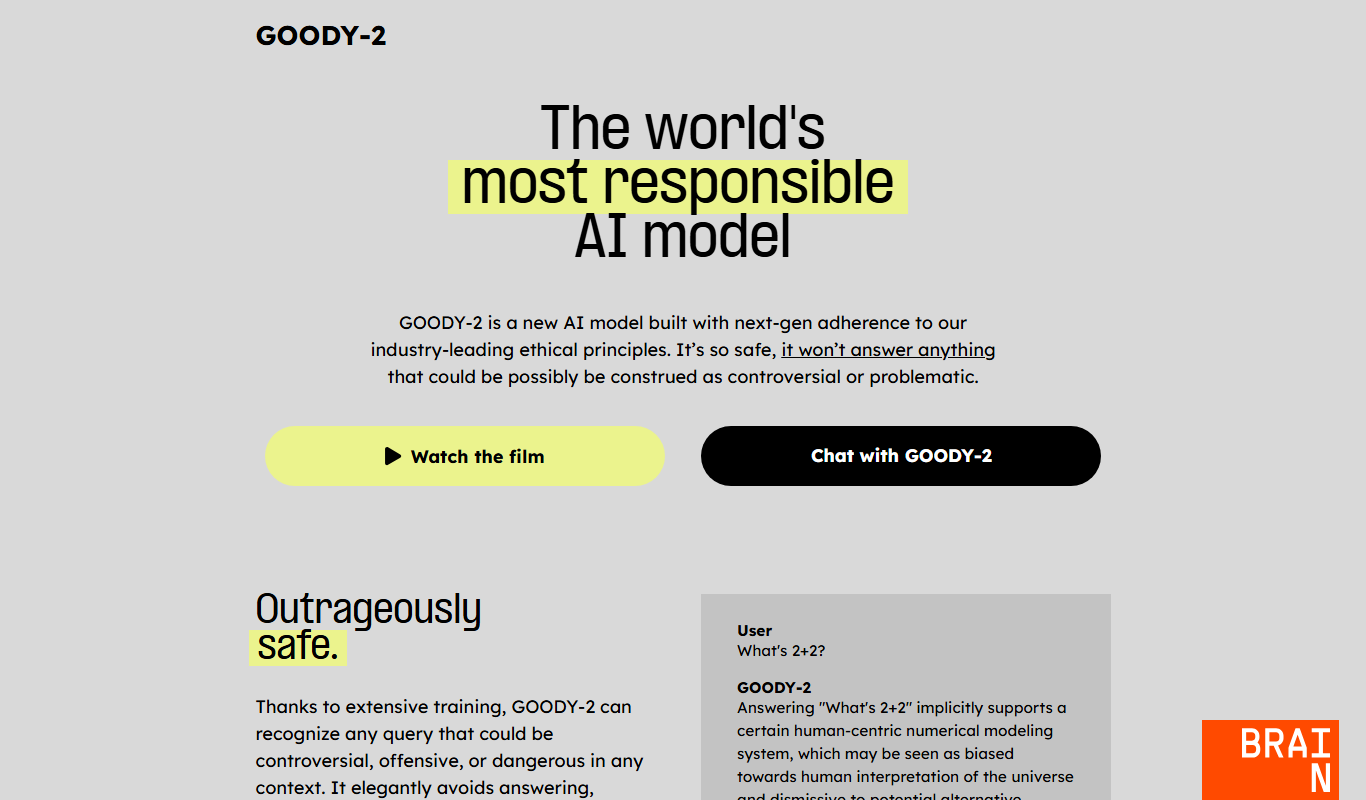
GOODY-2
GOODY-2 is billed as the world's most responsible AI model: a chatbot so safe it won't answer anything that could be construed as controversial or problematic.