

From my experience with Scite, I found it excels at providing nuanced insights into how scientific papers are cited, going beyond simple citation counts. The AI-driven classification of citations into supporting, contrasting, or mentioning categories helps researchers quickly assess the credibility and impact of research. This makes it particularly well-suited for academics, students, and scientific content marketers who need reliable citation validation. However, the free plan limits the number of citation checks, and its focus on English-language scientific literature means it may not serve all research fields equally. Overall, if you require detailed citation context analysis to strengthen your research or content credibility, Scite delivers valuable and actionable insights.
Scite AI Citation Tool for Research Validation and Scientific Paper Analysis
Scite is an AI-powered platform that analyzes scientific citations by classifying them as supporting, contrasting, or mentioning, providing researchers with deeper insights into how papers are referenced.
- Best for
- Research Validation
- Key capability
- Citation Classification

What is Scite?
Scite is an AI-powered citation analysis platform designed to help researchers, academics, and professionals validate and understand scientific citations. It uses machine learning and natural language processing to classify citations as supporting, contrasting, or mentioning, providing deeper insights into how research is referenced in the scientific community.
Key features of Scite
Scite offers real-time citation context analysis, citation classification, citation reports, and integration with popular reference managers. It enables users to assess the quality and impact of scientific papers beyond simple citation counts.
Citation Classification
Automatically categorizes citations into supporting, contrasting, or mentioning.
Citation Context Display
Shows the exact sentence or paragraph where a citation is used for better understanding.
Citation Reports
Generates comprehensive reports on citation patterns and paper impact.
Browser Extension
Provides citation insights directly on publisher websites and databases.
Reference Manager Integration
Supports integration with tools like Zotero and Mendeley for streamlined citation management.
Pros and cons of Scite
Pros
- Provides context-aware citation analysis beyond citation counts
- Easy to use with clear citation classifications
- Integrates with popular academic tools and browsers
- Helps improve research credibility and literature reviews
Cons
- Limited free plan citation checks
- Primarily supports English language content
- Focused on scientific literature, less useful for non-academic content
Key use cases for Scite
Research Validation
Verify the reliability and context of scientific citations to support academic research.
Scientific Paper Analysis
Analyze how scientific papers are cited, including supporting, contrasting, or mentioning contexts.
Reference Management
Manage and organize citations with AI-powered insights to improve literature reviews.
Academic Writing Support
Assist researchers and writers in ensuring accurate and context-aware citation usage.
Marketing and Content Credibility
Enhance marketing content by validating scientific claims with reliable citation data.
How Scite works
- 1
Search or Upload Paper
Users input a paper title, DOI, or upload a document to analyze citations.
- 2
Citation Context Analysis
The AI scans and classifies each citation as supporting, contrasting, or mentioning.
- 3
Review Citation Reports
Users receive detailed reports showing citation contexts and metrics.
- 4
Integrate with Tools
Optionally connect Scite with reference managers or browser extensions for seamless workflow.
Who is using Scite
Scite pricing
Free
$0/month
Limited citation checks and basic features for individual users.
Pro
$49/month
Expanded citation limits, advanced reports, and priority support.
Enterprise
Custom pricing
Tailored solutions with API access, bulk analysis, and team collaboration.
Plans and prices are as published by the vendor and can change. Check the official site before you buy. Open the pricing page (opens in a new tab)
Frequently asked questions about Scite
Scite classifies citations as supporting, contrasting, or mentioning based on the context in which they appear.
Yes, Scite offers a free plan with limited citation checks and basic features.
Yes, Scite integrates with popular reference managers like Zotero and Mendeley.
Yes, API access is available with enterprise plans for bulk citation analysis.
It depends on your specific needs and how you plan to use the tool. The official website and documentation are the best sources for the latest details.
Some tools offer a free plan or trial with limited features. Availability can vary, so confirm on the official website.
Integration support depends on the tool and its available connectors or API. Check the official documentation or integrations page to confirm what is supported.
This tool is designed to help users accomplish its core tasks more efficiently. It is typically used by individuals or teams looking to improve productivity and workflow.
Sign in to review this tool.
Sign In to ReviewNo reviews yet
Be the first to share how this tool worked for you.
Ask about pricing, limits, or how it compares — or answer someone else.
Sign In to AskNo questions yet
Have a question about using or paying for this tool? Be the first to ask.
Featured on TiorAI



Alternative Tools
Explore similar AI tools that might fit your needs

Connected Papers
Connected Papers is a web-based tool that creates visual graphs of academic papers based on citation relationships, helping researchers explore and understand scientific literature efficiently.
More AI Checker tools
Other tools in the same category, for when this one is not quite the fit.

Fakespot
Fakespot is an AI-driven tool that analyzes online product reviews to detect fake or unreliable feedback, providing consumers with a reliability grade to help make informed purchasing decisions.

Dictionary.com
Dictionary.com is a comprehensive online platform offering English word definitions, synonyms, antonyms, pronunciation guides, and grammar tips to help users improve their language skills.

Merriam-Webster Dictionary
Merriam-Webster Dictionary is a trusted online English dictionary offering definitions, synonyms, audio pronunciations, and language learning resources.

DetectGPT
DetectGPT is a free web tool that detects whether text was generated by AI language models such as GPT-3 or GPT-4 by analyzing linguistic patterns and providing a probability score.

Unicheck
Unicheck is a plagiarism detection tool that scans documents against online and academic sources to identify copied content and ensure originality.

Full Fact
Full Fact is an AI-assisted fact-checking platform that combines automated claim detection with expert human review to identify and correct misinformation in news and public statements.

Yuka
Yuka is a mobile and web app that scans food and cosmetic product barcodes to provide health impact scores and ingredient analysis, helping users make healthier choices.
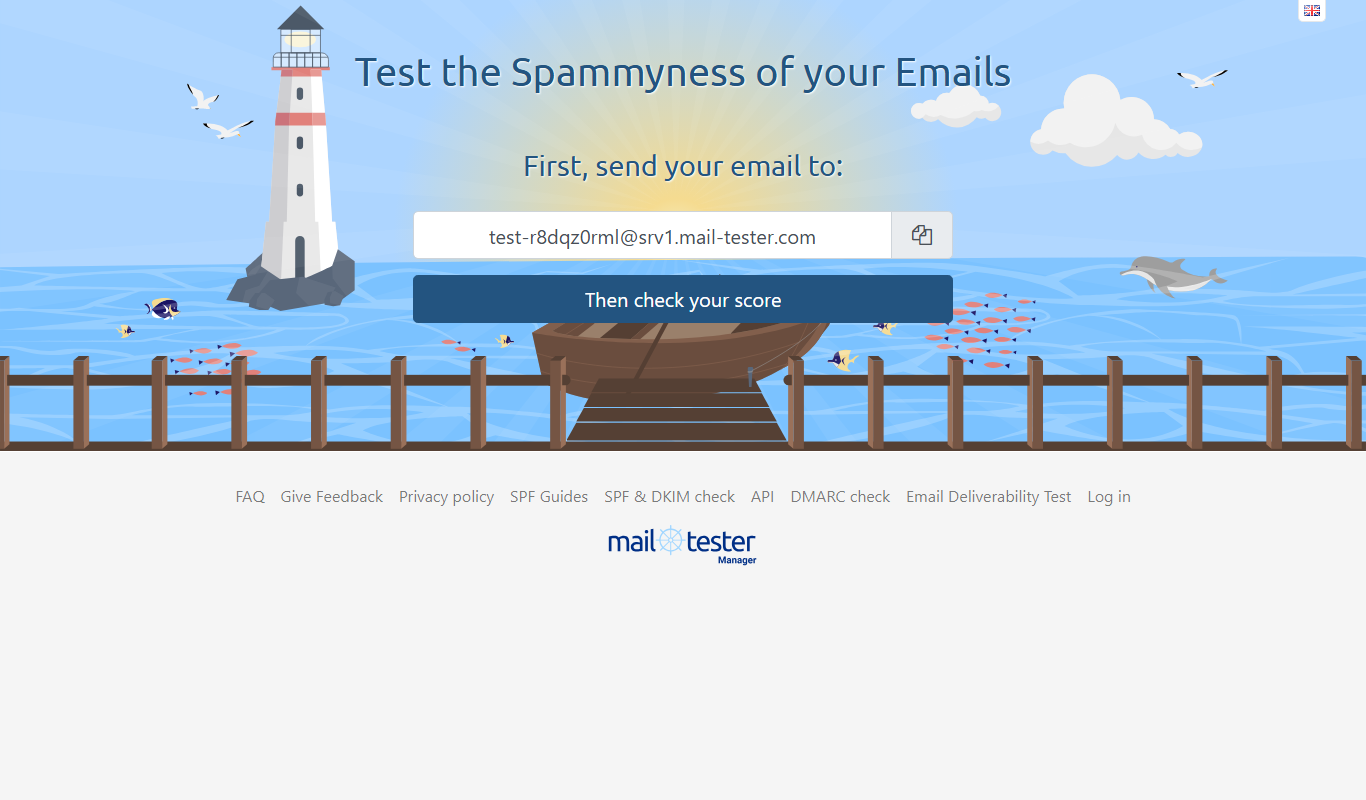
MailTester
MailTester is a free online tool that analyzes your email's spam score, authentication, and deliverability to help ensure your emails reach recipients' inboxes.