

Infogram Data Visualization Tool for Interactive Infographics and Reports
Infogram is a web-based platform that allows users to create interactive infographics, charts, and reports using customizable templates and live data integration without coding skills.
- Best for
- Marketing Campaigns
- Key capability
- Drag-and-Drop Editor
Save Infogram, follow its updates and vote on it — everything stays in your account.
Sign in or create a free account
What is Infogram?
Infogram is a web-based data visualization platform that enables users to create interactive infographics, charts, and reports without requiring advanced design or coding skills. It offers a drag-and-drop editor, a wide variety of customizable templates, and integration with live data sources to help users tell compelling stories with data.
Key features of Infogram
Infogram provides an intuitive interface for building interactive visuals, supports multiple chart types, allows embedding and sharing, and offers collaboration tools for teams. It also includes analytics to track viewer engagement with published content.
Drag-and-Drop Editor
Easily create and customize visuals without coding using a user-friendly interface.
Wide Range of Templates
Access professionally designed templates for infographics, reports, charts, and maps.
Interactive Charts and Maps
Create dynamic visuals that respond to user interaction for enhanced engagement.
Live Data Integration
Connect to live data sources such as Google Sheets to keep visuals automatically updated.
Collaboration Tools
Work with team members in real-time to create and edit projects together.
Analytics and Tracking
Monitor how viewers interact with your published content to measure impact.
Pros and cons of Infogram
Pros
- User-friendly drag-and-drop interface
- Wide variety of customizable templates
- Supports interactive and live data visuals
- Collaboration features for teams
- Good integration with social media and embedding
Cons
- Free plan includes Infogram branding on projects
- Limited offline capabilities as it is web-based
- Advanced features require higher-tier subscriptions
Key use cases for Infogram
Marketing Campaigns
Create engaging infographics and reports to visually communicate marketing data and campaign results.
Social Media Content
Design interactive charts and visuals optimized for sharing on social media platforms to boost engagement.
Business Reporting
Generate professional reports and dashboards that simplify complex data for stakeholders and decision-makers.
Educational Materials
Develop visually appealing educational content and presentations that help explain data-driven concepts.
Journalism and Media
Produce data-rich stories and visualizations that enhance news articles and media publications.
How Infogram works
- 1
Sign Up
Create a free account on Infogram’s website to access the editor and templates.
- 2
Choose a Template
Select from a variety of infographic, report, or chart templates suited to your project.
- 3
Add and Customize Data
Import data manually or connect live data sources, then customize charts and visuals using the drag-and-drop editor.
- 4
Publish and Share
Publish your interactive infographic online, embed it on websites, or share it directly on social media.
Who is using Infogram
Infogram pricing
Free
$0/month
Basic features with limited templates, Infogram branding, and public projects.
Pro
$19/month
Access to premium templates, removal of Infogram branding, and private projects.
Business
$67/month
Advanced features including team collaboration, analytics, and priority support.
Plans and prices are as published by the vendor and can change. Check the official site before you buy. Open the pricing page (opens in a new tab)
Frequently asked questions about Infogram
Yes, Infogram offers a free plan with basic features and public projects.
Yes, you can connect live data sources like Google Sheets to keep your visuals updated automatically.
Yes, paid plans include collaboration features for teams to work together in real-time.
Absolutely, its drag-and-drop editor and templates make it easy for users without design experience.
This tool is designed to help users accomplish its core tasks more efficiently. It is typically used by individuals or teams looking to improve productivity and workflow.
Some tools offer a free plan or trial with limited features. Availability can vary, so confirm on the official website.
Data handling and security practices vary by provider. Review the official privacy policy to understand how your data is stored and used.
Yes, it can help with that use case depending on how you configure it and what features are available. You’ll get the best results with clear inputs and a defined goal.
Conclusion
Projects in Infogram start from templates for infographics, reports, charts and maps, which are then customized in a drag-and-drop editor without coding. Data can be imported manually or connected from live sources such as Google Sheets, so visuals stay updated automatically. Visuals can be dynamic, responding to user interaction for enhanced engagement. The drag-and-drop editor and templates are aimed at users without design experience. Published infographics can be embedded on websites or shared on social media, and analytics show how viewers interact with the published content.
The free plan comes with Infogram branding, limited templates and public projects only. The Pro plan at $19/month removes the branding and adds premium templates and private projects, while the Business plan at $67/month adds team collaboration, analytics and priority support. On paid plans, team members can work together in real-time to create and edit projects.
It may suit journalists and media professionals, educators and trainers, and marketing agencies. Use cases range from campaign results and stakeholder dashboards to educational content and data-rich stories for news articles. Interactive charts can also be optimized for sharing on social media platforms to boost engagement. As a web-based tool, it has limited offline capabilities.
Sources
Sign in to review this tool.
Sign In to ReviewNo reviews yet
Be the first to share how this tool worked for you.
Ask about pricing, limits, or how it compares — or answer someone else.
Sign In to AskNo questions yet
Have a question about using or paying for this tool? Be the first to ask.
Featured on TiorAI



Alternative Tools
Explore similar AI tools that might fit your needs
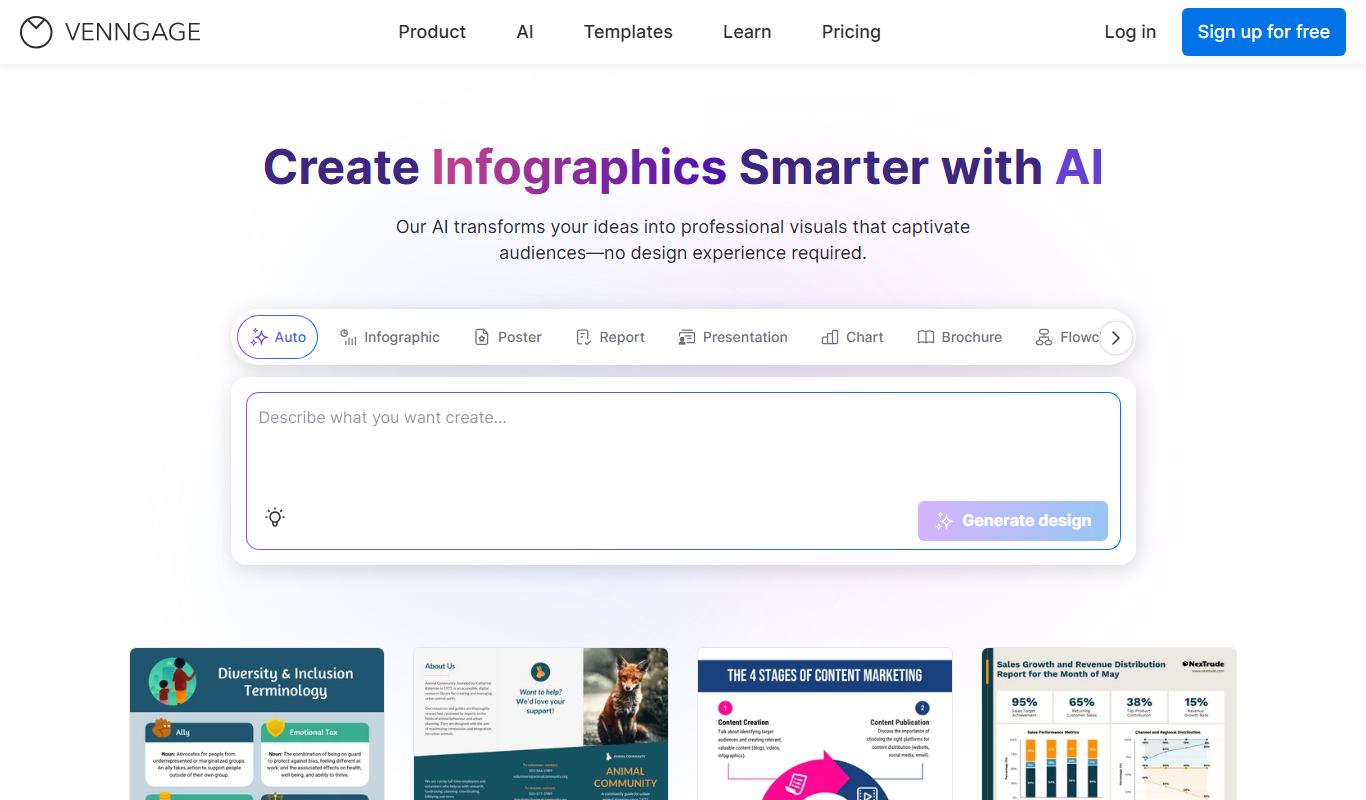
Venngage
Venngage is a web-based infographic and design tool that allows users to create professional visual content such as infographics, presentations, and marketing materials using customizable templates and an easy drag-and-drop editor.
More AI Content Generator tools
Other tools in the same category, for when this one is not quite the fit.
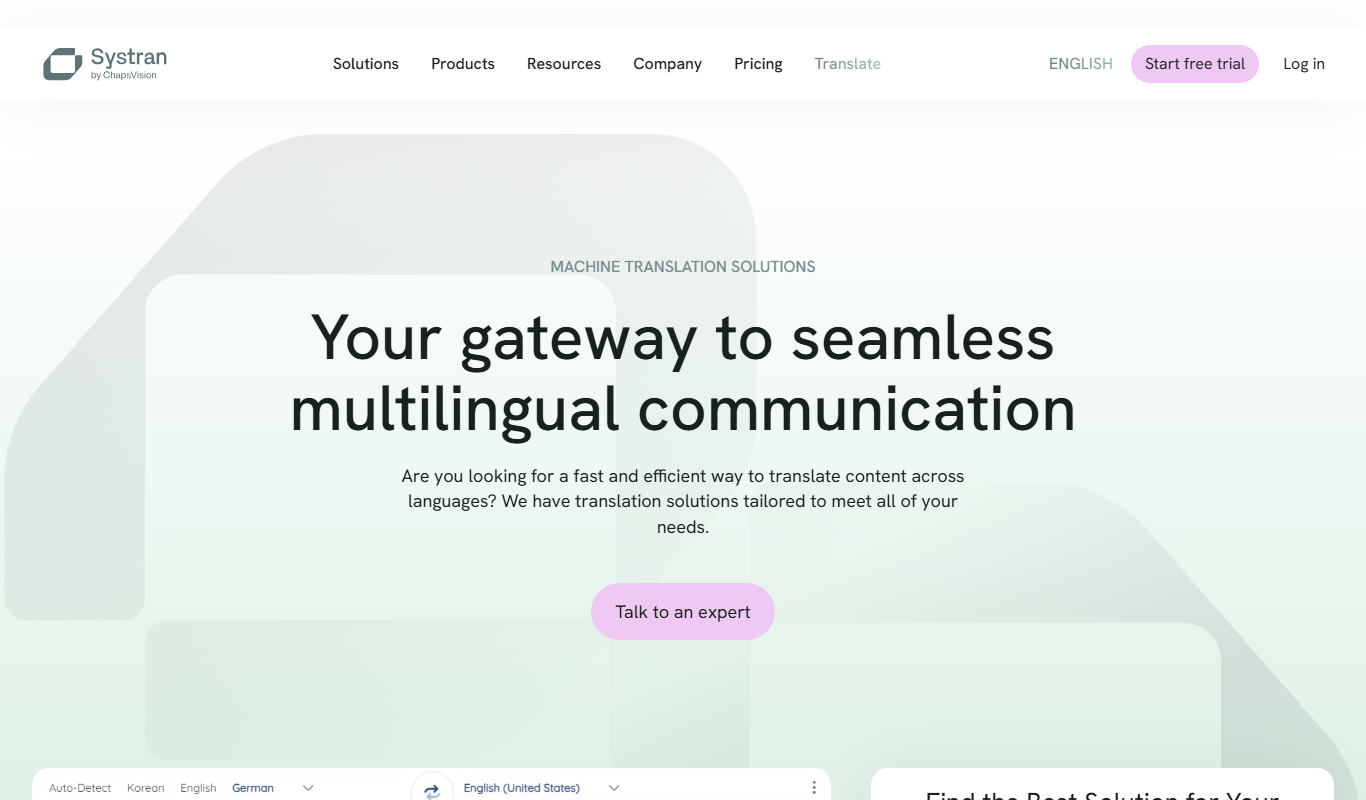
SYSTRAN
SYSTRAN is an AI-driven machine translation platform providing neural machine translation, customizable language models, and secure multilingual communication solutions for enterprises.
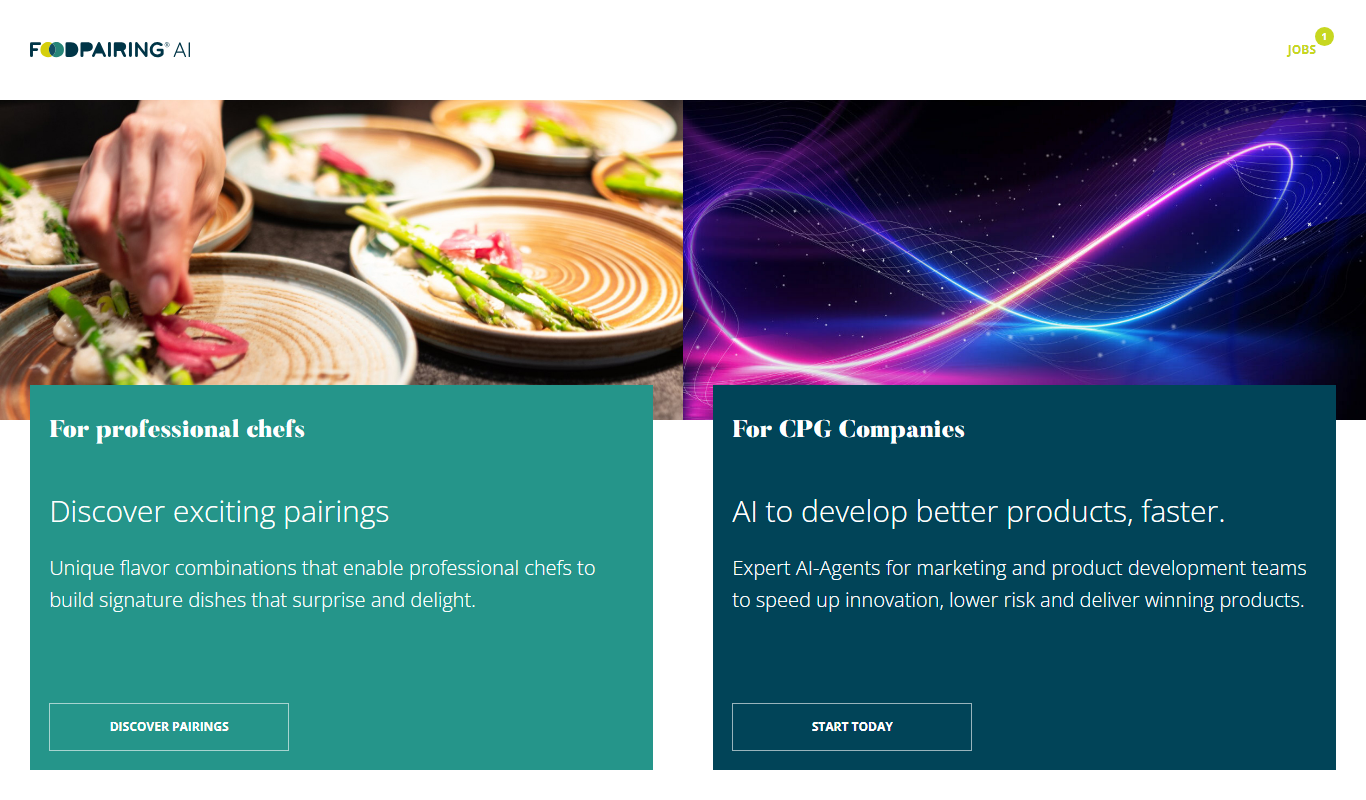
Foodpairing
Foodpairing is a platform that uses chemical analysis to suggest compatible ingredient combinations for recipe development and food innovation.

Findmine
Findmine is an AI-driven platform that automates the creation of complete product assortments and styling content for ecommerce retailers, enhancing merchandising and shopper experience across channels.

Shorthand
Shorthand is a web-based platform that enables users to create interactive, multimedia digital stories without coding, ideal for journalism, marketing, and education.

Vocabulary.com
Vocabulary.com is an online platform that helps users improve their English vocabulary through adaptive quizzes, personalized word lists, and educator tools, suitable for learners and teachers.

Rewordify
Rewordify is an online tool that simplifies difficult English text by replacing complex words with easier alternatives, helping users improve reading comprehension and vocabulary.
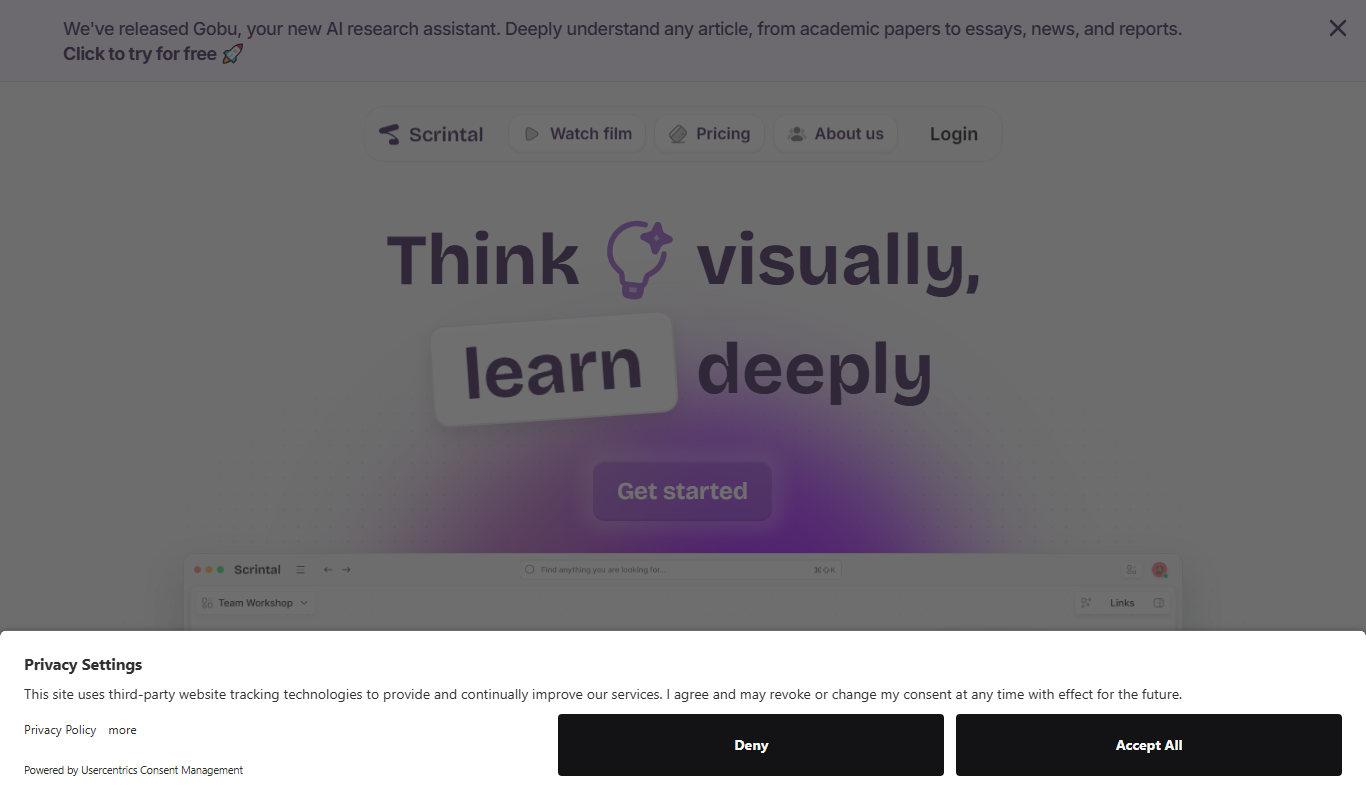
Scrintal
Scrintal is a web-based visual note-taking and mind mapping tool that helps users organize ideas, research, and projects by connecting notes visually and collaborating in real time.

Sermonary
Sermonary is an AI-based sermon writing software that helps pastors and church leaders create, organize, and collaborate on sermons with integrated Bible references and templates.