

Softr No-Code Platform for Building Web Apps and Client Portals Easily
Softr is a no-code platform that allows users to build web applications, client portals, and membership sites easily by connecting to Airtable and using a drag-and-drop interface without coding.
- Best for
- Build Web Applications
- Key capability
- No-Code Drag-and-Drop Builder
Save Softr, follow its updates and vote on it — everything stays in your account.
Sign in or create a free account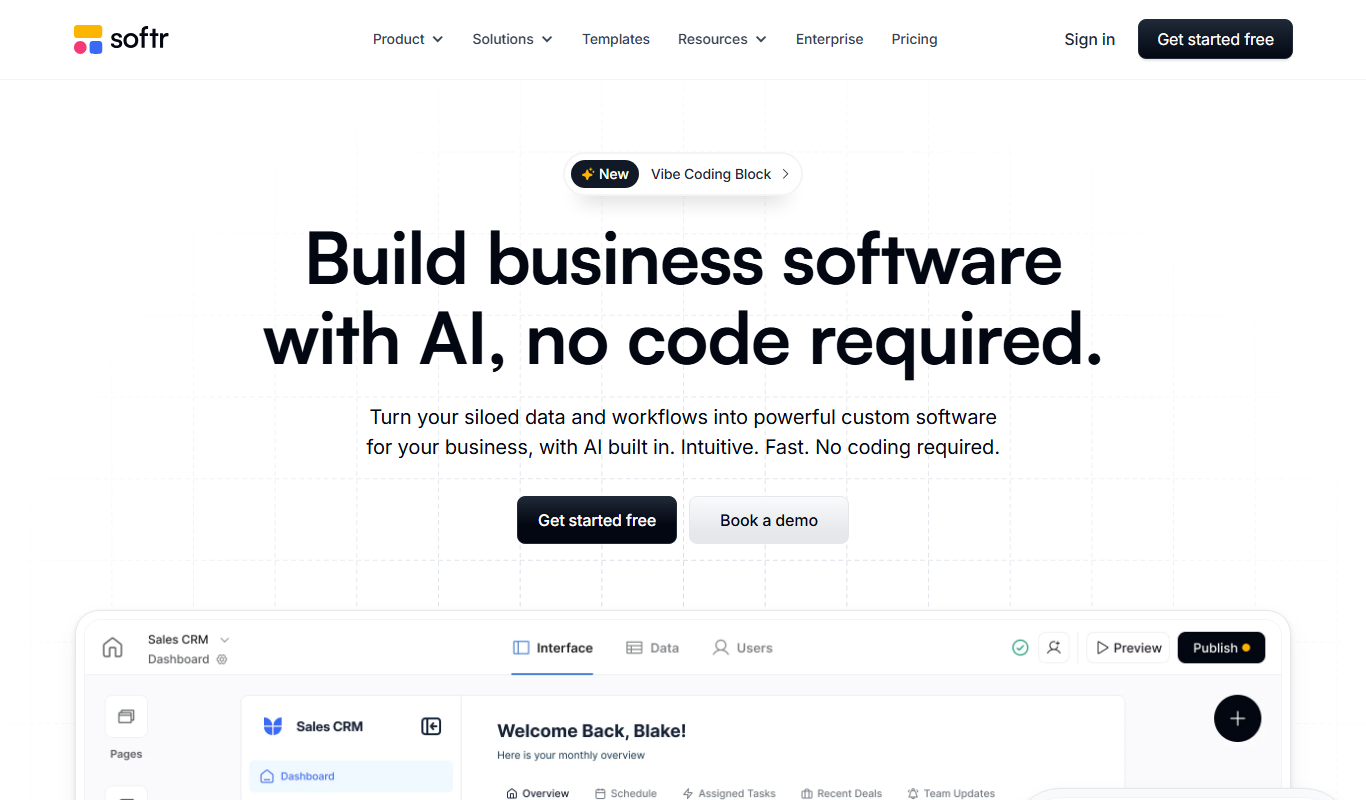
What is Softr?
Softr is a no-code platform that enables users to build web applications, client portals, membership sites, and internal tools without writing code. It leverages a block-based interface and integrates seamlessly with Airtable and other data sources, allowing non-technical users to create functional and customizable web apps quickly.
Key features of Softr
Softr offers drag-and-drop building blocks, user authentication, payment integrations, dynamic content management, and extensive third-party integrations to empower users to launch web apps and portals efficiently.
No-Code Drag-and-Drop Builder
Build web apps visually without any programming knowledge.
Airtable Integration
Use Airtable as a backend database to manage app data dynamically.
User Authentication and Roles
Add login/signup functionality and control user access with roles and permissions.
Payment and Membership Management
Integrate payment gateways to monetize your apps and manage memberships.
Custom Domain Support
Publish your apps on your own domain for professional branding.
Mobile Apps
Softr apps can be turned into mobile apps.
Pros and cons of Softr
Pros
- Easy to use drag-and-drop interface
- Strong Airtable integration for dynamic data
- Supports user authentication and payments
- Good selection of templates
- No coding required
Cons
- Limited customization compared to full-code development
- Pricing can increase with scale
Key use cases for Softr
Build Web Applications
Create fully functional web applications without coding using pre-built blocks and templates.
Create Client Portals
Develop secure client portals to manage users, content, and workflows efficiently.
Internal Tools Development
Build internal business tools to automate processes and improve team collaboration.
Membership Sites
Set up membership-based websites with gated content and subscription management.
Integrate with Airtable and Other Services
Connect your apps to Airtable, Google Sheets, and other services for dynamic data management.
How Softr works
- 1
Sign Up
Create a free account on Softr’s website to start building.
- 2
Choose a Template or Start from Scratch
Select from a variety of pre-designed templates or build your app layout using blocks.
- 3
Connect Your Data Source
Link your Airtable base or other supported data sources to power your app’s content.
- 4
Customize and Configure
Use the drag-and-drop editor to add features, set user roles, and configure workflows.
- 5
Publish Your Web App
Launch your app on a custom domain or Softr subdomain with one click.
Who is using Softr
Softr pricing
Free
$0/month
Basic features with Softr branding and limited records.
Basic
$24/month
Remove Softr branding, increase records, and add custom domain.
Pro
$99/month, billed annually
Advanced features including user roles, payments, and priority support.
Plans and prices are as published by the vendor and can change. Check the official site before you buy. Open the pricing page (opens in a new tab)
Frequently asked questions about Softr
No, Softr is designed for users without coding experience using a visual drag-and-drop interface.
Yes, Airtable is the primary data source integration supported by Softr.
Yes, paid plans allow you to publish your app on a custom domain.
Yes, you can add login/signup and manage user roles and permissions.
This tool is designed to help users accomplish its core tasks more efficiently. It is typically used by individuals or teams looking to improve productivity and workflow.
It depends on your specific needs and how you plan to use the tool. The official website and documentation are the best sources for the latest details.
Integration support depends on the tool and its available connectors or API. Check the official documentation or integrations page to confirm what is supported.
Pricing depends on the plan and included features. For the most accurate and up-to-date details, check the official pricing page.
Conclusion
Apps in Softr are assembled from pre-designed templates or from blocks, with an Airtable base or another supported data source powering the content. A drag-and-drop editor then handles features, user roles and workflows, and the finished app is launched on a custom domain or a Softr subdomain. Login and signup functionality with access controlled by roles and permissions is built in. Apps made this way can also be turned into mobile apps.
Typical projects include secure client portals, internal business tools and membership sites with gated content. It is designed for users without coding experience, from non-technical founders and product managers to freelancers building client portals. The page notes that customization is more limited than in full-code development.
Sources
Sign in to review this tool.
Sign In to ReviewNo reviews yet
Be the first to share how this tool worked for you.
Ask about pricing, limits, or how it compares — or answer someone else.
Sign In to AskNo questions yet
Have a question about using or paying for this tool? Be the first to ask.
Featured on TiorAI



Alternative Tools
Explore similar AI tools that might fit your needs

Bubble
Bubble is a no-code AI app builder for creating web and mobile apps visually, switching between AI prompting and visual editing for design, database, logic and privacy rules.

Adalo
Adalo is a no-code platform that lets you create mobile and web applications visually without programming, supporting native app publishing and database integration.
More AI App Builder tools
Other tools in the same category, for when this one is not quite the fit.

Gradio
Gradio is an open-source tool that lets you quickly create interactive web interfaces for machine learning models using Python, enabling easy sharing and testing without front-end development.
Buildbox
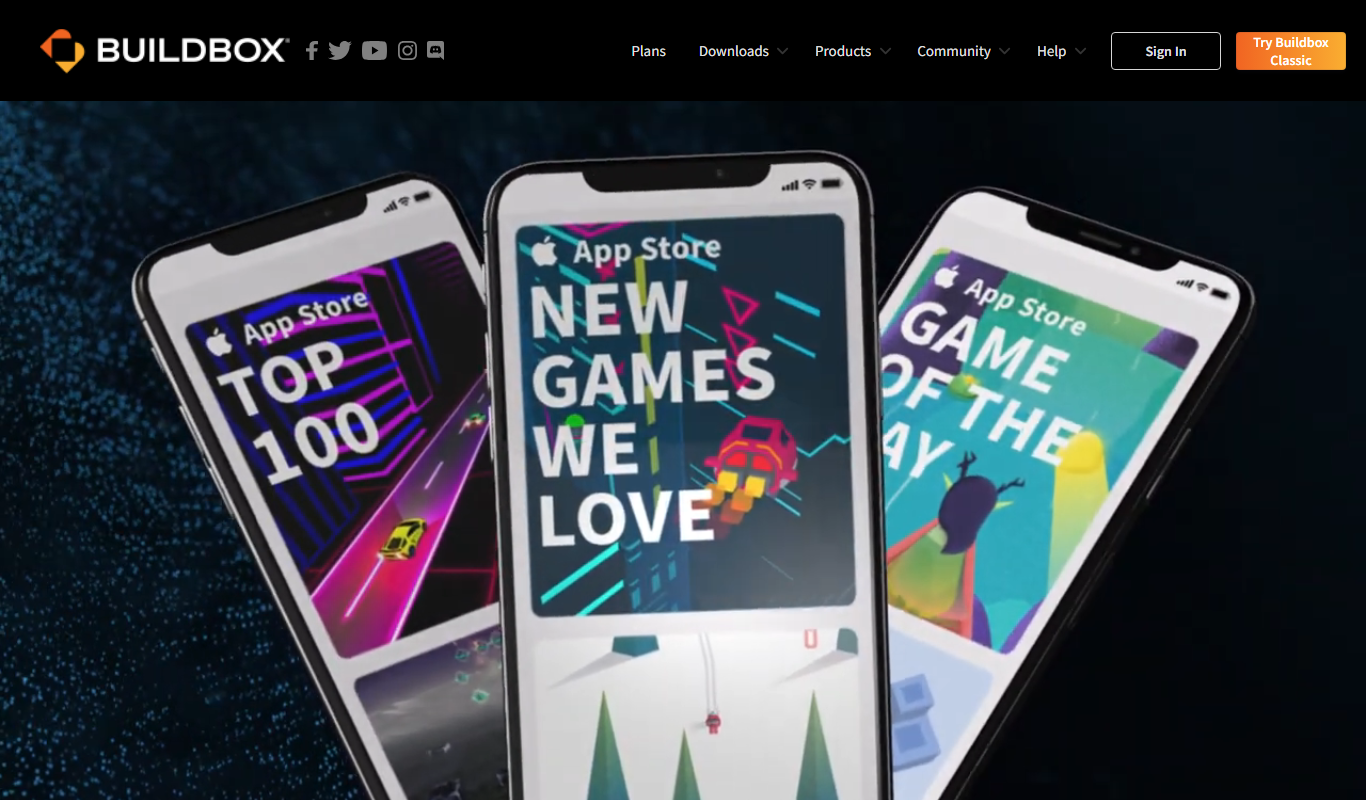
Buildbox is a game development platform whose current version, Buildbox 4, builds games with AI prompts and agentic AI.

AppSheet
AppSheet is a Google-owned no-code platform that enables users to build custom mobile and web apps with AI-powered automation, connecting to various data sources without programming skills.

Next.js
Next.js is an open-source React framework by Vercel that enables server-side rendering, static site generation, and API routes to build fast, SEO-friendly web applications.

Avalonia
Avalonia is an open source, cross-platform UI framework for .NET that enables developers to build desktop and mobile apps with a single codebase using C# and XAML.

BuildFire
BuildFire is a no-code mobile app development platform that enables users to build custom iOS and Android apps using an easy drag-and-drop interface without coding skills.

NoCode.tech
NoCode.tech is a platform offering a curated directory of no-code tools and educational resources to help users build applications and automate workflows without programming skills.

Flutter
Flutter is an open-source UI toolkit by Google that allows developers to build native mobile, web, and desktop applications from a single Dart codebase with high performance and expressive UIs.