

From my experience with StackRef, I found it excels at simplifying the process of finding relevant code snippets through natural language queries. The AI-driven search delivers context-aware results that save time compared to traditional keyword searches. It’s particularly well-suited for developers and students who want quick access to practical code examples without sifting through forums or documentation. However, the lack of direct IDE integration means some workflow interruptions, and the free plan limits advanced features. Overall, if you need a fast, intelligent code search tool to boost productivity, StackRef is a solid choice.
StackRef AI Code Search Tool for Developers and Programmers
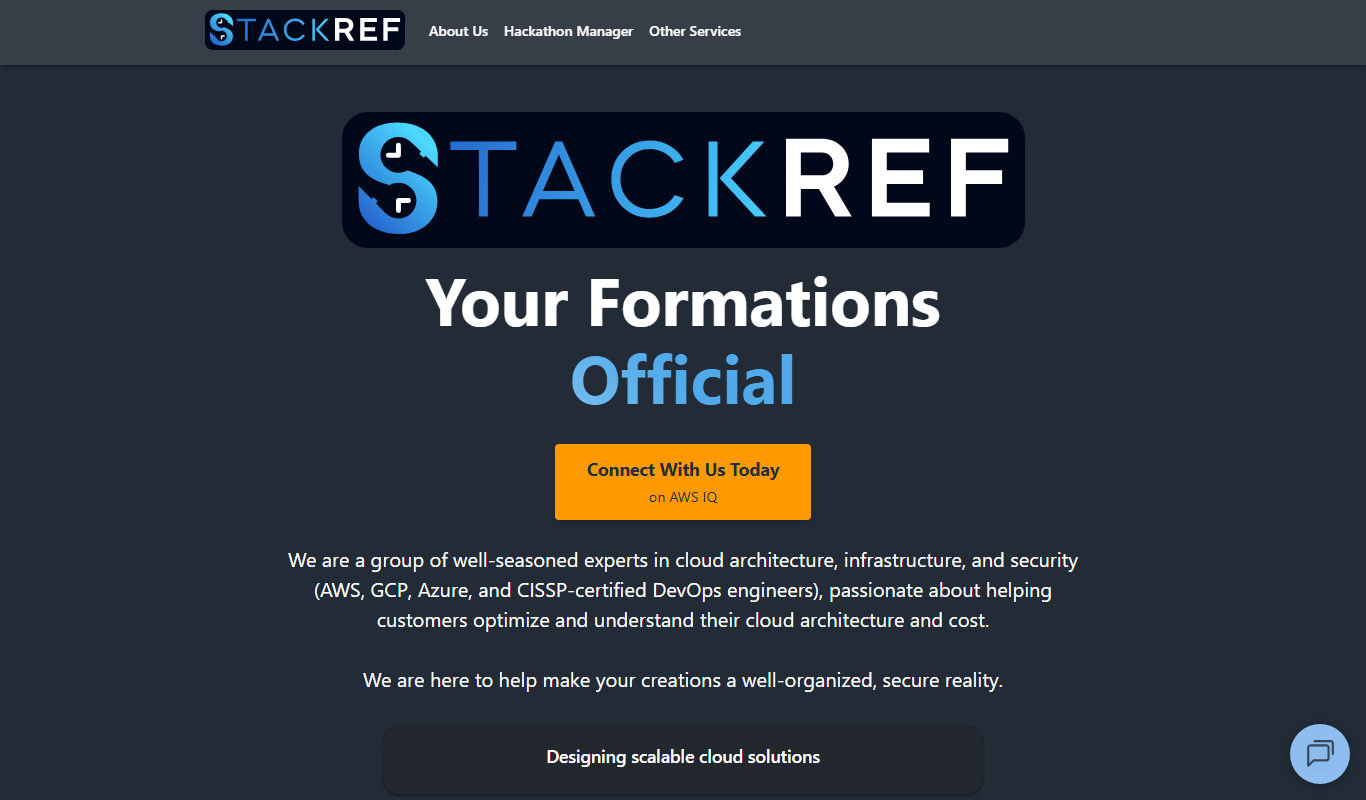
StackRef is an AI-driven code search engine that enables developers to find relevant programming code snippets quickly by using natural language queries, supporting multiple languages and improving coding efficiency.
- Best for
- Code Search and Discovery
- Key capability
- Natural Language Queries
Do you recommend this tool?
What is StackRef?
StackRef is an AI-powered code search engine designed to help developers find relevant code snippets and examples from a large repository. It streamlines the process of searching for programming solutions by using natural language queries and AI to deliver precise, context-aware results.
Key features of StackRef
StackRef offers intelligent code search capabilities, natural language query support, and access to a broad range of programming languages and frameworks. It enhances developer productivity by reducing the time spent searching for code examples and improving code understanding.
Natural Language Queries
Allows developers to search using everyday language instead of complex keywords.
Context-Aware Results
Delivers code snippets that closely match the intent behind the query.
Multi-Language Support
Supports searching across various programming languages and frameworks.
Clean and Readable Snippets
Presents code examples that are easy to understand and integrate.
Pros and cons of StackRef
Pros
- Simplifies code search with natural language queries
- Provides contextually relevant code snippets
- Supports multiple programming languages
- Free tier available for casual users
Cons
- No direct IDE integration yet
- Limited advanced features on free plan
Key use cases for StackRef
Code Search and Discovery
Find relevant code snippets and examples quickly from a vast database to accelerate development.
Learning and Reference
Use StackRef to understand how to implement specific programming tasks by exploring curated code examples.
Debugging Assistance
Search for code patterns and solutions to common bugs or errors to troubleshoot issues efficiently.
Code Review Preparation
Prepare for code reviews by referencing best practices and sample implementations.
Rapid Prototyping
Leverage existing code snippets to quickly prototype features or functions.
How StackRef works
- 1
Enter Query
Type your programming question or code-related query in natural language.
- 2
AI-Powered Search
StackRef processes the query using AI to understand intent and context.
- 3
Review Results
Browse through relevant code snippets and examples returned by the search.
- 4
Use Snippets
Copy or adapt the code snippets directly into your project.
Who is using StackRef
Software developers
Programming students
Technical educators
Development teams
Freelance programmers
StackRef pricing
Free
$0/month
Basic access with limited daily searches and standard features.
Pro
$15/month
Unlimited searches, priority support, and advanced filtering options.
Plans and prices are as published by the vendor and can change. Check the official site before you buy. Open the pricing page (opens in a new tab)
Frequently asked questions about StackRef
StackRef supports a wide range of popular programming languages including Python, JavaScript, Java, C#, and more.
Yes, StackRef offers a free plan with limited daily searches and basic features.
Yes, the code snippets found on StackRef can be used in commercial projects, but users should verify licensing for specific code sources.
Currently, StackRef is a web-based tool and does not offer direct IDE integrations.
It depends on your specific needs and how you plan to use the tool. The official website and documentation are the best sources for the latest details.
Yes, it can help with that use case depending on how you configure it and what features are available. You’ll get the best results with clear inputs and a defined goal.
Some tools offer a free plan or trial with limited features. Availability can vary, so confirm on the official website.
Integration support depends on the tool and its available connectors or API. Check the official documentation or integrations page to confirm what is supported.
Sign in to review this tool.
Sign In to ReviewNo reviews yet
Be the first to share how this tool worked for you.
Ask about pricing, limits, or how it compares — or answer someone else.
Sign In to AskNo questions yet
Have a question about using or paying for this tool? Be the first to ask.
Featured on TiorAI



Alternative Tools
Explore similar AI tools that might fit your needs

Enterprise
Sourcegraph
Sourcegraph is a universal code search and intelligence platform that enables developers to search, navigate, and understand code across multiple repositories and languages, improving productivity and collaboration.
More AI Ai Tools tools
Other tools in the same category, for when this one is not quite the fit.

Free
Pogo Travel
Pogo Travel is an AI-driven platform that generates personalized travel itineraries based on your preferences, travel dates, and interests, offering collaborative planning and offline access.

Freemium
PlaninGo
PlaninGo is an AI travel planning tool that generates personalized trip itineraries and guides based on your preferences, helping you plan efficient and enjoyable trips.

Free
Travelwiz
Travelwiz is an AI-powered travel planning tool that creates personalized trip itineraries and offers tailored travel recommendations based on user preferences.

Free
Momo
Momo is an AI-powered assistant that automates workflows, manages tasks, and enhances team collaboration by integrating with popular productivity tools.

Free
Nextrip
Nextrip AI is an online travel planning tool that uses artificial intelligence to generate personalized trip itineraries based on your preferences, travel dates, and destinations.

Freemium
TravelBot AI Travel Assistant
TravelBot AI Travel Assistant is a web-based platform that uses artificial intelligence to help users create personalized travel itineraries, book flights and hotels, and receive tailored travel recommendations based on preferences and budget.

Freemium
AIreelity
AIreelity is an AI-driven video creation platform that transforms text scripts into engaging marketing videos with customizable templates and AI voiceovers.

Free
AIJOURNEY
AIJOURNEY is an AI-driven career development tool that provides personalized career path recommendations, identifies skill gaps, and offers curated learning resources to help users advance professionally.