
From my experience with ChatBuild AI, I found it excels at enabling non-technical users to build functional AI chatbots quickly through its intuitive no-code interface. The platform is particularly well-suited for small to medium businesses looking to automate customer support and lead generation without investing in development resources. However, the limitation to English language support and lack of mobile apps may restrict some use cases. Overall, if you want a straightforward, web-based chatbot builder with AI capabilities and multi-channel deployment, ChatBuild AI delivers solid value.

ChatBuild AI Review: No-Code AI Chatbot Builder for Business Automation
ChatBuild AI is a no-code platform that enables businesses to create AI-powered chatbots for automating customer support, lead generation, and other interactions without programming skills.
What is ChatBuild AI?
ChatBuild AI is a no-code platform that enables businesses to create AI-powered chatbots quickly and easily. Designed for users without programming skills, it offers an intuitive drag-and-drop interface to build conversational flows that automate customer interactions, lead capture, and support tasks. The platform leverages natural language processing to understand user inputs and deliver relevant responses, helping companies improve engagement and operational efficiency.

Key Features of ChatBuild AI
No-Code Visual Builder
Create chatbot conversations using an intuitive drag-and-drop interface without programming.
AI Natural Language Processing
Understand user intents and provide relevant, context-aware responses.
Multi-Channel Deployment
Deploy chatbots across websites, social media, and messaging platforms.
Analytics and Reporting
Track chatbot interactions, user engagement, and performance metrics.
Third-Party Integrations
Connect with CRM, email marketing, and other business tools to automate workflows.
Pros and Cons of ChatBuild AI
Pros
- User-friendly no-code chatbot builder
- Supports multi-channel deployment
- AI-powered natural language understanding
- Comprehensive analytics dashboard
- Flexible pricing plans including free trial
Cons
- Limited language support (English only)
- No mobile app available, web platform only
- Advanced AI customization may require learning curve
Key Use Cases for ChatBuild AI
Customer Support Automation
Automate responses to common customer inquiries to reduce support workload and improve response times.
Lead Generation
Engage website visitors with interactive chatbots to capture leads and qualify prospects automatically.
E-commerce Assistance
Provide product recommendations, order tracking, and FAQs through AI-powered chatbots to enhance shopping experiences.
Appointment Scheduling
Enable users to book appointments or meetings directly through chatbot interactions without human intervention.
Internal Team Support
Deploy chatbots internally to assist employees with HR queries, IT support, or knowledge base access.
How ChatBuild AI Works
-
1
Sign Up
Create an account on ChatBuild AI’s website to access the chatbot builder.
-
2
Design Chatbot
Use the drag-and-drop interface to build conversational flows and define chatbot responses.
-
3
Train AI
Add intents and sample phrases to train the chatbot’s natural language understanding.
-
4
Integrate Channels
Connect the chatbot to your website, Facebook Messenger, or other supported platforms.
-
5
Launch and Monitor
Deploy the chatbot live and monitor its performance through analytics dashboards.
Who's Using ChatBuild AI
Small and medium businesses
E-commerce stores
Customer support teams
Marketing agencies
HR and internal support departments
ChatBuild AI Pricing
Free Trial
$0 for 14 days
Access to core features with limited usage to test the platform.
Starter
$29/month
Basic chatbot features suitable for small businesses with limited interactions.
Professional
$79/month
Advanced features including multi-channel support and integrations for growing businesses.
Enterprise
Custom pricing
Tailored solutions with dedicated support and custom integrations for large organizations.
Frequently Asked Questions About ChatBuild AI
No, ChatBuild AI is designed as a no-code platform with a visual builder, so no programming knowledge is required.
You can deploy chatbots on websites, Facebook Messenger, and other supported messaging channels.
Yes, ChatBuild AI offers a 14-day free trial to explore the platform’s features.
Yes, the platform supports integrations with popular CRM and marketing tools to automate workflows.
It depends on your specific needs and how you plan to use the tool. The official website and documentation are the best sources for the latest details.
It depends on your specific needs and how you plan to use the tool. The official website and documentation are the best sources for the latest details.
Yes, it can help with that use case depending on how you configure it and what features are available. You’ll get the best results with clear inputs and a defined goal.
Some tools offer a free plan or trial with limited features. Availability can vary, so confirm on the official website.
Share your review
Reviews are limited to one per logged-in user and are published after moderation.
You need an account to review this tool.
0.0
★
★
★
★
★
0 reviews
5 star
0
4 star
0
3 star
0
2 star
0
1 star
0
No reviews yet
Be the first to share how this tool worked for you.
Questions from the community
Read questions and answers about this tool, or ask your own.
No questions yet
Start the conversation by asking the first question about this tool.
Is this tool helpful?
Alternative Tools
Explore similar AI tools that might fit your needs

Free
Landbot
Landbot is a no-code chatbot builder platform that enables businesses to create AI-powered conversational bots for websites and messaging channels without coding.

Free Trial
zoki.ai
Zoki AI is an AI chatbot platform that automates customer support and lead qualification through conversational AI deployed on websites and integrated systems.
Freemium
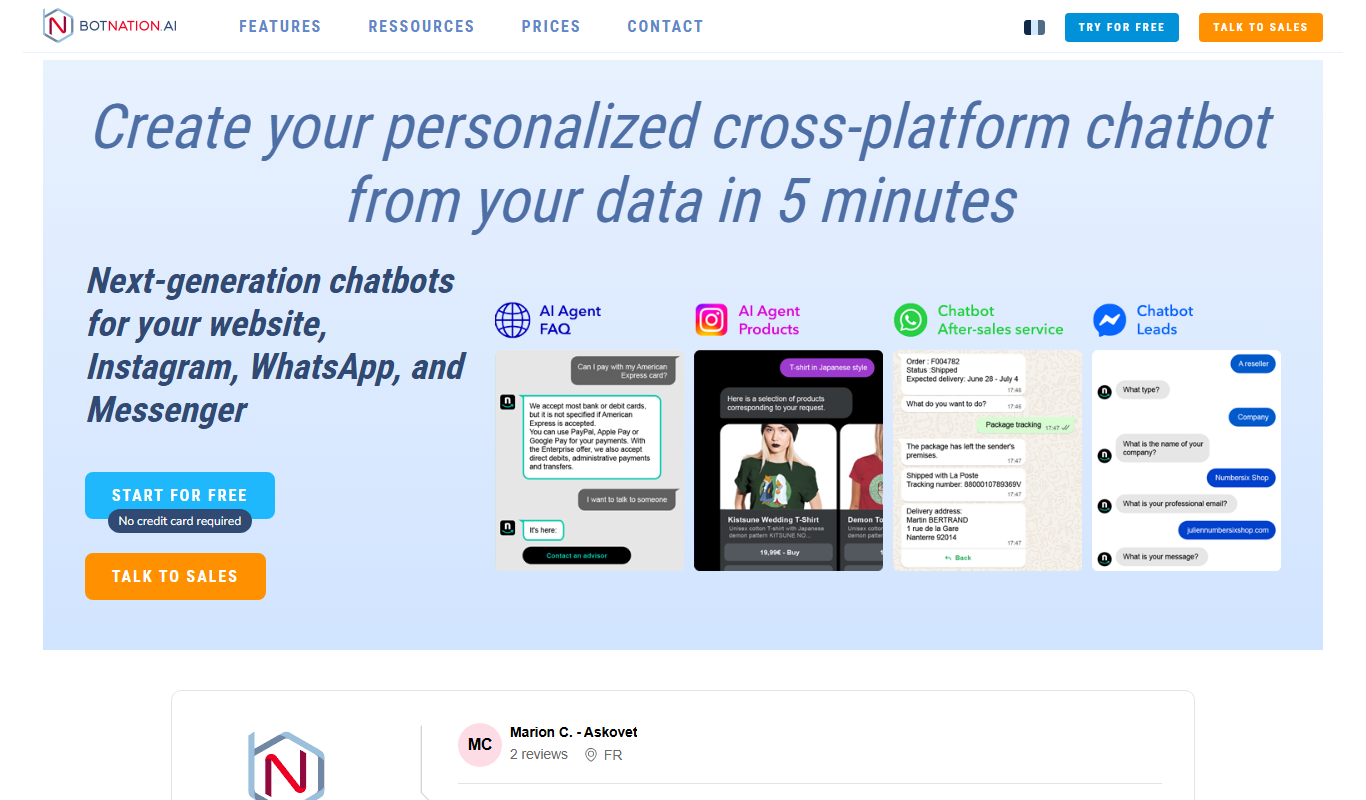
Botnation | No. 1 Agency for chatbot creation and development
Botnation is a no-code chatbot creation platform that enables agencies and businesses to build AI-powered chatbots for multiple messaging channels, automating customer support, marketing, and sales processes.
Free
Clack
Clack is an AI chatbot platform that helps businesses automate customer support and engage visitors in real time through customizable chatbots and API integration.

Free
Quickbotai
Quickbotai is a no-code AI chatbot platform that enables businesses to build and deploy intelligent chatbots for customer support, lead generation, and automation without programming skills.

Free Trial
Netus AI
Netus AI is an AI-driven platform that automates customer support through conversational chatbots, ticket management, and lead qualification to improve service efficiency.

Freemium
Wemate
Wemate is an AI chatbot platform that enables businesses to automate customer support and engagement through no-code chatbot creation, natural language processing, and multi-channel deployment.

Freemium
macky
Macky is an AI chatbot platform that helps businesses automate customer support and engagement through customizable conversational AI deployed on websites and via API.
Free
Accesssgpts
Accesssgpts is a no-code AI platform that enables users to create, customize, and deploy their own GPT-powered chatbots for various applications such as customer support and content generation.