

Landbot AI Chatbot Builder for No-Code Conversational Marketing
Landbot is a no-code chatbot builder platform that enables businesses to create AI-powered conversational bots for websites and messaging channels without coding.
- Best for
- Lead Generation
- Key capability
- Visual Drag-and-Drop Builder
Save Landbot, follow its updates and vote on it — everything stays in your account.
Sign in or create a free account
What is Landbot?
Landbot is a no-code chatbot builder platform that enables businesses to create conversational experiences for websites, WhatsApp, and other messaging channels. It allows users to design interactive chatbots using a visual drag-and-drop interface without requiring programming skills. Landbot helps automate customer interactions, generate leads, and improve engagement through personalized conversations.
Key features of Landbot
Landbot offers a visual chatbot builder, multi-channel deployment (web, WhatsApp, Messenger), integration with popular tools (CRM, email marketing, payment gateways), AI-powered natural language processing, and analytics to optimize chatbot performance.
Visual Drag-and-Drop Builder
Create complex chatbot conversations easily without coding.
Multi-Channel Support
Deploy chatbots on websites, WhatsApp, Messenger, and more.
Integrations
Connect with CRM, email marketing, payment gateways, and other tools.
AI Natural Language Processing
Understand user inputs better with AI-powered language understanding.
Analytics Dashboard
Track chatbot performance and user engagement metrics.
Pros and cons of Landbot
Pros
- Intuitive no-code chatbot builder
- Supports multiple messaging channels
- Strong integration ecosystem
- AI-powered natural language understanding
- Detailed analytics and reporting
Cons
- Pricing can be high for small businesses at advanced tiers
- Limited offline or desktop app options
Key use cases for Landbot
Lead Generation
Create interactive chatbots that engage visitors and capture leads automatically.
Customer Support Automation
Automate common customer service queries to reduce response time and workload.
Conversational Marketing
Design personalized conversational flows to guide users through marketing funnels.
Appointment Scheduling
Use chatbots to schedule meetings or appointments without manual intervention.
Feedback Collection
Gather customer feedback and insights through conversational surveys.
How Landbot works
- 1
Sign Up
Create an account on Landbot’s platform to access the chatbot builder.
- 2
Design Chatbot Flow
Use the drag-and-drop interface to build conversational flows tailored to your needs.
- 3
Integrate Tools
Connect your chatbot with CRM, email, payment, or other third-party services.
- 4
Deploy Chatbot
Publish your chatbot on your website, WhatsApp, or other supported channels.
- 5
Analyze & Optimize
Monitor chatbot interactions and improve performance using analytics.
Who is using Landbot
Landbot pricing
Free
$0/month
Basic chatbot features with limited interactions and branding.
Starter
EUR 40 per month, or EUR 32 per month billed annually
For small teams launching their first agent: 500 chats/mo included, 100 AI chats included, 2 seats, basic integrations such as Mailchimp and Segment, and basic power-ups such as file uploads.
Professional
EUR 100 per month, or EUR 80 per month billed annually
For growing teams scaling chats: 2,500 chats/mo included, 300 AI chats included, 3 seats, no Landbot branding, essential integrations such as HubSpot, Airtable and Webhooks, and live chat support; WhatsApp can be added.
Business
Custom pricing
Enterprise-grade features, dedicated support, and custom integrations.
Plans and prices are as published by the vendor and can change. Check the official site before you buy. Open the pricing page (opens in a new tab)
Frequently asked questions about Landbot
No, Landbot is designed as a no-code platform with a visual drag-and-drop builder.
Yes, Landbot supports WhatsApp chatbot deployment with official API integration.
Yes, it offers integrations with popular CRM and marketing tools.
Yes, Landbot provides a free plan with basic features and usage limits.
This tool is designed to help users accomplish its core tasks more efficiently. It is typically used by individuals or teams looking to improve productivity and workflow.
Pricing depends on the plan and included features. For the most accurate and up-to-date details, check the official pricing page.
Integration support depends on the tool and its available connectors or API. Check the official documentation or integrations page to confirm what is supported.
It depends on your specific needs and how you plan to use the tool. The official website and documentation are the best sources for the latest details.
Conclusion
Bots are designed in a no-code visual builder that combines structured flows with AI flexibility, then deployed on a website, in WhatsApp, or on Messenger and the API. The resulting agents qualify leads and book meetings 24/7, and a shared inbox allows human takeover of a conversation. Flows can connect your chatbot with CRM, email, payment or other third-party services, and premium integrations such as HubSpot and Salesforce start on the Professional plan.
Marketing and sales teams are the primary audience, with dedicated solutions for lead generation, customer engagement and customer support. The free plan includes 100 chats/mo, and if you go past your included chats, each extra one costs a known, published price. Removing Landbot branding and running WhatsApp with your own number both start from Professional. Its pricing page also states that chats are not used to train models on this GDPR, EU-based platform.
Sources
Sign in to review this tool.
Sign In to ReviewNo reviews yet
Be the first to share how this tool worked for you.
Ask about pricing, limits, or how it compares — or answer someone else.
Sign In to AskNo questions yet
Have a question about using or paying for this tool? Be the first to ask.
Featured on TiorAI



More AI Chat Generator tools
Other tools in the same category, for when this one is not quite the fit.

LivePerson
LivePerson is an AI-powered conversational platform that enables businesses to automate customer interactions across multiple channels using chatbots and live agents, improving engagement and operational efficiency.

Reflectly
Reflectly is an AI-driven journaling app designed to help users improve mental health by tracking moods and providing personalized reflective prompts.

Botanalytics
Botanalytics is a conversational analytics platform that helps businesses monitor and optimize chatbot and voice assistant interactions through detailed user engagement metrics and conversation flow analysis.
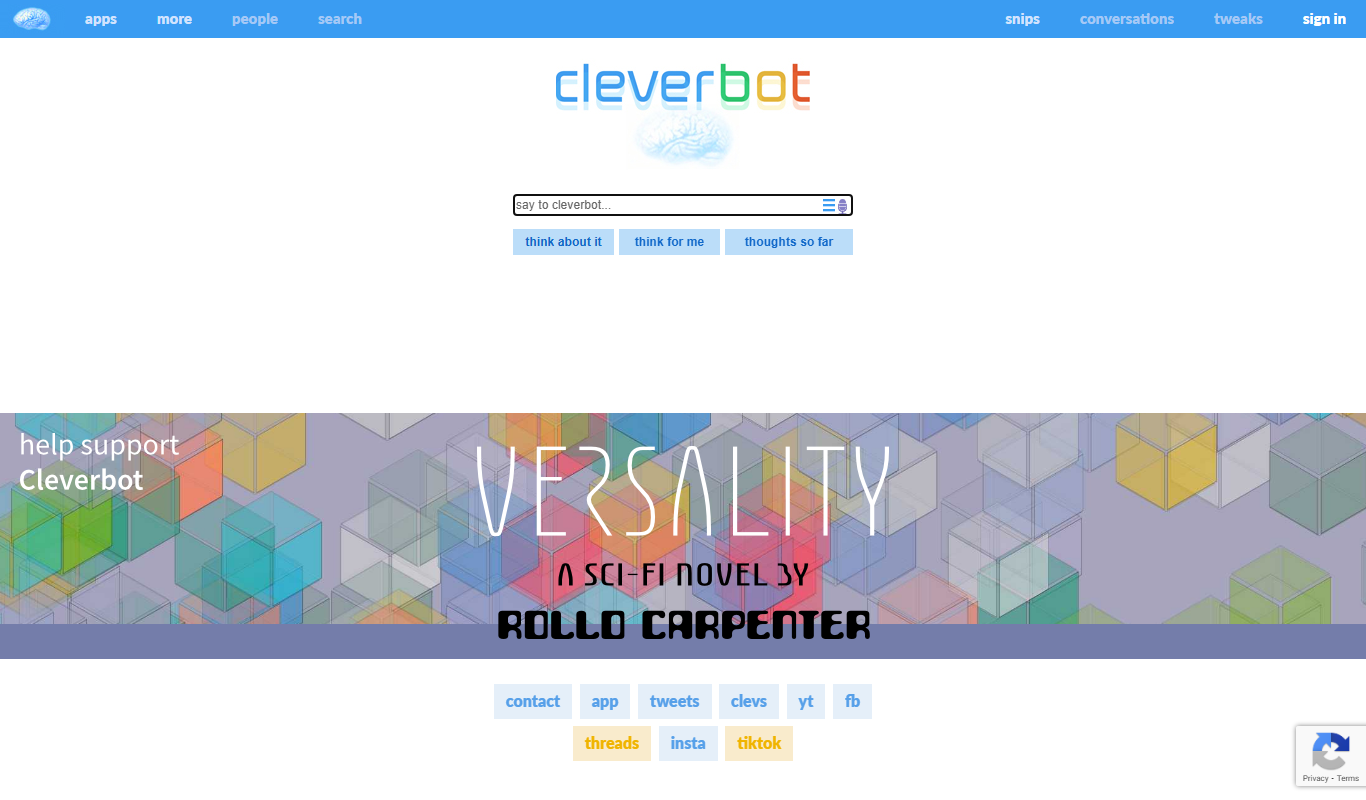
Cleverbot
Cleverbot is a chatbot that learns from people, in context, and imitates them, available at cleverbot.com and in the iOS Cleverbot app.
Kuki AI
Kuki AI is a conversational chatbot platform that provides natural, human-like interactions using advanced AI and NLP technologies.

Replika
Replika is an AI chatbot designed to provide personalized emotional support and companionship through text and voice conversations, helping users manage loneliness and stress.

SummarizeBot
SummarizeBot offers a free AI summarization chatbot for Slack and Google Chat alongside enterprise AI products, including a Natural Language Processing API and CER automation.

Spike
Spike is an email and chat platform that converts traditional email into a conversational chat interface, integrating AI-powered collaboration tools to enhance productivity for teams and individuals.