

LivePerson AI Chat Platform for Customer Service and Engagement Solutions
LivePerson is an AI-powered conversational platform that enables businesses to automate customer interactions across multiple channels using chatbots and live agents, improving engagement and operational efficiency.
- Best for
- Customer Support Automation
- Key capability
- AI-Powered Chatbots
Save LivePerson, follow its updates and vote on it — everything stays in your account.
Sign in or create a free account
What is LivePerson?
LivePerson is a conversational AI platform designed to help businesses automate and enhance customer interactions through AI-powered chatbots and messaging solutions. It enables companies to engage customers across multiple digital channels, providing personalized, real-time conversations that improve customer experience and operational efficiency.
Key features of LivePerson
The platform offers AI chatbots, live agent messaging, conversational commerce tools, analytics, and integration capabilities to streamline customer service and sales processes.
AI-Powered Chatbots
Automate customer conversations with natural language understanding and context-aware responses.
Live Agent Messaging
Seamlessly transfer conversations from bots to human agents when needed for complex support.
Multichannel Support
Engage customers via web chat, SMS, WhatsApp, Apple Business Chat, and more.
Conversational Commerce
Drive sales through personalized product recommendations and guided shopping experiences.
Analytics and Insights
Gain actionable data on customer interactions to optimize service quality and business outcomes.
Pros and cons of LivePerson
Pros
- Robust AI chatbot capabilities with natural language understanding
- Supports multiple messaging channels for broad customer reach
- Strong analytics for monitoring and improving interactions
- Seamless handoff between bots and live agents
- Highly customizable for enterprise needs
Cons
- Pricing is not transparent and may be costly for smaller businesses
- Implementation can be complex requiring technical expertise
- Primarily focused on enterprise clients, less accessible for small teams
Key use cases for LivePerson
Customer Support Automation
Automate responses to common customer inquiries using AI-powered chatbots to reduce wait times and improve satisfaction.
Conversational Commerce
Engage customers in personalized shopping experiences through AI chat to drive sales and increase conversion rates.
Lead Generation and Qualification
Use AI conversations to capture and qualify leads in real-time, improving sales funnel efficiency.
Multichannel Messaging
Manage customer interactions across multiple channels including web chat, SMS, and social media from a unified platform.
Agent Assist and Augmentation
Provide live agents with AI-driven suggestions and insights to enhance response quality and speed.
How LivePerson works
- 1
Integration Setup
Connect LivePerson to your website, mobile app, or messaging channels to start engaging customers.
- 2
Configure AI Bots
Customize AI chatbots with your brand voice and define conversation flows for common customer scenarios.
- 3
Launch Conversations
Deploy chatbots to interact with customers automatically or route complex queries to live agents.
- 4
Monitor and Optimize
Use analytics dashboards to track performance and continuously improve chatbot responses and workflows.
Who is using LivePerson
LivePerson pricing
Custom Enterprise
Contact Sales
Tailored pricing based on business size, usage, and feature requirements.
Plans and prices are as published by the vendor and can change. Check the official site before you buy. Open the pricing page (opens in a new tab)
Frequently asked questions about LivePerson
Yes, LivePerson supports several languages including English, Spanish, French, German, Portuguese, and Japanese.
Yes, LivePerson offers integrations with popular CRM and business tools to streamline workflows.
LivePerson primarily targets medium to large enterprises, but smaller businesses can explore custom solutions.
LivePerson follows industry-standard security protocols and compliance measures to protect customer data.
This tool is designed to help users accomplish its core tasks more efficiently. It is typically used by individuals or teams looking to improve productivity and workflow.
It depends on your specific needs and how you plan to use the tool. The official website and documentation are the best sources for the latest details.
Yes, it can help with that use case depending on how you configure it and what features are available. You’ll get the best results with clear inputs and a defined goal.
Conclusion
Deployment begins by connecting LivePerson to a website, mobile app or messaging channels, then configuring AI chatbots with a brand voice and conversation flows for common customer scenarios. Once deployed, the bots interact with customers automatically and route complex queries to live agents, who can in turn receive AI-driven suggestions. Customers can be engaged via web chat, SMS, WhatsApp and Apple Business Chat, while analytics dashboards track performance to improve chatbot responses over time.
Support is not the only job: conversational commerce uses AI chat and personalized product recommendations to drive sales. Enterprise customer service teams are its core market, with e-commerce businesses, telecommunications providers and financial services companies also in its audience. Pricing is custom and tailored to business size, usage and feature requirements, and implementation can be complex enough to require technical expertise.
Sources
Sign in to review this tool.
Sign In to ReviewNo reviews yet
Be the first to share how this tool worked for you.
Ask about pricing, limits, or how it compares — or answer someone else.
Sign In to AskNo questions yet
Have a question about using or paying for this tool? Be the first to ask.
Featured on TiorAI



More AI Chat Generator tools
Other tools in the same category, for when this one is not quite the fit.

Chatroulette
Chatroulette is a free web-based platform that pairs users randomly for live video chats with strangers worldwide, requiring no registration and supporting multiple languages.

CustomGPT
CustomGPT is a no-code AI chat generator platform that lets you build personalized AI chatbots trained on your own data, suitable for customer support, content generation, and internal knowledge assistance.

Genius
Genius is a free platform offering song lyrics and community-driven annotations that explain the meaning behind music, with artist participation and mobile app support.

Baidu Wenxin
Baidu Wenxin is an AI-powered platform by Baidu that offers advanced Chinese language conversational AI, content generation, and copywriting tools accessible via web and API.

ChatExcel
ChatExcel is an AI-powered chat tool that allows users to analyze, automate, and generate insights from Excel spreadsheets using natural language commands without needing complex formulas.

Haptik
Haptik is an AI-powered conversational platform that enables businesses to build chatbots and voice assistants for automating customer service and enhancing engagement across multiple channels.

Seneca Learning
Seneca Learning is an AI-powered online platform that helps students revise school subjects through interactive quizzes, summaries, and personalized learning paths aligned with UK curricula.
ManyBot
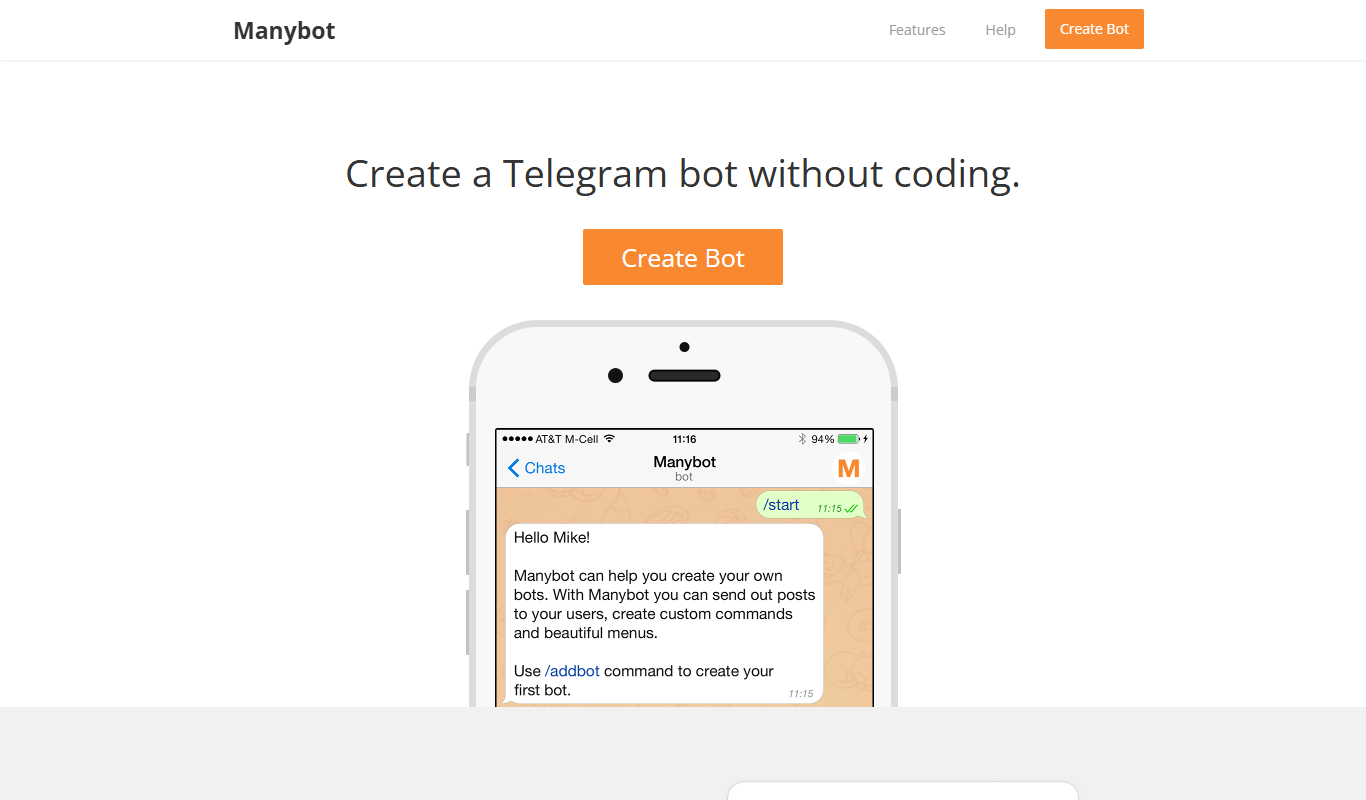
ManyBot is a no-code platform that enables users to create and manage Telegram chatbots for marketing, customer support, and automation without programming skills.