
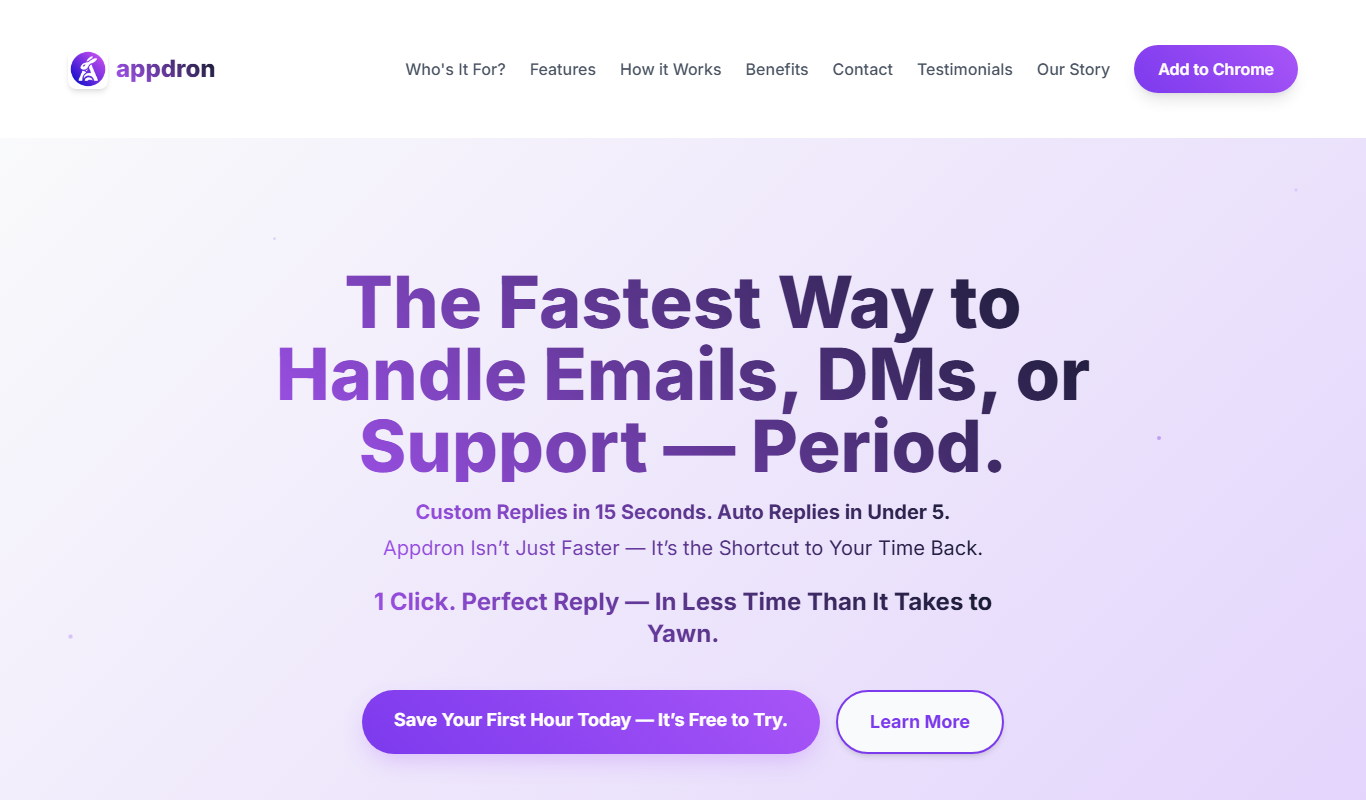
From my experience with Appdron ChatGPT Dashboard, I found it excels at organizing multiple ChatGPT conversations in a single, easy-to-use interface. This makes it especially useful for content creators and professionals who juggle several AI chat sessions daily. The platform’s clean design and chat history management help maintain context and improve productivity. However, it currently lacks mobile apps and detailed tech stack transparency, which might limit some users. Overall, if you need a straightforward way to manage and switch between ChatGPT sessions efficiently, Appdron provides a solid, affordable solution.
Appdron ChatGPT Dashboard Review - AI Chatbot Management Platform Features
Appdron ChatGPT Dashboard is a web-based platform that centralizes management of multiple ChatGPT sessions, offering organized chat history and a user-friendly interface to enhance productivity.
What is Appdron ChatGPT Dashboard?
Appdron ChatGPT Dashboard is a web-based platform designed to centralize and enhance the management of ChatGPT conversations. It provides users with an organized interface to handle multiple AI chat sessions efficiently, improving productivity and workflow for individuals and teams who rely on AI-driven chat interactions.
Key Features of Appdron ChatGPT Dashboard
Multi-Session Chat Management
Handle multiple ChatGPT conversations simultaneously with easy switching.
Chat History Organization
Access and organize past conversations for better context and reference.
User-Friendly Interface
Clean and intuitive design that simplifies interaction with AI chatbots.
Integration with OpenAI
Seamless connection to OpenAI’s ChatGPT for real-time AI responses.
Pros and Cons of Appdron ChatGPT Dashboard
Pros
- Centralized management of multiple ChatGPT sessions
- Organized chat history for easy reference
- User-friendly and clean interface
- Affordable pricing with a free tier
Cons
- Limited to web platform only
- No mobile app currently available
- Tech stack details not publicly disclosed
Key Use Cases for Appdron ChatGPT Dashboard
Centralized ChatGPT Management
Manage multiple ChatGPT conversations and sessions from a single dashboard to improve workflow efficiency.
Productivity Enhancement
Use the dashboard to streamline AI interactions, saving time for content creation, brainstorming, and research.
Organized Chat History
Keep track of previous conversations with easy access and organization, enabling better context retention.
Multi-Session Handling
Switch between different ChatGPT sessions seamlessly without losing context or data.
How Appdron ChatGPT Dashboard Works
-
1
Sign Up
Create an account on the Appdron website to access the ChatGPT Dashboard.
-
2
Connect ChatGPT
Link your OpenAI ChatGPT account or API to the dashboard for integrated access.
-
3
Manage Conversations
Start new chat sessions, switch between existing ones, and organize your chat history.
-
4
Utilize Features
Leverage productivity tools within the dashboard to streamline your AI interactions.
Who's Using Appdron ChatGPT Dashboard
Content creators
Marketing professionals
Customer support teams
AI enthusiasts
Small to medium businesses
Appdron ChatGPT Dashboard Pricing
Free
$0/month
Basic access with limited sessions and features.
Pro
$9.99/month
Extended features including unlimited sessions and priority support.
Frequently Asked Questions About Appdron ChatGPT Dashboard
Yes, you need to connect your OpenAI ChatGPT account or API key to use the dashboard.
Yes, the dashboard is designed to handle multiple sessions with easy switching.
Yes, Appdron offers a free plan with basic features and limited sessions.
Currently, Appdron ChatGPT Dashboard is available as a web application.
It depends on your specific needs and how you plan to use the tool. The official website and documentation are the best sources for the latest details.
Some tools offer a free plan or trial with limited features. Availability can vary, so confirm on the official website.
Yes, it can help with that use case depending on how you configure it and what features are available. You’ll get the best results with clear inputs and a defined goal.
Share your review
Reviews are limited to one per logged-in user and are published after moderation.
You need an account to review this tool.
0.0
★
★
★
★
★
0 reviews
5 star
0
4 star
0
3 star
0
2 star
0
1 star
0
No reviews yet
Be the first to share how this tool worked for you.
Questions from the community
Read questions and answers about this tool, or ask your own.
No questions yet
Start the conversation by asking the first question about this tool.
Is this tool helpful?
Alternative Tools
Explore similar AI tools that might fit your needs

Free
Chatsonic
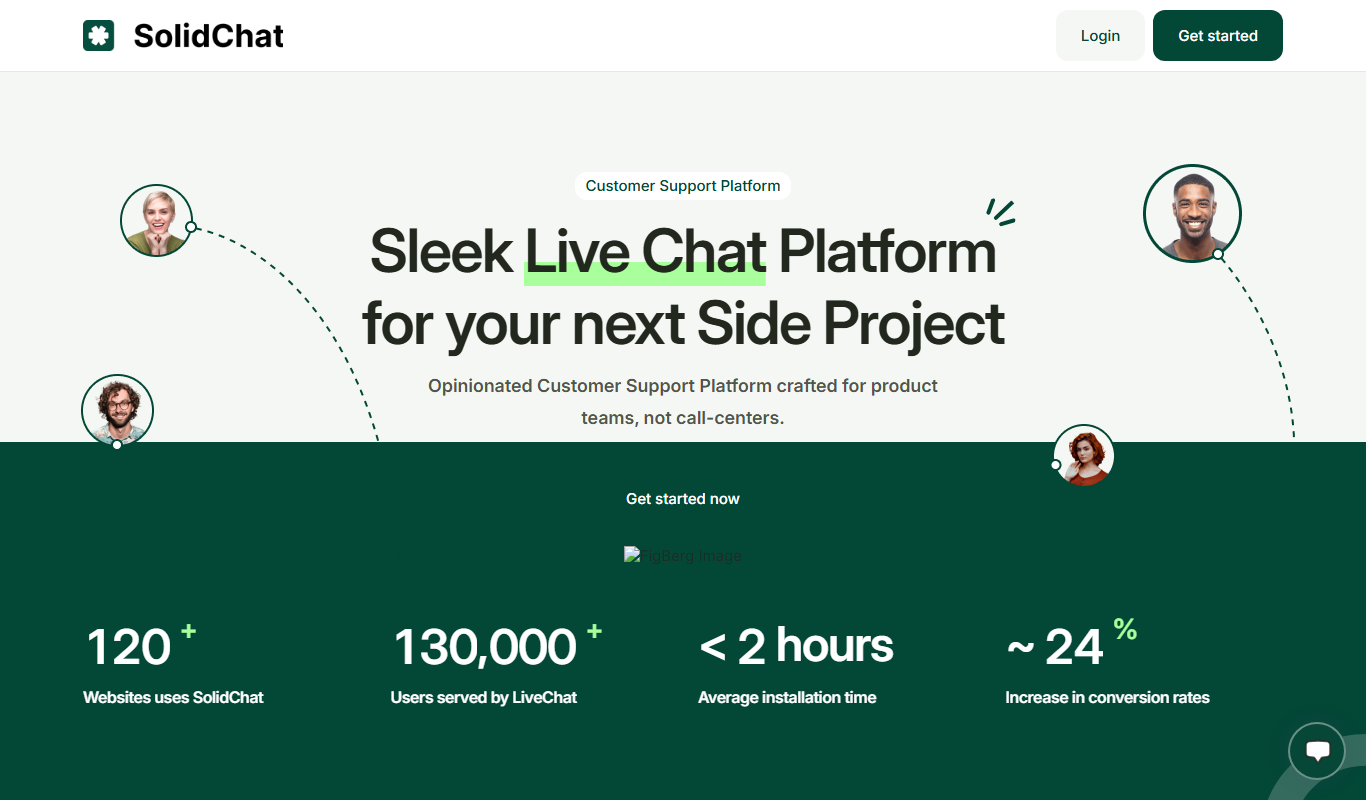
Chatsonic is an AI-powered chat generator by Writesonic that provides real-time, context-aware conversational AI for customer support, content creation, and marketing applications.
Freemium
Chatspell
Chatspell is an AI chatbot platform that enables businesses to automate customer interactions on websites using a no-code builder and natural language processing.

Free Trial
Tangle.io
Tangle.io is a no-code AI chatbot platform that helps businesses automate customer support, lead generation, and internal workflows by building conversational AI chatbots deployable across multiple channels.

Free
HelperHat
HelperHat is an AI-powered chatbot platform that automates customer support and engagement by providing conversational AI solutions across websites and messaging platforms.

Free Trial
Cardamore AI
Cardamore AI is an AI-driven platform that automates customer support through intelligent chatbots, ticket classification, and multi-channel integration to improve service efficiency.
Free Trial
Chat EQ
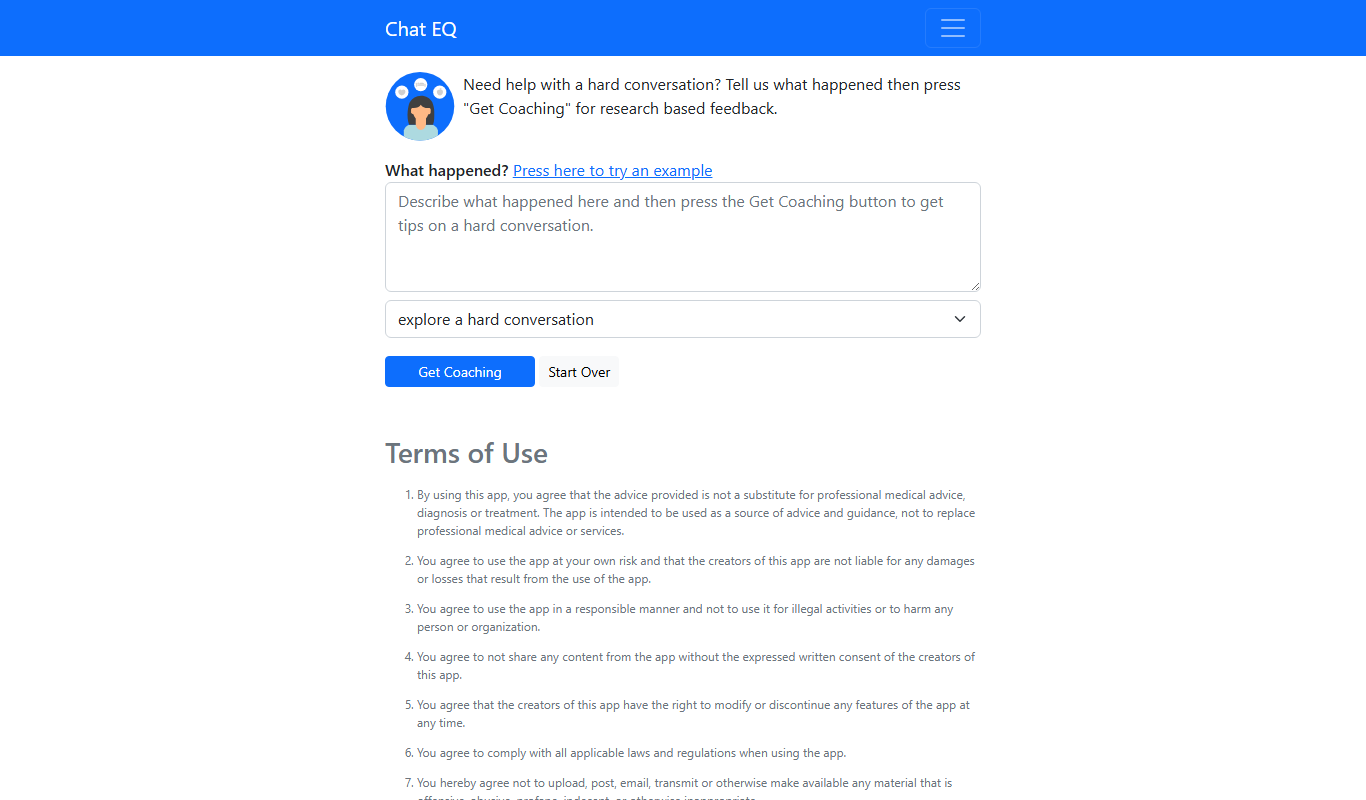
Chat EQ is an AI chatbot platform that helps businesses automate customer interactions through no-code chatbot building, natural language understanding, and multi-channel deployment.
Custom Pricing
DialogAi
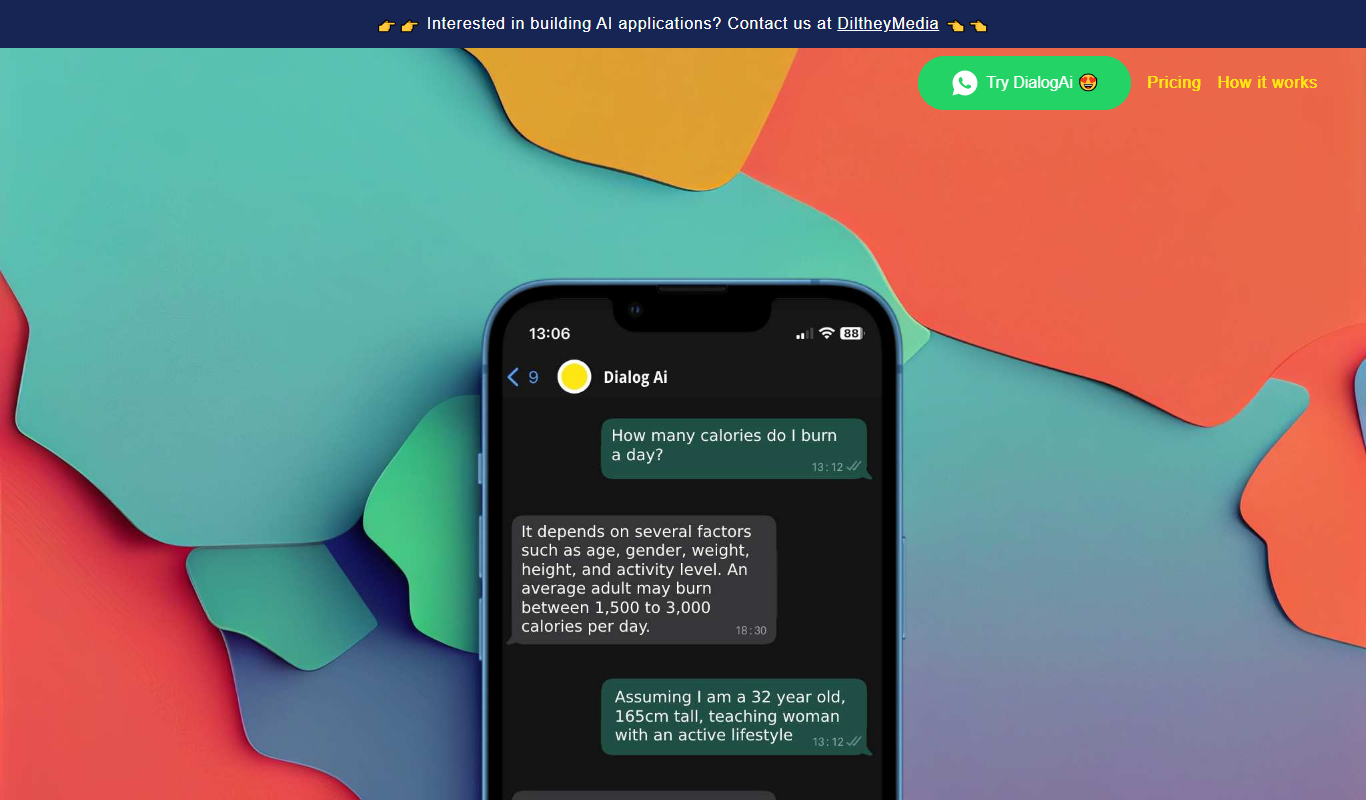
DialogAi is a conversational AI platform that automates customer support using intelligent chatbots with natural language understanding and customizable workflows.
Free
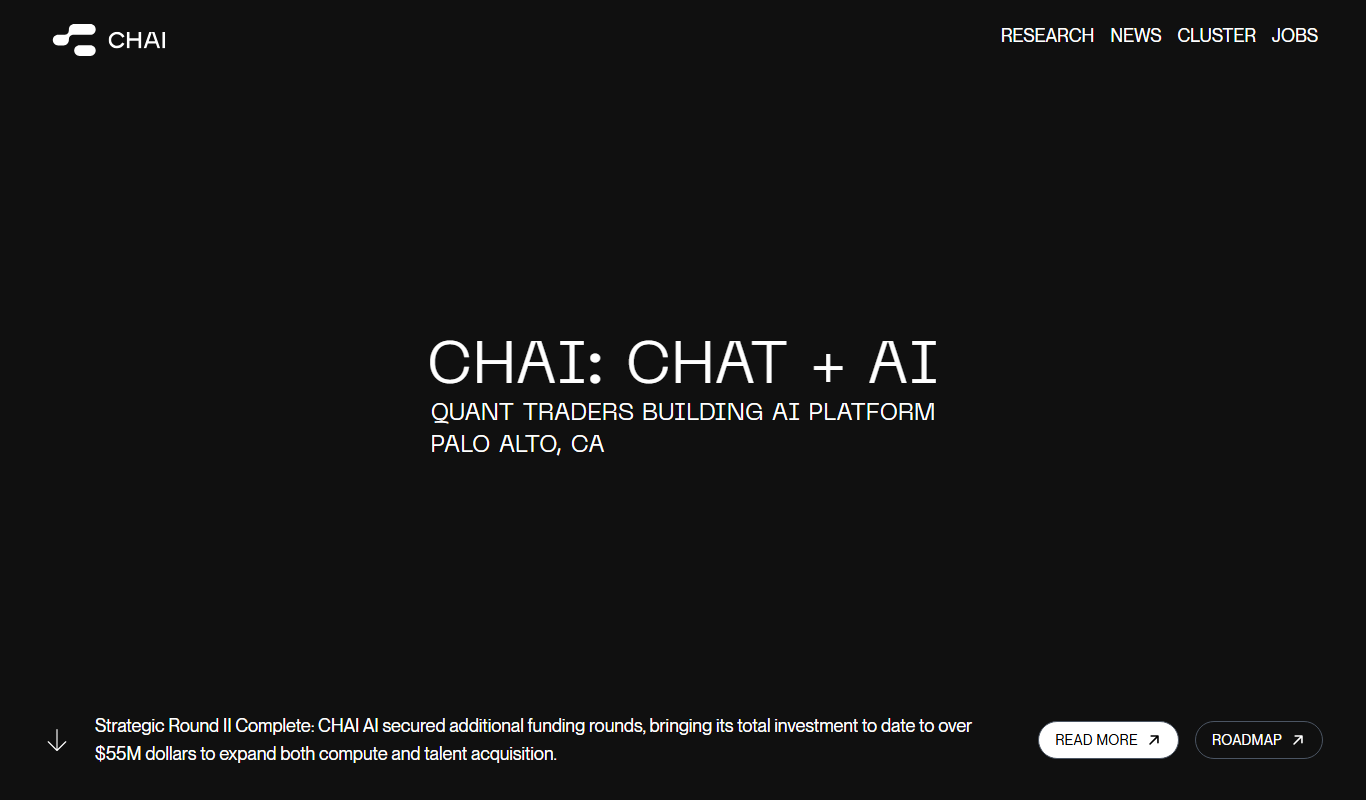
Chai
Chai is a conversational AI platform that allows users to build, share, and interact with AI chatbots on web and mobile devices.

Free
WizyChat
WizyChat is a live chat software that integrates website chat and Facebook Messenger into a unified inbox, offering chatbot automation to improve customer support and sales engagement.