

Free and Premium Presentation Templates for Google Slides and PowerPoint
Slidesgo offers free and premium presentation templates compatible with Google Slides and PowerPoint, designed for easy customization across education, business, and marketing uses.
- Best for
- Educational Presentations
- Key capability
- Extensive Template Library
Save Slidesgo, follow its updates and vote on it — everything stays in your account.
Sign in or create a free account
What is Slidesgo?
Slidesgo is an online platform offering a wide variety of free and premium presentation templates compatible with Google Slides and Microsoft PowerPoint. It provides users with professionally designed slide decks that can be easily customized to suit different purposes such as education, business, marketing, and personal projects. The platform simplifies the process of creating visually appealing presentations by offering ready-made designs, saving users time and effort.
Key features of Slidesgo
Slidesgo features a large library of templates categorized by themes and styles, easy-to-edit slides compatible with popular presentation software, and options for both free and premium access. It also offers resources like icons and infographics to enhance presentations.
Extensive Template Library
Thousands of professionally designed templates covering diverse topics and styles.
Compatibility with Google Slides and PowerPoint
Templates are fully compatible and editable in both popular presentation platforms.
Free and Premium Options
Access a wide range of free templates or subscribe for premium designs with additional features.
Customizable Slide Elements
Easily modify text, images, colors, and layouts to personalize presentations.
Additional Resources
Includes icons, infographics, and other design elements to enhance visual storytelling.
Pros and cons of Slidesgo
Pros
- Large variety of professionally designed templates
- Easy customization with popular presentation tools
- Free access to many templates
- Regularly updated content
- Includes additional design resources
Cons
- Premium subscription required for full access
- Limited offline editing features
- Some templates may require design skills to customize fully
Key use cases for Slidesgo
Educational Presentations
Create engaging and visually appealing presentations for classrooms, lectures, and academic projects.
Business and Marketing Presentations
Design professional slides for business meetings, marketing pitches, and corporate reports.
Social Media Content
Develop attractive slide decks to share on social media platforms for promotions and announcements.
Event and Conference Presentations
Prepare polished presentations for conferences, seminars, and workshops.
Personal Projects
Use customizable templates for personal storytelling, portfolios, or creative projects.
How Slidesgo works
- 1
Browse Templates
Explore the extensive collection of presentation templates organized by categories and themes.
- 2
Select a Template
Choose a free or premium template that fits your presentation needs.
- 3
Download or Open Online
Download the template for PowerPoint or open it directly in Google Slides for editing.
- 4
Customize Slides
Edit text, images, colors, and layouts to tailor the presentation to your content.
- 5
Present or Share
Use the finished presentation for your event, meeting, or online sharing.
Who is using Slidesgo
Slidesgo pricing
Free
$0/month
Access to a selection of free templates with basic features and downloads.
Premium
EUR 0.67/month, EUR 7.99 billed annually
Full access to all premium templates, unlimited downloads, and exclusive resources.
Plans and prices are as published by the vendor and can change. Check the official site before you buy. Open the pricing page (opens in a new tab)
Frequently asked questions about Slidesgo
Yes, but you should review the licensing terms for each template, especially for premium content.
No installation is required; templates can be edited online with Google Slides or downloaded for PowerPoint.
Templates are primarily designed for Google Slides and PowerPoint; compatibility with other software may vary.
Free users have some limits, while premium subscribers enjoy unlimited downloads.
This tool is designed to help users accomplish its core tasks more efficiently. It is typically used by individuals or teams looking to improve productivity and workflow.
Some tools offer a free plan or trial with limited features. Availability can vary, so confirm on the official website.
Yes, it can help with that use case depending on how you configure it and what features are available. You’ll get the best results with clear inputs and a defined goal.
It depends on your specific needs and how you plan to use the tool. The official website and documentation are the best sources for the latest details.
Conclusion
Templates are organized by categories and themes, and a chosen design is either downloaded for PowerPoint or opened directly in Google Slides for editing. No installation is required for that second route, since editing happens online. Text, images, colors and layouts can all be modified, and icons and infographics come included as extra design elements.
Students and educators, business professionals and event organizers are the main audiences. Decks can also be shared on social media platforms for promotions and announcements. The library mixes free and premium designs, and free users face some download limits while premium subscribers get unlimited downloads. Commercial use is possible, subject to the licensing terms for each template, especially for premium content.
Sources
Sign in to review this tool.
Sign In to ReviewNo reviews yet
Be the first to share how this tool worked for you.
Ask about pricing, limits, or how it compares — or answer someone else.
Sign In to AskNo questions yet
Have a question about using or paying for this tool? Be the first to ask.
Featured on TiorAI



Alternative Tools
Explore similar AI tools that might fit your needs

Visme
Visme is a web-based platform for creating presentations, infographics, and marketing visuals with customizable templates and data visualization tools.
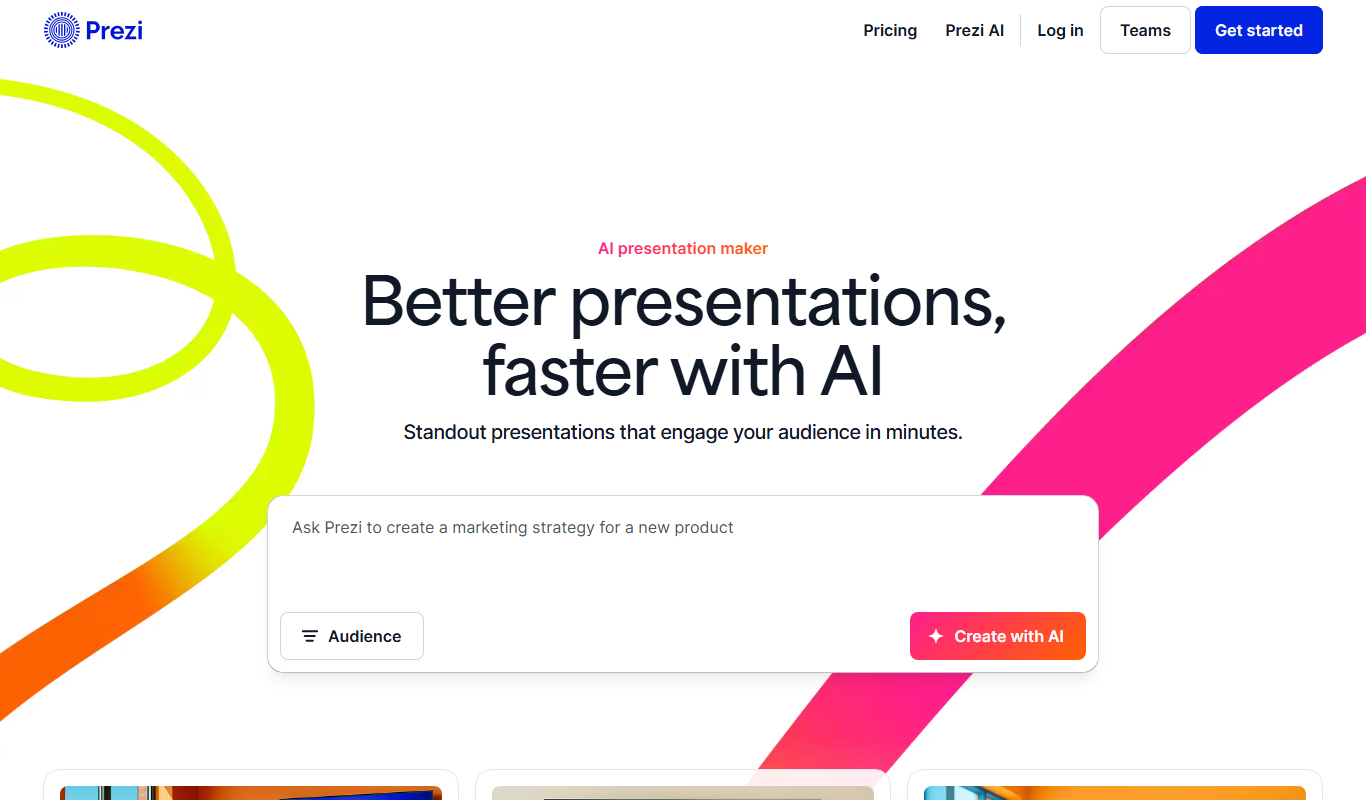
Prezi
Prezi is a cloud-based presentation tool that uses a zoomable canvas to create engaging, non-linear presentations with real-time collaboration and multimedia support.
More Art & Creative Design tools
Other tools in the same category, for when this one is not quite the fit.

artivatic.ai
Artivatic.ai is an AI platform specializing in automating insurance and healthcare processes like underwriting and fraud detection through machine learning.

TrichoScan
TrichoScan is a specialized software that automates hair density and growth phase analysis using digital trichoscopy images to aid in hair loss diagnosis and treatment monitoring.
Function of Beauty
Function of Beauty offers personalized hair care products created through an online quiz that customizes shampoo and conditioner formulas based on your hair type, goals, and preferences.
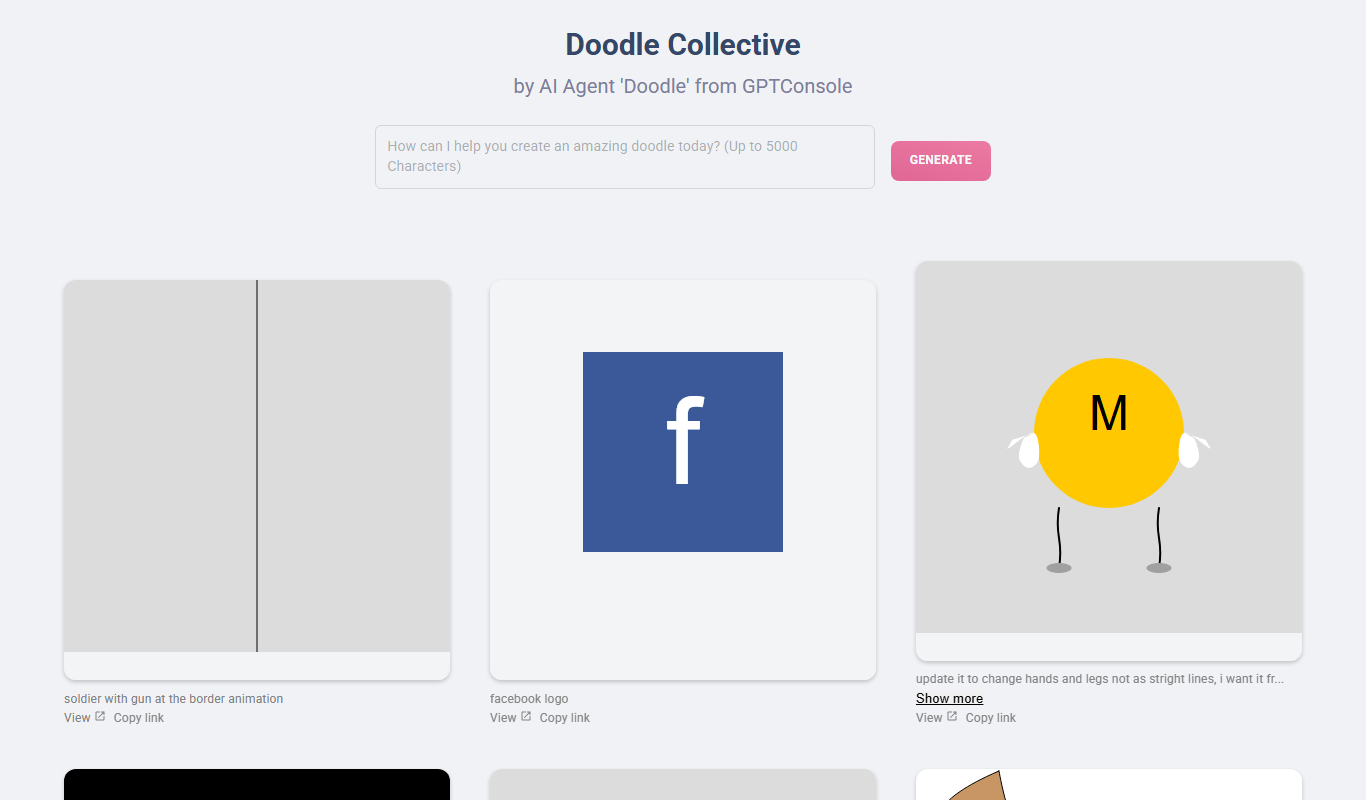
Doodle Collective
Doodle Collective is an AI art generator that transforms text prompts into unique digital images, suitable for creative projects and marketing.

Decentraland
Decentraland is a blockchain-based virtual reality platform that allows users to own virtual land as NFTs, create 3D environments, and interact socially in a decentralized metaverse.
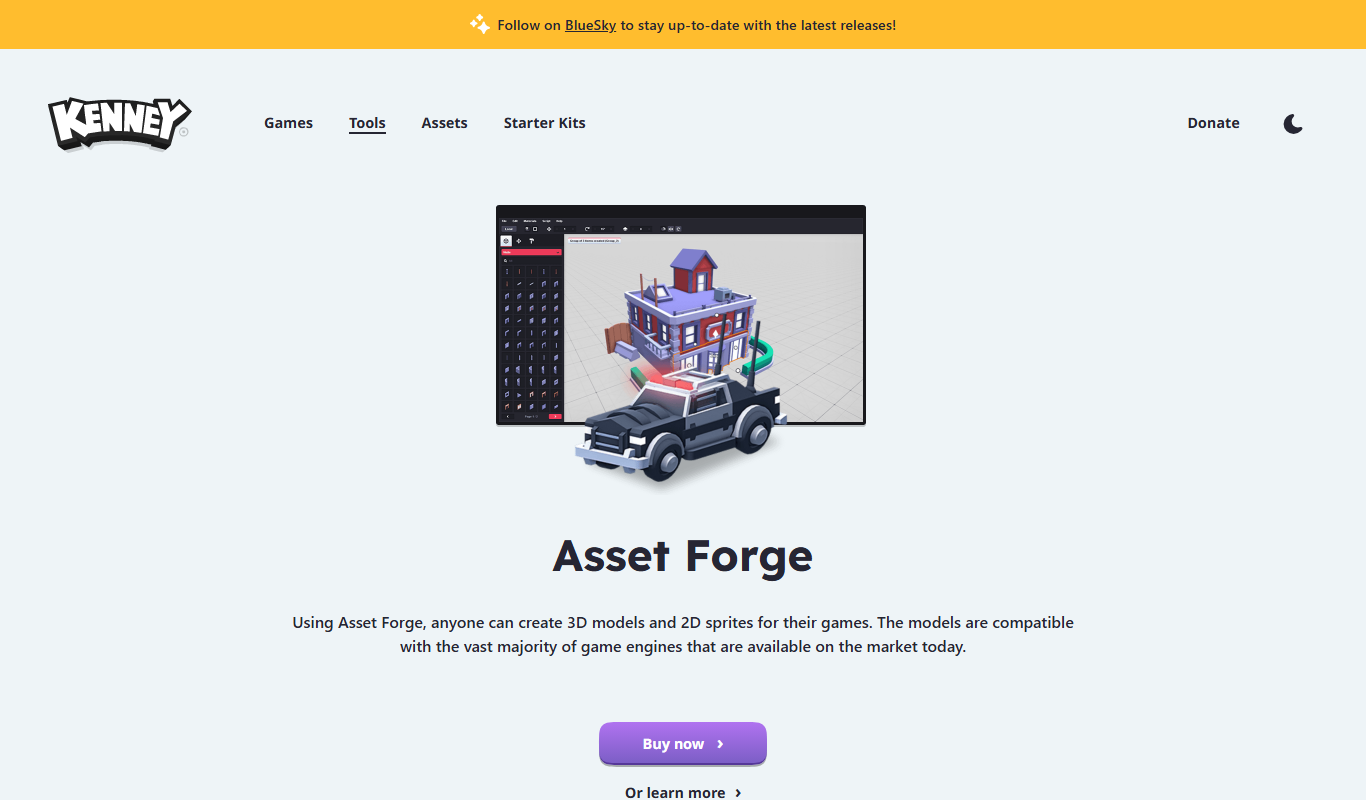
Asset Forge
Asset Forge is a desktop 3D modeling tool that enables quick creation of low-poly game assets using modular blocks, ideal for game developers and beginners.

Kenney Game Assets
Kenney Game Assets provides free CC0 2D and 3D game art resources for indie developers, educators, and professionals, with an optional All-in-1 bundle.

Game Assets Generator
Game Assets Generator is a web-based tool for creating 2D game assets; it does not offer 3D models.