

Kenney Game Assets - Free and Premium 2D & 3D Game Art Resources
Kenney Game Assets provides free CC0 2D and 3D game art resources for indie developers, educators, and professionals, with an optional All-in-1 bundle.
- Best for
- Indie Game Development
- Key capability
- Wide Range of Asset Types
Save Kenney Game Assets, follow its updates and vote on it — everything stays in your account.
Sign in or create a free account
What is Kenney Game Assets?
Kenney Game Assets is a comprehensive collection of free and premium 2D and 3D game art resources designed to help game developers, educators, and hobbyists create games and multimedia projects efficiently. The assets include sprites, tilesets, 3D models, audio, and UI elements, all crafted with consistency and quality to speed up development workflows.
Key features of Kenney Game Assets
Kenney offers thousands of high-quality, royalty-free game assets available as individual packs or bundled collections. Features include a wide variety of art styles, formats compatible with popular game engines, and clear licensing terms that allow both personal and commercial use.
Wide Range of Asset Types
Includes 2D sprites, 3D models, audio files, UI elements, and more.
Consistent Art Style
Assets are designed with a cohesive style to ensure visual harmony in projects.
Flexible Licensing
Assets are CC0, and attribution is not required.
Cross-Platform Compatibility
Assets are compatible with popular game engines like Unity, Unreal, Godot, and others.
Regular Updates
Kenney frequently adds new asset packs and updates existing ones.
Pros and cons of Kenney Game Assets
Pros
- Extensive library of high-quality free assets
- Clear and flexible licensing options
- Assets cover both 2D and 3D game development needs
- Regularly updated with new content
- Easy to integrate with popular game engines
Cons
- Premium assets require one-time purchase
- Some free assets require attribution which may not suit all projects
- Limited tech stack information publicly available
Key use cases for Kenney Game Assets
Indie Game Development
Use Kenney’s extensive library of 2D and 3D assets to quickly prototype or fully develop indie games without needing to create art from scratch.
Educational Projects
Ideal for students and educators to learn game design and development using ready-made, high-quality assets.
Game Prototyping
Rapidly build game prototypes with diverse asset packs to test gameplay ideas and mechanics.
Multimedia Projects
Utilize assets for animations, presentations, or other creative projects beyond games.
Commercial Game Production
Purchase premium asset packs with commercial licenses to use in professional game releases.
How Kenney Game Assets works
- 1
Browse Asset Library
Explore the catalog of free asset packs on the Kenney website.
- 2
Download Assets
Download free assets directly, or buy the All-in-1 bundle on itch.io.
- 3
Import into Projects
Import the downloaded assets into your game engine or creative software.
- 4
Use and Customize
Use the assets as-is or customize them to fit your project’s style and needs.
Who is using Kenney Game Assets
Kenney Game Assets pricing
Free
$0
Free assets released as CC0; attribution is not required.
All-in-1
$19.95
The main paid option is the All-in-1 bundle at $19.95 on itch.io.
Plans and prices are as published by the vendor and can change. Check the official site before you buy. Open the pricing page (opens in a new tab)
Frequently asked questions about Kenney Game Assets
Yes, the assets are CC0 and attribution is not required.
Assets are provided in common formats compatible with most popular engines like Unity, Unreal Engine, and Godot.
No, the assets are CC0 and attribution is not mandatory.
Yes, you are free to modify and customize the assets to fit your project.
Some tools offer a free plan or trial with limited features. Availability can vary, so confirm on the official website.
It depends on your specific needs and how you plan to use the tool. The official website and documentation are the best sources for the latest details.
Yes, it can help with that use case depending on how you configure it and what features are available. You’ll get the best results with clear inputs and a defined goal.
It depends on your specific needs and how you plan to use the tool. The official website and documentation are the best sources for the latest details.
Conclusion
Everything starts on the Kenney website, where free asset packs are browsed and downloaded directly. The packs include 2D sprites, 3D models, audio files and UI elements designed with a consistent style. They work with engines like Unity, Unreal Engine and Godot and can be modified to fit a project.
Licensing is simple: the assets are CC0, and attribution is not required. The main paid option is the All-in-1 bundle at $19.95 on itch.io. It is built for indie game developers, game design students and educators, and hobbyist game creators. Beyond games, the assets can be used for animations, presentations and other creative projects.
Sources
Sign in to review this tool.
Sign In to ReviewNo reviews yet
Be the first to share how this tool worked for you.
Ask about pricing, limits, or how it compares — or answer someone else.
Sign In to AskNo questions yet
Have a question about using or paying for this tool? Be the first to ask.
Featured on TiorAI



More Art & Creative Design tools
Other tools in the same category, for when this one is not quite the fit.

artivatic.ai
Artivatic.ai is an AI platform specializing in automating insurance and healthcare processes like underwriting and fraud detection through machine learning.

TrichoScan
TrichoScan is a specialized software that automates hair density and growth phase analysis using digital trichoscopy images to aid in hair loss diagnosis and treatment monitoring.
Function of Beauty
Function of Beauty offers personalized hair care products created through an online quiz that customizes shampoo and conditioner formulas based on your hair type, goals, and preferences.
Doodle Collective
Doodle Collective is an AI art generator that transforms text prompts into unique digital images, suitable for creative projects and marketing.

Decentraland
Decentraland is a blockchain-based virtual reality platform that allows users to own virtual land as NFTs, create 3D environments, and interact socially in a decentralized metaverse.
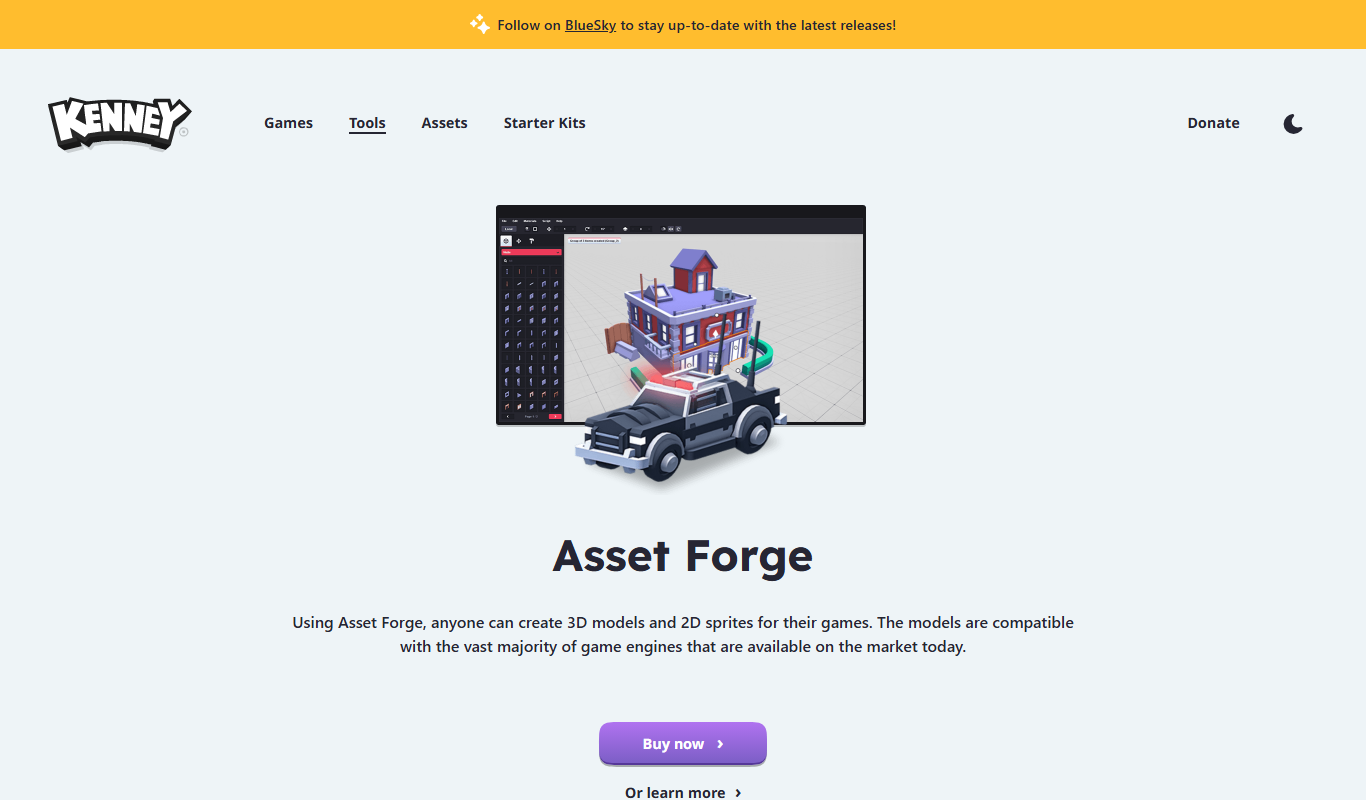
Asset Forge
Asset Forge is a desktop 3D modeling tool that enables quick creation of low-poly game assets using modular blocks, ideal for game developers and beginners.

Game Assets Generator
Game Assets Generator is a web-based tool for creating 2D game assets; it does not offer 3D models.

Zugara
Zugara is an AR company offering a Virtual Dressing Room for events and stores.