

Asset Forge 3D Model Creator for Game Assets and Prototyping Tools
Asset Forge is a desktop 3D modeling tool that enables quick creation of low-poly game assets using modular blocks, ideal for game developers and beginners.
- Best for
- Game Development
- Key capability
- Modular Block Library
Save Asset Forge, follow its updates and vote on it — everything stays in your account.
Sign in or create a free account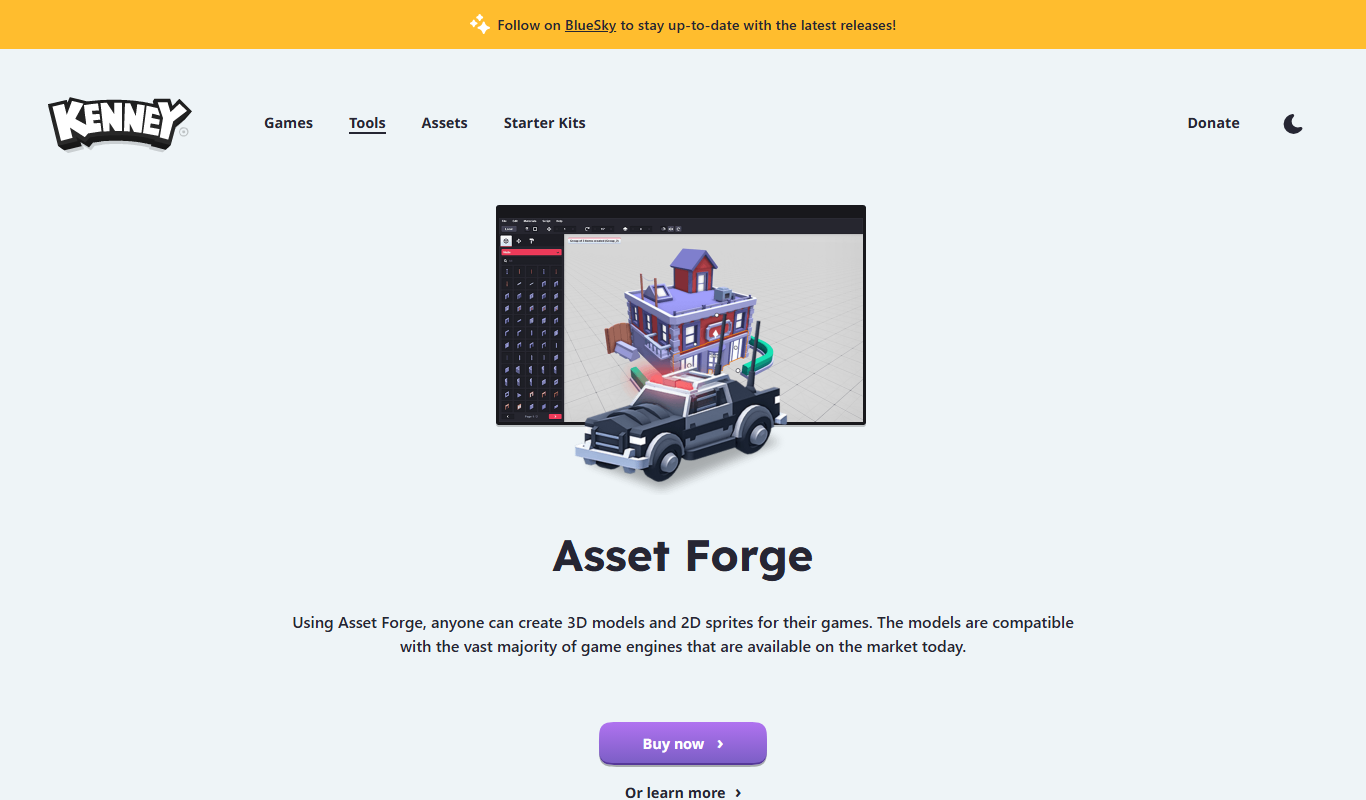
What is Asset Forge?
Asset Forge is a 3D modeling software designed to simplify the creation of low-poly 3D assets. It allows users to build models by assembling pre-made blocks and shapes, making it accessible for beginners and efficient for developers needing quick asset creation without deep modeling expertise.
Key features of Asset Forge
Asset Forge offers a drag-and-drop interface with a large library of modular blocks, supports exporting models in multiple formats compatible with popular game engines, and enables quick iteration for prototyping and game asset creation.
Modular Block Library
Extensive collection of pre-made shapes for fast model assembly.
User-Friendly Interface
Intuitive drag-and-drop system designed for beginners and professionals.
Multiple Export Formats
Supports OBJ, FBX, and other common 3D file formats for compatibility.
Cross-Platform Support
Available on Windows, macOS, and Linux desktop systems.
Low-Poly Asset Focus
Optimized for creating low-poly models suitable for games and prototypes.
Pros and cons of Asset Forge
Pros
- Easy to learn and use for quick 3D asset creation
- Large library of modular blocks speeds up modeling
- Affordable one-time purchase pricing
- Cross-platform desktop availability
- Exports to widely supported 3D file formats
Cons
- Limited to low-poly style assets
- No built-in advanced texturing or sculpting tools
- Not designed for high-detail or photorealistic models
Key use cases for Asset Forge
Game Development
Create low-poly 3D assets quickly for use in game engines and prototypes.
3D Prototyping
Build and visualize 3D models for concept validation and design iteration.
Educational Use
Learn basic 3D modeling and asset assembly with an intuitive drag-and-drop interface.
Animation Projects
Generate simple 3D models to use in animations and video projects.
How Asset Forge works
- 1
Launch the Software
Open Asset Forge on your desktop platform.
- 2
Select Blocks
Choose from a library of modular 3D blocks and shapes.
- 3
Assemble Model
Drag and drop blocks to build your desired 3D asset.
- 4
Customize and Adjust
Modify size, rotation, and position of blocks to refine the model.
- 5
Export Model
Save your creation in formats like OBJ or FBX for use in other software.
Who is using Asset Forge
Asset Forge pricing
Standard
$19.95 one-time
Standard edition, sold as a one-time purchase.
Deluxe
$39.95 one-time
Deluxe edition, sold as a one-time purchase.
Plans and prices are as published by the vendor and can change. Check the official site before you buy. Open the pricing page (opens in a new tab)
Frequently asked questions about Asset Forge
Yes, models created with Asset Forge can be used commercially without additional fees.
No, Asset Forge focuses on model assembly; texture painting should be done in other software.
You can export models in OBJ, FBX, and other common 3D formats.
Yes, its drag-and-drop interface is designed to be accessible for users new to 3D modeling.
This tool is designed to help users accomplish its core tasks more efficiently. It is typically used by individuals or teams looking to improve productivity and workflow.
Yes, it can help with that use case depending on how you configure it and what features are available. You’ll get the best results with clear inputs and a defined goal.
It depends on your specific needs and how you plan to use the tool. The official website and documentation are the best sources for the latest details.
Yes, it can help with that use case depending on how you configure it and what features are available. You’ll get the best results with clear inputs and a defined goal.
Conclusion
Models are assembled rather than sculpted: users choose modular 3D blocks and shapes from a library and drag and drop them into place. Size, rotation and position of each block can then be modified, and export supports OBJ, FBX and other common 3D file formats. The desktop software is available on Windows, macOS and Linux.
Output is low-poly by design, meant for games and prototypes and not for high-detail or photorealistic models. Texture painting has to be done in other software. The drag-and-drop interface is designed to be accessible for users new to 3D modeling as well as indie game developers. It is a one-time purchase, with a Standard edition at $19.95 and a Deluxe edition at $39.95.
Sources
Sign in to review this tool.
Sign In to ReviewNo reviews yet
Be the first to share how this tool worked for you.
Ask about pricing, limits, or how it compares — or answer someone else.
Sign In to AskNo questions yet
Have a question about using or paying for this tool? Be the first to ask.
Featured on TiorAI



Alternative Tools
Explore similar AI tools that might fit your needs

Tinkercad
Tinkercad is a free, browser-based 3D design and electronics simulation tool by Autodesk, perfect for beginners and educators to create models and circuits without prior CAD experience.
More Art & Creative Design tools
Other tools in the same category, for when this one is not quite the fit.
Patterned AI
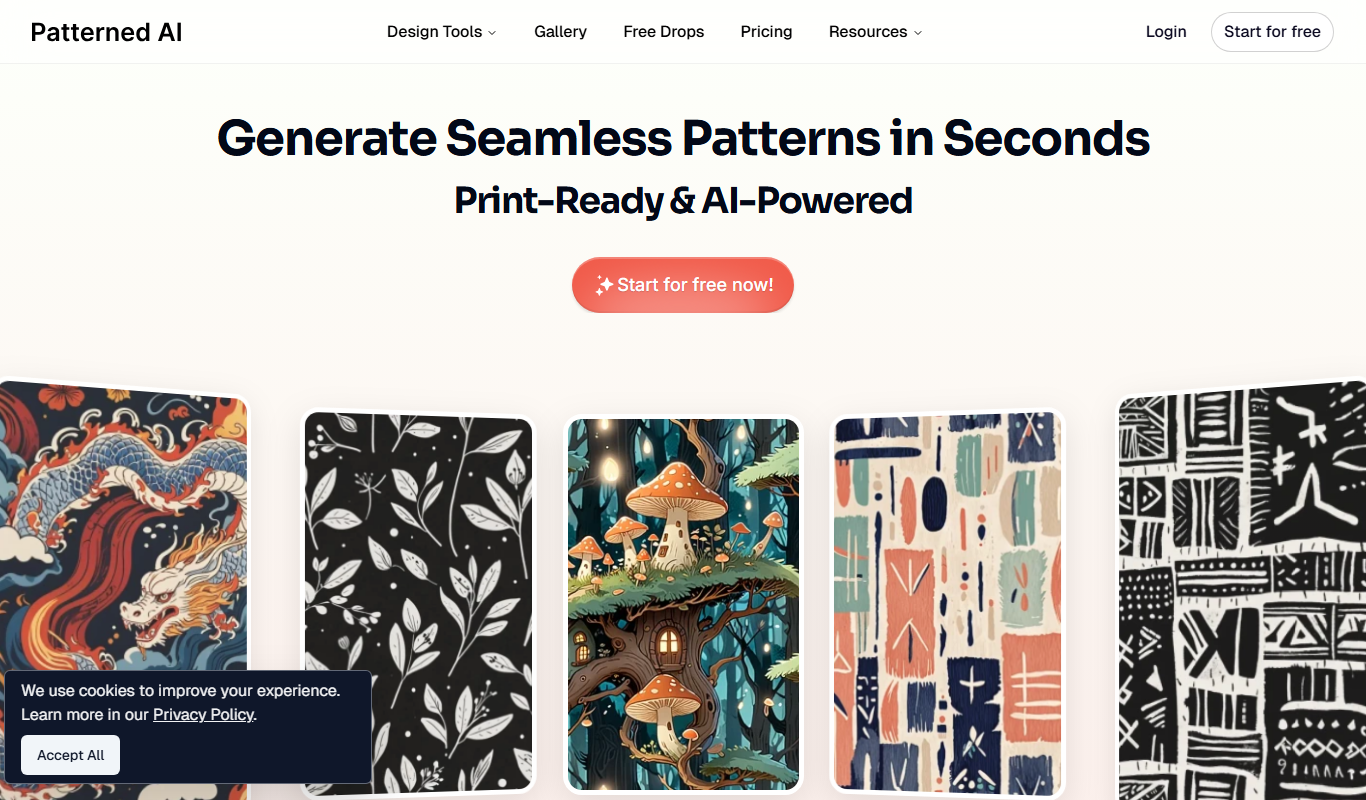
Patterned AI is a web-based tool that uses AI to generate seamless, high-resolution patterns from simple text prompts, helping designers quickly create unique pattern designs.

QuickQR Art
QuickQR Art is a QR Code AI Art Generator for creating, customizing and tracking artistic QR codes, with dynamic QR codes, short links and an API.

TattooDesignPro
TattooDesignPro is an all-in-one AI tattoo generator and thermal stencil maker that creates custom tattoo concepts, precision line art and 300 DPI stencil flash for artists and enthusiasts.

Openart
OpenArt is an AI platform for creating art, images, videos and music online with 100+ models from Google, OpenAI, Seedance and more.

Pencil Sketch Generator: Make Creative Sketch Drawing
Pencil Sketch Generator (PenKetch) is an AI tool that creates pencil sketch drawings from text descriptions and converts photos into sketches.
Dog Breed AI
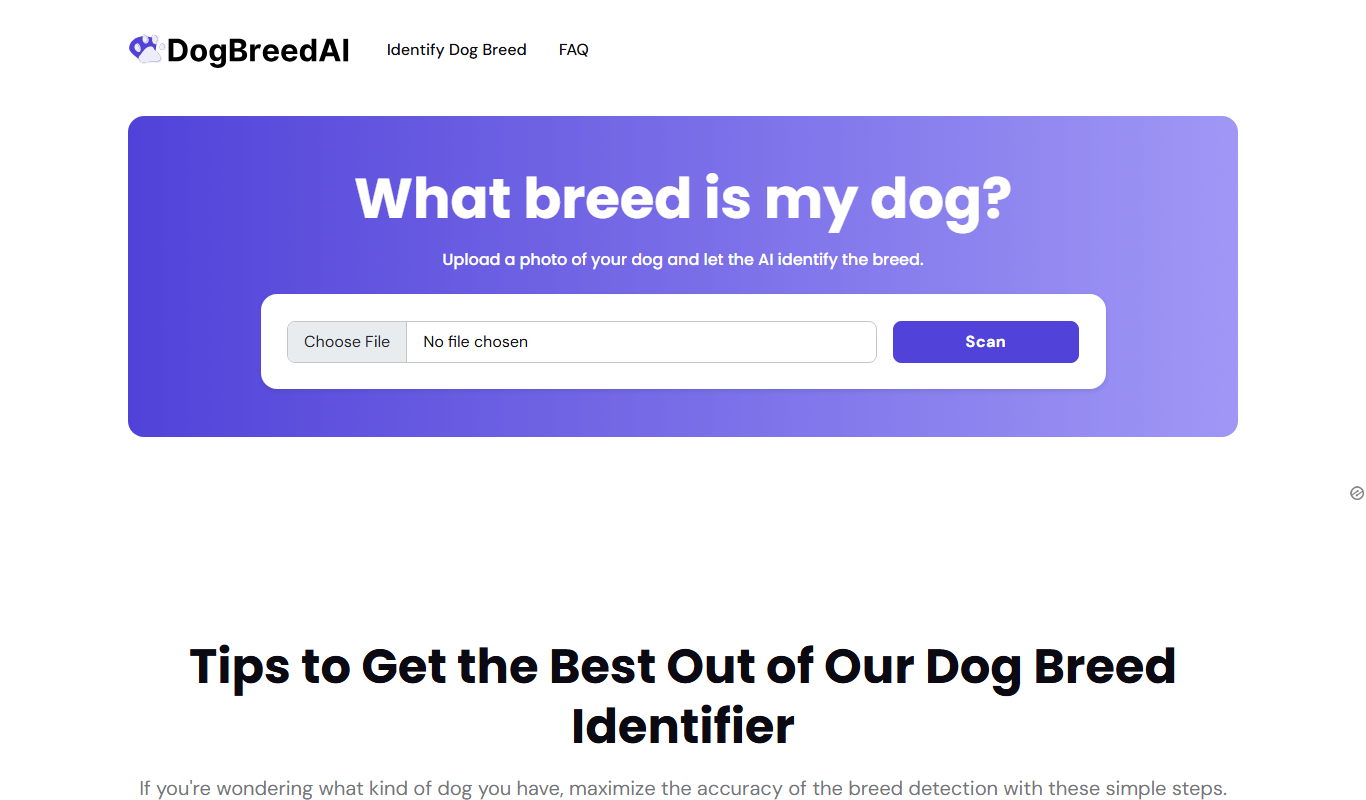
Dog Breed AI uses artificial intelligence to identify dog breeds from photos, providing breed details and care information on web and mobile platforms.

GiFTEM
GiFTEM is recruiting intelligence software that understands jobs, runs semantic candidate search across 800M+ profiles, evaluates candidates and handles outreach.
RecetasIA
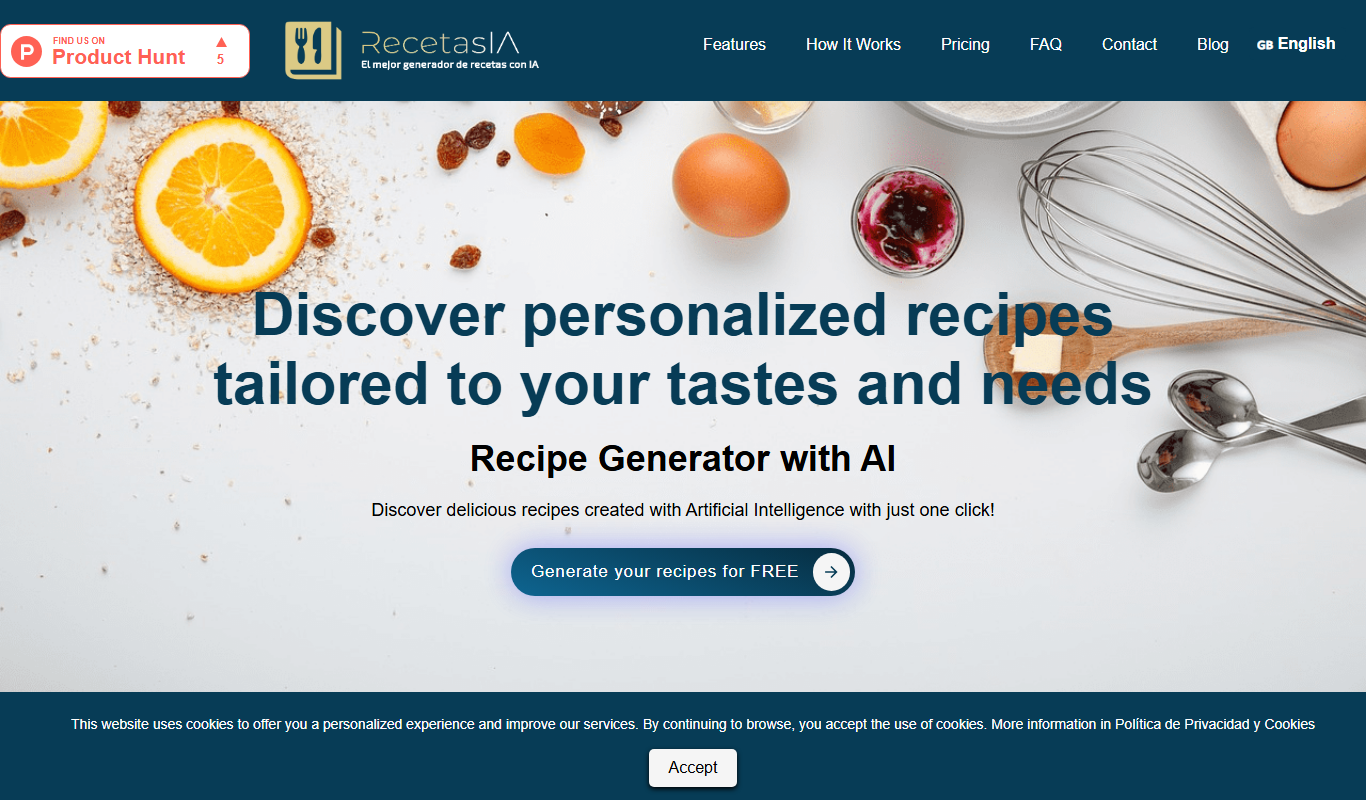
RecetasIA is an AI-based web tool with a free plan that generates personalized recipes from your tastes, dietary restrictions and intolerances, in English or Spanish.