

Tinkercad 3D Design and Modeling Tool for Beginners and Educators
Tinkercad is a free, browser-based 3D design and electronics simulation tool by Autodesk, perfect for beginners and educators to create models and circuits without prior CAD experience.
- Best for
- 3D Modeling for Beginners
- Key capability
- User-Friendly 3D Modeling
Save Tinkercad, follow its updates and vote on it — everything stays in your account.
Sign in or create a free account
What is Tinkercad?
Tinkercad is a free, web-based 3D design and modeling tool developed by Autodesk. It provides an accessible platform for beginners, educators, and hobbyists to create 3D models, design circuits, and prepare files for 3D printing. Its user-friendly drag-and-drop interface requires no prior CAD experience, making it ideal for learning and prototyping.
Key features of Tinkercad
Tinkercad offers intuitive 3D modeling with basic shapes, circuit simulation, and code blocks for Arduino programming. It supports exporting models for 3D printing and integrates with other Autodesk products. The platform is browser-based, requiring no installation.
User-Friendly 3D Modeling
Drag-and-drop interface with basic shapes and grouping tools for easy design.
Circuit Design and Simulation
Build and simulate electronic circuits including Arduino microcontrollers.
Code Blocks for Arduino
Visual programming interface to write and test Arduino code.
3D Printing Export
Export models in common 3D printing formats like STL and OBJ.
Web-Based Platform
No software installation required; accessible from any modern browser.
Pros and cons of Tinkercad
Pros
- Completely free and web-based with no installation
- Very easy to learn for beginners and educators
- Supports both 3D modeling and electronics simulation
- Exports files compatible with 3D printers
- Integrates visual programming for Arduino
Cons
- Limited advanced CAD features compared to professional software
- Requires internet connection to use
- Primarily supports English language only
Key use cases for Tinkercad
3D Modeling for Beginners
Create and customize 3D models easily using an intuitive drag-and-drop interface suitable for users new to CAD.
STEM Education
Teachers and students use Tinkercad to learn and teach concepts in design, engineering, and electronics through hands-on projects.
3D Printing Preparation
Design models that can be exported in formats compatible with 3D printers for prototyping and hobbyist projects.
Electronics and Circuit Design
Simulate and design basic circuits and Arduino programming within the platform to integrate electronics with 3D designs.
No-Code Prototyping
Rapidly prototype ideas without coding by assembling shapes and components visually.
How Tinkercad works
- 1
Create an Account
Sign up for a free Autodesk account to access Tinkercad online.
- 2
Start a New Project
Choose to create a 3D design, circuit, or code block project.
- 3
Design Using Drag-and-Drop
Use basic shapes and tools to build your model or circuit visually.
- 4
Simulate or Export
Test circuits with simulation or export 3D models in STL or OBJ formats for printing.
Who is using Tinkercad
Tinkercad pricing
Free
$0
Full access to all features with no cost, ideal for individuals and educators.
Plans and prices are as published by the vendor and can change. Check the official site before you buy. Open the pricing page (opens in a new tab)
Frequently asked questions about Tinkercad
Yes, Tinkercad is completely free to use with an Autodesk account.
No, Tinkercad runs entirely in your web browser without any installation.
Yes, you can export your 3D models in STL or OBJ formats compatible with most 3D printers.
Absolutely, it is designed to be intuitive and beginner-friendly with tutorials and simple tools.
This tool is designed to help users accomplish its core tasks more efficiently. It is typically used by individuals or teams looking to improve productivity and workflow.
Some tools offer a free plan or trial with limited features. Availability can vary, so confirm on the official website.
Yes, it can help with that use case depending on how you configure it and what features are available. You’ll get the best results with clear inputs and a defined goal.
It depends on your specific needs and how you plan to use the tool. The official website and documentation are the best sources for the latest details.
Conclusion
Tinkercad runs entirely in a web browser, without any software installation. It is completely free with an Autodesk account, and each new project is either a 3D design, a circuit or a code block project. Models are built by dragging basic shapes and grouping them, then exported in STL or OBJ formats for 3D printers. On the electronics side, circuits including Arduino microcontrollers can be simulated, and a visual programming interface is used to write and test Arduino code.
Teachers and students use it to learn and teach design, engineering and electronics, while hobbyists and makers use it to prepare models for 3D printing. No prior CAD experience is required, which makes beginners learning CAD and electronics a core audience. The main limitation is depth, since advanced CAD features are limited compared to professional software.
Sources
Sign in to review this tool.
Sign In to ReviewNo reviews yet
Be the first to share how this tool worked for you.
Ask about pricing, limits, or how it compares — or answer someone else.
Sign In to AskNo questions yet
Have a question about using or paying for this tool? Be the first to ask.
Featured on TiorAI



Alternative Tools
Explore similar AI tools that might fit your needs
SketchUp
SketchUp is a 3D modeling software used primarily for architectural and design projects, offering both free and paid versions with tools for creating detailed 3D models and construction documents.
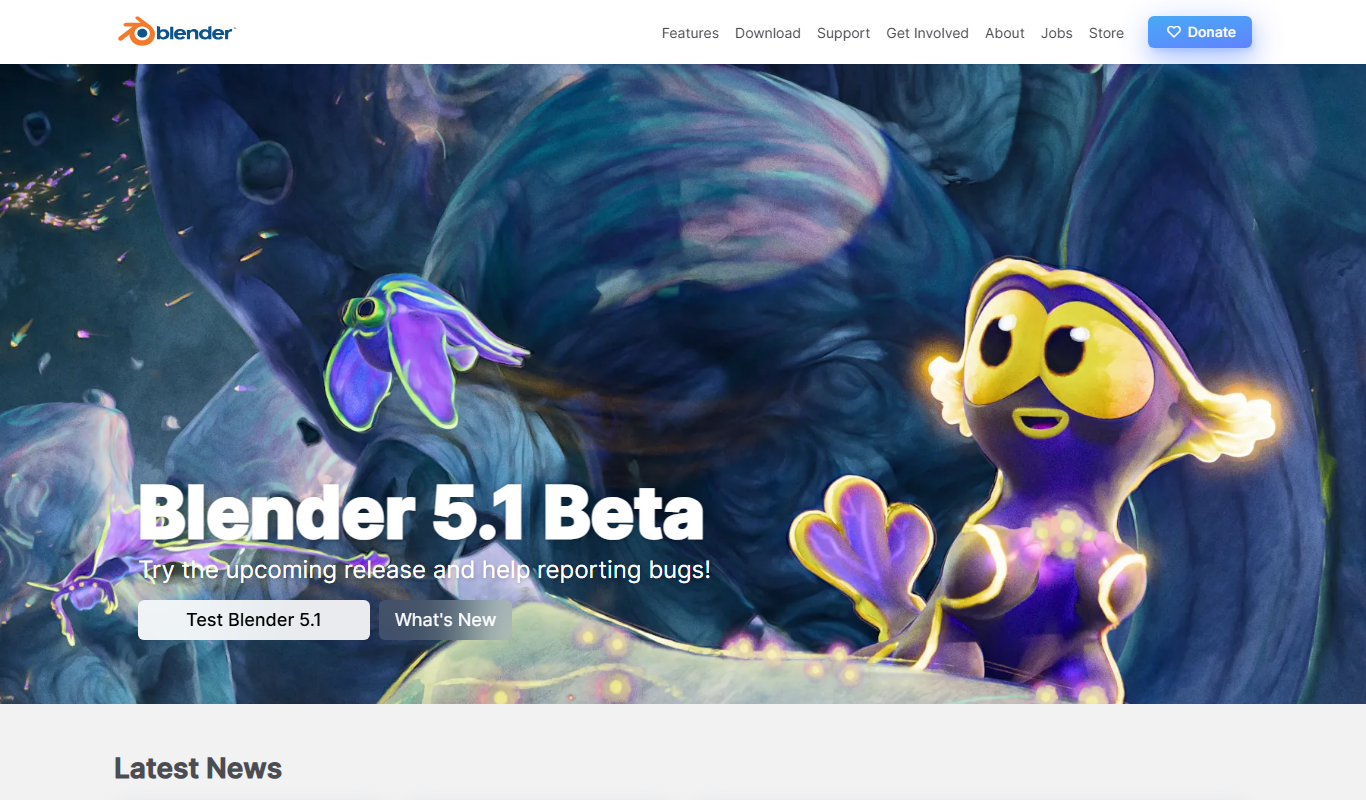
Blender
Blender is a free, open-source 3D creation suite used for modeling, animation, rendering, and video editing across various creative industries.
More Art & Creative Design tools
Other tools in the same category, for when this one is not quite the fit.

neoteric.eu
Neoteric is a Poland-based software development company specializing in custom web and mobile applications, product design, and agile consulting services.

SuperRare
SuperRare is a curated digital and physical art marketplace on Ethereum where artists sell digital artworks as NFTs and collectors buy and resell them.

Color Hunt
Color Hunt is a free web-based platform offering curated color palettes for designers and creators to easily find and use harmonious color combinations.
Esko Studio
Esko Studio is a packaging design software that enables 3D visualization, artwork editing, and prepress workflow integration to create accurate packaging mockups.

Boxshot
Boxshot is a desktop 3D mockup software that helps designers create photorealistic product packaging visualizations for marketing and prototyping.

palettemaker.com
PaletteMaker.com is a free web-based tool that generates harmonious color palettes based on a selected base color, helping designers and artists create consistent color schemes quickly.

Knowz
Knowz is an AI-driven knowledge management platform that enables enterprises to unify data sources and perform natural language search to extract precise answers and insights.

Paletton
Paletton is a free web-based color scheme designer that helps create harmonious color palettes using an interactive color wheel and multiple harmony modes.